Grain Noir
A Fujifilm Recipe for Dramatic Black & White
Grain Noir is my personal take on Fujifilm's ACROS film simulation. While there are already many black and white recipes out there, I wanted something that felt raw, textured, and unapologetically contrasty. This recipe embraces the grain rather than hiding it, creating images that feel organic, timeless, and full of character.
Built on ACROS with the Yellow filter for enhanced contrast and tonal separation, Grain Noir delivers dramatic results straight out of camera. No editing required. Just shoot, embrace the imperfections, and let the grain tell the story.
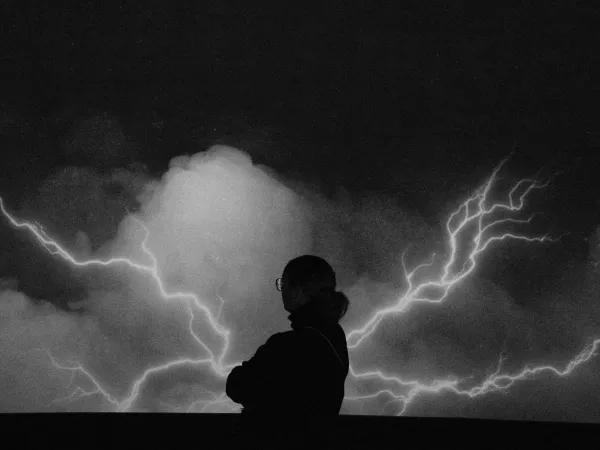
When to Use This Recipe
Grain Noir is designed for photographers who appreciate bold contrasts, deep blacks, and visible grain. It's not trying to be clean or polished. It's meant to feel alive.
Best suited for:
- Street photography with strong light and shadows
- Intimate indoor scenes, like museums or cafés
- Silhouettes against bright backgrounds
- Architectural details and urban textures
- Motion blur shots with slower shutter speeds
- Moody portraits with dramatic lighting
Not ideal for:
- Soft, delicate portraits requiring smooth skin tones
- Low-contrast scenes with flat lighting
- Situations where you need clean, grain-free images
Tips for Better Results
Embrace motion blur
Try lowering your shutter speed to 1/30s or 1/15s in the right conditions. The combination of motion blur and strong grain creates a raw, cinematic feel that makes this recipe shine.
Look for contrast
This recipe thrives when there's a strong difference between light and shadow. Harsh sunlight, window light in dark rooms, or backlit subjects will give you the most dramatic results.
Trust the grain
The grain is intentional. It adds texture and life to your images. Don't fight it, let it become part of your visual language.
Photo Examples
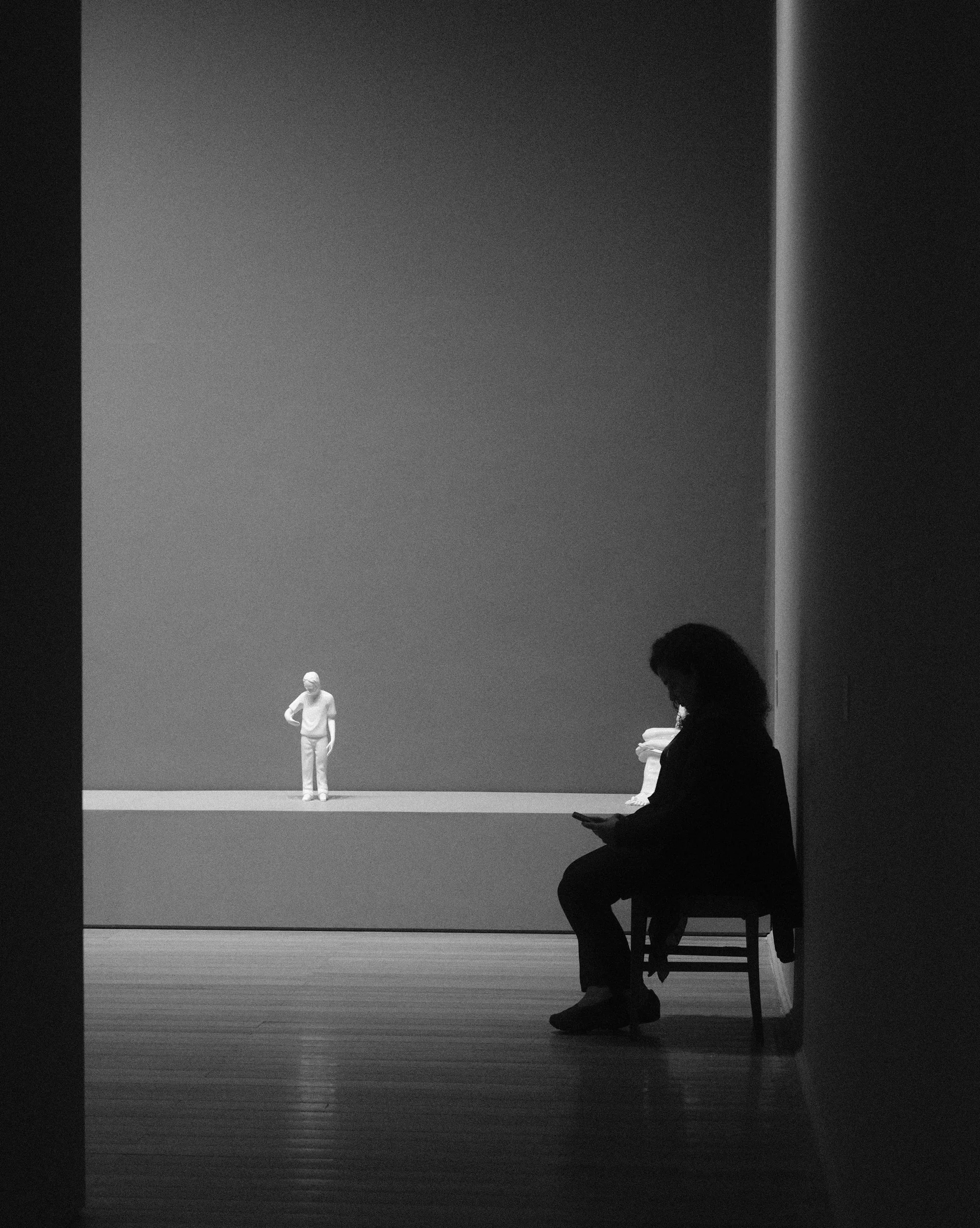
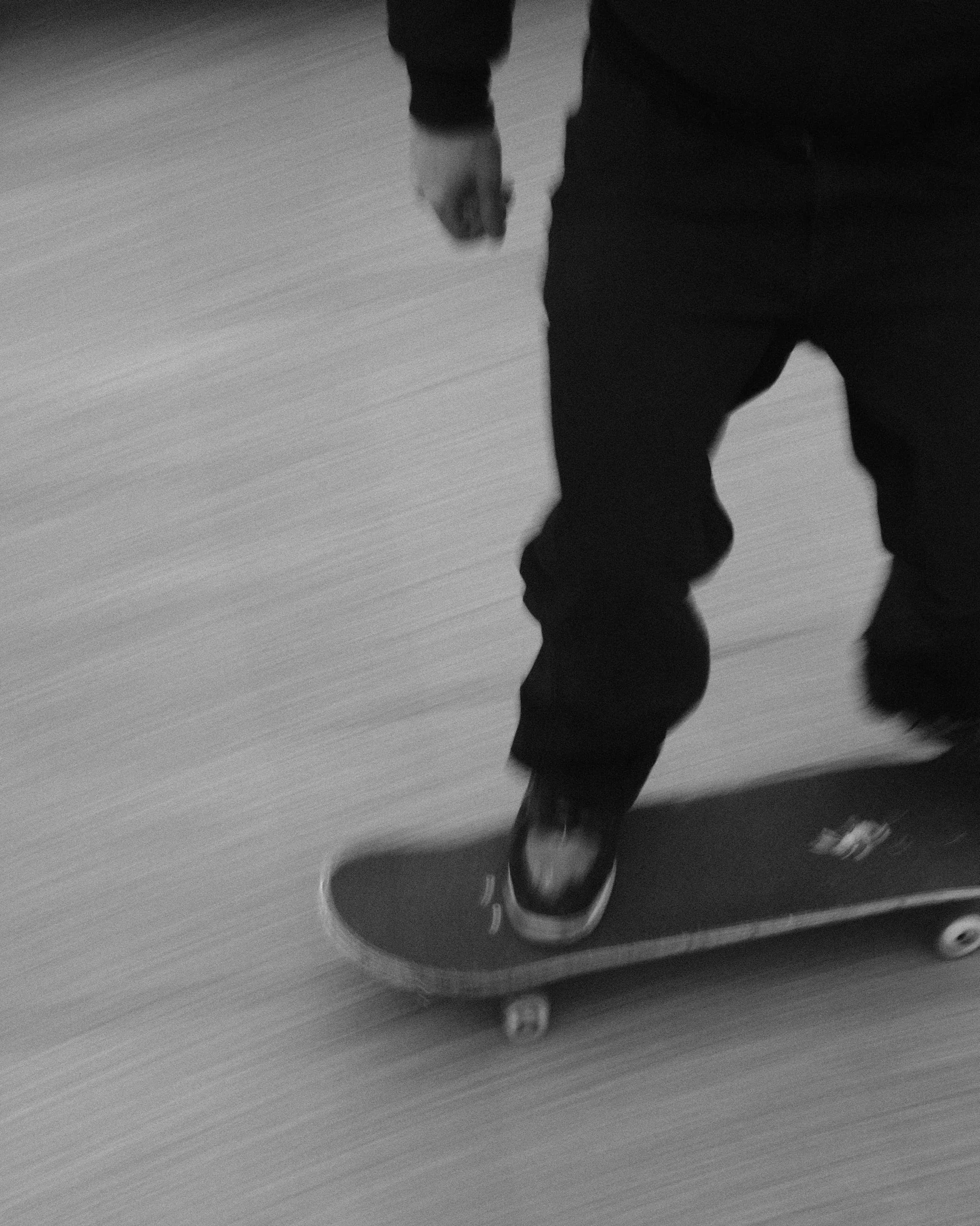
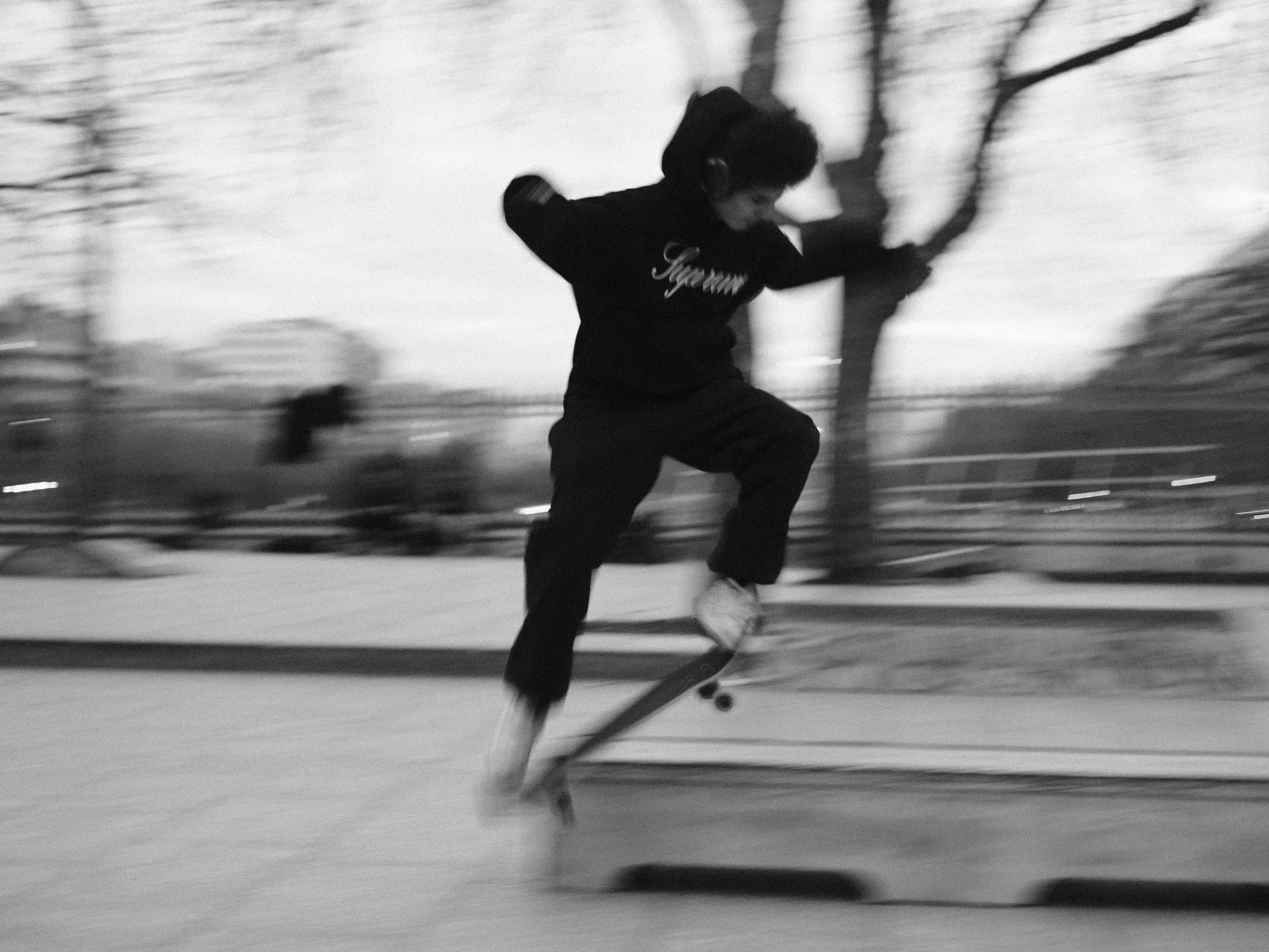


FAQ
Which Fujifilm cameras is this recipe compatible with?
Grain Noir works on all Fujifilm X-series and GFX cameras that feature the ACROS film simulation, including X-T5, X-T4, X-T30 III, X-T30 II, X-S20, X-E5, X-E4, X-M5, X-H2, X-H2S, X100VI, X100V, X-Pro3, and GFX models.
Why use the Yellow filter with ACROS?
The Yellow filter enhances contrast and gives better tonal separation, especially in skin tones and skies. It makes highlights pop more and adds depth to shadows, which is perfect for the dramatic look this recipe aims for.
Do I need to edit photos after using this recipe?
No. Grain Noir is a SOOC (Straight Out Of Camera) recipe. The settings are designed to give you finished, dramatic black and white images directly from your camera.
Isn't "Strong" grain too much?
It depends on your taste. I personally love the texture it adds, it feels more like analog film. If you prefer a cleaner look, you can reduce the grain to "Weak / Large" while keeping the other settings.
Can I use this recipe for portraits?
Yes, but keep in mind the high contrast and strong grain will emphasize skin texture. It works beautifully for moody, editorial-style portraits but may not suit soft, flattering portrait work.
What's the best ISO range for this recipe?
I recommend keeping ISO between 400 and 1600. Lower ISOs will still have visible grain due to the Strong grain setting, while higher ISOs will add even more texture without becoming muddy.
Try it & Share
Feel free to use Grain Noir for your own photography. Before you post, you can frame your shots with a clean white border using the free Whiteborder Lab. For video projects, explore the xere.my store. If you capture something you love with this recipe, I'd be happy to see it! Tag me @xere.my onThreads,Instagram,Tiktok orBluesky.