Italian Summer
A Fujifilm Recipe for Mediterranean Vibes
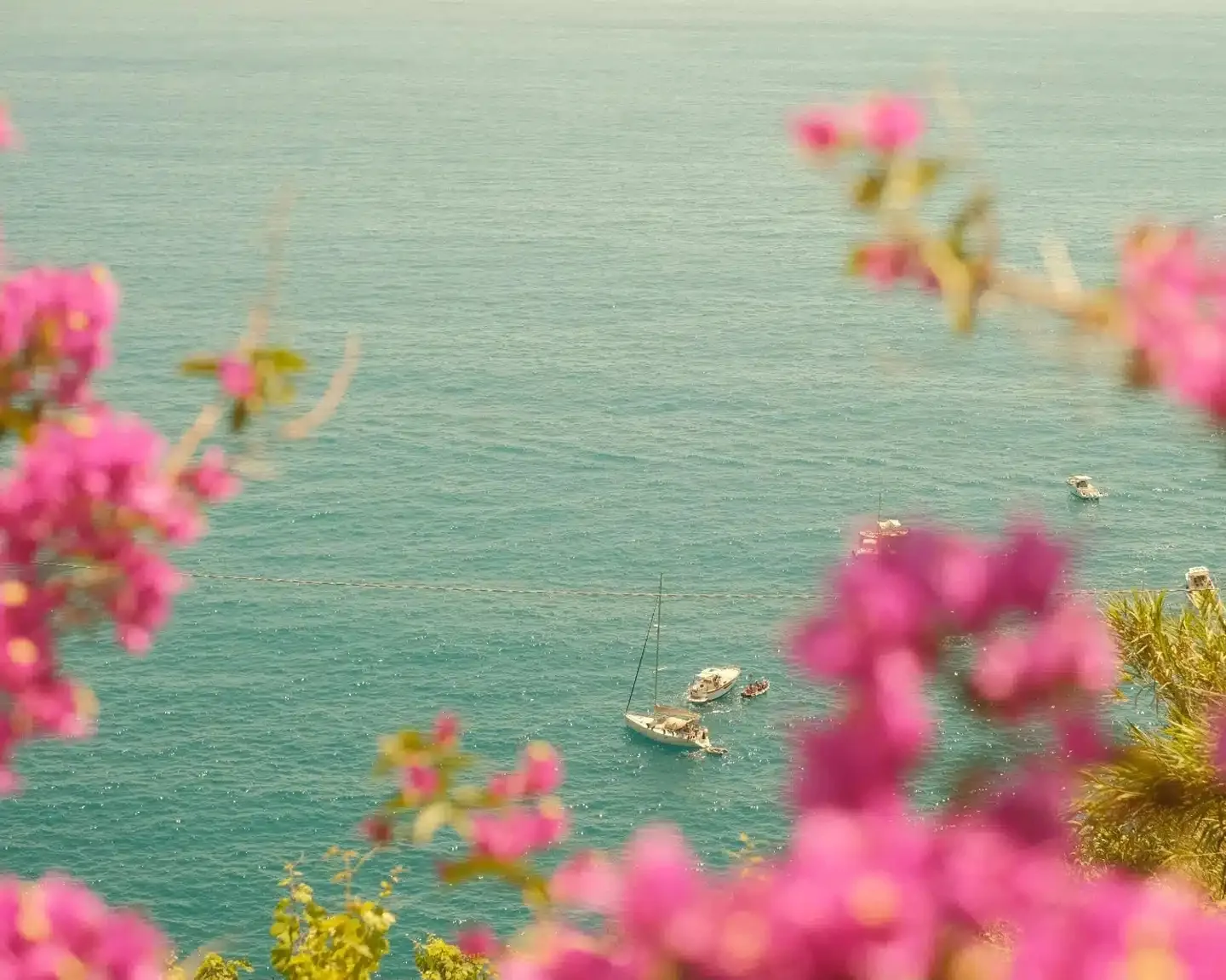
The Italian Summer recipe is a Fujifilm film simulation preset I created to capture the warm, nostalgic atmosphere of Mediterranean summers. Built on Classic Chrome with carefully tuned white balance and color settings, this SOOC (Straight Out Of Camera) recipe brings out golden tones, soft highlights, and a dreamy coastal feel, no post-processing needed.
This recipe was born from walks through Italian coastal villages, lazy afternoons by the sea, and that golden hour light that seems unique to Southern Europe. I wanted colors that felt warm without being oversaturated, like looking at old vacation photos from the 80s.
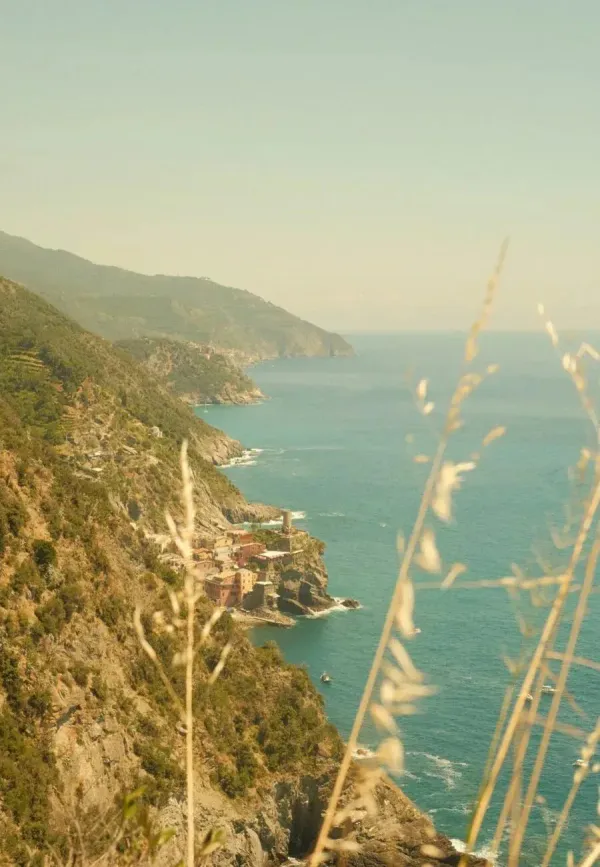
When to Use This Recipe
This recipe is designed for summer photography in the Mediterranean, especially along the Italian coast. It's intentionally tuned for warm, golden tones, so it may not suit all scenes or lighting conditions.
Best suited for:
- Coastal scenes and beach photography
- Sunny summer days in Italy, Greece, or Southern France
- Narrow streets and colorful facades of Italian villages
- Golden hour portraits with warm skin tones
- Travel and street photography in Mediterranean countries
Not ideal for:
- Overcast or rainy days (the warm white balance may appear too orange)
- Winter or cold-toned scenes
- Indoor photography with artificial lighting
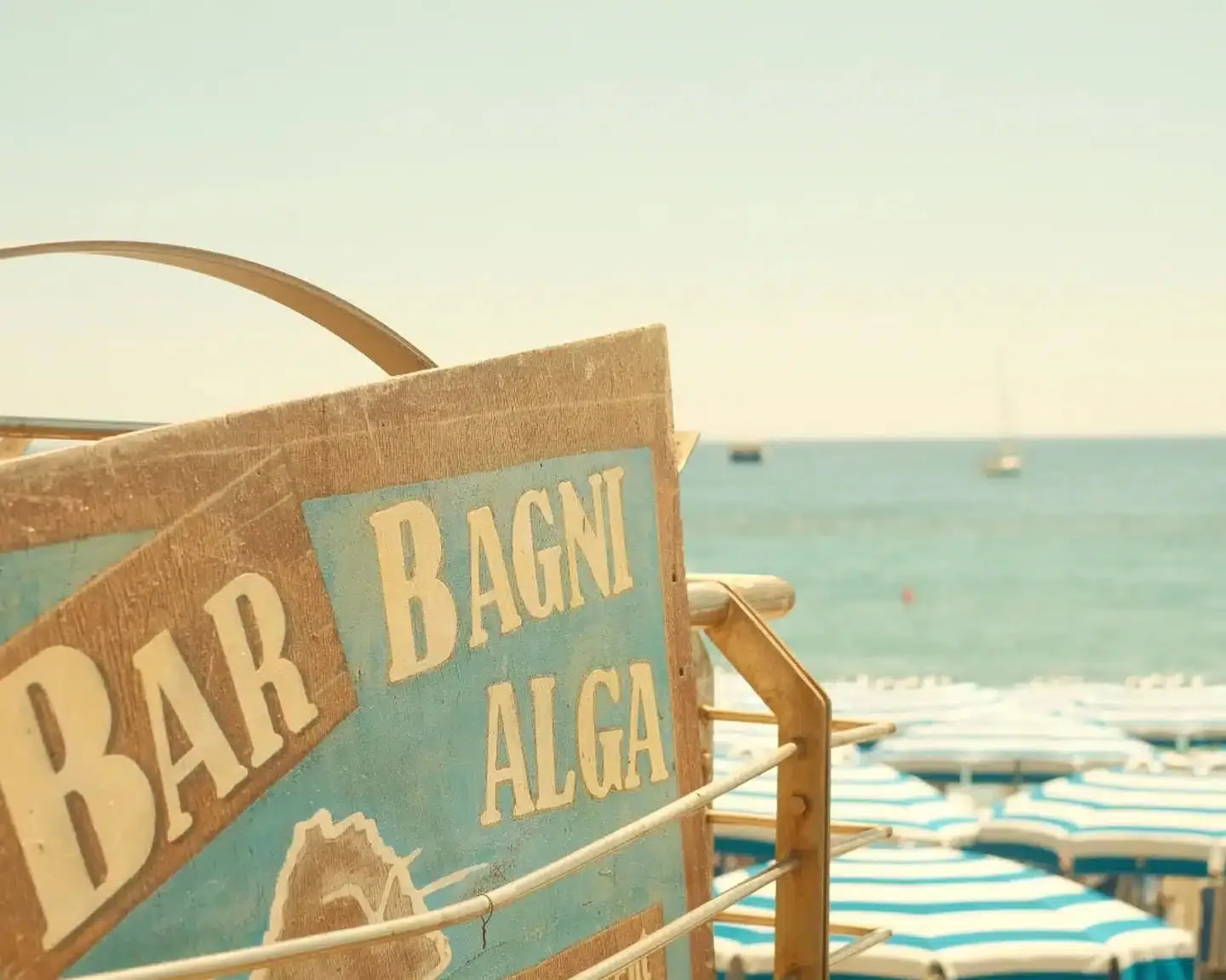
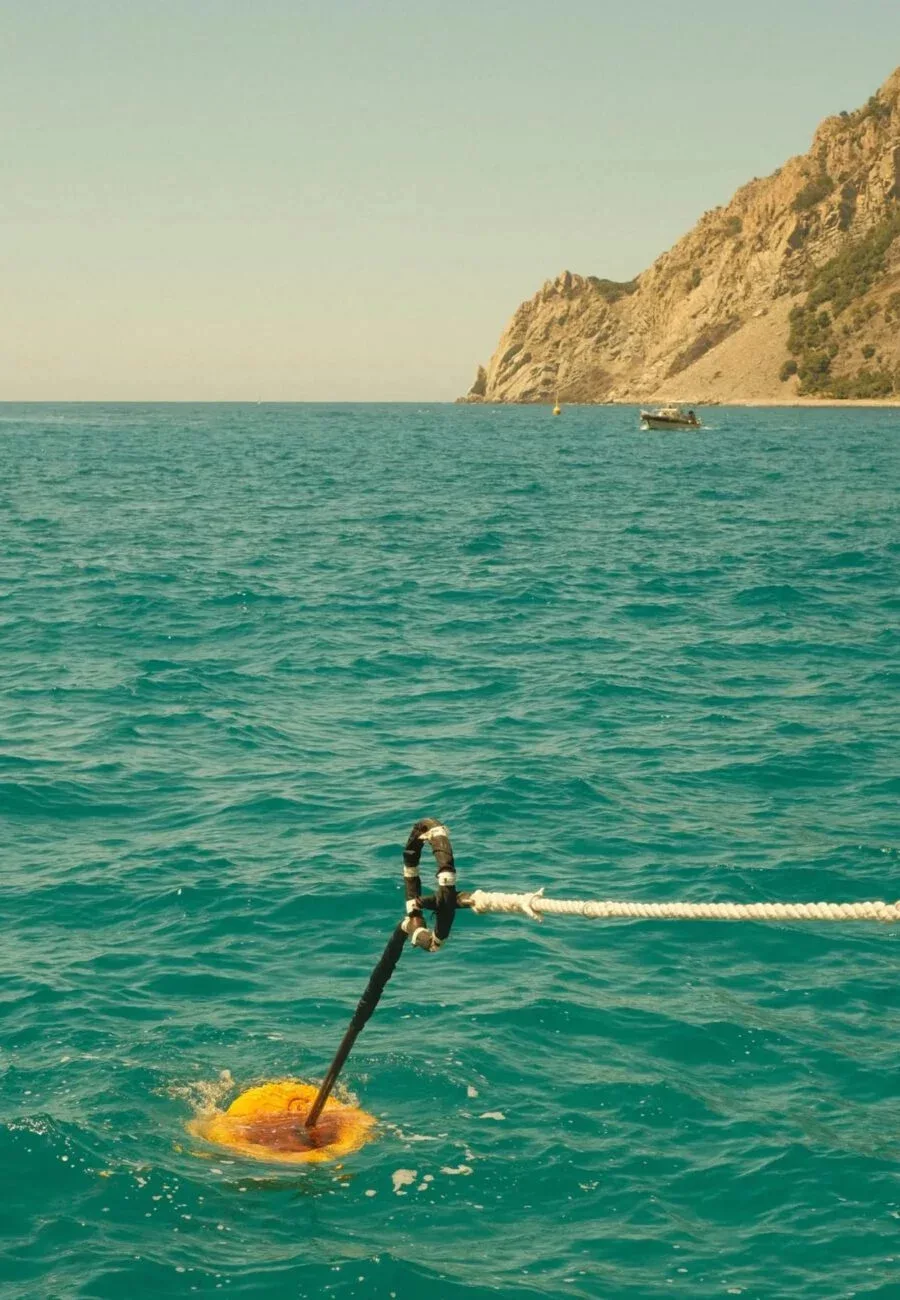
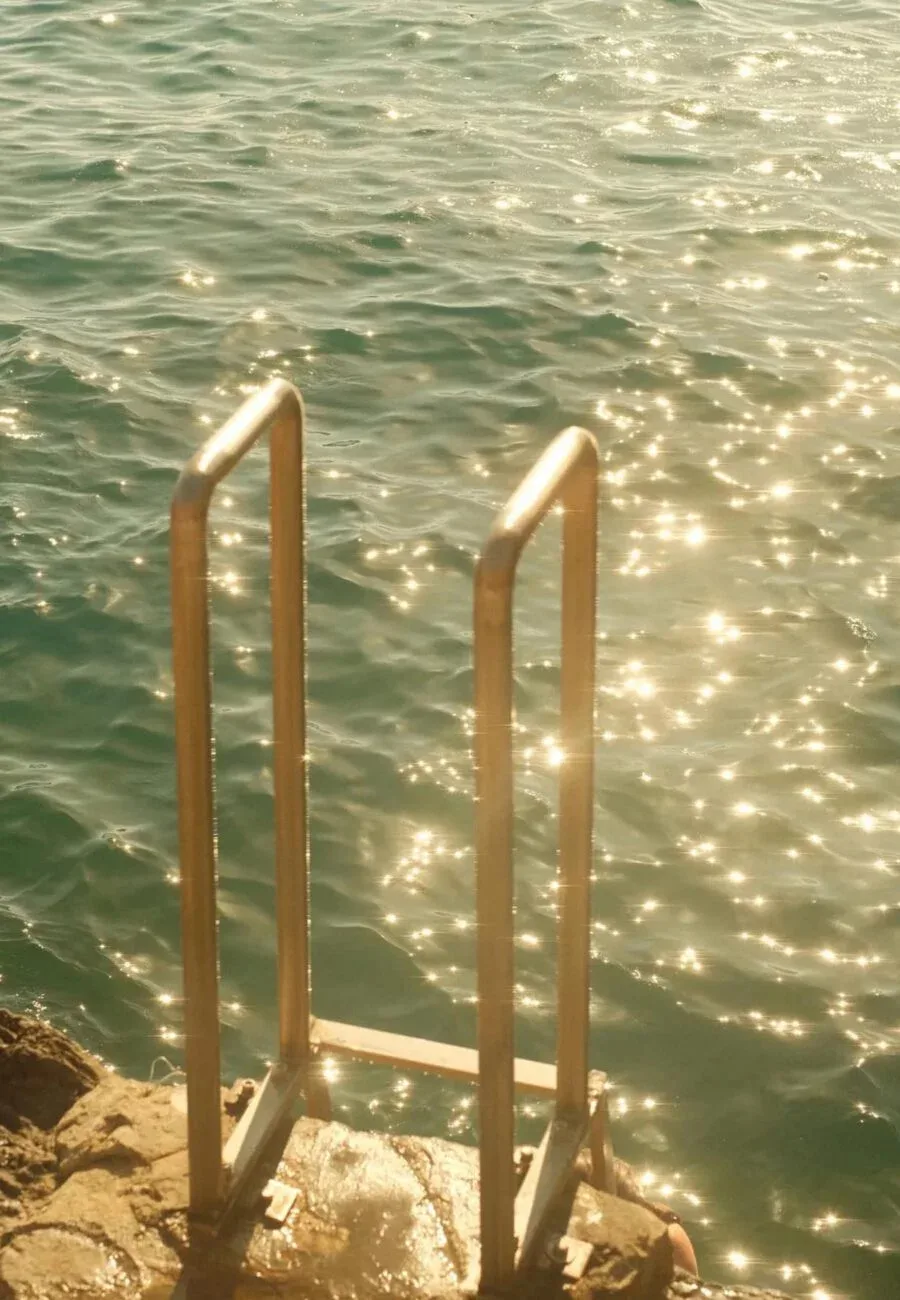
Photo Examples
FAQ
Which Fujifilm cameras is this recipe compatible with?
This recipe works on most recent Fujifilm X-series and GFX cameras, including X-T5, X-T4, X-T30 III, X-T30 II, X-S20, X-E5, X-E4, X-M5, X-H2, X-H2S, X100VI, X100V, and GFX models with the latest film simulation options.
Do I need to edit photos after using this recipe?
No. This is a SOOC (Straight Out Of Camera) recipe, meaning the settings are designed to give you finished results directly from the camera without any post-processing.
Can I use this recipe in winter or cloudy conditions?
I wouldn't recommend it. This recipe is optimized for warm, sunny light. In overcast or winter conditions, the high white balance (7500K) may make your images appear too orange or unnatural. Check out my other recipes for different lighting situations.
Why Classic Chrome as a base?
Classic Chrome offers muted highlights and rich shadows, which pairs beautifully with the warm white balance to create a nostalgic, film-like look without being too contrasty.
Can I adjust the white balance for different scenes?
Absolutely. If you find the tones too warm, try lowering the Kelvin to 6500K or reducing the Red shift to +2. The recipe is a starting point, feel free to adapt it to your style.
Try it & Share
Feel free to use this recipe for your own photography. Before you post, you can frame your shots with a clean white border using the free Whiteborder Lab. For video projects, explore the xere.my store. If you share photos using this recipe on social media, I'd love to see them! Tag me @xere.my onThreads,Instagram,Tiktok orBluesky.