Best Transition Plugins for DaVinci Resolve (2026)
Transitions in DaVinci Resolve cover two jobs that people often mix up. Some tools generate movement from your own clips: keyframeless animation, smooth zooms, and speed ramps. Others hand you a library of ready-made transitions and overlays you drag between clips. We compared five of the most useful transition and motion plugins for DaVinci Resolve on price, whether they run in the free version, included sound effects, and the kind of edit each one suits: ResolveX Transitions, PunchX Transitions, MagicAnimate V3, MagicZoom, and Speed Ramp Lite.
Transition packs vs motion tools
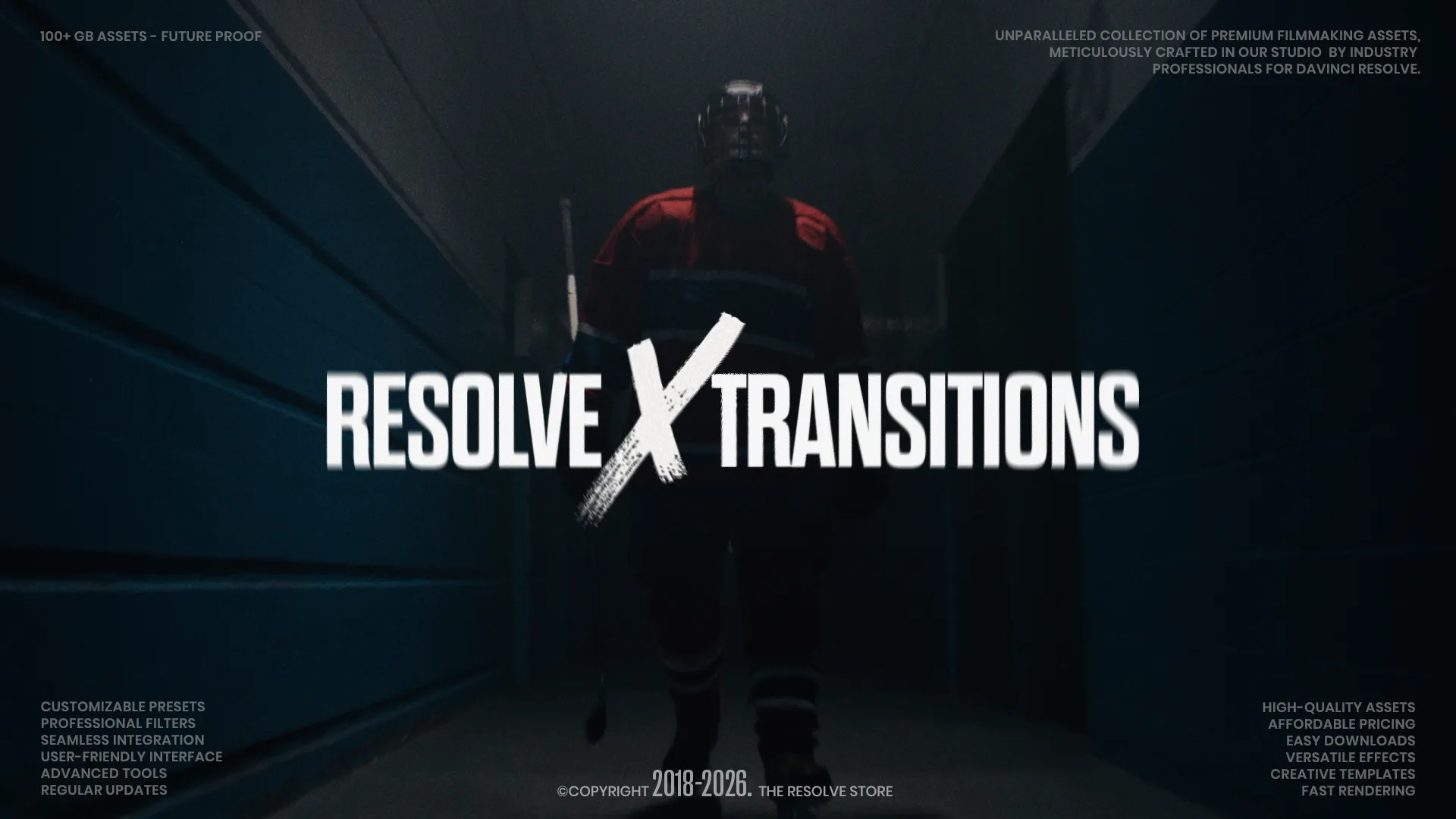
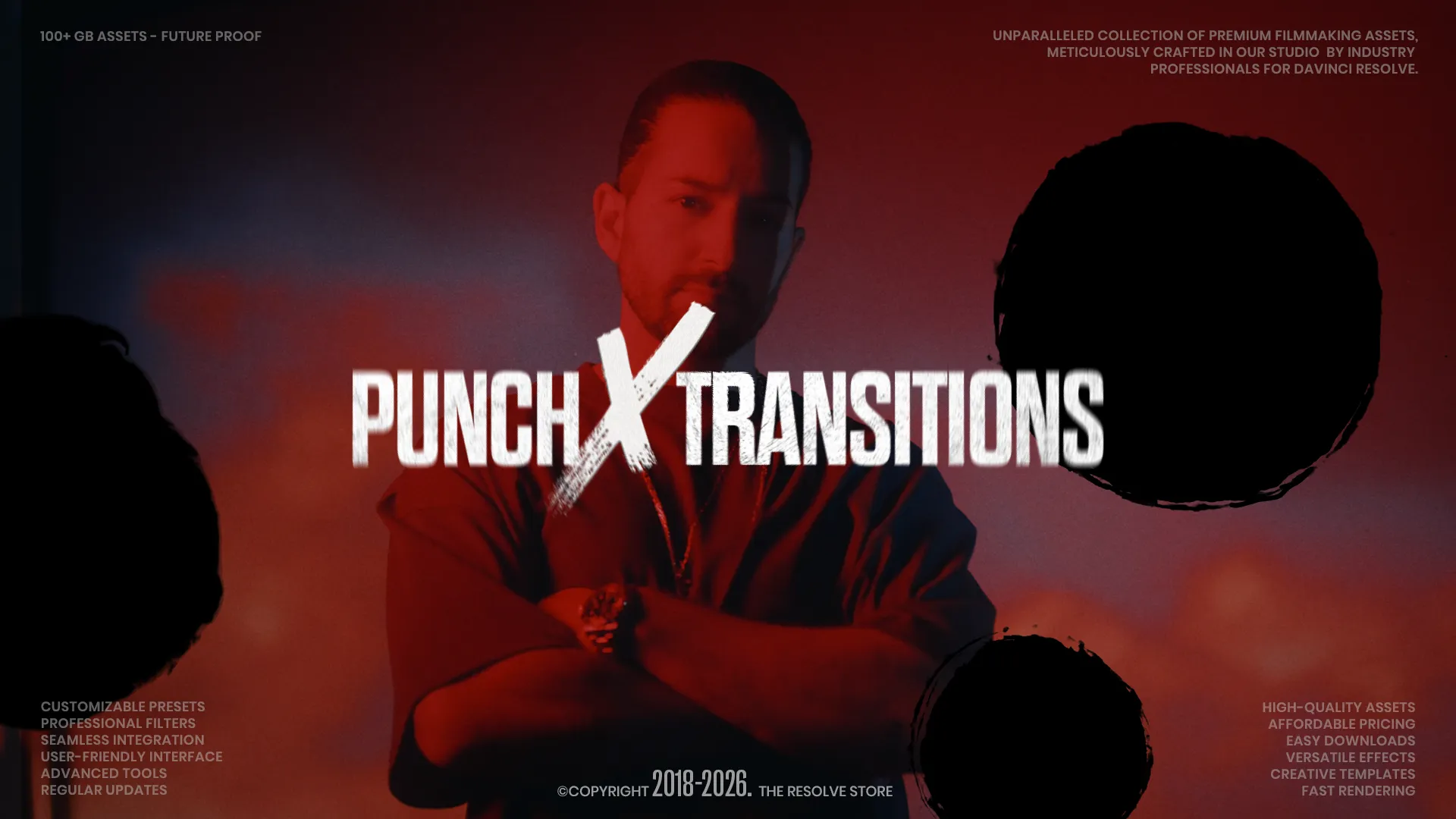
A transition pack gives you finished assets. ResolveX Transitions ships 510 drag-and-drop transitions with royalty-free sound effects, and PunchX Transitions delivers 46 pre-keyed analog overlays, punch holes, and film burns with their own SFX. You drop them between two clips and adjust the timing. A motion tool works the other way: it animates the footage you already have. MagicAnimate V3 animates transform, masks, and text without keyframes, MagicZoom adds smooth punch-in zooms with motion blur, and Speed Ramp Lite builds clean slow-motion In and Out curves in one click. If you want variety and speed, a pack saves the most time. If you want transitions that come out of your own shots, a motion tool keeps the edit feeling custom.
Which transition plugins run in DaVinci Resolve Free
Four of the five load in the free version of DaVinci Resolve: ResolveX Transitions, PunchX Transitions, MagicAnimate V3, and MagicZoom. Speed Ramp Lite is free to download but needs DaVinci Resolve Studio, because it relies on Fusion features the free build limits. MagicZoom also asks for Resolve 19.1.1 or newer, so check your version before installing. If you are on the free build and want the widest set of options, ResolveX and PunchX both work without Studio and cover most transition needs on their own.
Do you need transitions with sound effects?
Sound sells a transition. A whoosh or an impact on the cut does more for the feel of a video than the visual alone, which is why both paid packs here bundle their own audio. ResolveX includes royalty-free SFX matched to its transitions, and PunchX ships 11 WAV files alongside its overlays. The free motion tools do not include audio, so if you use MagicAnimate or MagicZoom you will want a separate sound effects source. That is the gap our best audio and sound effects plugins comparison covers.
| Feature | ResolveX Transitions | PunchX Transitions | MagicAnimate V3 | MagicZoom FREE | Speed Ramp Lite |
|---|---|---|---|---|---|
| Price | $59 (perpetual) | $59 (perpetual) | Free core / ~$30 Pro | Free | Free |
| Type | 510 drag-and-drop transitions | 46 pre-keyed analog overlays | Keyframeless animation | Smooth zoom with motion blur | One-click speed ramps |
| Runs in Resolve Free | Yes | Yes | Yes | Yes (19.1.1+) | No (Studio only) |
| Included sound effects | Yes (royalty-free) | Yes (11 WAV) | No | No | No |
| Best for | Variety and volume | Gritty analog cuts | Animating text and masks | Punch-in zooms | Slow-motion ramps |
Stop buying plugins. Build your own.
Every plugin you buy solves someone else's problem. Through The Forge skill packs, you can teach Claude Code to write, test, and install custom DaVinci Resolve tools in plain English. Save money, learn the workflow, and own your tools forever.


Verdict: best DaVinci Resolve transition plugins
ResolveX Transitions: the volume option Winner
ResolveX Transitions is the widest single purchase here, with 510 drag-and-drop transitions across more than 16 styles and royalty-free sound effects built in. It works with any resolution and frame rate, runs in the free version of DaVinci Resolve, and costs one perpetual fee, which makes it the default pick when you want transitions on tap without building them yourself.
PunchX Transitions: analog character Runner-up
PunchX Transitions goes the opposite way from a clean, polished pack. Its 46 pre-keyed overlays, punch holes, film burns, and 11 bundled SFX give cuts a raw, physical texture that stands out in music videos and moodier edits. The alpha channels are baked in for instant compositing, and the assets work on Windows, macOS, and Linux.
MagicAnimate V3: keyframeless animation Best Free
MagicAnimate V3 replaces manual keyframing for transform, motion blur, masks, and text with drag-and-drop controls. The free core version runs in DaVinci Resolve Free and covers most everyday animation, while the paid tier at around $30 adds 70+ presets and a custom preset saver. For editors who lose time keyframing simple moves, this is the highest-value free tool in the group.
MagicZoom: smooth punch-in zooms
MagicZoom fixes the two problems with native zooming in Resolve: jittery motion and clunky Dynamic Zoom setup. It produces smooth zooms with the best motion blur in its class, installs with a double-click, and stays free. It needs DaVinci Resolve 19.1.1 or newer and an email signup to download.
Speed Ramp Lite: one-click slow motion
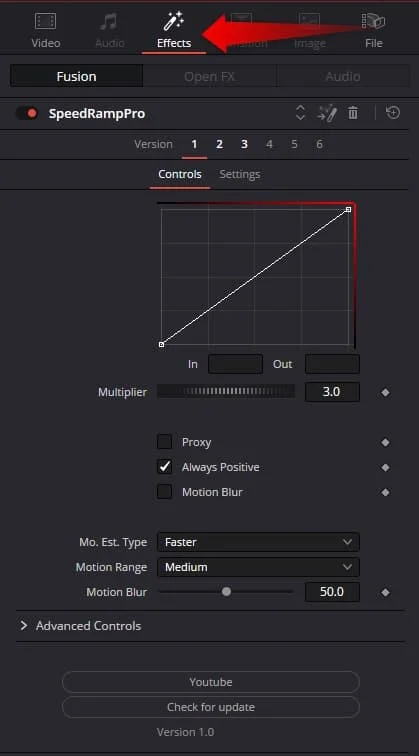
Speed Ramp Lite does one thing well: it applies smooth In and Out speed curves to compound clips in a single click and adds motion blur for a polished result. It is free, but it requires DaVinci Resolve Studio and only works on compound clips. For clean slow-motion ramps without manual keyframes, it is worth the Studio requirement.
For most editors, ResolveX Transitions is the best single purchase. It runs in the free version of DaVinci Resolve, covers 510 styles with royalty-free sound effects, and costs one perpetual fee, so it handles the majority of transition needs without a second tool. PunchX Transitions takes the runner-up spot for editors chasing a specific analog look, with pre-keyed punch holes and film burns that give music videos a rougher edge. If you have no budget, MagicAnimate V3 is the pick: its free core runs in Resolve Free and removes manual keyframing for text, masks, and transforms, which is where most people lose the most time.