 Skill pack for Claude Code · v1.1
Build effects. Ship products.
Everything in the Creator edition, plus the two things that turn a plugin into a product: real-time video effects that process pixels, and the machinery to package, install and sell them under your own name.
Scripting requires DaVinci Resolve Studio
In Resolve 21.1, released on 8 September 2026, Blackmagic moved Python scripting to the Studio version. the scripting half of the Studio edition builds Python plugins, so before you buy:
- DaVinci Resolve Studio, any version: runs in full.
- DaVinci Resolve free, up to 21.0.4: runs in full.
- DaVinci Resolve free 21.1 and later: does not run. A Python plugin never appears in Workspace > Scripts there, with no error message and no dialog.
OFX effects are not concerned. An effect is compiled code the host loads itself, it never went through the Python bridge, and it runs on either edition.
Check your edition and version under DaVinci Resolve > About DaVinci Resolve before buying. What I measured on Resolve Free 21.1

The edition for people who ship.
Creator teaches your worker to build for you. Studio teaches it to build for other people — effects included. And an OFX effect is compiled code the host loads itself: it never depended on the Python bridge Blackmagic closed on the free edition in 21.1, which makes it the sturdier of the two paths to a tool you intend to sell.
Guide chapters
The six from Creator, plus shipping to clients and OFX development.
Complete OFX effect
Forge Gain: a real-time video effect in one commented C file. Grow it into yours.
Release templates
Your own release script, your own EULA, your own generated welcome guide.
Products you can sell
No royalty, no per-product licence. One customer pays for the pack.
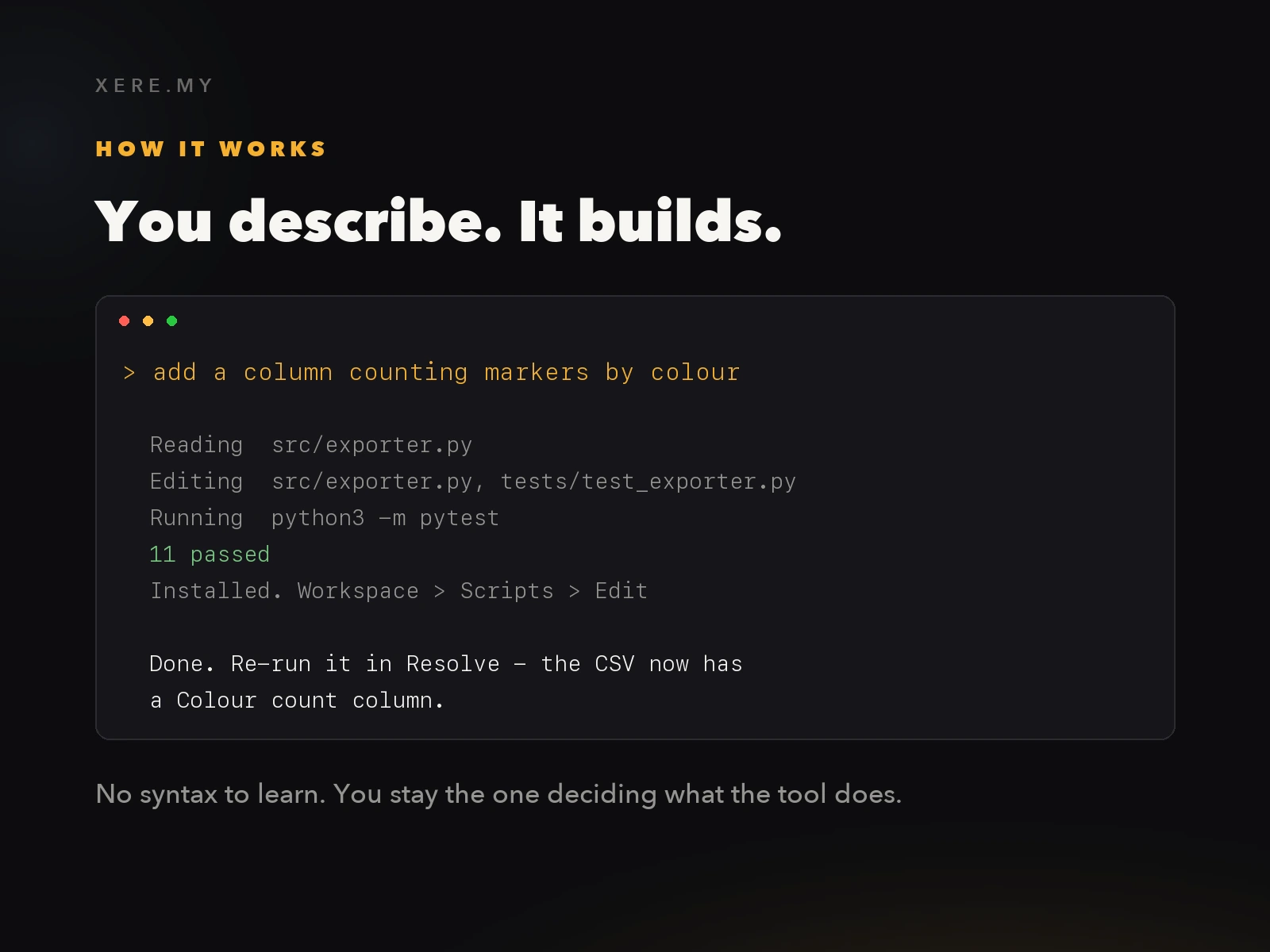
You describe. It builds.
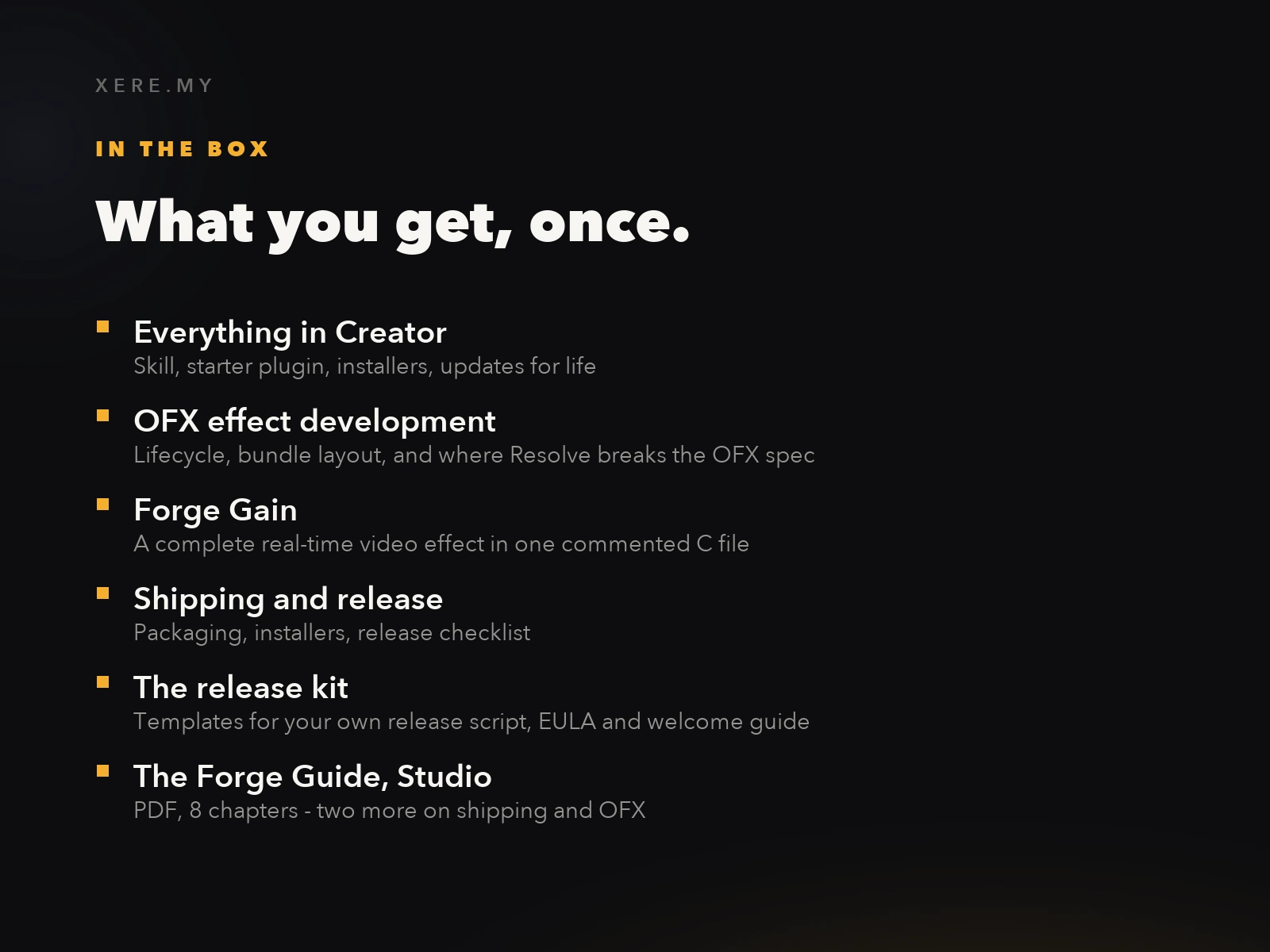
Creator, plus the hard parts.
Build it, package it, sell it.
One customer covers the pack. The release kit hands you the release script, the EULA and the welcome guide, so what you deliver is a product rather than a folder of files.
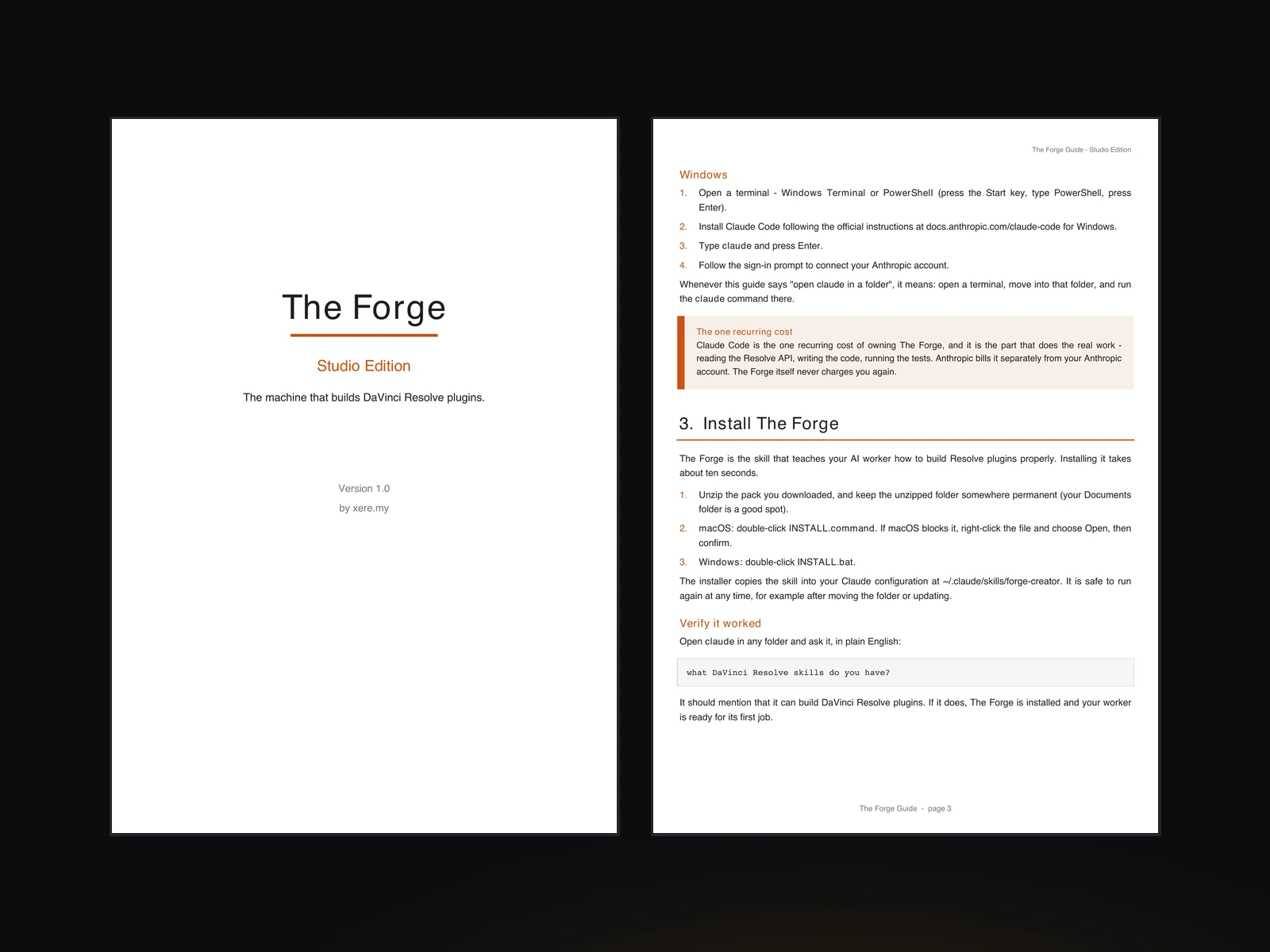
The Forge Guide, Studio edition
The full 8-chapter PDF: everything in the Creator guide, plus a chapter on shipping a plugin to a client who is not you, and a chapter on building real-time effects. Written for someone who has never opened a terminal, and still useful once you have.
- 01What you are about to do, and what you need
- 02Setting up your AI worker
- 03Installing The Forge
- 04Your first plugin, running in Resolve
- 05Changing it with plain English
- 06Building your own tool from scratch
- 07Shipping plugins to clients
- 08Real-time video effects with OFX
Written by someone who ships.
I have been building and selling DaVinci Resolve plugins since 2025. Not demos — products people pay for, install on machines I will never see, and email me about when something breaks. Everything in this pack was paid for in that currency first.
The effects side is the harsh one. An OFX plugin is compiled code the host loads into itself, against a specification Resolve does not entirely follow. My own effect appeared in the Effects list and then refused to run, blaming the wrong thing entirely in a message that sent me hunting through the binary. The cause turned out to be a single value Resolve rejects where the published spec explicitly allows it. I only found it by instrumenting the plugin to make the host confess what it was really doing — a technique that is now in this pack, because guessing costs a day and instrumenting costs an hour.
Everything since 2025 — building, packaging, installing on other people's machines, then answering the support mail that follows — went into the workflow I use today to create and sell serious plugins for DaVinci Resolve users. The Studio edition is that workflow in full, including the parts that only start to matter once somebody else depends on your work.
The products this method built, on this same store:
— xere.my
One customer and it pays for itself.
One payment. No subscription, no royalty on what you sell, no licence to renew.
The Forge — Studio Edition
Everything in Creator, plus OFX effects and the full shipping toolchain.
One-time purchase · instant download
Scripting requires DaVinci Resolve Studio
In Resolve 21.1, released on 8 September 2026, Blackmagic moved Python scripting to the Studio version. the scripting half of the Studio edition builds Python plugins, so before you buy:
- DaVinci Resolve Studio, any version: runs in full.
- DaVinci Resolve free, up to 21.0.4: runs in full.
- DaVinci Resolve free 21.1 and later: does not run. A Python plugin never appears in Workspace > Scripts there, with no error message and no dialog.
OFX effects are not concerned. An effect is compiled code the host loads itself, it never went through the Python bridge, and it runs on either edition.
Check your edition and version under DaVinci Resolve > About DaVinci Resolve before buying. What I measured on Resolve Free 21.1
Scripting plugins do not work on DaVinci Resolve Free 21.1 or later: Blackmagic moved Python scripting to Studio in 21.1, and plugins no longer appear in the Scripts menu on the free edition. For those you need Resolve Studio, or Resolve Free 21.0.4 or earlier. OFX effects are unaffected and run on either edition. Also requires Claude Code with an active Anthropic plan, billed separately by Anthropic. Building OFX effects needs the free Xcode Command Line Tools on macOS, or the free Visual Studio Build Tools on Windows.
Digital product, delivered immediately and by download only. By completing your purchase you expressly request immediate delivery and acknowledge that you thereby waive your 14-day right of withdrawal, in accordance with article L221-28, 13° of the French Consumer Code. Once the download has been made available, the sale is final and no refund can be claimed on the basis of that right. This does not affect the statutory guarantee of conformity: if the product does not work as described on the systems and versions listed in the requirements on this page, write to [email protected] and I will fix it or refund you.
- Everything in the Creator edition
- OFX development reference, including where Resolve breaks the spec
- Forge Gain — a complete real-time effect in one commented C file
- Packaging, installers and release checklist
- Release kit: release script, EULA and welcome guide templates
- The Forge Guide, PDF, 8 chapters
- Free updates for life
Before you buy.
Does this work on the free version of DaVinci Resolve?
It depends which half you mean, and the difference matters. Scripting plugins need DaVinci Resolve Studio, or Resolve Free up to 21.0.4: in 21.1, released on 8 September 2026, Blackmagic moved Python scripting to Studio, and on the free edition the Workspace > Scripts menu stays empty with no error message. OFX effects are not concerned at all — an effect is compiled code the host loads into itself, it never touched the Python bridge, and it loads on either edition.
What exactly does Studio add over Creator?
Two reference documents your worker reads on demand — one on OFX effect development, one on packaging and releasing — plus a complete working OFX effect in C, and the templates to build your own release script, EULA and welcome guide. The guide grows from six chapters to eight. Everything else is identical.
Is Claude Code included in the price?
No, and this is the one thing to check before buying. Claude Code is Anthropic's tool and it bills separately. The Forge is the knowledge it needs to build for DaVinci Resolve properly — without it, your worker guesses, and Resolve punishes guessing.
Do I need to know C to build an effect?
No. Forge Gain is a complete working effect in a single heavily commented file, and you change it by describing what you want. The commentary is there so you can follow what your worker did, not so you have to write it yourself.
Can I really sell what I build?
Yes, with no royalty and no per-product licence. The release kit exists for exactly that: a release script that builds your zips reproducibly, an EULA template with your name on it, and a generated welcome guide for your buyers.
I bought Creator. Can I upgrade?
Yes. Write to me from the address you purchased with and I will send you an upgrade link for the difference. Re-run the installer from the Studio pack and the two extra references appear in your existing skill folder.
Why is OFX harder than scripting?
Because it is compiled code the host loads into itself, and because Resolve deviates from the published OpenFX specification in places. One deviation makes a perfectly spec-compliant plugin fail with a message blaming the wrong thing entirely. That trap, and the method for finding others like it, is written down in this pack.
Is this for you?
Made for people who intend to deliver
You want to sell a plugin, hand one to a client, or publish one under your own brand. That means an effect that processes pixels, an installer that works on a machine you have never seen, and a release you can rebuild identically six months later. This edition is those three things.
Not for you if
- ·You only want to speed up your own edit. The Creator edition does that for less, and upgrading later is easy.
- ·You do not use Claude Code and do not intend to. The Forge is the knowledge your AI worker needs, not the AI itself.
- ·You expect to sell an effect without ever testing it inside Resolve. This pack will tell you to test. Resolve is not forgiving.