 Tool for DaVinci Resolve
Caption Pro — Automatic Captions & Translation Tool for DaVinci Resolve
Caption Pro transcribes your timeline, lets you review and correct the transcript before anything is placed, styles every word with a karaoke or cumulative reveal, and translates the result into more than 100 languages, all without leaving DaVinci Resolve.
Requires DaVinci Resolve Studio
In Resolve 21.1, released on 8 September 2026, Blackmagic moved Python scripting to the Studio version. Caption Pro is a Python plugin, so before you buy:
- DaVinci Resolve Studio, any version: runs in full.
- DaVinci Resolve free, up to 21.0.4: runs in full.
- DaVinci Resolve free 21.1 and later: does not run. A Python plugin never appears in Workspace > Scripts there, with no error message and no dialog.
Check your edition and version under DaVinci Resolve > About DaVinci Resolve before buying. What I measured on Resolve Free 21.1
Caption Pro features for DaVinci Resolve.
Transcription, styling and translation happen in sequence, on your machine, without uploading a single frame.
Languages
Auto-detect your dialogue and translate captions into more than 100 languages, nothing uploaded.
Style templates
Karaoke as a TikTok box or as colored text, keyword emphasis, pop-in animation, plus the base caption template. Ready to use or customizable.
Review before placing
Uncertain words are highlighted automatically, so you can fix the transcript before a single caption reaches your timeline.
Local processing
Powered by Whisper AI running on your machine. Your footage never leaves your computer.
Five templates, one button.
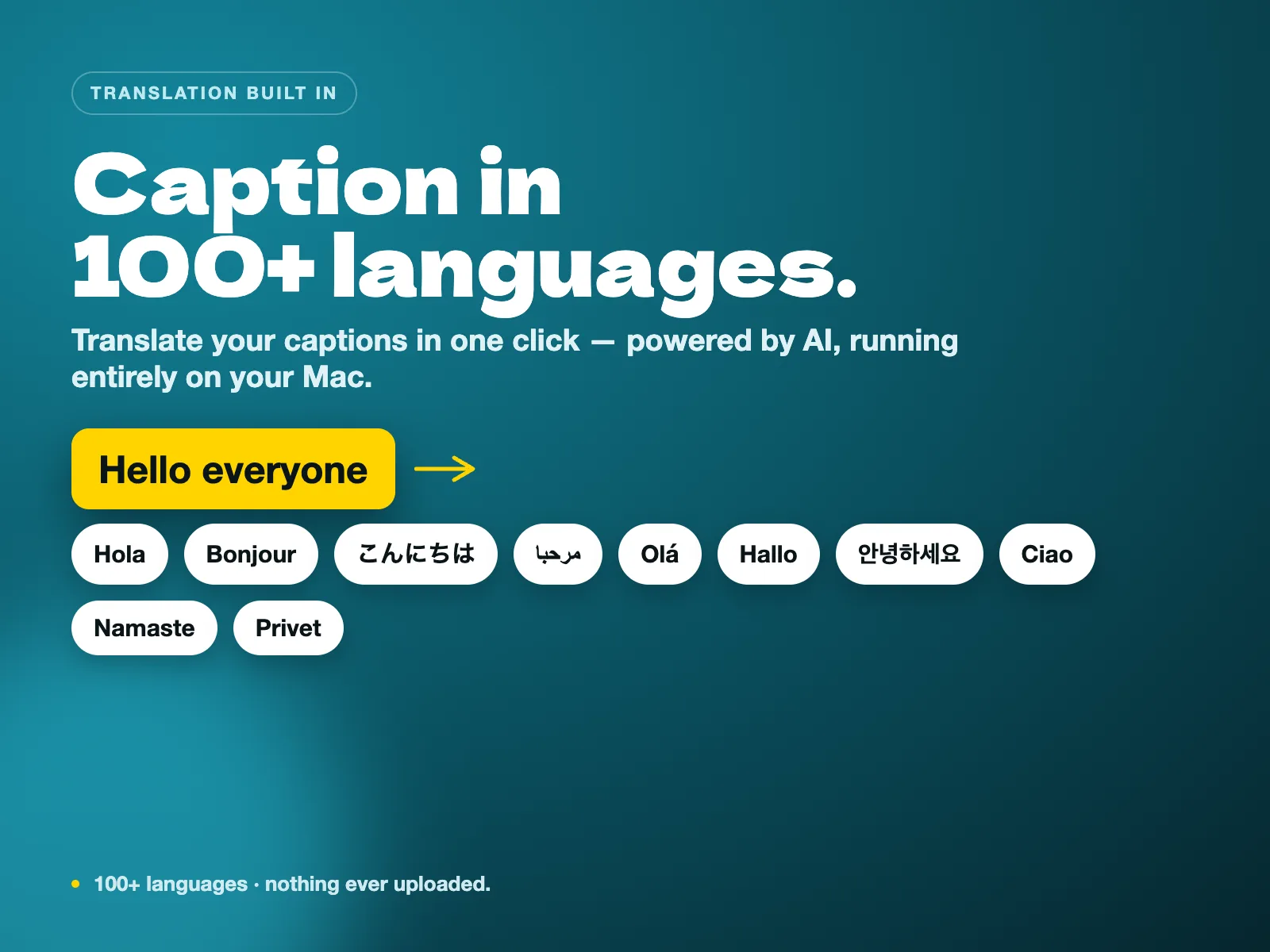
Captions in 100+ languages.
Beside your edit, not in your way.
Caption every clip inside DaVinci Resolve without leaving your timeline.
Drop your clip in, pick a style, and caption it without leaving DaVinci Resolve.
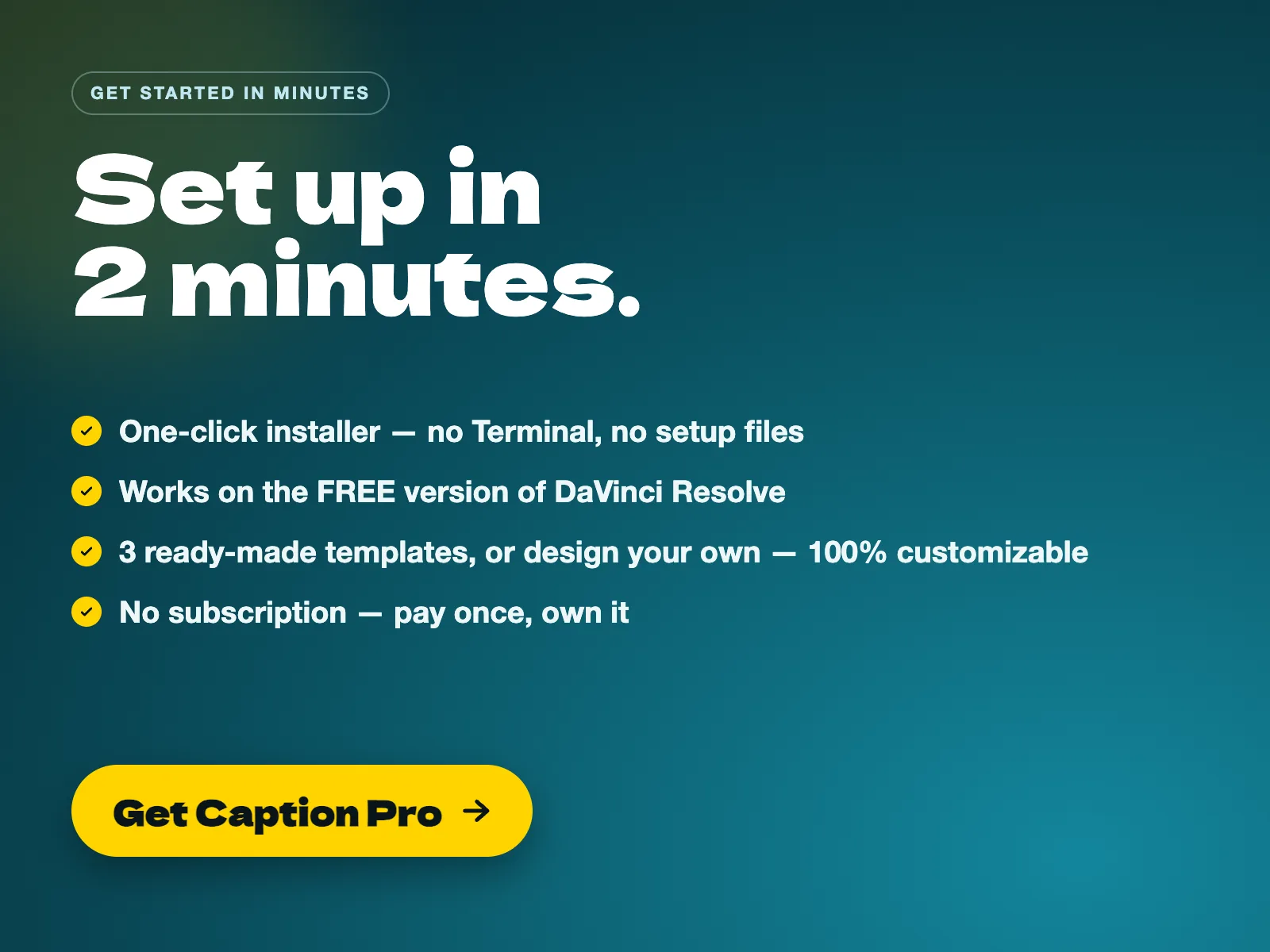
Set up in 2 minutes.
Caption Pro installs with a single click, no Terminal and no manual file copying. The guide walks you through installation on macOS and Windows, the five caption templates, and how translation works, so your first captioned clip is ready in minutes.
- 01What your download includes
- 02One-click installation on macOS and Windows
- 03The five caption templates: karaoke (TikTok box), karaoke (colored text), keyword, pop-in, base
- 04Reviewing and correcting your transcript before captions are placed
- 05Setting up translation and language detection
- 06Custom vocabulary and picking a Whisper model
- 07Importing an SRT, exporting to SRT and captioning part of your timeline
- 08Styling from the panel: font, size, vertical position, color and outline
- 09Customizing colors, fonts and keyword emphasis
- 10End-user license agreement
Captioning in a specific language? See the per-language subtitle guides.
Still one button, constantly improved.
Caption Pro ships regular updates that add speed, safety and accuracy. The one-click workflow never changes. Entries dated before September 2026 were published while the free edition of Resolve still ran Python plugins — since Resolve 21.1, Caption Pro needs DaVinci Resolve Studio, or Resolve free up to 21.0.4.
- v1.5.1September 12, 2026
macOS & Windows · DaVinci Resolve Studio, or Resolve free up to 21.0.4
Mac speech engine & Python self-repair
Fixed engine startup errors ("pip is missing", "Library not loaded") on macOS. Caption Pro now verifies a valid Python installation before building and self-repairs existing broken engines automatically on the next generation.
Pre-flight font check for non-Latin scripts
Warns before transcription if a font lacks required characters. Non-Latin scripts (Korean, Japanese, Chinese, Arabic) are detected upfront with suitable installed fonts suggested in the Style tab.
Graceful NVIDIA CPU fallback
Fixed the missing cublas64_12.dll error on Windows with NVIDIA GPUs. Caption Pro cleanly falls back to CPU transcription when GPU acceleration is unavailable, with no CUDA Toolkit required.
Expanding transcript review field
The review text box now expands smoothly as you type or press Enter, preventing text from slipping out of view during manual corrections.
Also in this release
- macOS installer now verifies Python visibility in Resolve and warns clearly without blocking installation.
- Fixed "Templates not found" button directing to the Style tab instead of the Advanced tab.
- Windows installer protected against line-ending issues across system configurations.
- Clarified that the speech engine builds on first caption generation, not on window launch.
Updating from v1.5
Download the new zip, replace your old Caption Pro folder with the new one, then double-click the installer (Install Caption Pro.command on Mac / Install Caption Pro.bat on Windows). Your templates and settings are preserved.
- v1.5August 11, 2026
macOS & Windows · DaVinci Resolve (free version supported)
Style without ever opening Fusion
Font, size, vertical position, color and outline are now set from the panel and applied to every caption clip. No node graph, no Text+ inspector, no per-clip fiddling.
Custom vocabulary
Give Caption Pro the names, brands and jargon of your video before transcribing, and they come out spelled right the first time. No more fixing the same product name in twenty places.
Sharper transcription
Silences no longer invent phantom sentences, and you can switch to the larger Whisper models (medium, large-v3) when accuracy matters more than speed.
GPU acceleration
Your NVIDIA card is detected and used automatically, with a safe fall back to CPU when there is nothing to accelerate with.
Import an SRT
Already have subtitles? Bring the file in and get it styled word by word on your timeline, with no transcription pass at all.
Faster placement
Up to 7× quicker on long timelines, and Cancel now stops the job mid-placement instead of waiting for the last clip.
Templates installed in one click
A button imports the caption templates into your project, so the manual Media Pool step is gone.
Also in this release
- The window title now reads "Caption Pro v1.5".
- Welcome Guide updated with panel styling, custom vocabulary, SRT import and the model selector.
- Still 100% local and private: nothing is ever uploaded, whichever Whisper model you pick.
Updating from v1.4
Download the new zip, replace your old Caption Pro folder with the new one, then double-click the installer (Install Caption Pro.command on Mac / Install Caption Pro.bat on Windows). Your templates and settings are preserved.
One-time payment for the DaVinci Resolve caption tool.
No subscription. No per-minute fees. One single payment, that's it.
Caption Pro
The complete captioning and translation workflow for DaVinci Resolve, ready to install.
One-time payment to support my work.
Requires DaVinci Resolve Studio
In Resolve 21.1, released on 8 September 2026, Blackmagic moved Python scripting to the Studio version. Caption Pro is a Python plugin, so before you buy:
- DaVinci Resolve Studio, any version: runs in full.
- DaVinci Resolve free, up to 21.0.4: runs in full.
- DaVinci Resolve free 21.1 and later: does not run. A Python plugin never appears in Workspace > Scripts there, with no error message and no dialog.
Check your edition and version under DaVinci Resolve > About DaVinci Resolve before buying. What I measured on Resolve Free 21.1
Instant download · Mac & Windows · Requires DaVinci Resolve Studio, or Resolve free up to 21.0.4 — the free edition of Resolve 21.1 and later no longer loads Python plugins.
Digital product, delivered immediately and by download only. By completing your purchase you expressly request immediate delivery and acknowledge that you thereby waive your 14-day right of withdrawal, in accordance with article L221-28, 13° of the French Consumer Code. Once the download has been made available, the sale is final and no refund can be claimed on the basis of that right. This does not affect the statutory guarantee of conformity: if the product does not work as described on the systems and versions listed in the requirements on this page, write to [email protected] and I will fix it or refund you.
- Caption Pro app (Mac universal + Windows 64-bit)
- 5 built-in caption templates: karaoke (TikTok box), karaoke (colored text), keyword, pop-in, base
- Transcript review with automatic correction before captions are placed
- Translation into 100+ languages, powered by Whisper AI
- Custom vocabulary for names, brands and jargon, plus the medium and large-v3 Whisper models
- SRT import and SRT export, plus In/Out point captioning for partial timelines
- Panel styling for font, size, vertical position, color and outline, no Fusion required
- Support for your own Text+ templates, plus full customization of the built-in presets (font, size, color)
- Quick Start Guide (English)
- Unlimited use, no per-video limit
Frequently asked questions about Caption Pro.
How is this different from DaVinci Resolve's built-in subtitle tools?
Resolve's native subtitle tools transcribe and let you edit lines manually. Caption Pro adds a review step to catch mistakes before anything is placed, word-by-word timing, karaoke and cumulative reveal styles, keyword emphasis, and one-click translation into more than 100 languages, all generated automatically on your timeline.
Can I fix mistakes in the transcript before captions are placed?
Yes. Caption Pro shows you the full transcript before anything lands on your timeline. Words Whisper wasn't confident about are highlighted automatically, and double-clicking a line jumps Resolve's playhead to that moment so you can check it by ear. Only the sentence you edit changes, everything else keeps its exact timing. Prefer speed over review? A checkbox skips this step and returns to the one-click flow.
Does my footage get uploaded anywhere?
No. Transcription and translation run locally on your machine through Whisper AI. Your footage and audio never leave your computer.
Do I need DaVinci Resolve Studio?
Since Resolve 21.1, yes — unless you stay on an earlier version. Caption Pro is a Python plugin, and in 21.1, released on 8 September 2026, Blackmagic moved Python scripting to the Studio version. Caption Pro runs on DaVinci Resolve Studio, any version, and on DaVinci Resolve free up to and including 21.0.4. On the free edition of 21.1 and later it does not appear in Workspace > Scripts at all, with no error message and no dialog. Check yours under DaVinci Resolve > About DaVinci Resolve.
Is Caption Pro a pack of subtitle templates?
No. Caption Pro is not a title or subtitle template plugin. It is the engine that transcribes your audio, times every word and drives whichever Text+ template you connect to it. You can use the 5 built-in templates, customize them, or plug in templates you already own.
Can I change colors, fonts and emphasis?
Yes, and since v1.5 you can do it without opening Fusion. Font, size, vertical position, color and outline are set in the panel and applied to every caption clip. Line breaks and keyword emphasis are customizable too, and each style is still a template you can edit yourself if you want to go further.
Can I export captions as a subtitle file?
Yes. Export straight to a standard .srt file, ready for YouTube, archiving, or any other player.
Can I import subtitles I already have?
Yes. Since v1.5 you can bring in an existing .srt file and have Caption Pro style it word by word on your timeline, with no transcription pass at all. Useful when the subtitles were written elsewhere, or corrected by someone else.
What if the transcript keeps misspelling names or technical terms?
Add them to the custom vocabulary before transcribing: the names, brands and jargon of your video come out spelled right the first time, so you are not fixing the same word in twenty places. For difficult audio you can also switch from the default Whisper model to medium or large-v3, which are slower but more accurate.
Does it use my graphics card?
On Windows, an NVIDIA card is detected and used automatically to speed up transcription, and Caption Pro falls back to the CPU when there is nothing to accelerate with. Placement on the timeline is also up to 7× faster than before on long timelines, and Cancel stops the job mid-placement.
Can I caption just part of my timeline?
Yes. Set In and Out points on your timeline before generating captions, and Caption Pro transcribes and captions only that range.
What happens if I generate captions when some already exist?
Caption Pro asks first: replace the existing captions, keep them and place the new style on a track above to compare, or cancel. Nothing is overwritten or deleted without your confirmation, and a one-click Clear Captions button is there whenever you want a clean slate.
Is this a one-time payment or a subscription?
One-time payment. You pay once, that's it. No recurring fees, no per-minute charges.
How accurate is the translation?
Translation runs through Whisper AI's language models, covering more than 100 languages with automatic detection of your source language. Since you review and correct the source transcript first, the corrected text is what gets translated, which cuts down on downstream errors. Like any automated translation, a quick read-through before publishing is still a good habit, especially for idioms.
How does delivery work?
After purchase you receive an instant download link with the installer for macOS and Windows, plus the Quick Start Guide. Setup takes about 2 minutes, no Terminal required.
Who is Caption Pro for?
Who is this for?
Editors who caption a lot of footage and want it to look intentional: YouTubers, course creators, social clippers, anyone shipping multilingual content. If you want word-perfect timing without typing out a transcript by hand, this was built for you.
Who is this NOT for?
- ·Anyone looking for a pack of title or subtitle templates: Caption Pro is not a template plugin. It is the engine that detects, times and styles each word. It connects to Text+ templates you already own, or to the 5 included templates, which you can customize yourself.
- ·Users of other editors: this is a tool built and tested for DaVinci Resolve, not a standalone caption editor.
- ·Anyone who needs broadcast-grade closed captions with strict line-length and timing rules for TV delivery: Caption Pro targets social and online video, not broadcast standards.
- ·Linux setups: the app ships for macOS and Windows only.