DaVinci Resolve 21.1 Silently Removed Python from the Free Edition: Here Is What Actually Remains
The change landed in my inbox before I found it in the release notes. Within forty-eight hours of Blackmagic Design releasing DaVinci Resolve 21.1 at IBC, two users of my automation plugins, tools like Caption Pro and Time Ledger, wrote to me with the same baffling symptom: their scripts were installed correctly, and the Workspace > Scripts menu was completely blank. One editor ran a clean A/B test. He rolled back to DaVinci Resolve 21.0.4 on the same machine, with the same Python 3.11.7 runtime, and every script reappeared. The environment was fine. Resolve 21.1 had stopped loading Python scripts on the free edition.
Two of my products stopped working overnight on the edition where most of my customers edit. Rather than publish a reaction, I spent a day measuring what remains possible on DaVinci Resolve Free 21.1.0.17 under macOS. This is the technical reference I wanted to find on release morning, written for the editors who use scripts and the developers who sell them.
The official line: why Blackmagic drew the boundary
Blackmagic Design announced DaVinci Resolve 21.1 on 8 September 2026 at IBC in Amsterdam (reported on launch day by Sports Video Group). Alongside additions like multi-master HDR trim passes and Photo page RAW decoding, the official release notes carried an unambiguous policy change:
"We have moved the ability to script in Python to the Studio version. The Python API was being used to hack studio features into the free version."
Blackmagic added that sales of the $299 perpetual DaVinci Resolve Studio license fund their engineering team directly, a model they explicitly prefer to recurring creative cloud subscriptions.
Their economic reasoning is understandable. For over a decade, DaVinci Resolve Free has been unusually generous, exporting up to 4K 60 fps without a watermark. But third-party tools and open-source projects increasingly used the Python scripting bridge, external subprocesses and disk helpers to rebuild Studio-only capabilities inside the free edition: voice isolation, transcription pipelines, delivery configurations. From Blackmagic's side, that open door undercut the perpetual license.
The change in 21.1 covers more than Python alone:
- Python scripting no longer runs on Resolve Free. The
Workspace > Scriptsmenu ignores.pyfiles entirely, with no warning dialog, no syntax error and no console log. To an end user, it looks like a broken installation. - Python 2 support is gone from both editions. Free and Studio now standardize on Python 3.
- Workflow Integrations, the native UIManager and external scripting access (driving Resolve from an outside shell or daemon) are Studio only, as documented by CineD.
The ecosystem domino effect
The change reaches well beyond independent plugin authors. It reshapes how automation works across post-production.
The clearest signal came from Puget Systems. On 10 September 2026, Puget announced that from 21.1 onwards, PugetBench for DaVinci Resolve no longer supports the free edition. PugetBench drives Resolve through Python to launch the application, build benchmark timelines, apply grades and record render times, so automated testing of the free version is no longer technically possible.
There is also an odd piece of timing. In the same release that closed Python scripting on the free tier, Blackmagic introduced a native Model Context Protocol (MCP) server connecting external AI assistants (Claude, Claude Code, ChatGPT Codex) directly into Resolve. They are still investing in automation, and they have put a price on it: programmatic access is now a Studio feature.
Probing what remains: the Lua empirical benchmark
Python files have disappeared from the free edition's interface, but Lua scripts (.lua) still appear in the Workspace > Scripts menu and still execute.
Early forum discussions suggested that developers could simply rewrite their scripts in Lua, or fall back on the console. Both assumptions are wrong, and the measurements below are why.
I tested a clean installation of DaVinci Resolve Free 21.1.0.17 on macOS Sonoma (Apple Silicon). The first obstacle was observation itself: the internal script console is muted, and calling print() inside a Lua script produces no output in the GUI.
To get around the blackout, I used the only reliable output channel left, the Media Pool bin structure. I wrote a diagnostic Lua script that evaluated each standard library, disk helper and API object through pcall(), creating Media Pool folders named after the return values and error strings.
The pattern in the results is consistent. The core Resolve API is intact. The Lua runtime around it sits inside a strict sandbox.
| Subsystem / Feature | Status on Free 21.1 | Observed Technical Behavior |
|---|---|---|
| Workspace > Scripts (Lua) | Working | .lua files in scripts folders populate the menu and execute on click. |
| Workspace > Scripts (Python) | Removed | .py files are ignored completely. No menu entry, no error message. |
| Resolve API: Rendering | Working | AddRenderJob(), StartRendering(), and SetRenderSettings() execute normally. |
| Resolve API: Media & Timeline | Working | AppendToTimeline(), ImportFolderFromFile() (.drb), and bin creation work. |
| Resolve API: Fusion Comps | Working | GetFusionCompByIndex() returns valid, operable Fusion composition objects. |
| Project Settings Access | Working | project:GetSetting() and project:SetSetting() read and store metadata. |
| dofile() | Working | Evaluates external .lua files from disk; code executes cleanly. |
| io Library (Disk Read/Write) | Blocked | File I/O disabled. io.open, io.read, and io.write throw nil or permission errors. |
| os.execute (Process Execution) | Blocked | Subprocess execution disabled. Cannot launch external shell commands or binaries. |
| package & require | Blocked | Module loader stripped. Cannot load local Lua modules or compiled C extensions. |
| bmd.readfile & bmd.writefile | Blocked | Fusion disk helper functions return nil; arbitrary disk access blocked. |
| UI Manager (fu / app / bmd) | Blocked | UIManager returns nil across fu, app, fusion, and bmd. No GUI can be built. |
| print() / Script Console | Muted | Standard output stream is disconnected. Console remains blank during execution. |
A deliberate sandbox, not an accidental bug
The benchmark matrix makes Blackmagic's intent fairly legible.
An accidental regression would have taken internal API methods like AddRenderJob() or AppendToTimeline() down with everything else. Instead, Resolve's project graph and the Fusion object model still answer. What was disabled, methodically, are the bridges between Lua and the host operating system:
- File system access (
io,bmd.readfile,bmd.writefile). A script cannot read user settings, parse an external subtitle file, save an export or inspect media on disk. - Process execution (
os.execute). No call toffmpeg, no local Whisper model, no background utility. - Module imports (
package,require). No third-party Lua libraries, no native C extensions. - User interface (
UIManagerreturns nil). No dialog boxes, no configuration windows, no buttons. - Standard output (
printis muted). No progress updates, no error messages in the console.
My hypothesis, and it is a hypothesis rather than a finding: this is an intentional sandbox. Blackmagic removed the specific vectors used to bolt external engines onto the free version, and kept the API surface Fusion needs for its own built-in automations.
What that leaves is narrow. A Lua script on Resolve Free 21.1 can manipulate the timeline headlessly. It cannot talk to the user, read or write files, or launch anything outside Resolve.
(These measurements are the observed state of Resolve Free 21.1.0.17 as of 14 September 2026. Blackmagic may move these boundaries in a future point release.)
What this means for video editors
If you rely on third-party scripts or automation plugins in your daily editing, here is what matters.
Recognizing the symptom
If your scripts vanished after updating to 21.1, don't reinstall Python or start editing system paths. Your installation is not broken. DaVinci Resolve Free 21.1 no longer loads .py files.
The paths forward
Two realistic options exist today. Stay on DaVinci Resolve Free 21.0.4, the last version that loads free Python utilities. Or move to DaVinci Resolve Studio ($299), which is also where 21.1's new features live: Photo page RAW support, HDR trim passes, the MCP server.
The irreversible database warning
Read this part before you roll back.
DaVinci Resolve's Project Library, its local database, is shared across the installations on your system. The first launch of Resolve 21.1 prompts you to update the library schema.
That database upgrade cannot be undone.
If you let 21.1 upgrade your library and then reinstall 21.0.4, the older version will refuse to open it. Your projects stay locked inside the newer schema.
To protect your work:
- Back up the Project Library before updating. Export a
.resolve.diskdbbackup, or duplicate your local project library folder. - Export critical timelines as
.draproject archives or.drpfiles. Standalone exports can be imported across versions when a database becomes unreachable. - Keep the libraries separate per version. If you run both versions, don't point them at one shared library.
What the change does not touch
The 21.1 restriction applies to scripting, and only to scripting. Anything Resolve loads as an effect or as a project keeps working on the free edition, because none of it goes through the Python bridge.
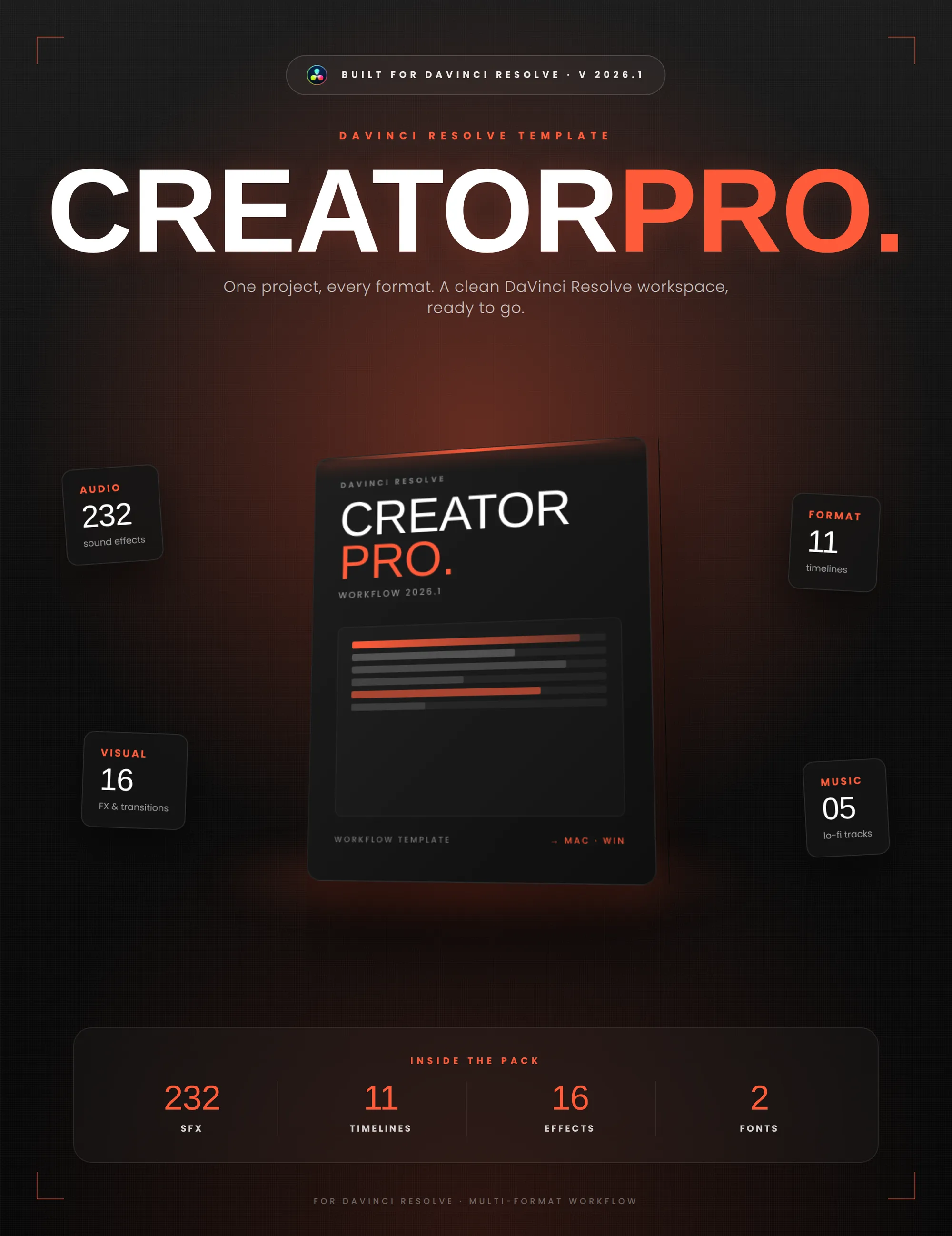
Two of my own tools sit in that category, and both still run normally on Resolve Free 21.1. VHS Nostalgia is an OpenFX plugin: Resolve loads the .ofx.bundle as a native effect and you drag it onto a clip from the Effects panel, with no script involved at any point. Creator Pro is a .drp project template, so bins, timelines, formats, sound effects and titles get imported once and then behave like any other project. Neither asks Resolve to execute code, and neither noticed the change.
A rule of thumb for the rest of your toolbox: if installing it meant dropping a file into the Scripts folder, 21.1 broke it on the free edition. If it meant a plugin bundle or a project import, it is untouched.
VHS Nostalgia
Real NTSC and PAL tape emulation as an OpenFX plugin. Loads as a native effect, so the 21.1 scripting change leaves it alone.
Creator Pro
A pre-organized Resolve workspace imported as a project: timelines, formats, sound effects and titles. No scripting anywhere in it.
The commercial reality for plugin developers
For anyone building workflow tools for DaVinci Resolve, 21.1 is a permanent change of ground.
A commercial plugin that relies on free-tier scripting is no longer viable. Most practical post-production plugins need three things: an interface for the editor to configure, disk access to import transcripts or export data, and process execution to reach an external machine learning model or utility. None of the three exists on Resolve Free 21.1. Lua remains available for headless timeline work, but without io, os.execute and UIManager there is no way to deliver an interactive, self-contained product to free users.
Two adaptations are left:
- Target Studio openly, with its full Python 3 environment, native Workflow Integrations and MCP tooling. The audience is smaller and made of professionals who already pay for their tools.
- Build a standalone desktop application that processes assets on its own and outputs exchange formats (
.edl,.xml,.drb,.srt) the editor imports by hand.
Where this leaves my own plugins
Two of my products are Python plugins, and both stopped loading on the free edition the day 21.1 shipped: Caption Pro and Time Ledger. The removal is a deliberate decision, not a bug, so there is no workaround for me to write. I would rather say that once than let anyone wait for a patch that is not coming.
So, plainly: Caption Pro is now supported on DaVinci Resolve Studio. It still runs on DaVinci Resolve Free 21.0.4 and earlier, and I am not going to break that on purpose. But Studio is the edition I test against, fix against, and build the next versions for. The same applies to Time Ledger. Both are on sale again, with the requirement stated on the product page next to the price: DaVinci Resolve Studio, any version, or DaVinci Resolve Free up to 21.0.4.
If you already own either one, nothing has been taken from you. Your licence does not expire, and the plugin behaves exactly as it did on Resolve Studio and on Resolve Free up to 21.0.4. Two options are open:
- Stay on, or return to, DaVinci Resolve Free 21.0.4. The plugin keeps working as it always did. The cost is that your Resolve stops moving: every release after 21.1 passes you by. And you inherit the database problem described above: a Project Library already opened in 21.1 will not reopen in 21.0.4, so this only works with a separate, backed-up library. Read that section again before you touch anything.
- Move to DaVinci Resolve Studio. Everything works, including what 21.1 added on the Studio side: twenty new scripting APIs, an interactive console, and the native MCP server. At $299 once, against the update history Blackmagic has put behind that license, it is a fair deal on its own terms. I say that as someone whose products the same decision just cost.
The quiet part
Blackmagic Design's position is commercially coherent, and worth saying plainly.
DaVinci Resolve Free still gives away editing, color grading and audio post-production that used to require a studio's budget, and a $299 perpetual license with a decade of free updates is among the most generous models in software. Expecting Blackmagic to leave open the avenues that undercut that license was never realistic.
The friction with 21.1 is not the decision. It is how quietly it arrived, and the fact that nobody had measured what survived it. Free-tier scripting inside DaVinci Resolve is over, and knowing exactly where the wall now stands is what lets everyone stop chasing phantom bugs.
Help me keep writing
If these articles are useful to you, have a look at what I make.
Creator Pro
The ultimate DaVinci Resolve workspace for creators
View plugin — €29.00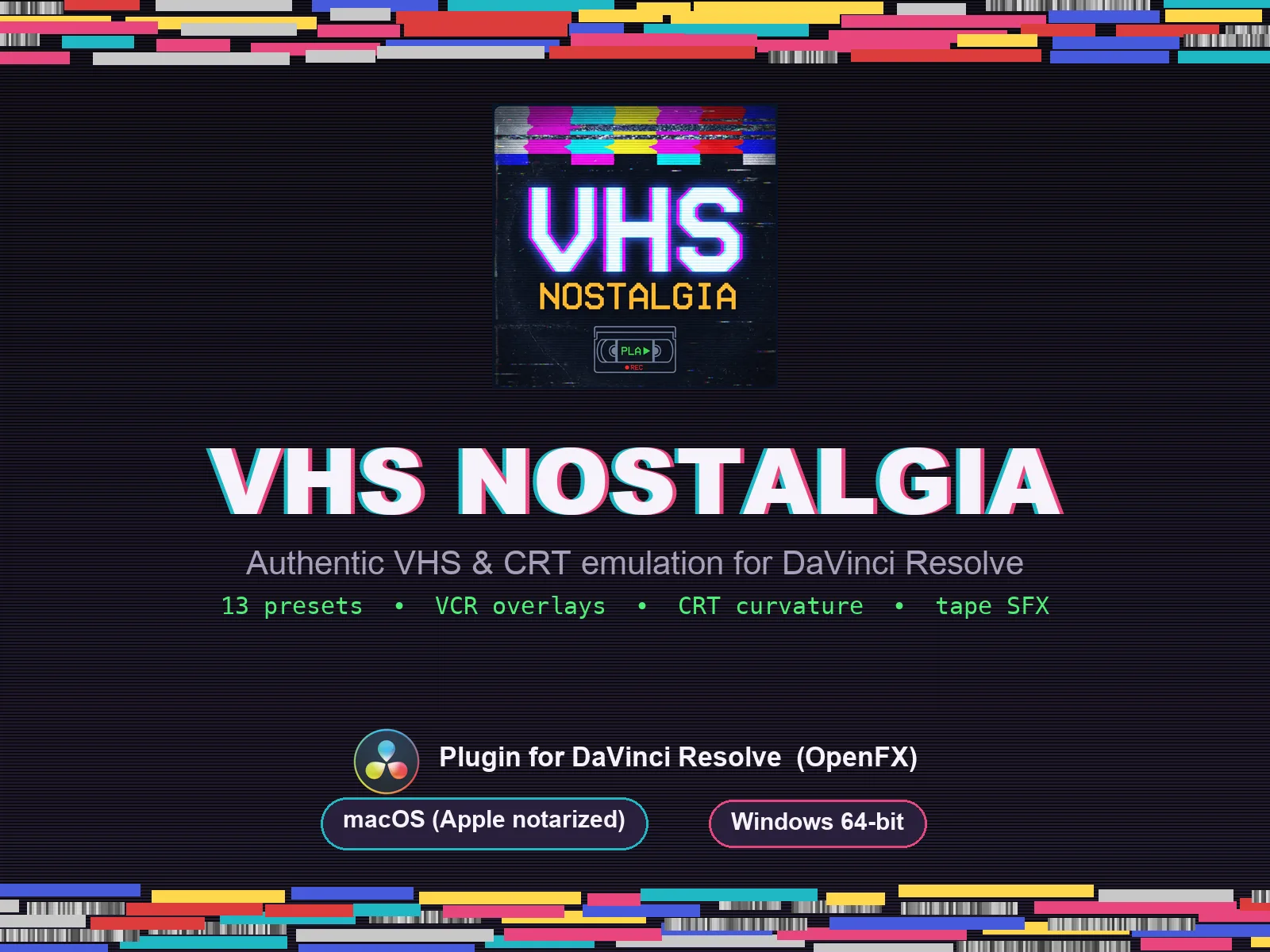
VHS Nostalgia
Real VHS & CRT emulation for DaVinci Resolve
View plugin — €49.00
Caption Pro
Automatic word-by-word captions and translation for DaVinci Resolve
View plugin — €49.00
Get the zine
"Absorbed by the algorithm Vol. 1": 33 images shot in Paris, 28 pages, shipped worldwide.