Best Paper for Printing Photo Zines at Home (GSM, Matte vs Luster)
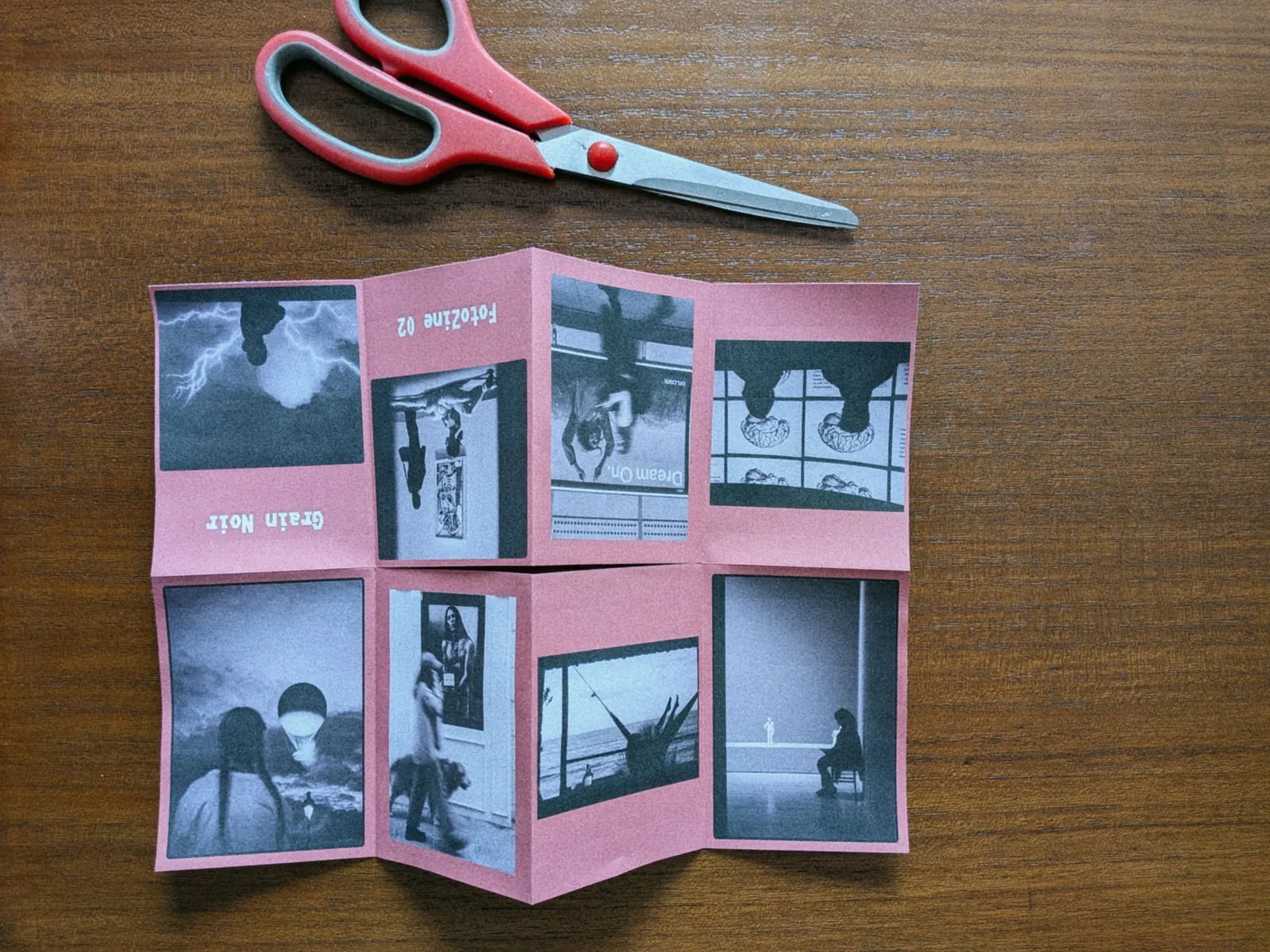
You have curated your sequence, designed your pages, and set up your layout. But when you hit print at home, the physical result often catches creators off-guard: dark shadows bleed through the opposite page, the paper feels like a flimsy office memo, or worse, the spine cracks and tears the moment you fold it in half.
Choosing the right paper is what separates a disposable photocopy from a tangible, tactile art object you are proud to hand to a stranger.
Having printed dozens of dummy books, exhibition handouts, and one-sheet photo zines, I have tested everything from cheap standard 80 GSM copy sheets to heavy fine-art rag papers. Here is what actually works when printing photo zines at home on a desktop printer.
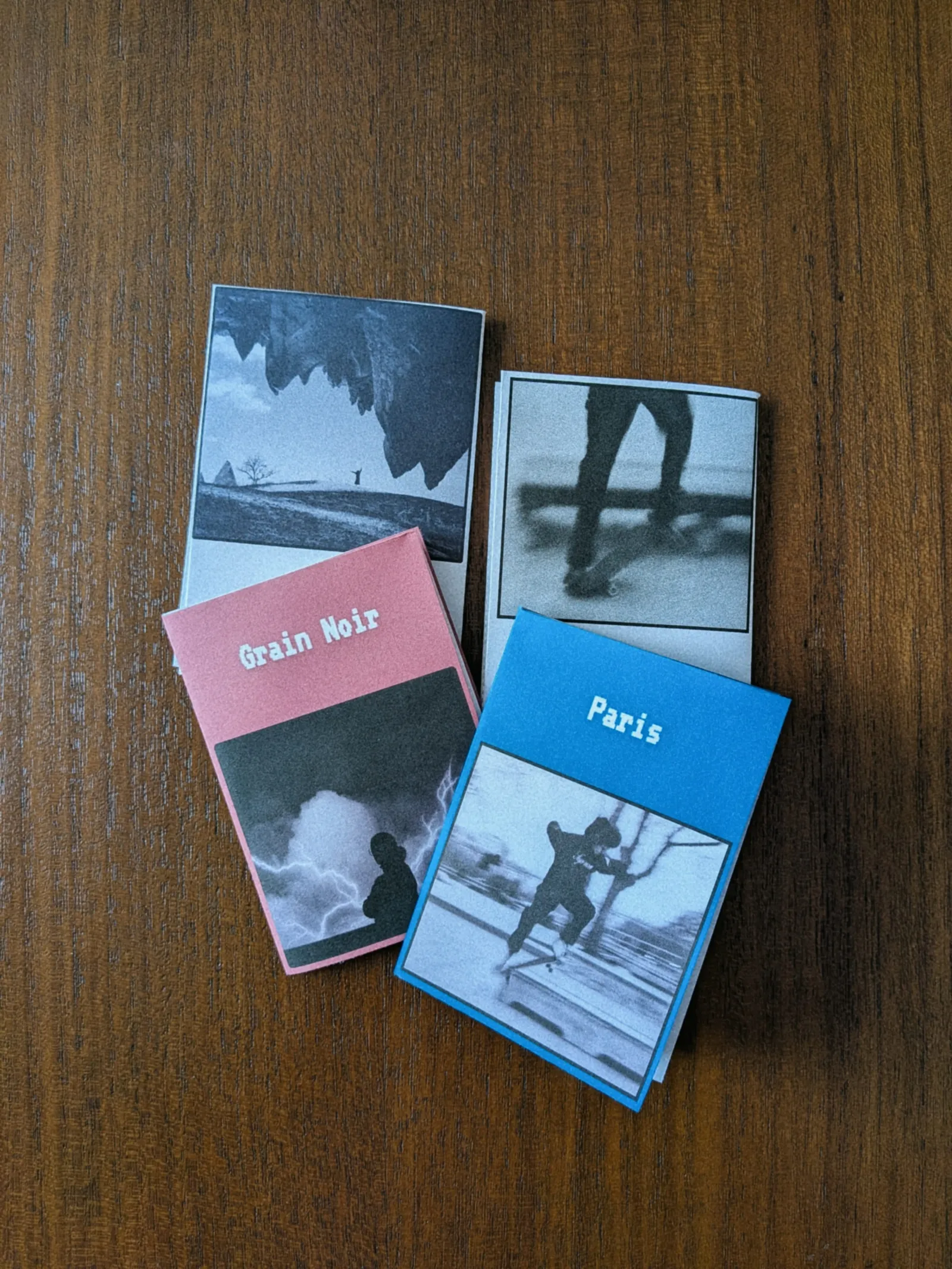
1. Paper Weight (GSM): Why Heavier Isn't Always Better
Paper thickness and weight are measured in GSM (Grams per Square Meter). In fine art printing, photographers are conditioned to believe that heavier is always better — 300+ GSM cotton rag is standard for gallery prints.
In zine making, however, heavy paper is your worst enemy. When you fold a multi-page booklet or a classic 8-page single-sheet zine, thick paper resists the crease, creates bulky spines, and cracks the paper fibers along the fold line.
Here is the practical breakdown for desktop zine printing:
| Paper Weight (GSM) | Feel & Handling | Best Use Case | Risk / Drawbacks | | --- | --- | --- | --- | | 80 – 90 GSM | Standard office copy paper | Quick test mockups only | Severe ink bleed-through, paper buckles when wet | | 120 – 140 GSM | Sturdy yet flexible, smooth turning | Multi-page bound zines (interior pages) | None; perfect balance of opacity and foldability | | 160 – 190 GSM | Premium presentation weight, opaque | One-sheet A4 zines & booklet covers | Requires clean scoring before folding | | 230 – 300+ GSM | Cardstock / Fine art print weight | Art prints, postcard inserts | Too thick to fold; spine cracks immediately |
The Golden Sweet Spot
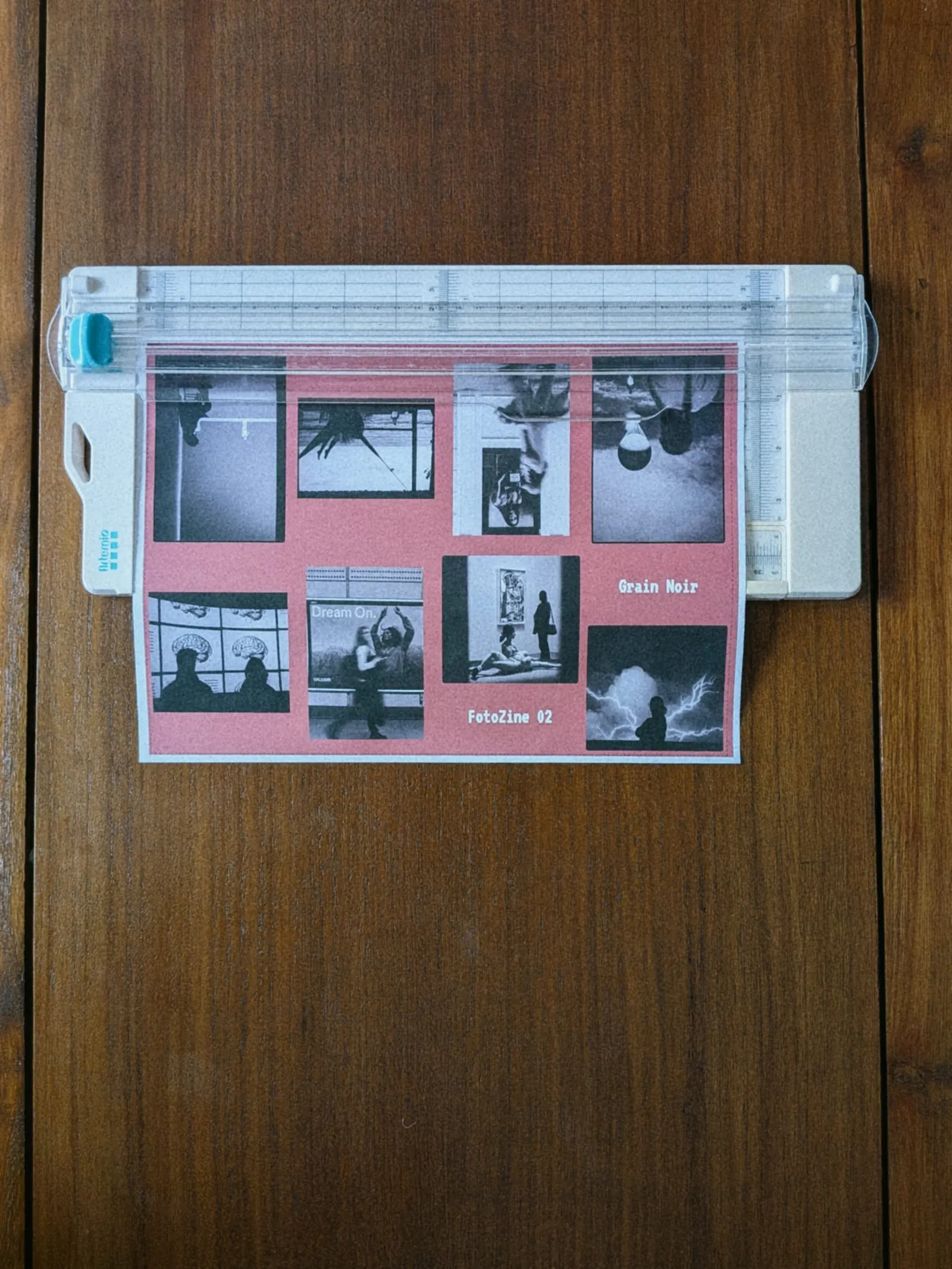
- For an 8-page one-sheet zine (folded three times from a single A4 sheet): 160 GSM to 180 GSM is perfection. It is thick enough that you cannot see the reverse images through the sheet, but supple enough to fold into a tight, neat booklet without springing open.
- For a stapled (saddle-stitched) multi-page zine: use 120 – 130 GSM for the interior pages, and a 200 – 240 GSM cardstock for the outer cover.
[!TIP] If you are building an 8-page booklet from a single A4 sheet, you don't need to manually calculate page margins or upside-down orientations. You can lay it out in seconds using FotoZine Lab, my free in-browser zine generator.
2. Finish: Matte, Luster, or Glossy?
The surface texture of your paper determines how light reflects off your photos and how the booklet feels in someone's hands.
Matte Paper (The Unanimous Winner for Zines)
For 95% of photo zines, double-sided matte presentation paper is the best choice:
- No Fingerprints: Zines are meant to be handled, flicked through, and passed around. Glossy surfaces attract smudges within five seconds.
- Readable Under Any Light: Matte eliminates distracting ambient reflections, allowing the viewer to focus on your composition and tonality.
- Artistic Feel: Matte gives images an editorial, literary quality that suits documentary, street, and film photography aesthetics.
Semi-Gloss / Luster / Pearl
If your work relies heavily on deep, punchy blacks (Dmax) or vibrant saturated color palettes that matte slightly softens, a luster or satin finish can work well. However, ensure you purchase double-sided luster paper; most photo papers sold in retail stores are coated on one side only.
Why You Should Avoid High Gloss
Standard glossy photo paper feels sticky when pages rest against each other. Furthermore, when you fold high-gloss paper, the plastic-like emulsion coating tends to chip along the fold line, leaving ugly white fissures across your images.
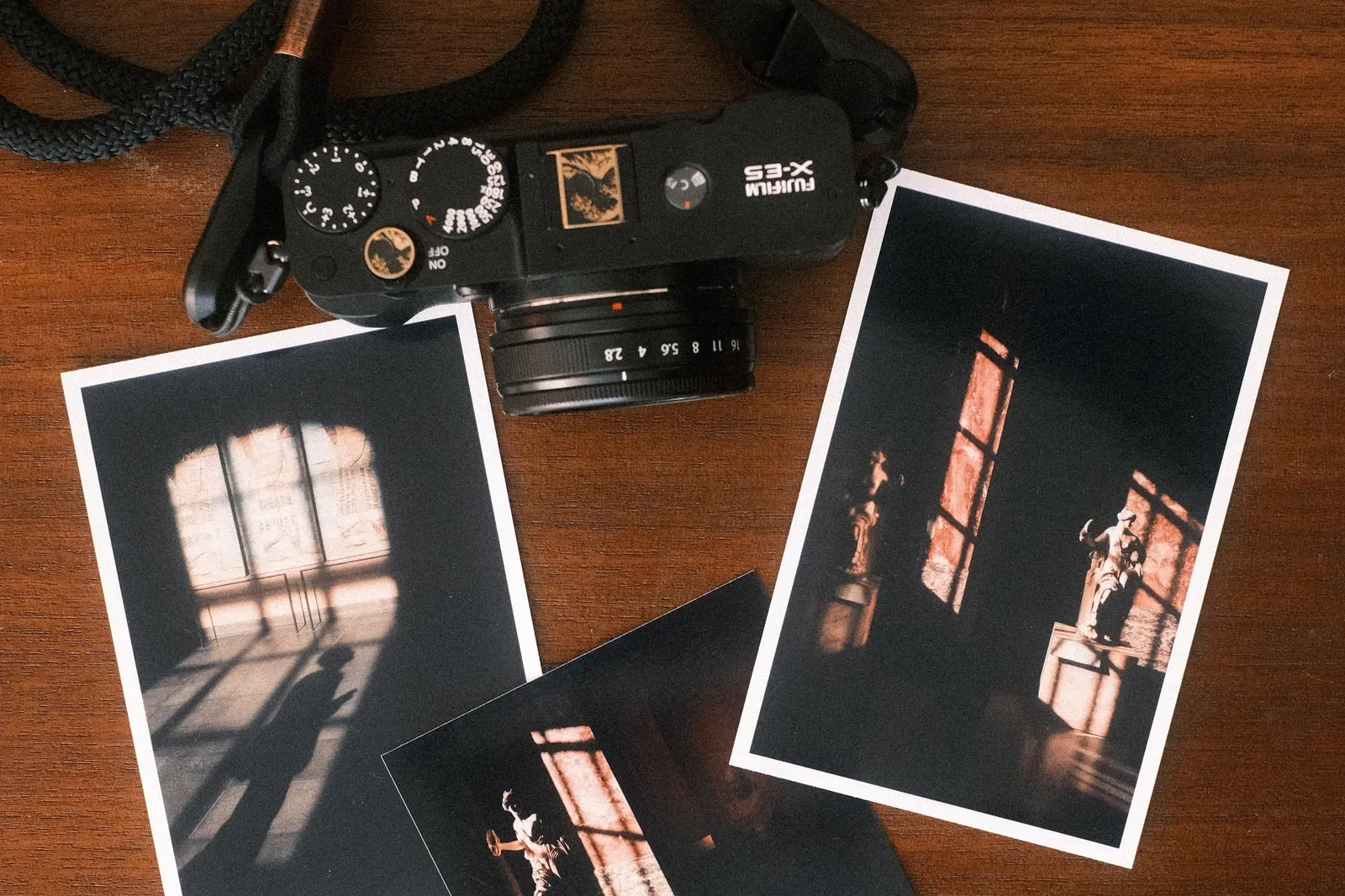
3. Recommended Papers You Can Buy Anywhere
You do not need an industrial printing press to make gorgeous zines. High-quality double-sided presentation papers are readily available online:
- Epson Matte Heavyweight (167 GSM): The undisputed workhorse for DIY zine makers. Outstanding ink absorption, minimal bleed, sharp contrast, and easy folding.
- Canson Infinity PhotoSatin / Matte (180 GSM): A step up into archival territory. Exceptional dynamic range and beautiful tactile feel.
- Marrutt Double-Sided Matte (180 GSM): Specially formulated for inkjet bookmakers with high opacity and zero curl.
What About Dye-Sublimation Printers?
If you own a compact home photo printer like the Canon Selphy CP1500, you know that dye-sublimation produces incredible color accuracy and water-resistant prints. However, Selphy postcards are too thick and coated on the back, making them unsuitable for folding. Where they shine in zine making is as limited-edition inserts: slipping an authentic 4x6 print inside your folded zine immediately elevates perceived value.
4. Pro Tips for Folding Without Cracking
Even with the best paper, folding a printed sheet against the grain can break the surface fibers. Here is how to achieve clean, crisp folds every time:
- Let the Ink Dry Completely: Inkjet prints might feel dry to the touch immediately, but the solvents need at least 30 to 60 minutes to gas out. Folding damp paper causes ink flaking.
- Score Before You Fold: Never fold heavy paper (160+ GSM) by hand directly. Place a ruler along the fold line and gently score it with a bone folder, an empty ballpoint pen, or the back of a butter knife. This compresses the fibers and guarantees a laser-straight fold.
- Mind the Grain Direction: Paper has a natural grain direction from manufacturing. Paper folds cleanly with the grain and resists against it. If a test fold feels stiff or rough, try rotating your sheet orientation.
Start Small and Experiment
Printing your photography transforms how you evaluate your own work. When you see your photos as physical spreads rather than ephemeral social media pixels, you become a better editor and a more intentional storyteller.
If you are ready to make your first physical publication, grab a pack of 160 GSM double-sided matte paper, follow our step-by-step one-sheet zine tutorial, and let FotoZine Lab handle the layout imposition for you.
Help me keep writing
If these articles are useful to you, have a look at what I make.
Creator Pro
The ultimate DaVinci Resolve workspace for creators
View plugin — €29.00
VHS Nostalgia
Real VHS & CRT emulation for DaVinci Resolve
View plugin — €49.00
Caption Pro
Automatic word-by-word captions and translation for DaVinci Resolve
View plugin — €49.00
Get the zine
"Absorbed by the algorithm Vol. 1": 33 images shot in Paris, 28 pages, shipped worldwide.