How to Make a One-Sheet Photo Zine (Free 8-Page Template & Maker)
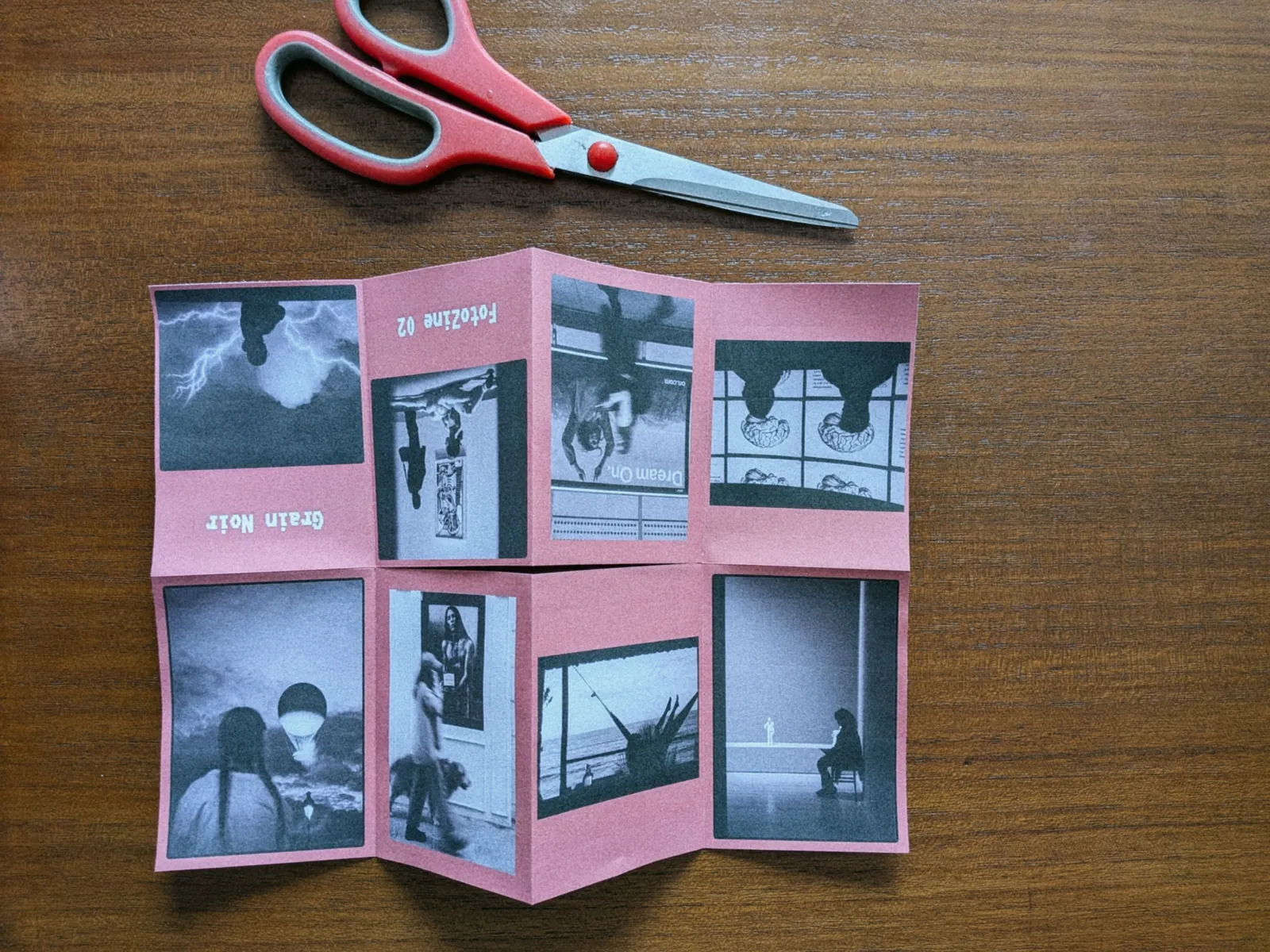
I already wrote many times about the importance of printing and holding your own photography in your hands. In an era where thousands of images live exclusively on hard drives and social media feeds, printing your work gives it weight, context, and permanence.
One of the best ways to share a cohesive project is by creating a photo zine : a small, self-published booklet. But if you've ever tried to make one, you know the process can be frustrating. Figuring out page imposition (which page needs to be printed upside down to fold correctly) usually requires complex and expensive desktop publishing software like InDesign.
As someone who shoots a lot of finished JPEGs and builds browser-based image tools like Halation Lab and Whiteborder Lab, I wanted a frictionless way to bridge the gap between a digital folder and a physical print. I didn't want to spend an hour fighting with layout templates just to print a weekend project.
That is why I created FotoZine Lab, a completely free photo zine maker that turns your favorite images into a ready-to-fold 8-page booklet in minutes.
[!TIP] Want to skip the layout math? Open FotoZine Lab directly in your browser: drop in 8 photos, customize your cover title, and export a print-ready landscape A4 PDF with folding guides in 60 seconds — free and private, no account needed.
What is a one-sheet zine?
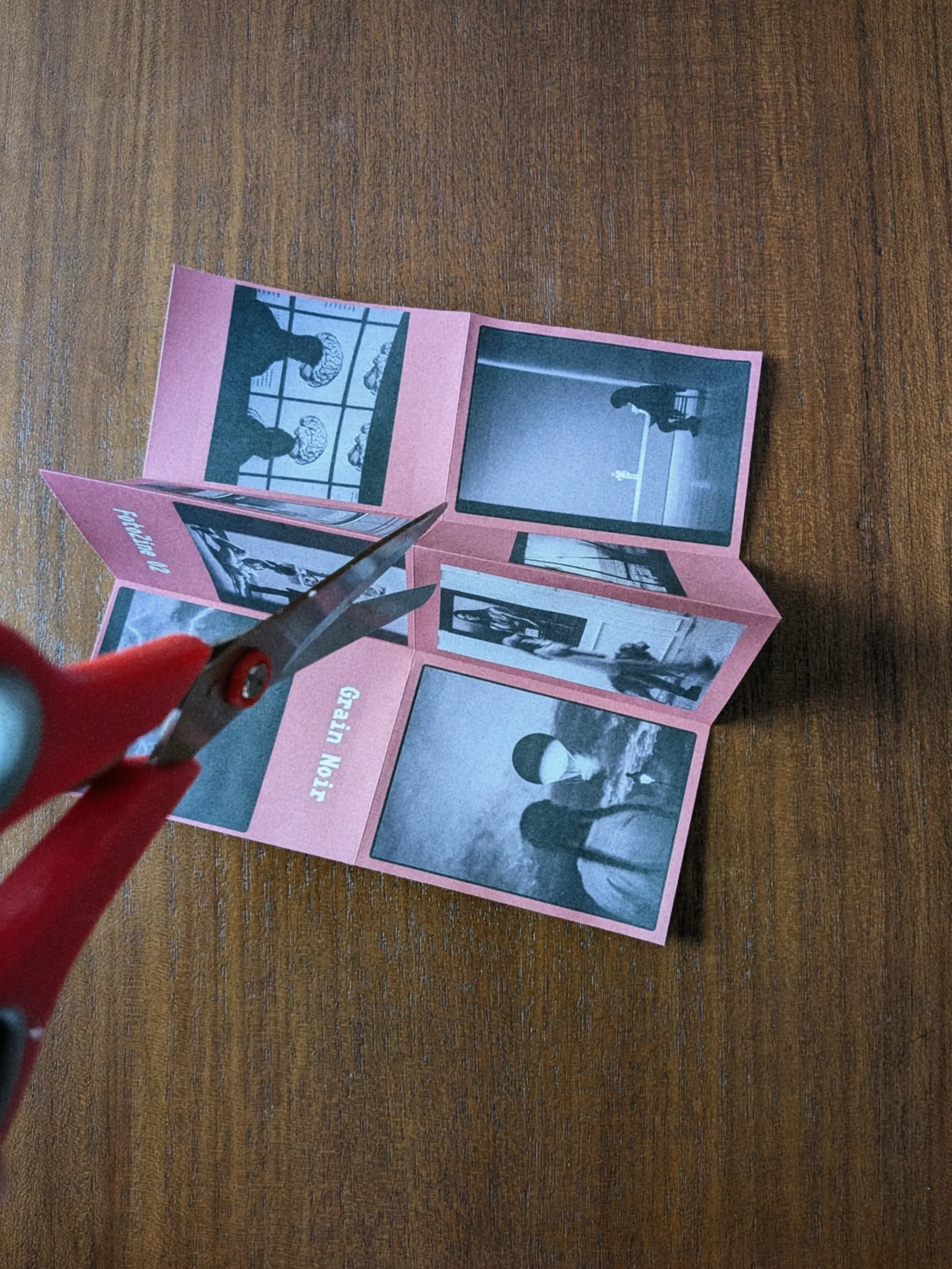
The one-sheet zine is a classic DIY publishing format. By taking a standard piece of paper (like an A4 sheet), making three specific folds, and cutting a single slit down the middle, the flat sheet magically transforms into a seamless 8-page booklet.
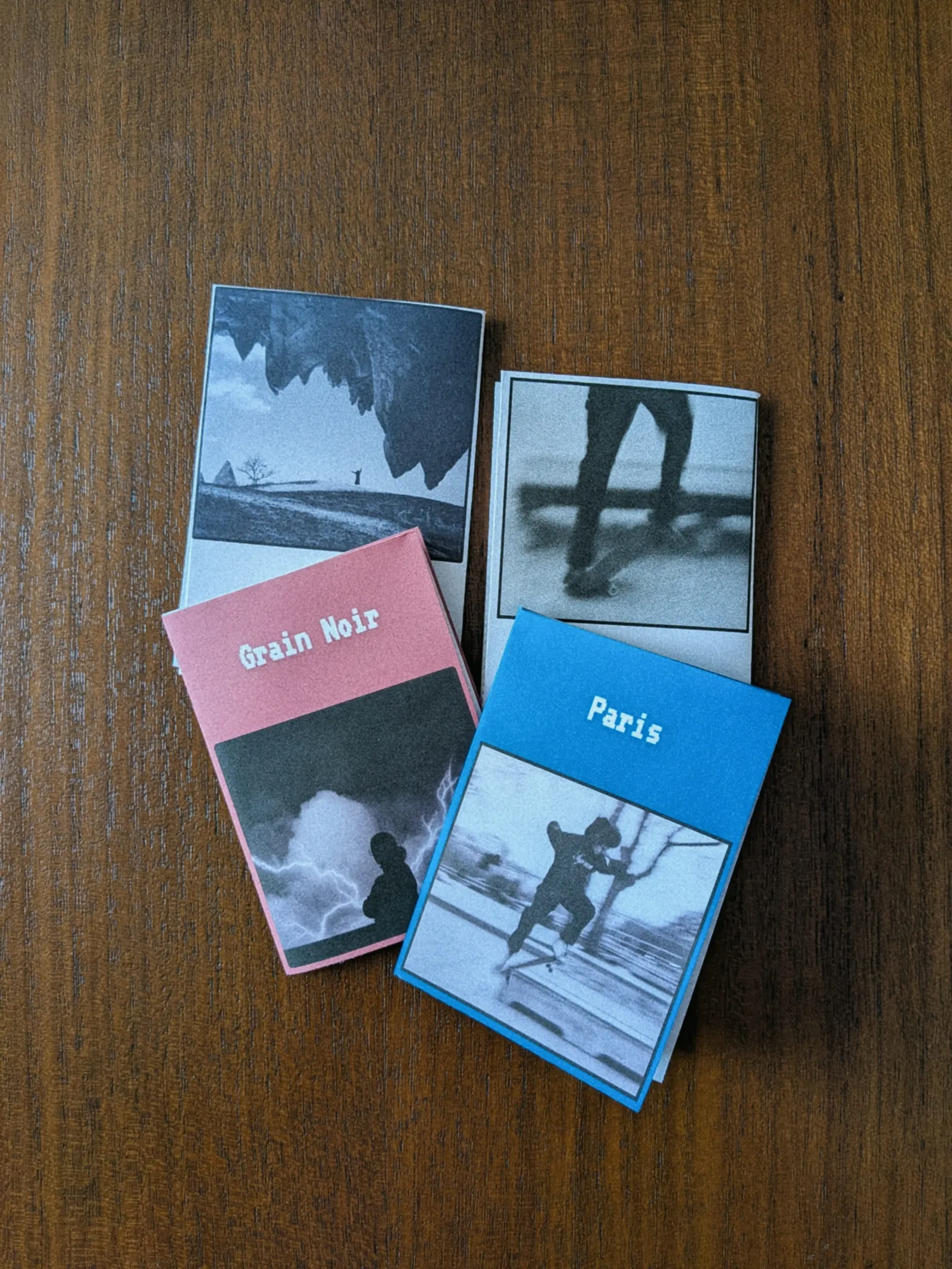
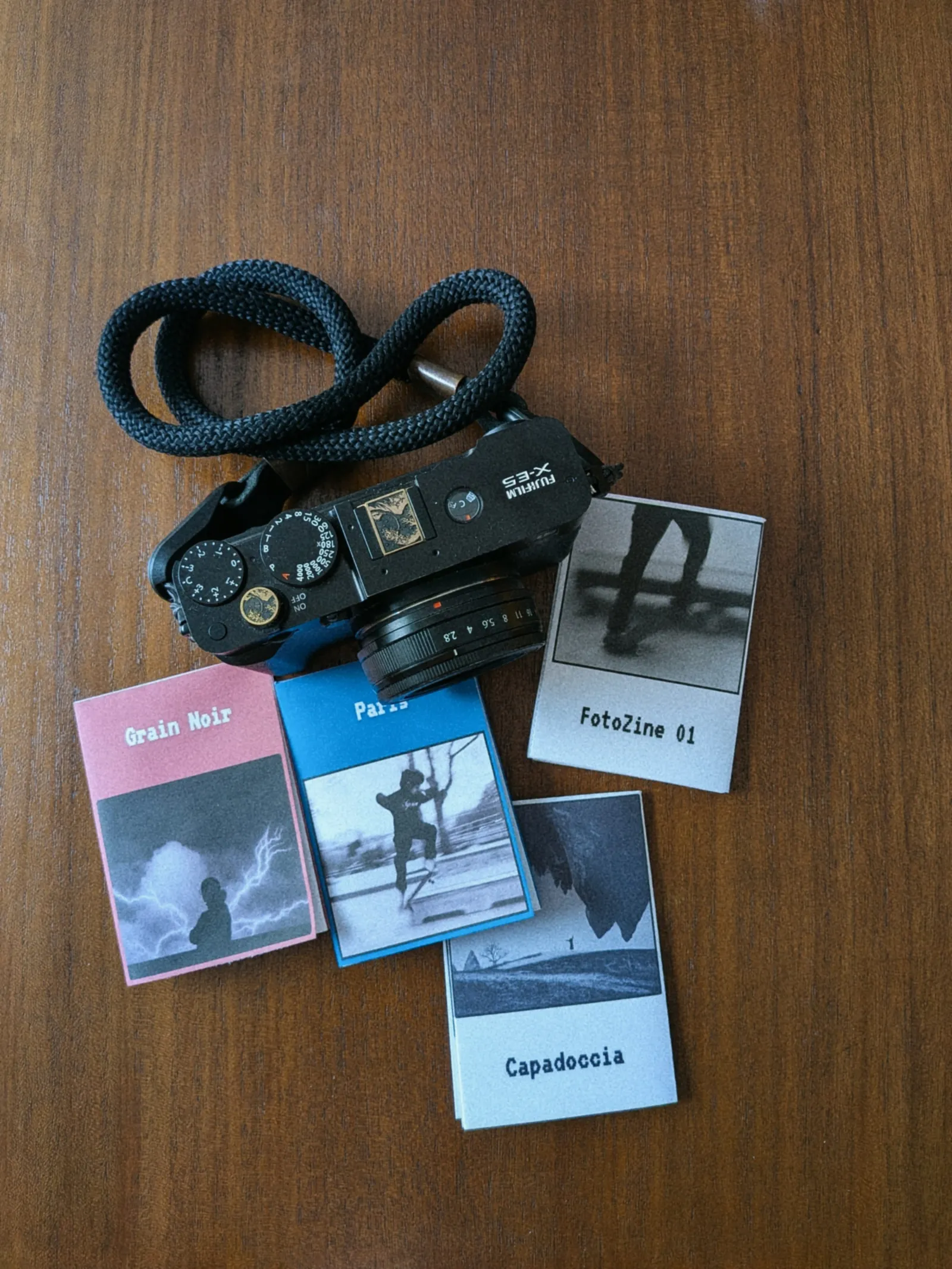
It is the perfect format for photographers. You can print them at home for pennies, hand them out at exhibitions, gift them to friends, or simply keep a tangible diary of your travels or street photography walks.
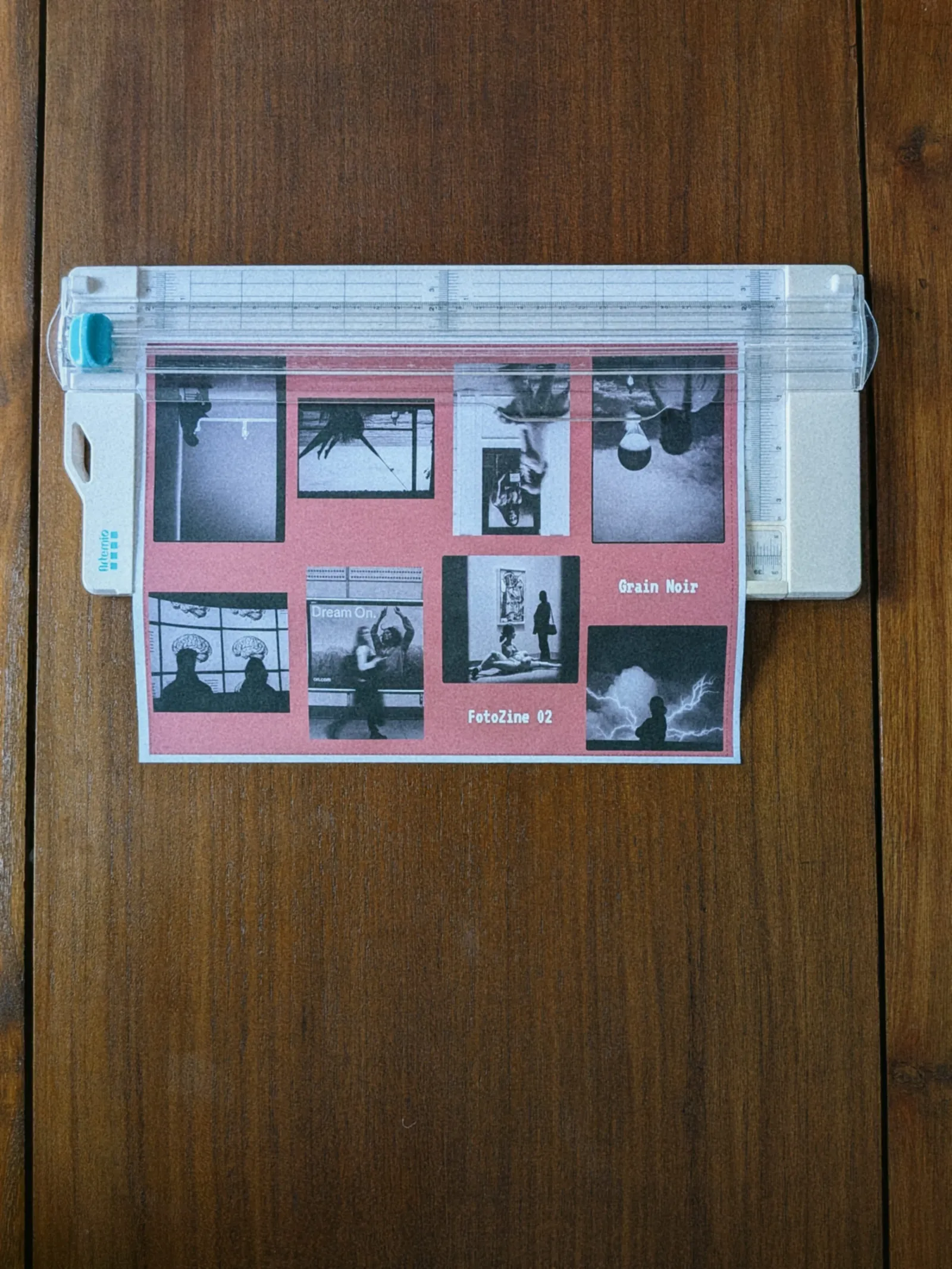
The only challenge is the layout. On the flat sheet, pages 1, 2, 3, and 4 are right-side up, while pages 5, 6, 7, and 8 must be upside down and placed in a seemingly random order to read correctly once folded. FotoZine Lab handles all of this layout math for you automatically.
How to use FotoZine Lab
FotoZine Lab is designed to go from screen to paper as quickly as possible, without any design experience required.
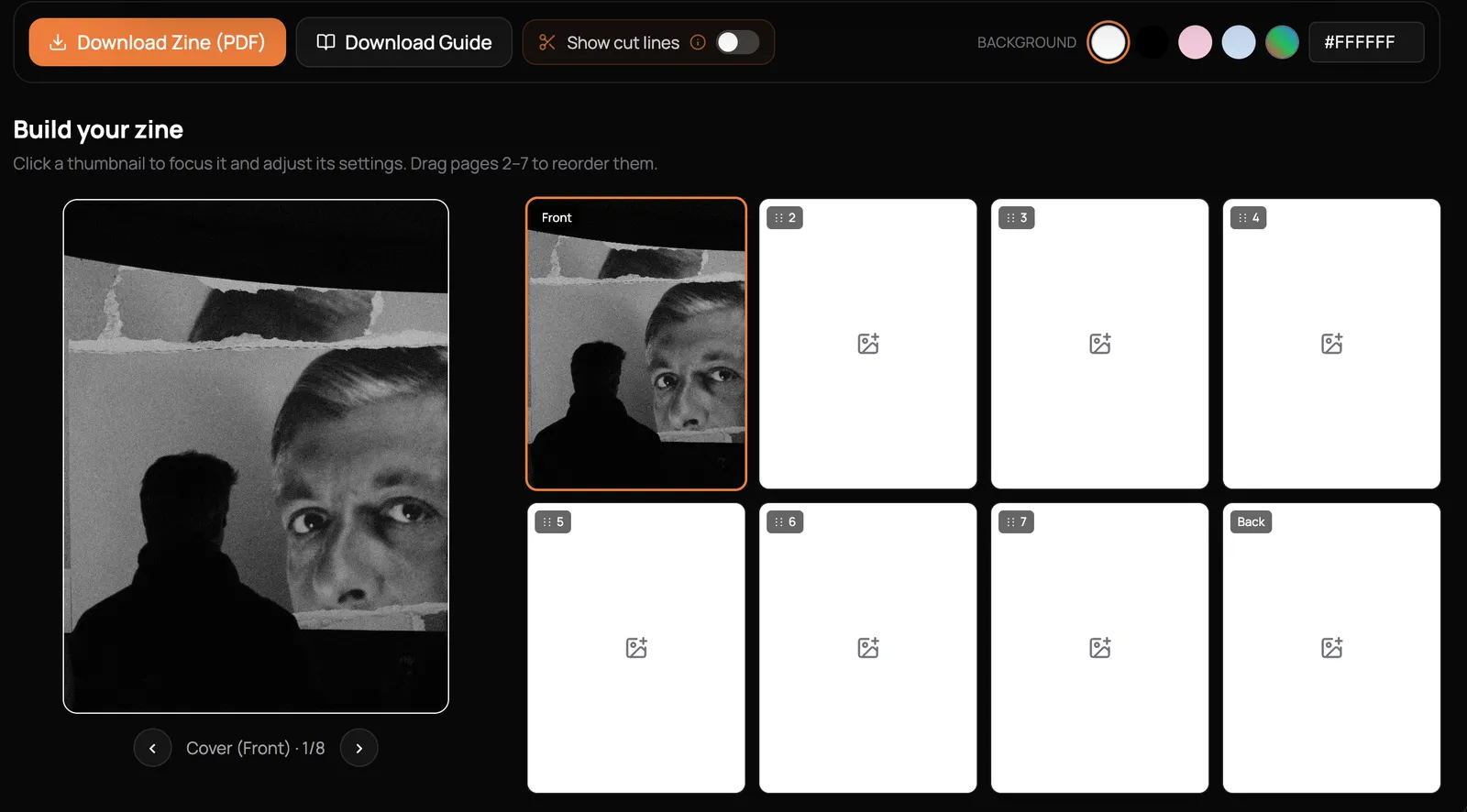
01. Upload your photos
The tool operates entirely in your web browser. You simply add one image per page. You can adjust the image fit, add padding to create borders, and even apply rounded corners to your photos to match your aesthetic.
02. Arrange and customize
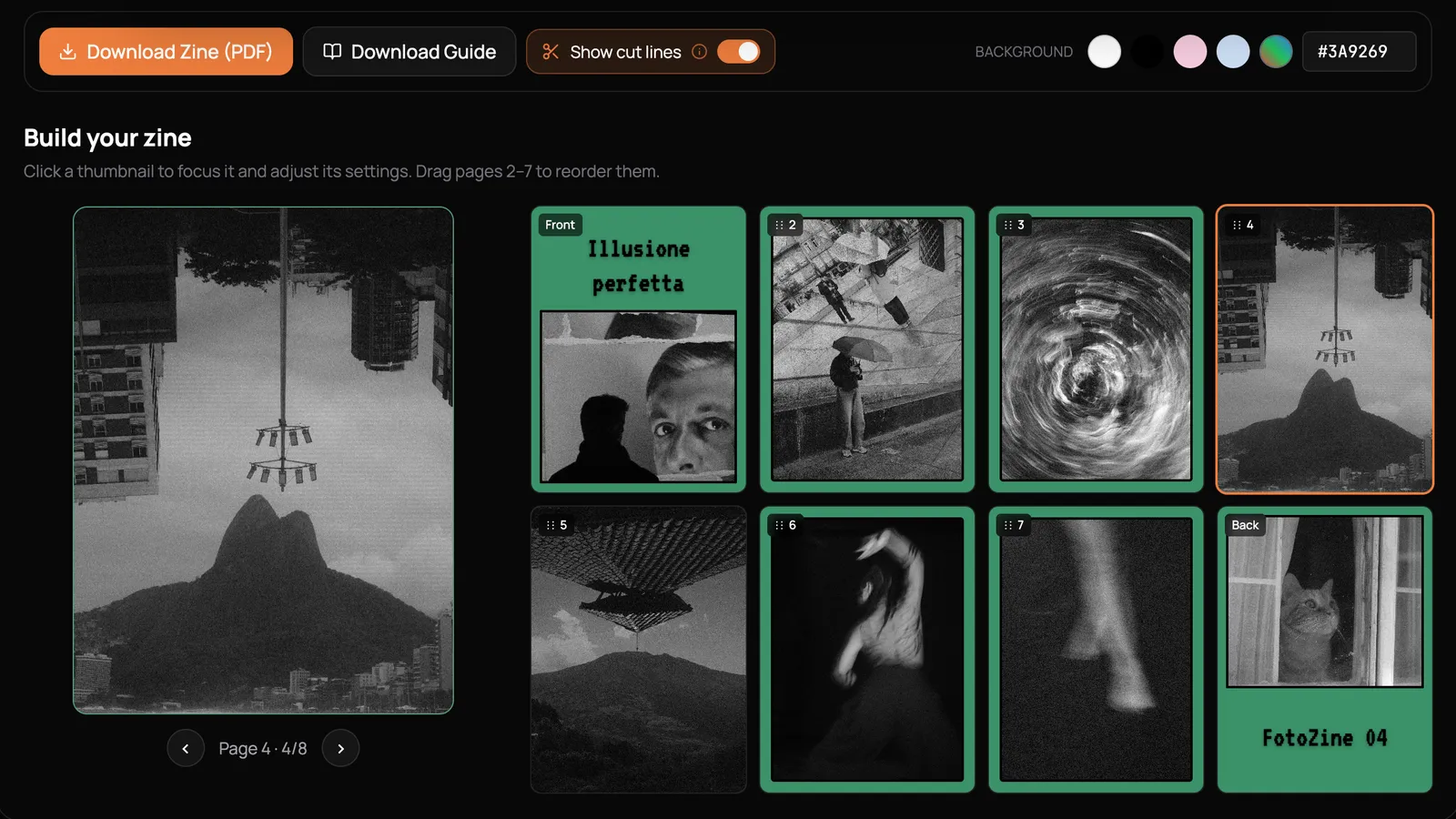
Unlike static templates, FotoZine Lab features a drag-and-drop interface. You can drag pages 2 through 7 in the sidebar to reorder your sequence until the visual flow feels right. The cover (Page 1) and back cover (Page 8) remain fixed to keep the structure intact. You can also pick a custom background color for the entire zine.
03. Design the cover typography
A good zine needs a good title. You can add custom text to both the front and back covers. The tool includes 8 expressive fonts, ranging from classic typewriter and serif to pixel, marker, and glitch styles. You have full freedom to adjust the size, color, and position of the typography.
04. Print and fold
Once you are happy with the layout, hit download. The tool exports a high-resolution, print-ready PDF designed exactly for landscape A4 printing. You will also find a "Download Folding Guide" button that provides simple, step-by-step instructions on how to make the final folds and the single central cut.
When printing a mini-zine on a standard home printer, you must cut off the bleed lines because normal printers cannot print all the way to the very edge of the paper, leaving an unprinted white border instead. If you don't trim these bleed areas, the white margins will misalign your layout and ruin the seamless, edge-to-edge look of your zine's pages when folded. Don't worry, FotoZine lab has a "Show cut lines" option that you can activate before exporting the final PDF.
100% free and private
When building tools for photographers, privacy is always a priority. FotoZine Lab is built so that all image processing happens locally in your web browser.
Your high-resolution photos are never uploaded to a cloud server, and there are no databases storing your work. The final PDF is generated right on your device.
There are no accounts to create, no watermarks stamped on your final design, and no limits on the number of zines you can export. It is a completely free tool designed to get your work off your screen and into the real world.
Start publishing
FotoZine Lab is 100% free. There are no paywalls, no watermarks, no accounts to create, and no limits on how many zines you can export.
Stop letting your favorite photos gather digital dust.
Try FotoZine Lab and print your first photo zine today.
Help me keep writing
If these articles are useful to you, have a look at what I make.
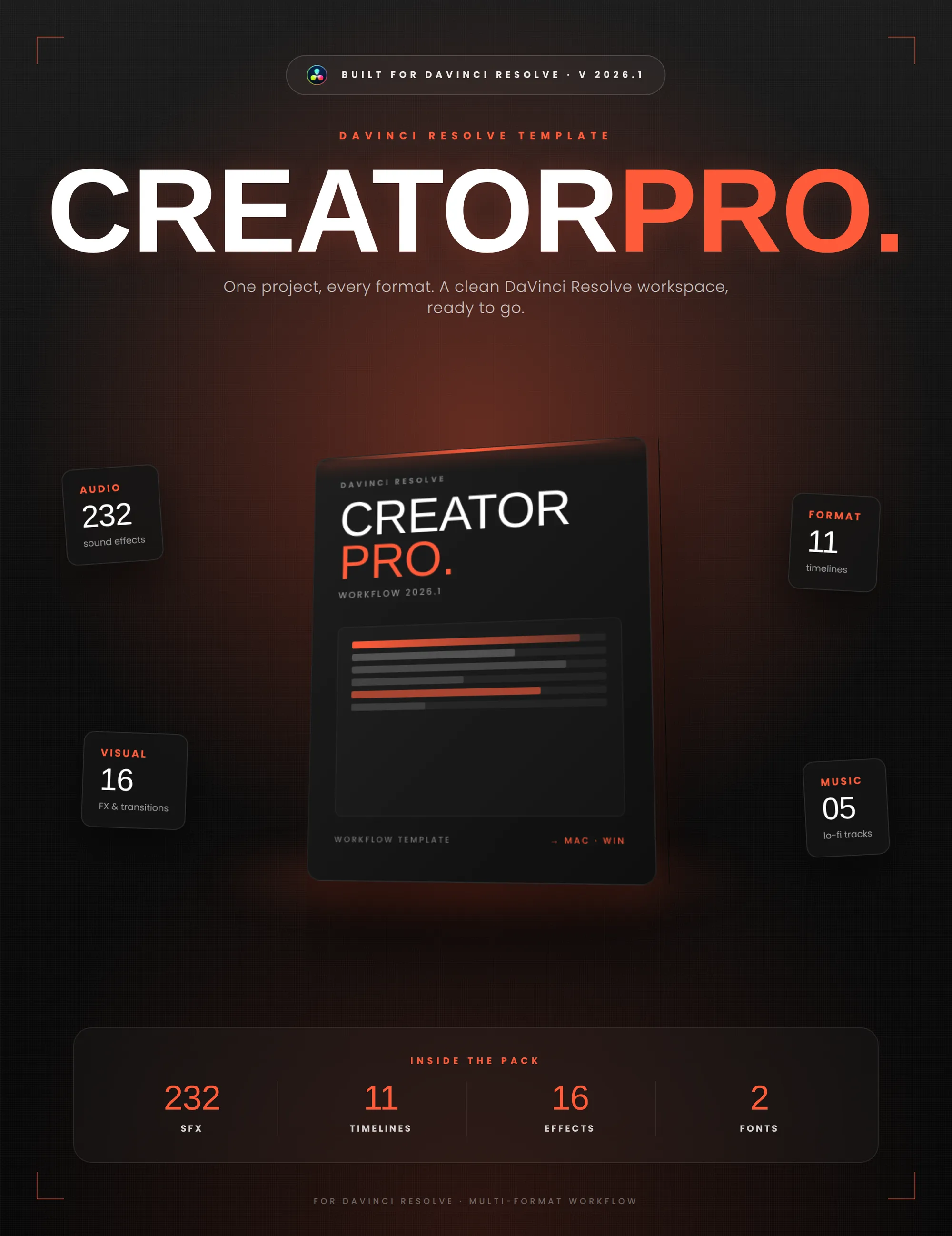
Creator Pro
The ultimate DaVinci Resolve workspace for creators
View plugin — €29.00
VHS Nostalgia
Real VHS & CRT emulation for DaVinci Resolve
View plugin — €49.00
Caption Pro
Automatic word-by-word captions and translation for DaVinci Resolve
View plugin — €49.00
Get the zine
"Absorbed by the algorithm Vol. 1": 33 images shot in Paris, 28 pages, shipped worldwide.