How to Get Automatic Word-by-Word Captions and Translation in DaVinci Resolve
If you edit for YouTube, create online courses, or cut social media clips, you already know that captions are no longer optional. But if you've ever tried to manually sync word-by-word text or translate a timeline into another language, you also know it is one of the most tedious parts of post-production.
DaVinci Resolve has made great strides with its built-in subtitle tools, but they still leave a gap for modern creators. Native tools generate standard line-by-line subtitles, but they don't automatically create those engaging, dynamic word-by-word styles you see everywhere online. Furthermore, getting an instant translation right on your timeline isn't natively supported.
As an editor who regularly builds custom templates and plugins to speed up my own workflow, I needed a solution that handled the entire captioning and localization process without forcing me to leave my timeline or pay a monthly subscription.
Here is exactly how you can get automatic captions and translate them seamlessly inside DaVinci Resolve.
The problem with traditional subtitle workflows
When looking for how to get automatic captions in DaVinci Resolve, most editors run into a few common roadblocks:
- Manual Keyframing: Creating a "karaoke" style where each word highlights as it is spoken usually requires manual keyframing or tedious copy-pasting in the Inspector.
- Third-Party Web Apps: Many editors export their video, upload it to a cloud-based captioning service, pay a per-minute fee, and download an
.srtfile. - The Studio Version Paywall: Some of Resolve's more advanced native audio transcription features require a DaVinci Resolve Studio license.
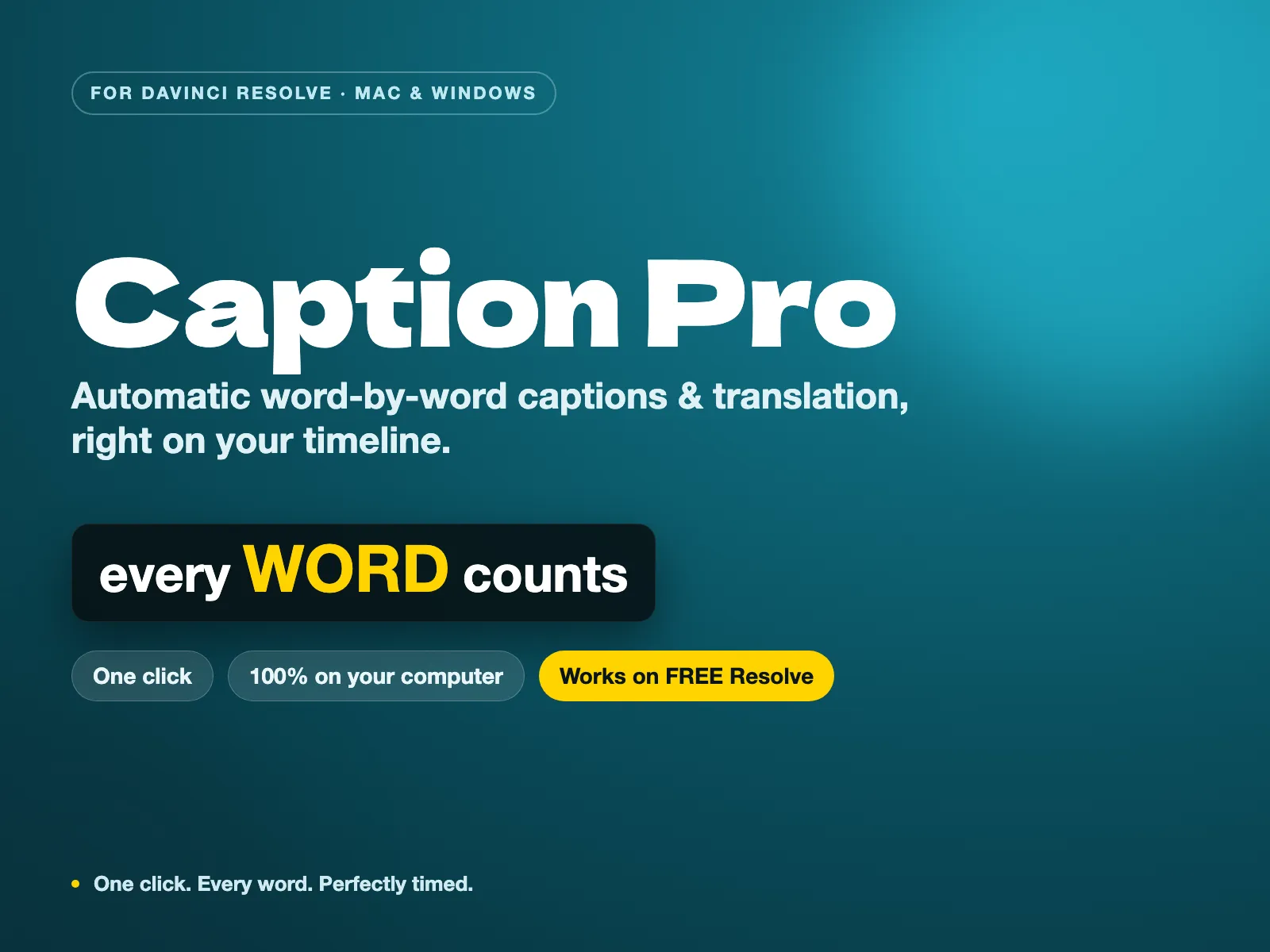
To fix this, I built Caption Pro, a tool that handles transcription, word-by-word, and translation in a single click, directly on your timeline. And crucially, it works on the free version of DaVinci Resolve.
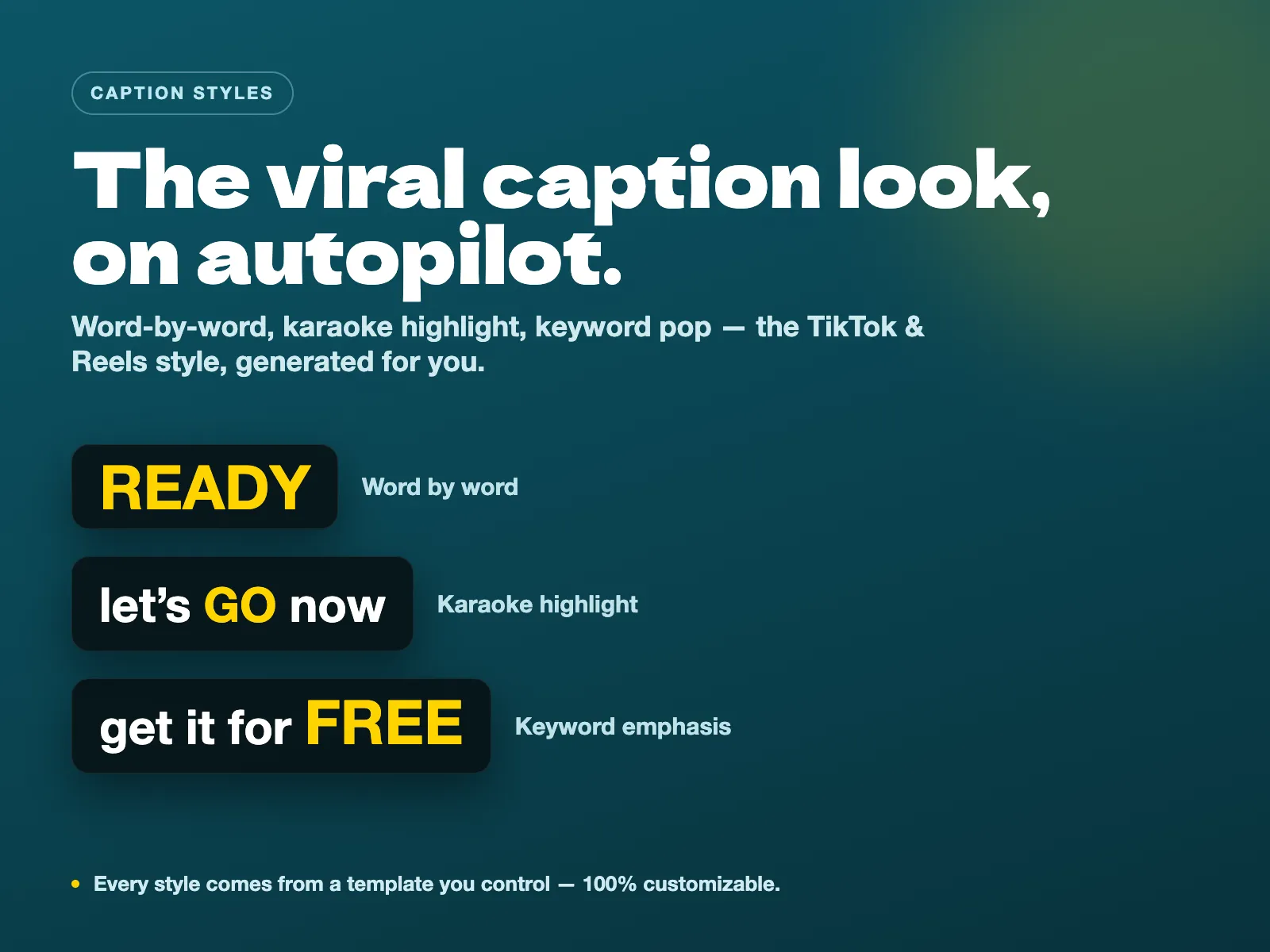
How to get automatic captions in DaVinci Resolve
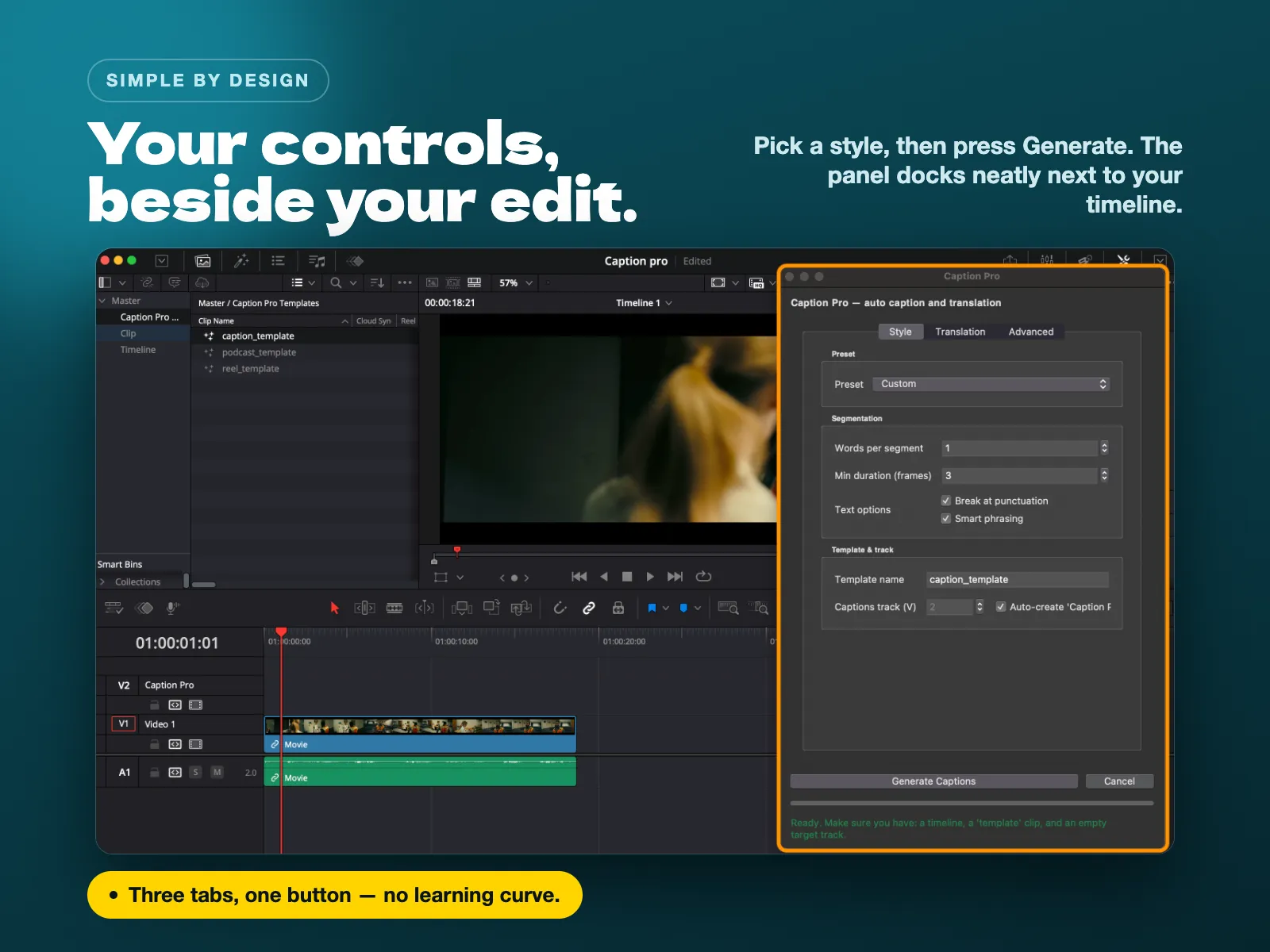
Caption Pro replaces the manual grind with a streamlined, three-step automated engine powered by Whisper AI. You drop your clip in, pick a style, and the tool times every word perfectly.
Instead of basic subtitles, Caption Pro generates Text+ layers using three distinct, highly engaging styles:
- Karaoke: Each word lights up exactly when it is spoken, keeping the viewer's eye anchored to the audio.
- Cumulative: Words build up progressively on the screen rather than cutting abruptly line by line.
- Word by Word: The classic, high-energy one-word-at-a-time style favored by social media clippers.
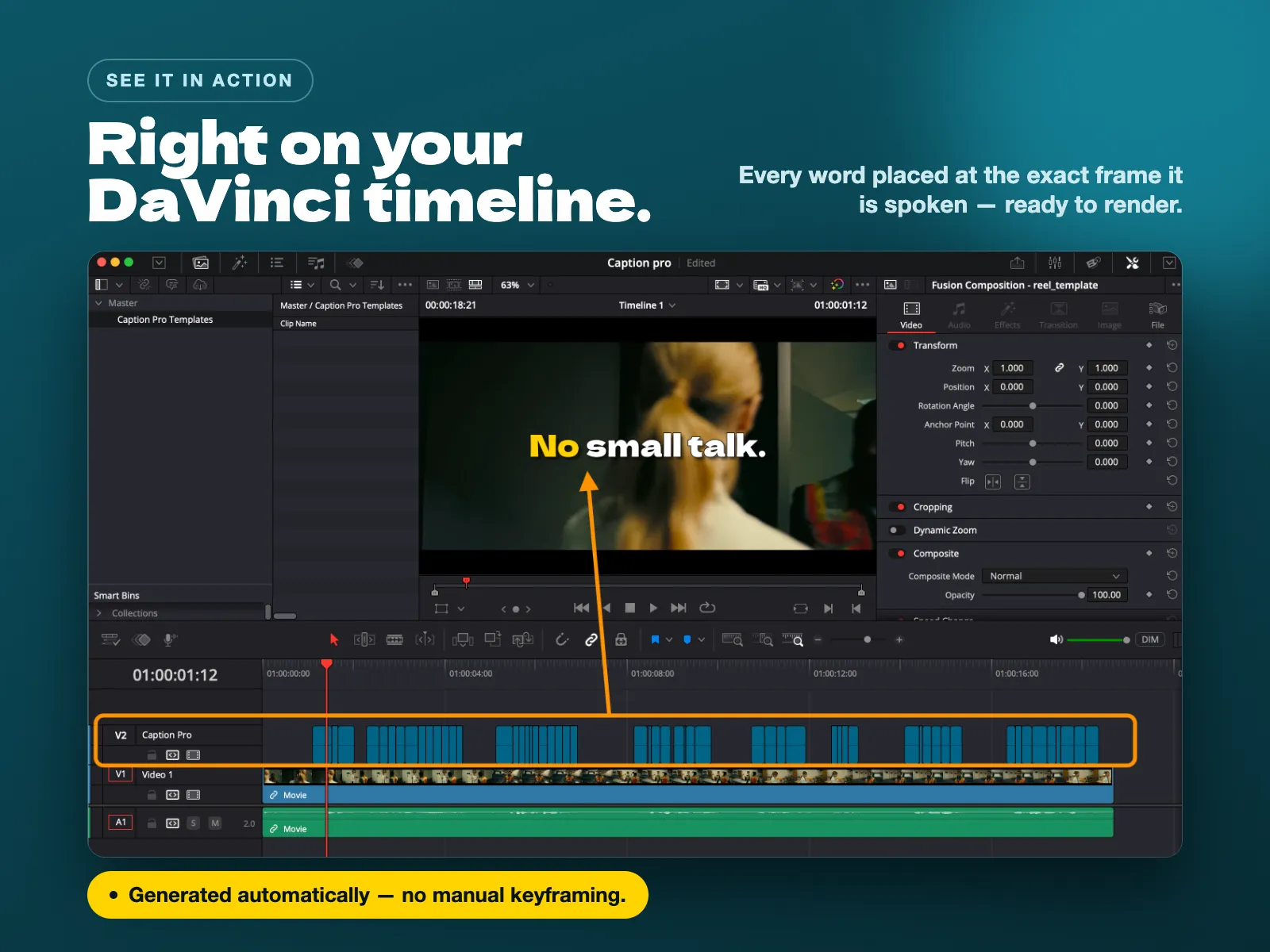
Because it connects directly to Text+ nodes, you retain full creative control. You can customize the built-in presets (changing fonts, colors, and sizes) or plug the engine into custom text templates you already own. It also features smart line breaks that respect natural sentence structure, so your captions actually read well.
How to translate automatically in DaVinci Resolve
If you want to reach a global audience, translating your content is the highest-leverage move you can make. But finding out how to translate automatically in DaVinci Resolve usually leads to complicated workarounds involving exporting audio, running it through Google Translate, and trying to re-sync the timing.
Caption Pro handles this natively.
The tool features automatic language detection from your source audio track. From there, you can translate your captions into more than 100 languages on the fly. The transcription and translation happen in sequence, and the newly translated text drops right onto your timeline with the exact same word-by-word timing as your original edit.
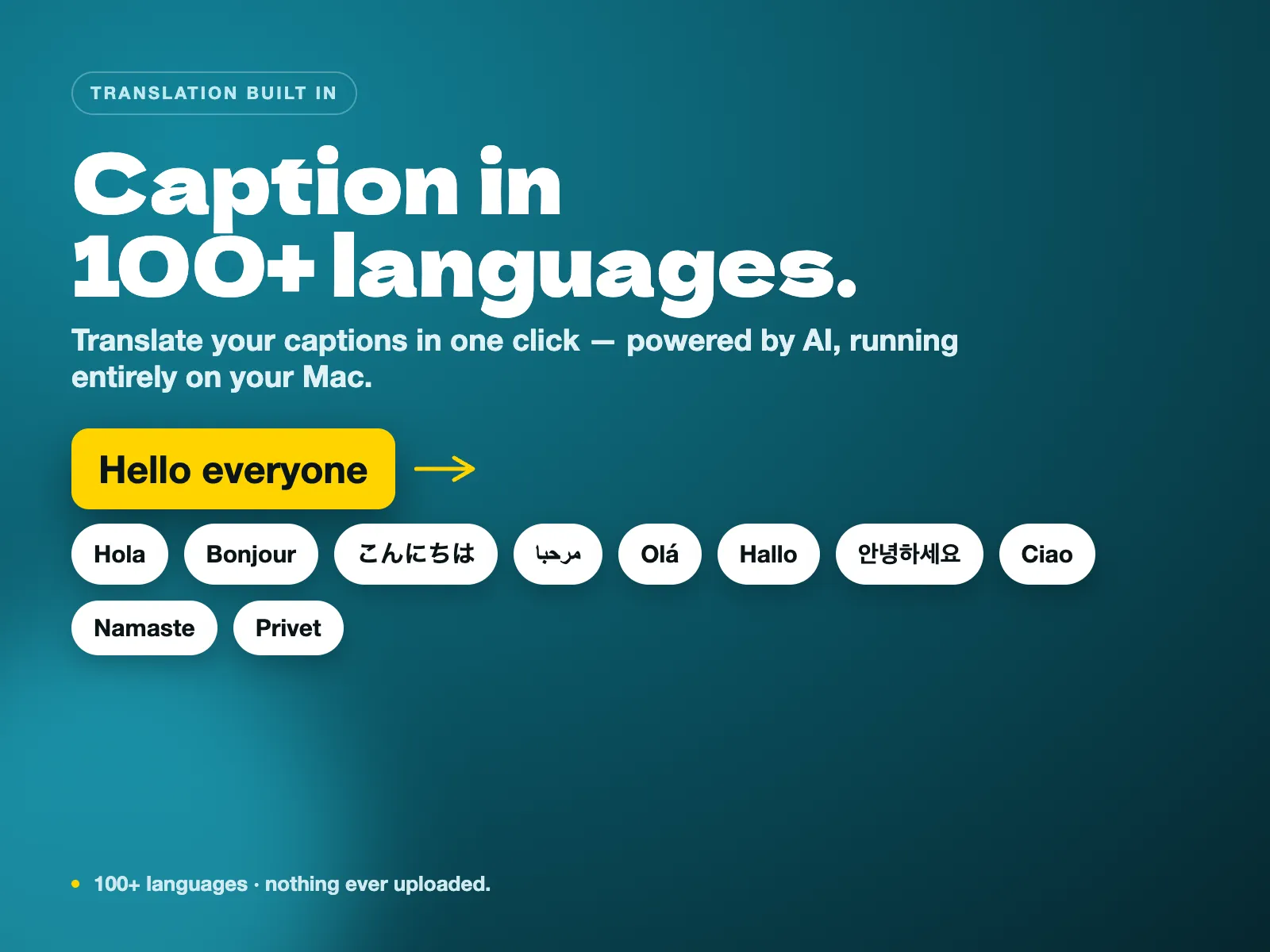
Whether you are shipping multilingual corporate content or just want a Spanish and French version of your latest YouTube video, it turns hours of localization work into a single button click.
100% local processing, no uploads and no subscriptions
One of the biggest issues with AI captioning tools is privacy and cost. Most services require you to upload your raw footage to their servers, and then they charge you a monthly subscription or a per-minute fee.
Caption Pro is designed differently:
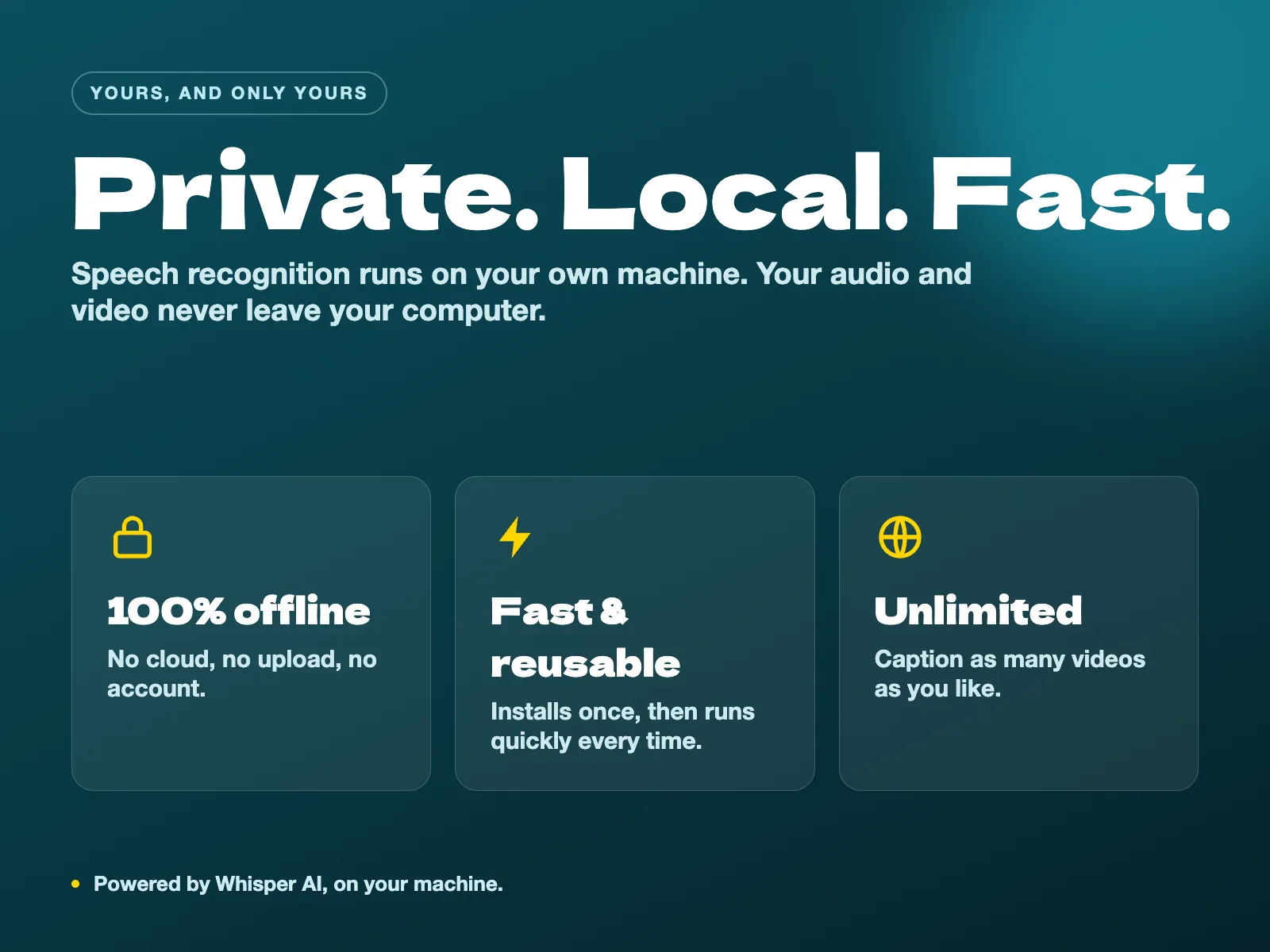
- Total Privacy: Powered by a local installation of Whisper AI, the engine runs entirely on your Mac or Windows machine. Your footage and audio never leave your computer.
- Pay Once, Caption Forever: There is no subscription and no limit on how many videos you can process. It is a one-time payment.
- No Studio Required: It works flawlessly on both the Free and Studio versions of DaVinci Resolve.
Ready to speed up your workflow?
You don't need to be a technical expert to set it up. Caption Pro features a one-click installer for both macOS and Windows. that means : no Terminal commands and no manual file copying. It sets up in two minutes and runs quickly every time you need it.
If you are an editor, YouTuber, or course creator looking for an automated way to get perfectly timed, stylized, and translated captions without leaving your NLE, this tool was built for you.
Get Caption Pro here and streamline your workflow today.
Help me keep writing
If these articles are useful to you, have a look at what I make.
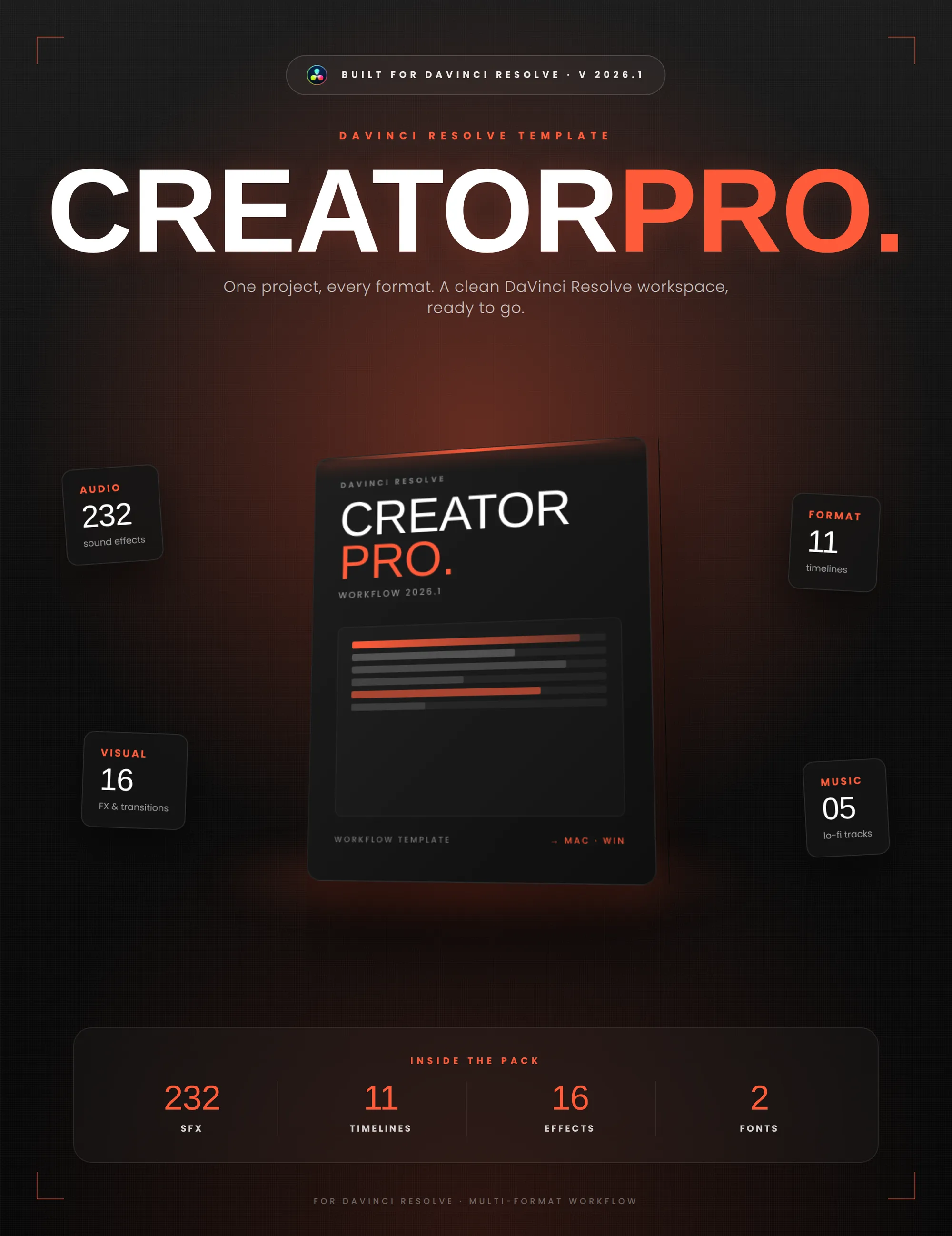
Creator Pro
The ultimate DaVinci Resolve workspace for creators
View plugin — €29.00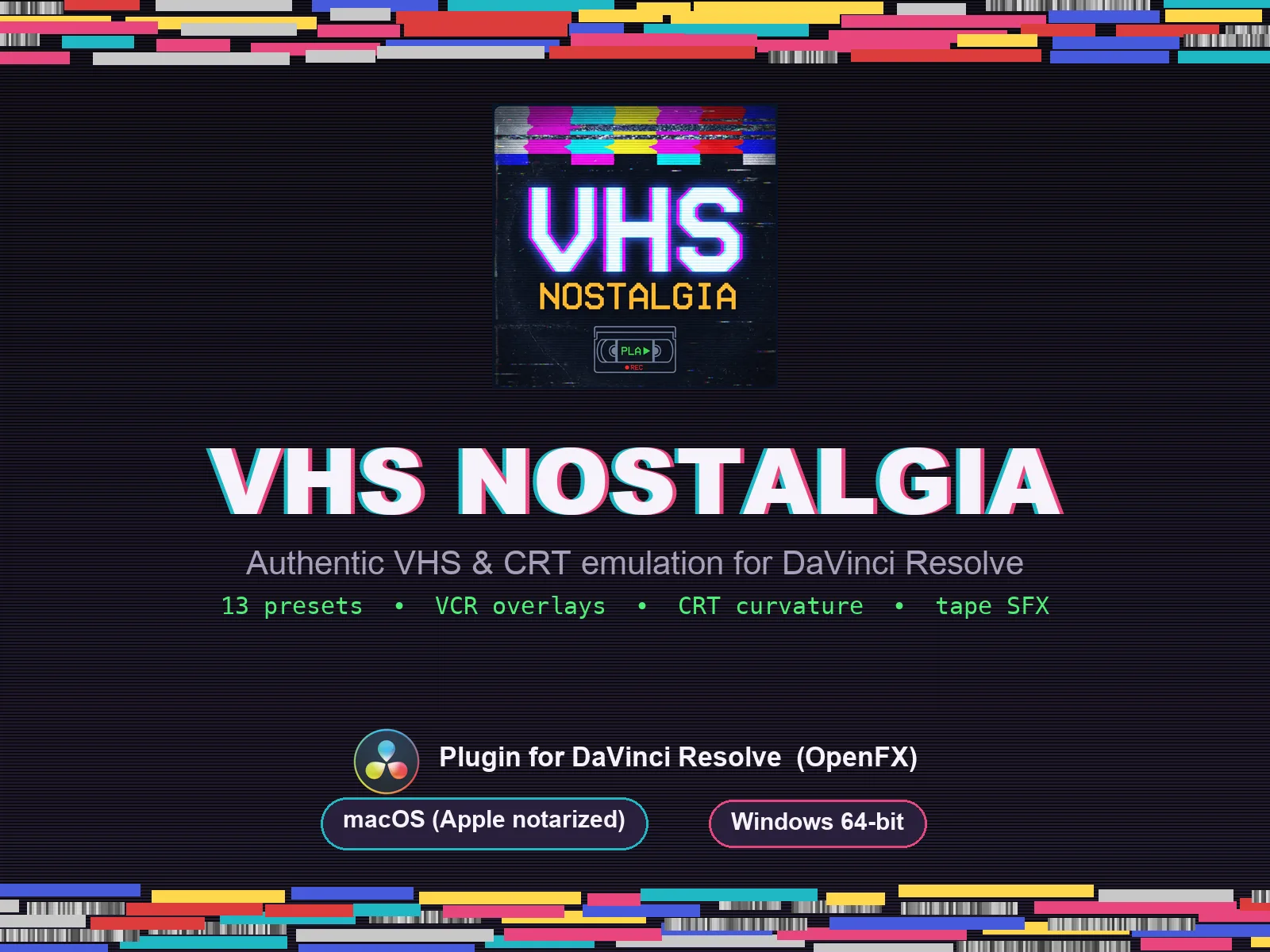
VHS Nostalgia
Real VHS & CRT emulation for DaVinci Resolve
View plugin — €49.00
Caption Pro
Automatic word-by-word captions and translation for DaVinci Resolve
View plugin — €49.00
Get the zine
"Absorbed by the algorithm Vol. 1": 33 images shot in Paris, 28 pages, shipped worldwide.