DaVinci Resolve 21: release date, price and what's new

DaVinci Resolve 21 is out. Blackmagic Design announced it on 14 April 2026 and shipped it as a public beta the same day. It reached a stable release in early June 2026, so there is nothing left to wait for. You can download it now.
| Announced | 14 April 2026 |
|---|---|
| Stable release | Early June 2026 |
| Status | Out of beta |
| Base version | Free |
| Studio licence | €255 in Europe, $295 in the US |
| Upgrade from Studio 20 | Free |
| macOS | Apple Silicon only, Intel dropped |
| Windows / Linux | Windows 10 Creators Update+, Rocky Linux 8.6 |
| RAM | 16 GB minimum, 32 GB recommended |
There is no subscription and no upgrade fee. That is the part Adobe users tend to stop at and re-read.
The release adds more than a hundred new features. I am not going to list all of them. I am going to walk through the ones that actually change how you work. If you edit video on the site I also keep a page on DaVinci Resolve tools and plugins.
A photo page, inside a video editor
This is the headline change, and it is a strange one at first. DaVinci Resolve now has a dedicated Photo page. You can import RAW files from Canon, Fujifilm, Nikon and Sony cameras, organize them into albums, rate them, tag them, and grade them at full source resolution.
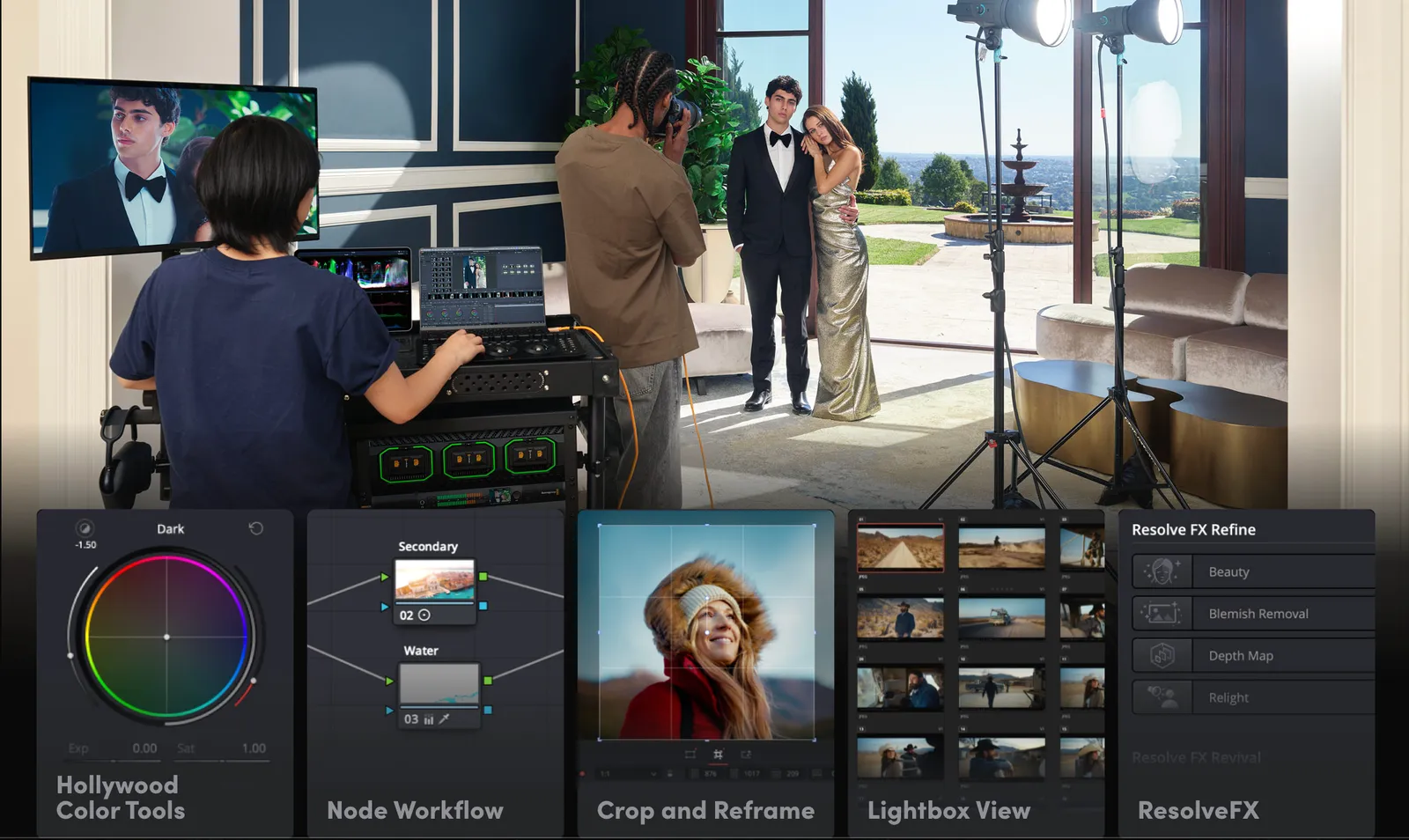
The grading is where it stops looking like a toy. The Photo page is wired into the same node-based color engine as the Color page. So you do not get a row of sliders like you would in Lightroom. You get nodes, qualifiers, power windows, curves, and the ability to share a node across an entire album to apply a consistent look in one pass.
You can also tether a Canon or Sony camera directly to Resolve and shoot into an album live, with control over ISO, exposure, white balance and capture presets.
Is it a Lightroom replacement today? Certainly not today, and not for everyone. Photographers used to slider-driven editing will face a learning curve. The node workflow is a different way of thinking. But for anyone who already grades video in Resolve, the Photo page collapses two software stacks into one.
The AI tools, ranked by what they actually do for you
Resolve 21 ships eight new AI tools. They are not all created equal, so let me sort them.
IntelliSearch. You type "red coat" or "zebra" or a snippet of dialogue, and it finds the clips in your media pool that match. It works on objects, faces and spoken words. On a 200-clip project, the analysis pass takes around ten minutes; once it is done, search is instant. It performs noticeably better in English than in French at the moment. For anyone working with hours of footage, this is the time-saver of the release.
AI Speech Generator. Turns written text into a voiceover, using either four pre-built voices or a custom voice trained from a 10-second audio sample. English works well in beta, French does not yet. Useful for fixing a fluffed line in a narration, less useful as a full narration tool given the 10-second clone limit.
CineFocus. Adds synthetic depth of field and lets you rack focus in post, similar in spirit to the cinematic mode on a recent iPhone. Keyframeable, customizable, and heavy on the GPU. Quality is good but not invisible yet.
UltraSharpen. Sharpens moving footage without the usual halos and noise amplification. It will not save a fundamentally out-of-focus shot, but it can recover slightly soft footage that was previously unusable.
Motion Deblur. Reduces motion blur from camera shake or fast movement. Same caveat as UltraSharpen: helpful, not magic.
Face Age Transformer, Face Reshaper, Blemish Removal. Three face-editing tools. Age or de-age a tracked subject. Adjust the shape of eyes, nose, mouth. Smooth skin and remove blemishes automatically. Practical for minor retouching. The age and reshape tools are more niche, and you can probably guess why some of those use cases are debated.
SlateID and SlateFinder. Reads the metadata off a clapperboard automatically and populates the clip metadata. If you shoot with slates, this is exactly the kind of grunt work that should not be done by hand in 2026.
Workflow changes worth knowing about
The Edit and Cut pages now have a built-in picture-in-picture preset, so you no longer have to build the effect from scratch every time. There is support for .lottie animations, which means you can drop lightweight vector motion graphics straight onto the timeline.
Keyframe controls have been rebuilt: four-point bezier curves for retiming, easing options for loops and reverses, and the ability to keyframe across multiple clips at once. You can also animate Fusion effects directly from the Edit page, without diving into Fusion itself.
Subtitles get a spell checker. There is also a font preview panel, an estimated file size shown before you export, and automatic correction when you drop a mono clip onto a stereo track or vice versa. None of these is a flagship feature. All of them save real time.
The Color page adds a MultiMaster trim pass for grading the same timeline to multiple deliverables (HDR, SDR, web, broadcast) without duplicating work. Magic Mask can now be rendered in place as an external matte. Clip groups support grade versions.
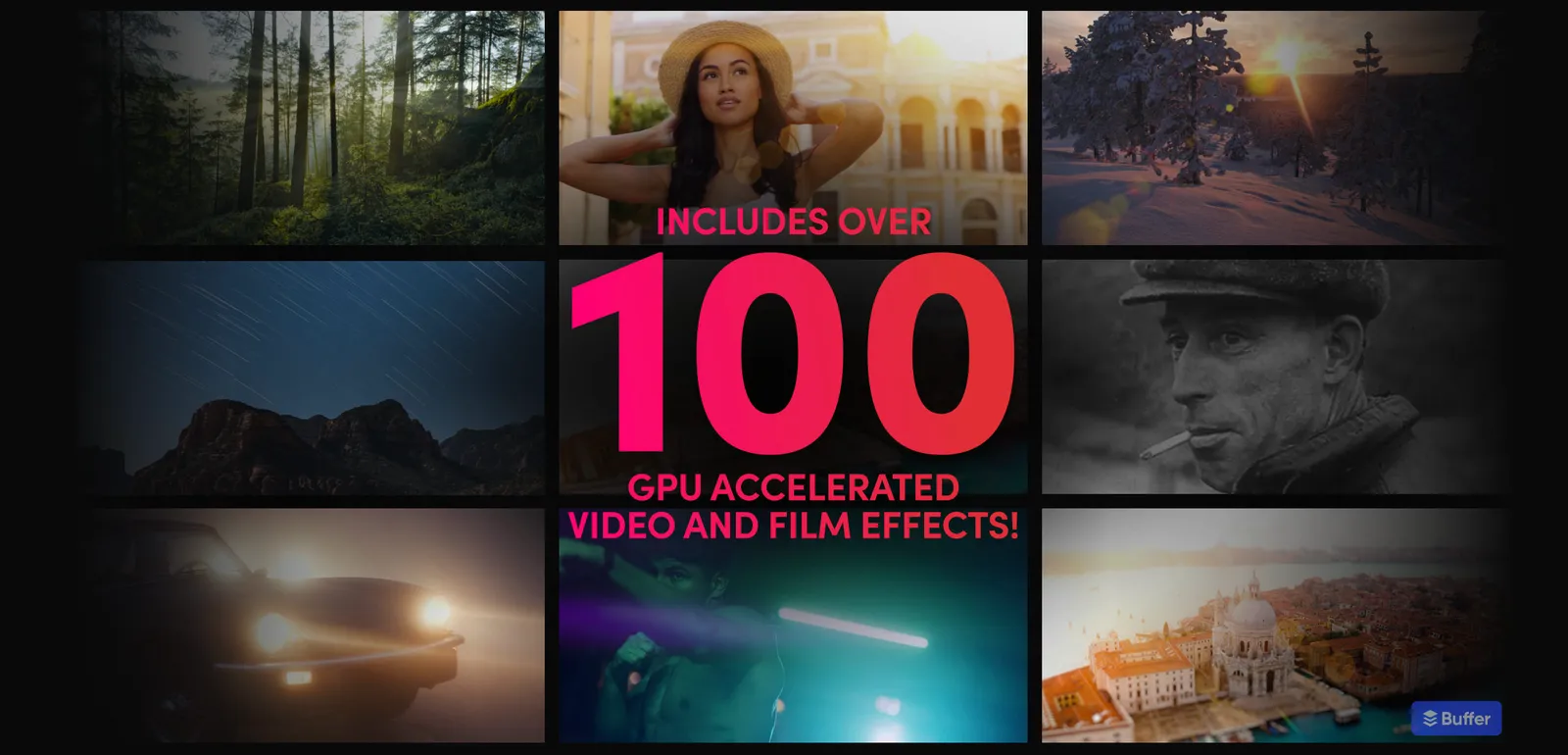
Fusion absorbs the Krokodove library, which adds more than 100 motion graphics tools and templates directly into the page. There is also an optional layer-style list view in the node editor, for editors coming from Premiere Pro who prefer a stack to a graph.
What it costs, and what it runs on
The free version of DaVinci Resolve 21 handles most 8-bit video formats up to 60 fps in Ultra HD 3840 x 2160, and includes multi-user collaboration and HDR grading.
DaVinci Resolve Studio 21 costs €255 in Europe and $295 in the US for a perpetual license. It adds the AI Neural Engine, the new AI tools, 10-bit video up to 120 fps, resolutions beyond 4K, spatial and temporal noise reduction, text-based editing, Magic Mask, film grain, and the rest of the long Studio-only feature list. If you already own Studio, the upgrade is free.
Intel Macs are no longer supported as of version 21. macOS users need Apple Silicon. Windows 10 (Creators Update) or later works, as does Rocky Linux 8.6. Minimum 16 GB of RAM, 32 GB if you want background rendering and the heavier AI tools to behave.
Version 21 shipped as a public beta on 14 April 2026 and went stable in early June, about seven weeks later, which matches the usual Blackmagic pattern. If you held off during the beta, there is no longer a reason to wait.
What I would actually try first
If you are a photographer who already shoots video, the Photo page is the experiment. It will not feel like Lightroom, and for some workflows that may be an advantage.
Help me keep writing
If these articles are useful to you, have a look at what I make.
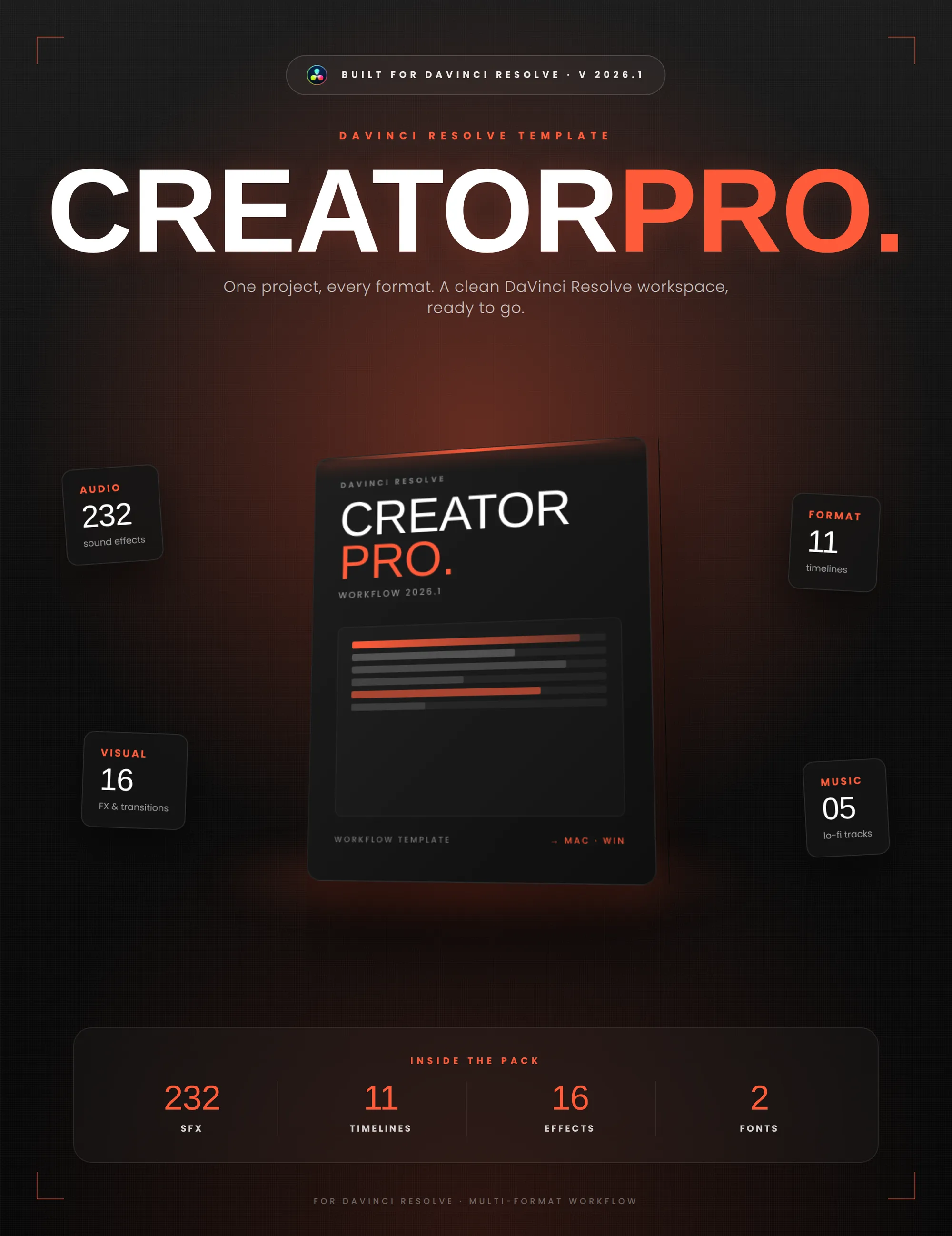
Creator Pro
The ultimate DaVinci Resolve workspace for creators
View plugin — €29.00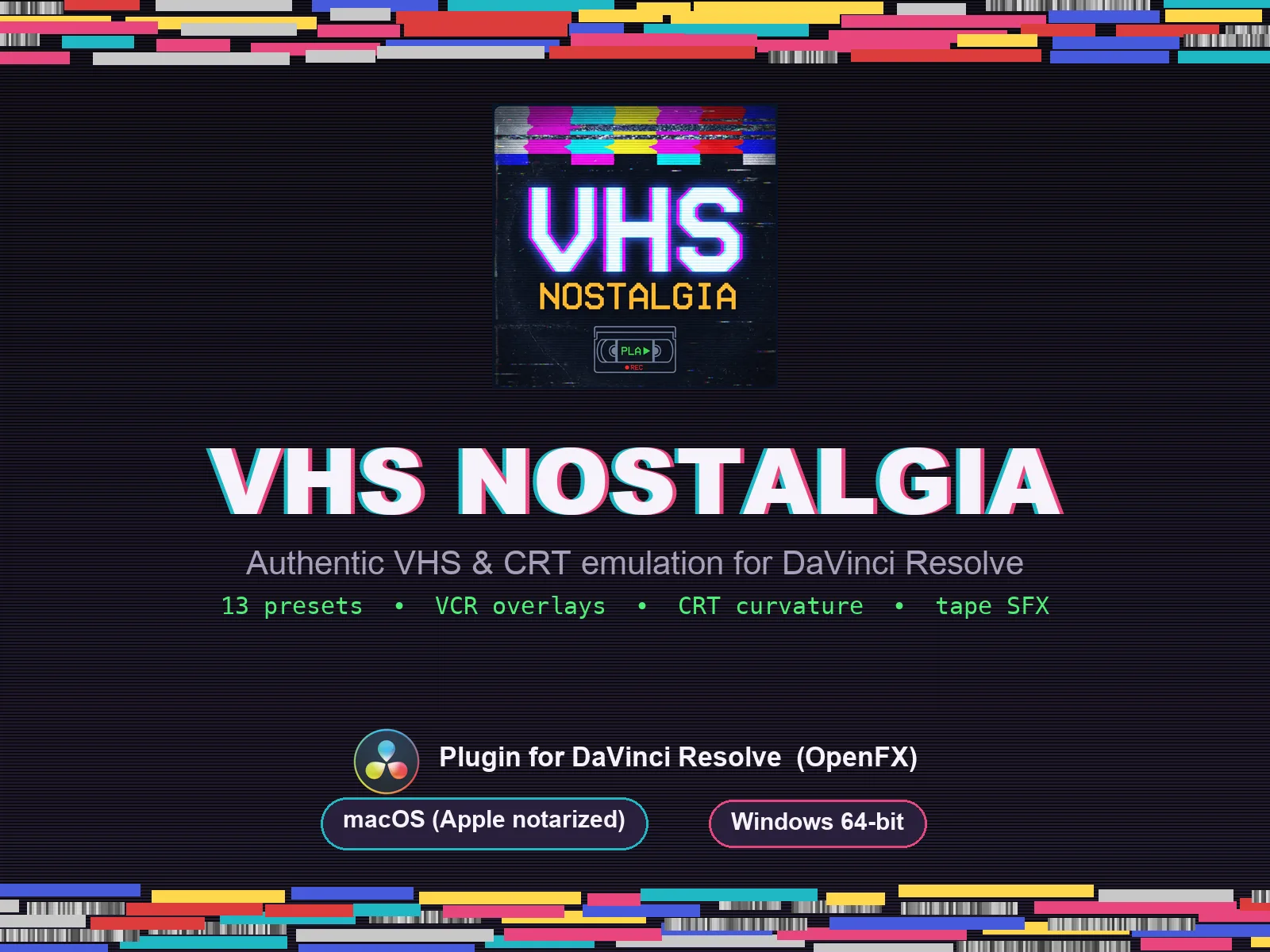
VHS Nostalgia
Real VHS & CRT emulation for DaVinci Resolve
View plugin — €49.00
Caption Pro
Automatic word-by-word captions and translation for DaVinci Resolve
View plugin — €49.00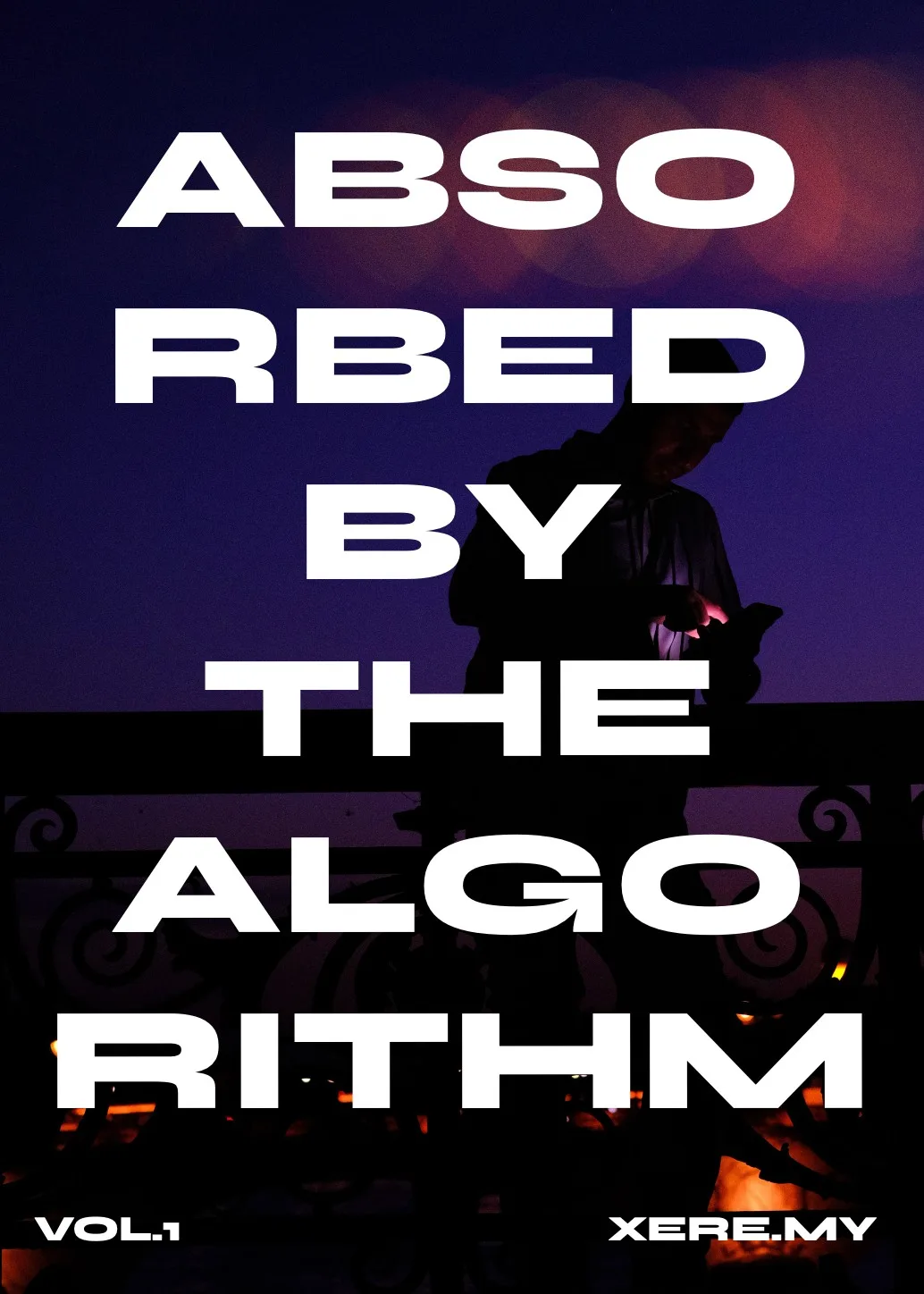
Get the zine
"Absorbed by the algorithm Vol. 1": 33 images shot in Paris, 28 pages, shipped worldwide.