6 Best DaVinci Resolve Caption & Subtitle Plugins (2026)
Captions and subtitles are now essential for almost every video format. They improve accessibility, boost retention on social platforms, and make content watchable without sound. DaVinci Resolve has a built-in subtitle workflow, but dedicated caption plugins add speed, style, auto-generation, translation, and speaker detection that Resolve alone cannot match. We compared six of the best caption, subtitle, and translation plugins for DaVinci Resolve: Caption Pro, Snap Captions 2, AutoCut, AutoSubs, MagicSubtitles Pro, and DaVinci Sub Translator. We compared them across pricing, auto-generation quality, template selection, translation support, speaker diarization, and Resolve version requirements to help you find the right tool for your workflow.
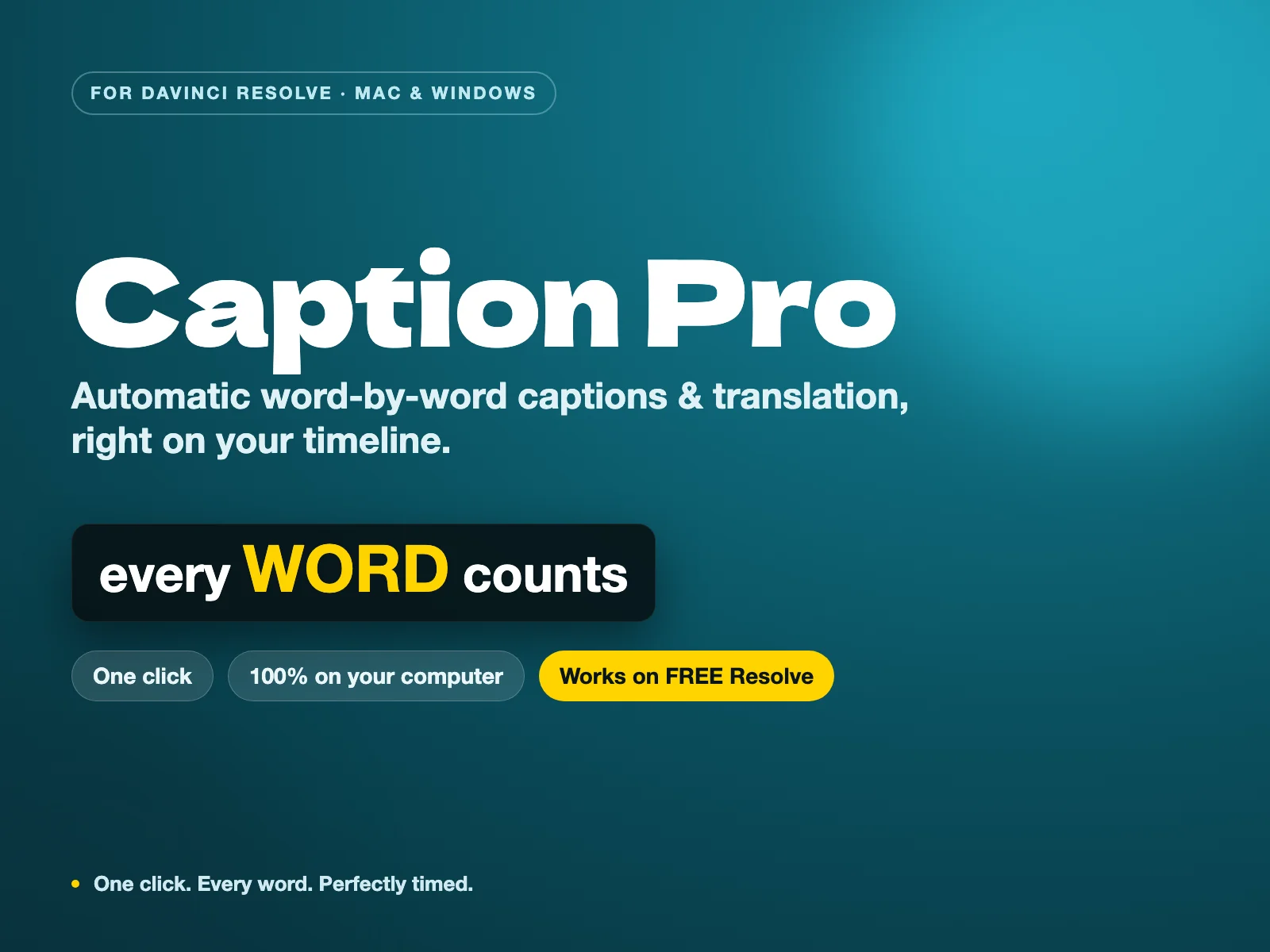
Caption Pro — Automatic word-by-word captions and translation for DaVinci Resolve
The only tool that combines local Whisper AI transcription, customizable word-by-word animated styles, and 100+ languages translation for a single perpetual payment — with zero subscription and 100% offline privacy.
Why use a dedicated caption plugin in DaVinci Resolve?
DaVinci Resolve includes a basic subtitle editor that can import SRT files and place text on a dedicated subtitle track. For simple delivery subtitles, it is enough. But modern content demands more: animated word-by-word captions, automatic transcription, translation into multiple languages, speaker labels, and custom branding. Dedicated caption plugins handle these tasks faster and with more creative control. They turn subtitle work from a manual chore into a few clicks, which matters when you are publishing regularly or delivering to clients who need multiple language versions.
What to look for in a caption plugin
Start by deciding what matters most for your projects. If you work with international clients, translation and multi-language export are critical. If privacy is a concern, choose a tool that runs locally using your own transcription models. If you need fast, stylish captions for social media, look for template libraries and live positioning. Caption Pro sits in a sweet spot for many Resolve editors: it transcribes locally, translates into more than 100 languages, and costs a single payment. Since Resolve 21.1 moved Python scripting to the Studio version, it needs DaVinci Resolve Studio, or Resolve free up to 21.0.4. If you produce podcasts or interviews, speaker diarization saves hours of manual speaker labeling. Finally, check Resolve version and pricing: some plugins require Resolve Studio 19 or 20, while others work in the free version, and costs range from free to subscription plans.
Auto-generation, styling, or translation: what is your priority?
Caption plugins tend to specialize. Caption Pro handles the full workflow in one app: local transcription with Whisper AI, five customizable caption styles, and one-click translation into more than 100 languages. Snap Captions 2 and MagicSubtitles Pro focus on generating and styling captions inside Resolve. AutoCut and AutoSubs go further by adding AI transcription, translation, and speaker detection. DaVinci Sub Translator does one thing only: it translates existing subtitle tracks using external services like Google, Microsoft, DeepL, or LLM providers. If your main need is polished visuals, choose a styling-first tool. If you handle multilingual deliverables and want everything to stay on your machine, Caption Pro is the most direct option. If you already have subtitles and just need them in another language, a dedicated translator is the cheapest and cleanest option.
How we compared these plugins
We built this comparison around the criteria that matter most when choosing a caption or subtitle plugin for DaVinci Resolve: price, auto-generation quality, template and styling options, translation support, speaker diarization, Resolve version requirements, and overall workflow fit. The ratings come from a mix of hands-on testing, official documentation, published feature sets, demo versions where available, and community feedback from editors and creators who use these tools daily. Because Caption Pro is our own tool, we looked at it with the same standards as the others: transcription accuracy, translation usefulness, installation speed, and how well it fits a real editing workflow. The comparison table below summarizes the results, followed by detailed verdicts for each tool.
| Feature | Caption ProBuy — €49.00 | Snap Captions 2 | AutoCut | AutoSubs | MagicSubtitles Pro | DaVinci Sub Translator |
|---|---|---|---|---|---|---|
| Price | €49+ (perpetual) | Freemium (Free / $8/mo / $150 lifetime) | $79–$238.8/year (subscription) | Free (MIT licence) | Paid | Pay what you want (from $2.88) |
| Auto-Generation | Yes (local Whisper AI) | Yes (word-by-word with smart phrasing) | Yes (AutoCaptions with AI) | Yes (Whisper / Parakeet / Moonshine) | Yes (Resolve native transcription) | No (translation only) |
| Templates / Styles | 5 built-in styles + custom Text+ templates | 50+ fully customisable templates | Animated captions with translation | Animated caption macro + preset system | Full Text+ customisation (no presets) | No (works on existing tracks) |
| Translation | Yes (100+ languages, local Whisper) | No | Yes (80+ languages, Resolve & Premiere) | Yes (built-in translation) | No | Yes (Google, Microsoft, DeepL, LLM AI) |
| Speaker Diarization | No | No | Yes (AutoCut Podcast) | Yes (upgraded diarization model) | No | No |
| Resolve Version Required | Studio (any), or Free up to 21.0.4 | Studio 19.1+ | Studio & Free 18+ | Studio & Free 17+ | Studio 20+ | - |
| Best For | Local multilingual captions with one-time pricing | Social media creators & fast stylised captions | All-in-one AI editing with captions included | Privacy-focused users & offline transcription | Short-form content with full style control | Cheap, focused subtitle translation |
Stop buying plugins. Build your own.
Every plugin you buy solves someone else's problem. Through The Forge skill packs, you can teach Claude Code to write, test, and install custom DaVinci Resolve tools in plain English. Save money, learn the workflow, and own your tools forever.


Verdict — 6 Best DaVinci Resolve Caption & Subtitle Plugins (2026)
Caption Pro: local captions and translation in one click Winner
Caption Pro is a standalone app that transcribes your DaVinci Resolve timeline locally using Whisper AI, then generates word-by-word Text+ captions with karaoke, cumulative, or classic reveals. Translation into more than 100 languages is built in, with automatic language detection and no cloud upload. The five included presets are fully customizable from the panel (font, size, position, color, outline) without opening Fusion, and you can connect your own Text+ templates. Subtitles you already have can be imported as an SRT and styled word by word, and captions can be exported back out as an SRT. At €49 as a one-time payment, it is the most affordable option here for editors who want private, multilingual captions without a subscription.
Snap Captions 2: 50+ templates, zero keyframes Runner-up
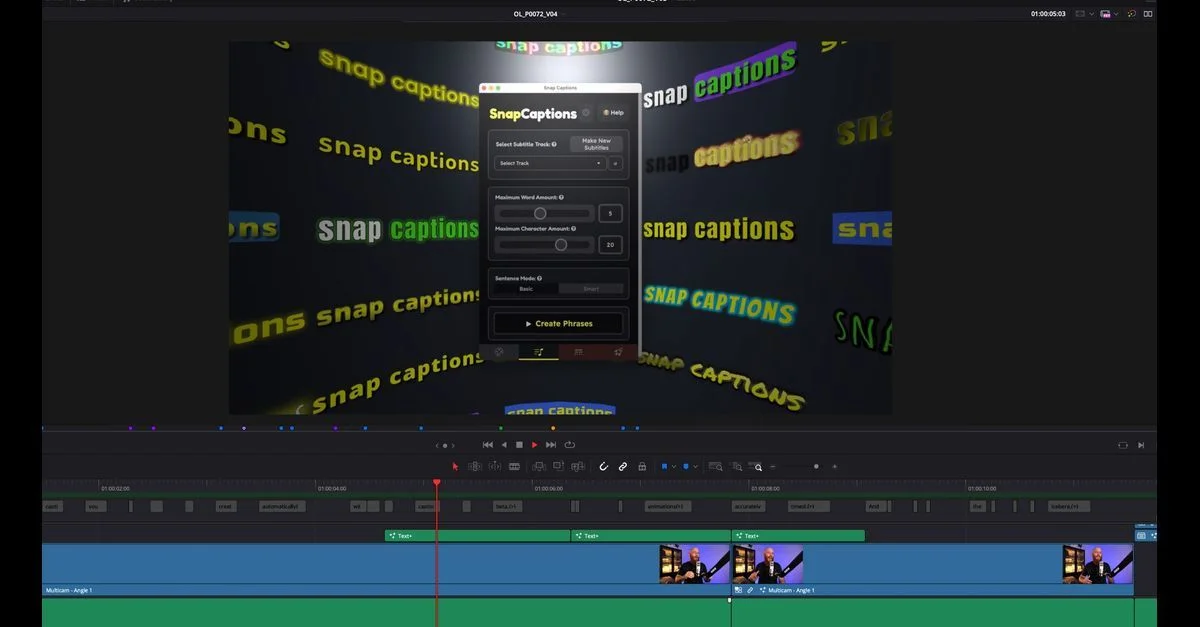
Snap Captions 2 turns subtitle creation into a visual, template-driven workflow. The free version includes auto-generation, smart word grouping, live positioning, and a subset of the 50+ templates ranging from clean professional looks to kinetic pop-ins and neon flickers. The Pro upgrade unlocks premium templates, dynamic workflows for saving settings across timelines, and one-click word highlighting. At $150 for a lifetime licence with all future updates, it is the best value for creators who regularly need stylised captions.
AutoCut: captions as part of a complete AI suite
AutoCut is not a caption tool first. It is an AI editing assistant that happens to include excellent caption generation. AutoCaptions creates animated, word-by-word subtitles and translates them into 80+ languages directly inside DaVinci Resolve and Premiere Pro, with SRT import and export and no need to switch tools to localize subtitles for international audiences. The real value comes from the broader toolset: silence removal, multicam podcast switching, dynamic zooms, B-roll insertion, and viral clip extraction. If you already produce regular content and need all of those features, the AI Plan at $178.8/year is justifiable. If you only need captions, it is overkill.
MagicSubtitles Pro: Resolve-native, fully offline
MagicSubtitles Pro leverages DaVinci Resolve Studio's built-in transcription engine to generate a timecoded script, then feeds spline keyframes into a Text+ node. The result is a single Text+ title on your timeline that displays words in real time. Because it uses Resolve's native engine, it works completely offline with no internet required. Full Text+ customisation means you can apply effects, change fonts, and animate freely. The limitation is performance: content longer than ~5 minutes degrades progressively, and it requires Resolve Studio 20+. It is ideal for short, punchy social media clips where you want maximum creative control.
AutoSubs: free, local, and technically unmatched Best Free
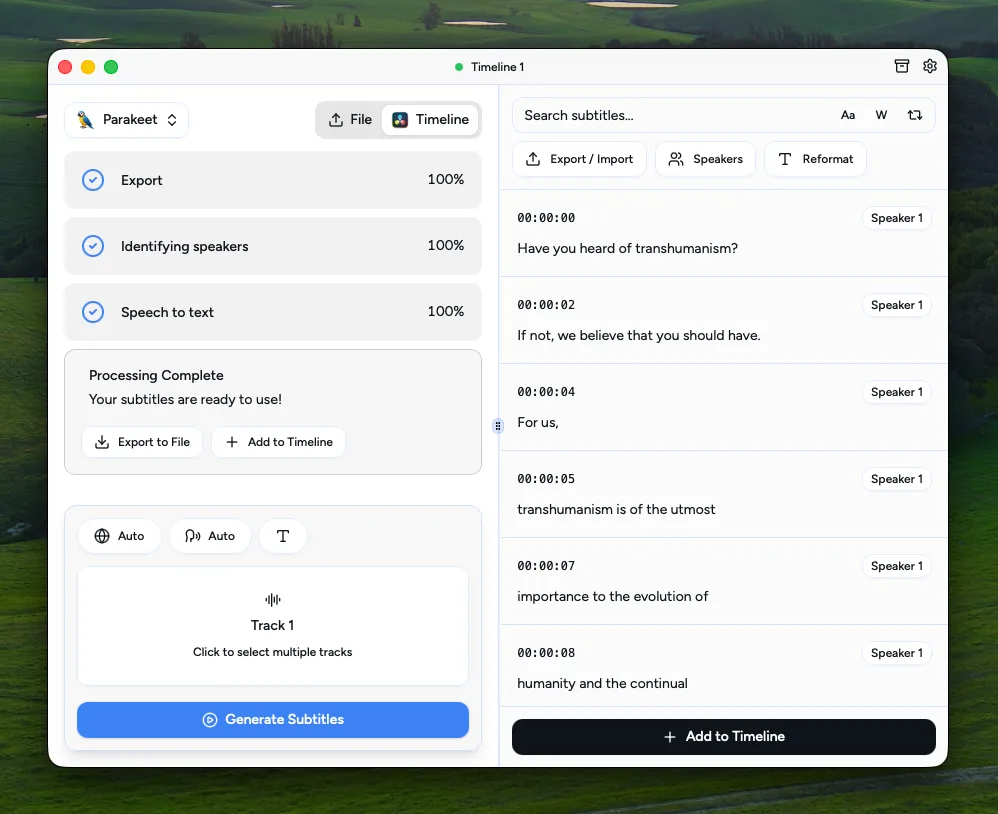
AutoSubs is the most capable free caption tool available for DaVinci Resolve. It runs entirely locally using Whisper, Parakeet, or Moonshine models, with no cloud or subscription. It transcribes speech, identifies multiple speakers, translates to other languages, and sends styled captions back to Resolve via an animated caption macro with per-word highlighting and marker-based timing. The trade-off is complexity. Installation involves downloading models from HuggingFace, and support is limited to GitHub issues. It also does not work with the Mac App Store version of Resolve. For technically confident users, AutoSubs delivers professional results at zero cost. For everyone else, the setup friction is real.
DaVinci Sub Translator: cheap, focused subtitle translation
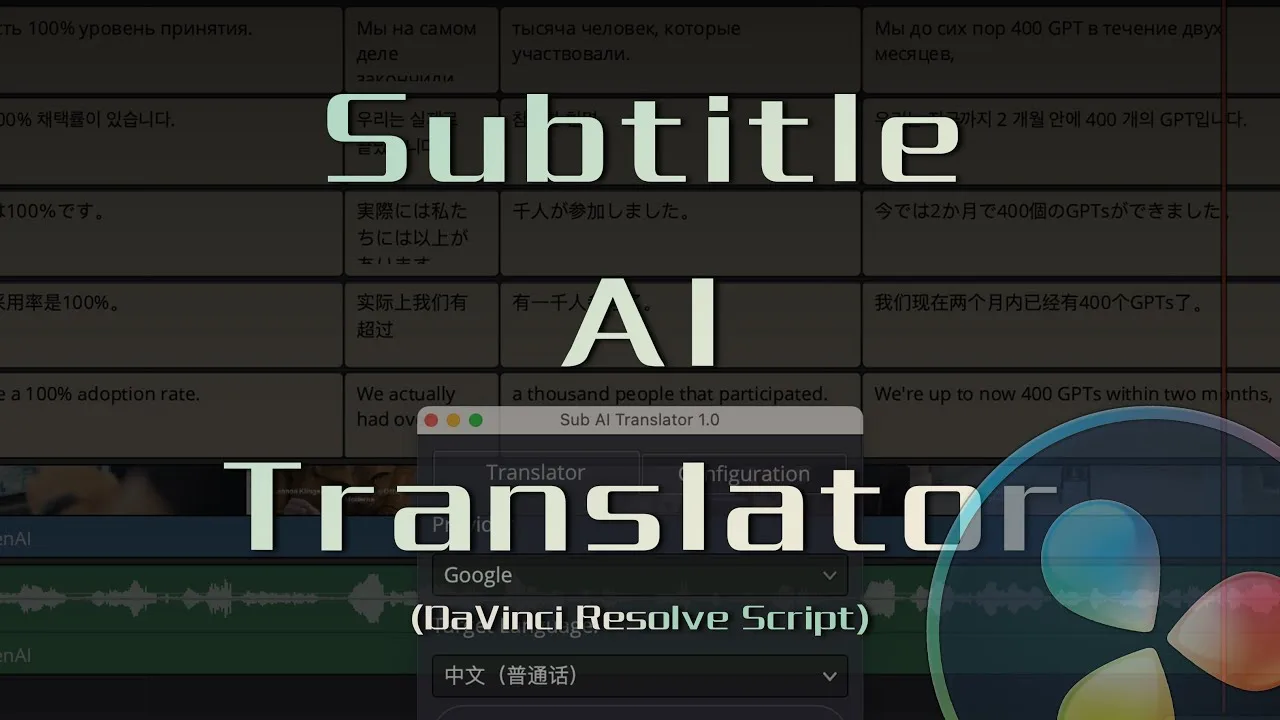
DaVinci Sub Translator is the only tool here built purely to translate subtitles. It does not generate or style captions. Instead, it takes an existing subtitle track and translates it using the service you choose: Google, Microsoft, DeepL, or an LLM AI provider. Once done, it inserts the translated track into the first empty subtitle track automatically, so you can build multilingual versions without leaving Resolve. At pay what you want from $2.88, it is the cheapest way to add translation to a caption workflow that already handles transcription elsewhere. The catch is that it needs an internet connection, and some providers may require your own API key.
Caption Pro wins for editors who want a complete caption and translation workflow without leaving DaVinci Resolve. It transcribes locally with Whisper AI, styles every word with karaoke, cumulative, or word-by-word reveals, and translates into more than 100 languages in one click. At €49 as a one-time payment with no subscription, it is the best value for anyone delivering multilingual content. Since Resolve 21.1 it needs DaVinci Resolve Studio, or Resolve free up to 21.0.4. Snap Captions 2 is the runner-up for creators who prioritise visuals: its 50+ templates, live positioning, and free tier make it the fastest way to get stylised social captions. AutoSubs remains the best free option for technically confident users who want local transcription, diarization, and translation at zero cost. AutoCut is excellent if you already need a full AI editing suite, but overkill for captions alone.