Overview
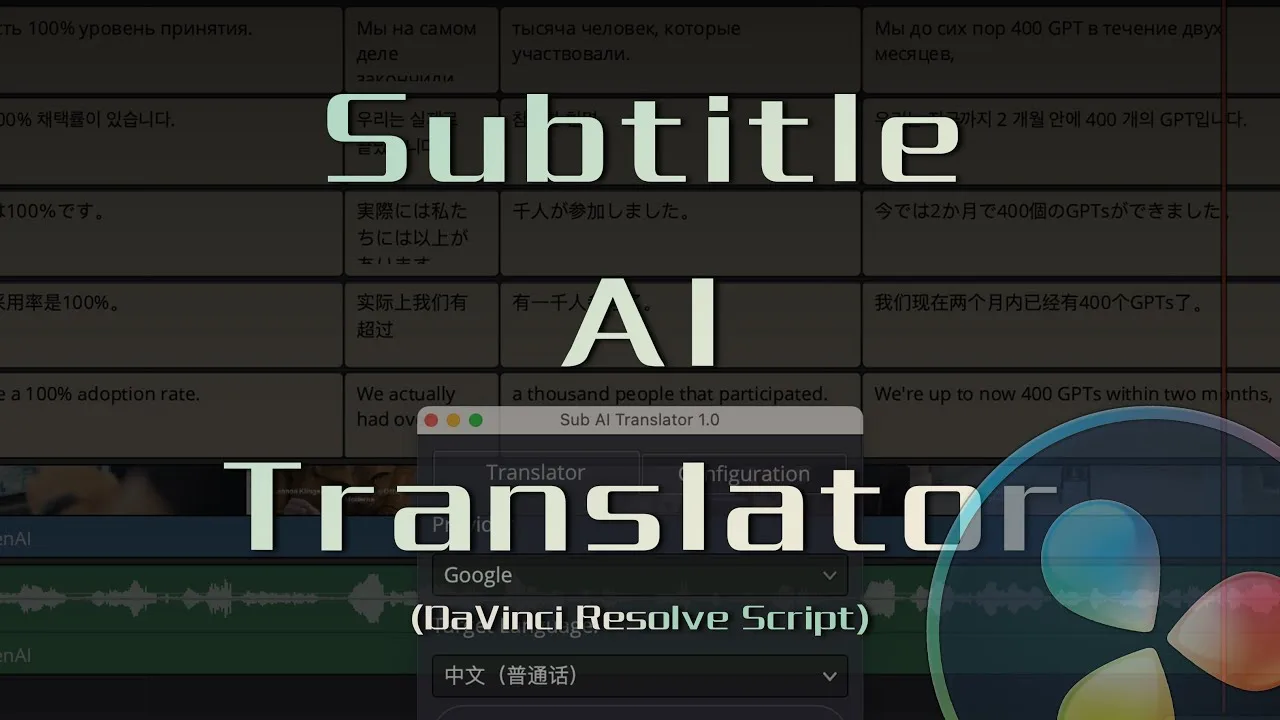
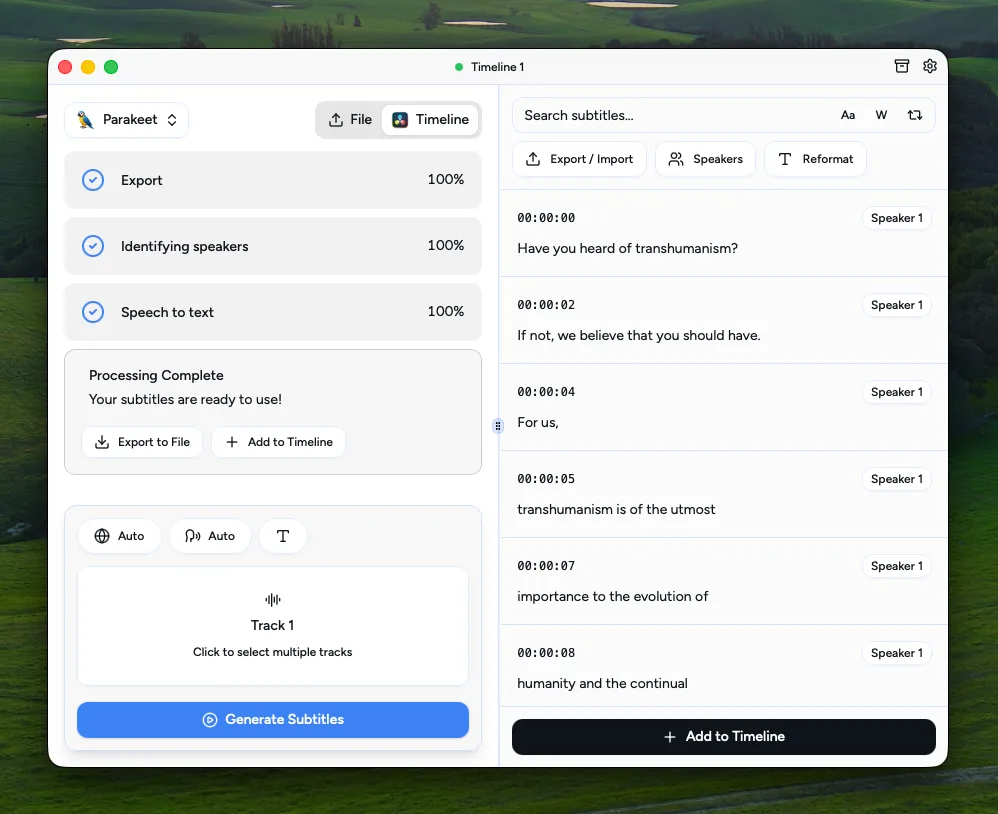
AutoSubs is a free, open-source subtitle generator that runs entirely locally. It transcribes speech with Whisper, Parakeet, or Moonshine models, optionally translates to other languages, and identifies multiple speakers automatically.
It works as a standalone desktop app or as a DaVinci Resolve plugin via Workspace > Scripts. In Resolve mode, you can transcribe a timeline, edit speakers and subtitles, fine-tune timing with markers, and send styled captions back to the timeline using the built-in animated caption macro with per-word highlighting.
Version 3.5 introduces Voice Activity Detection for cleaner and faster transcription, an upgraded diarization model, free-text subtitle editing with automatic word timing adjustment, transcript history, and a preset system to build and preview caption styles before applying. The UI is localized in Korean, Spanish, German, French, Japanese, and Chinese.
AutoSubs is featured in our comparisons The Best Snap Captions Alternative for DaVinci Resolve, The Best AutoCut Alternatives for DaVinci Resolve, The Best AutoSubs Alternative for DaVinci Resolve and 6 Best DaVinci Resolve Caption & Subtitle Plugins (2026).
Stop buying plugins. Build your own.
Every plugin you buy solves someone else's problem. Through The Forge skill packs, you can teach Claude Code to write, test, and install custom DaVinci Resolve tools in plain English. Save money, learn the workflow, and own your tools forever.


Pros
- Completely free and open source under MIT licence
- Runs locally. No cloud, no subscription, no data leaving your machine
- Supports Whisper, Parakeet, and Moonshine transcription models
- Automatic speaker diarization with upgraded accuracy in v3.5
- Optional translation to other languages directly from the app
- DaVinci Resolve integration with animated caption macro and marker-based timing
- Available on Windows, macOS, and Linux
- Standalone mode also works without Resolve for SRT and plain-text export
Cons
- Does not work with the Mac App Store version of DaVinci Resolve
- AI transcription can be CPU/GPU intensive depending on the model chosen
- Initial model download required before first use
- Quality of transcription depends on audio clarity and chosen model
Verdict
AutoSubs is free, open source, and runs entirely offline, which is hard to beat on price for local transcription and speaker diarization. The trade-off is setup: you're downloading AI models yourself, transcription can be slow on weaker hardware, and it won't run at all on the Mac App Store build of Resolve.
Reviewed by JérémyNeed an alternative to AutoSubs without the technical setup?
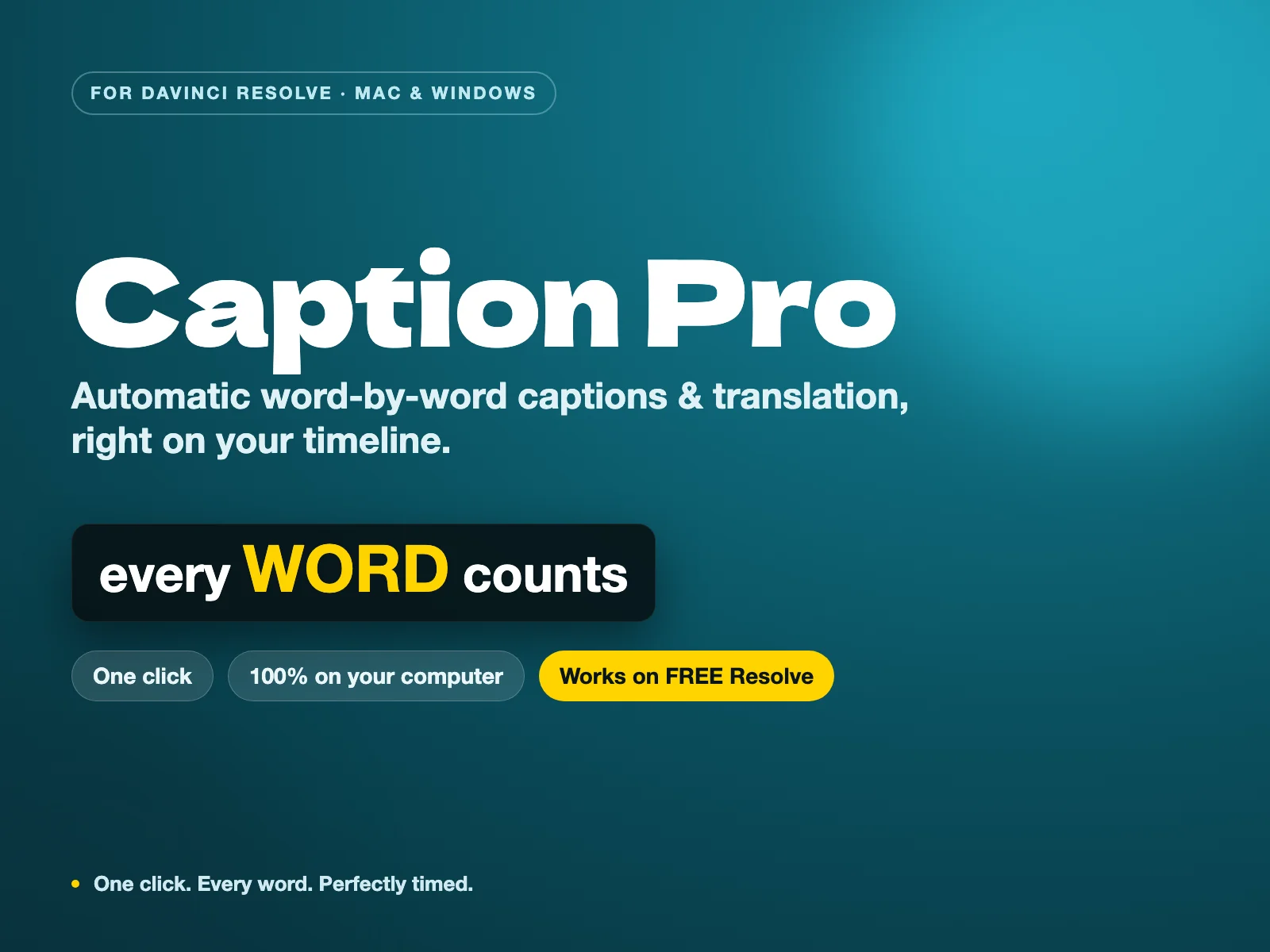
AutoSubs is a great open-source project, but keeping Python dependencies and models working can be frustrating. Caption Pro delivers the same local Whisper AI privacy with a 1-click installer, visual transcript editor, and built-in translation to 100+ languages — no terminal required.
Related DaVinci Resolve Plugins from the Store