The Best AutoSubs Alternative for DaVinci Resolve
AutoSubs is free and open-source, and that is a real strength. It runs Whisper locally and gets captions onto your timeline at no cost. The reason people look for an AutoSubs alternative is rarely the price. It is the setup and the finish: you install it yourself, keep the models and dependencies working, live with basic styling, and there is no support if something breaks. Caption Pro trades the zero price for a paid, supported tool at €49 with a transcript you review before placement, karaoke styling, and translation built in. Below, both sit next to AutoCut and Snap Captions 2 so you can see where each fits.
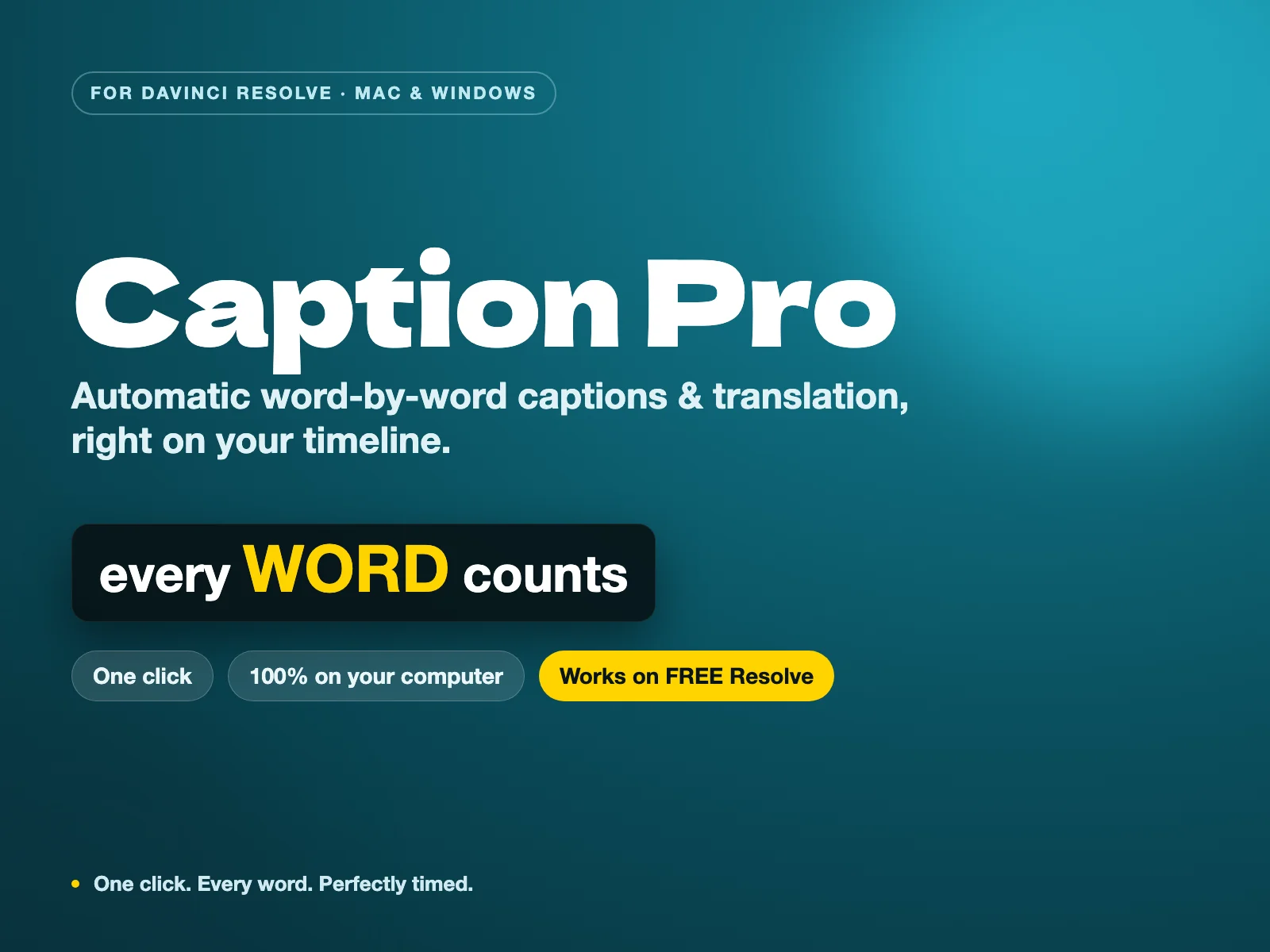
Caption Pro — Automatic word-by-word captions and translation for DaVinci Resolve
The only tool that combines local Whisper AI transcription, customizable word-by-word animated styles, and 100+ languages translation for a single perpetual payment — with zero subscription and 100% offline privacy.
Why look for an AutoSubs alternative
AutoSubs is a community project, and it shows in the best and worst ways. The best: it is free, it is open-source, and it keeps improving. The cost is your time. You handle the install, you keep Whisper and its dependencies running after Resolve or OS updates, and when a caption lands wrong there is no support desk, only forum threads. Styling is functional rather than designed. For a hobby edit that is a fair deal. For client work on a deadline, the hours you spend maintaining it are not free.
What you get by paying for Caption Pro
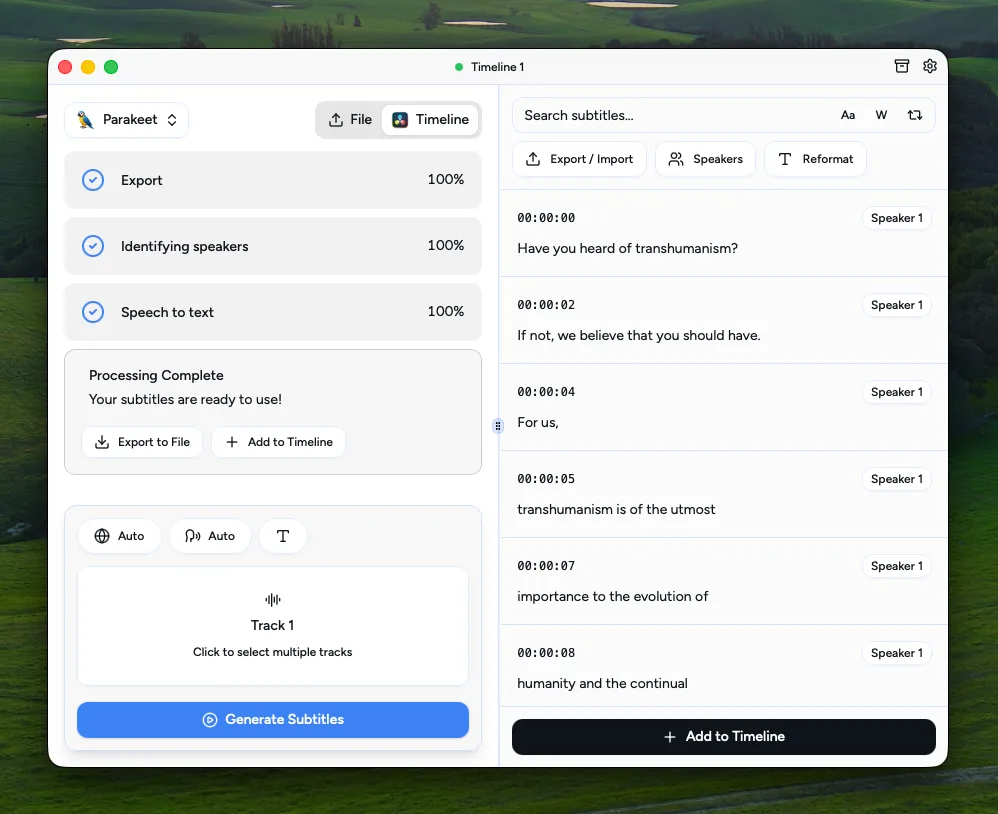
Caption Pro is the same local-Whisper idea with the rough edges removed. You see the transcript first and fix names, brands, and punctuation before a single caption is placed, which is the step that saves the most time on real footage. Every word can be styled with a karaoke or cumulative reveal, translation into more than 100 languages is built in rather than added on, and if something breaks you have someone to email. It installs like a normal plugin. Since Resolve 21.1 moved Python scripting to the Studio version, it needs DaVinci Resolve Studio, or Resolve free up to 21.0.4. For the full field, see the best DaVinci caption plugins roundup and the per-language subtitle guides.
| Feature | Caption ProBuy — €49.00 | AutoSubs | AutoCut | Snap Captions 2 |
|---|---|---|---|---|
| Price | €49 (perpetual) | Free (open-source) | $79 to $238.80 | Free, $8/mo, or $150 lifetime |
| Setup | Installs like a plugin | Manual install, dependencies | Installer | Installer (Studio) |
| Review transcript before placing | Yes | Limited | Yes | Manual |
| Styling | 5 styles: karaoke, cumulative, pop-in | Basic | Templates | Animated social styles |
| Translation | 100+ languages, built in | Yes, via models | Yes | No |
| Support | Direct support | Community only | Vendor support | Vendor support |
Stop buying plugins. Build your own.
Every plugin you buy solves someone else's problem. Through The Forge skill packs, you can teach Claude Code to write, test, and install custom DaVinci Resolve tools in plain English. Save money, learn the workflow, and own your tools forever.


Verdict: the best AutoSubs alternative
Caption Pro Winner
The paid, supported route to the same local-Whisper captions. For €49 once you get a transcript review step, karaoke styling, built-in translation to 100+ languages, and direct support. Since Resolve 21.1 it needs DaVinci Resolve Studio, or Resolve free up to 21.0.4. It is the alternative to reach for when your time is worth more than the setup AutoSubs asks of you.
AutoCut
A heavier, pricier option that also removes silences and auto-edits podcasts. If you want more than captions and have the budget, it does more. For subtitles alone it is far more than most editors need, with AI captions only on the $178.80 tier.
Snap Captions 2
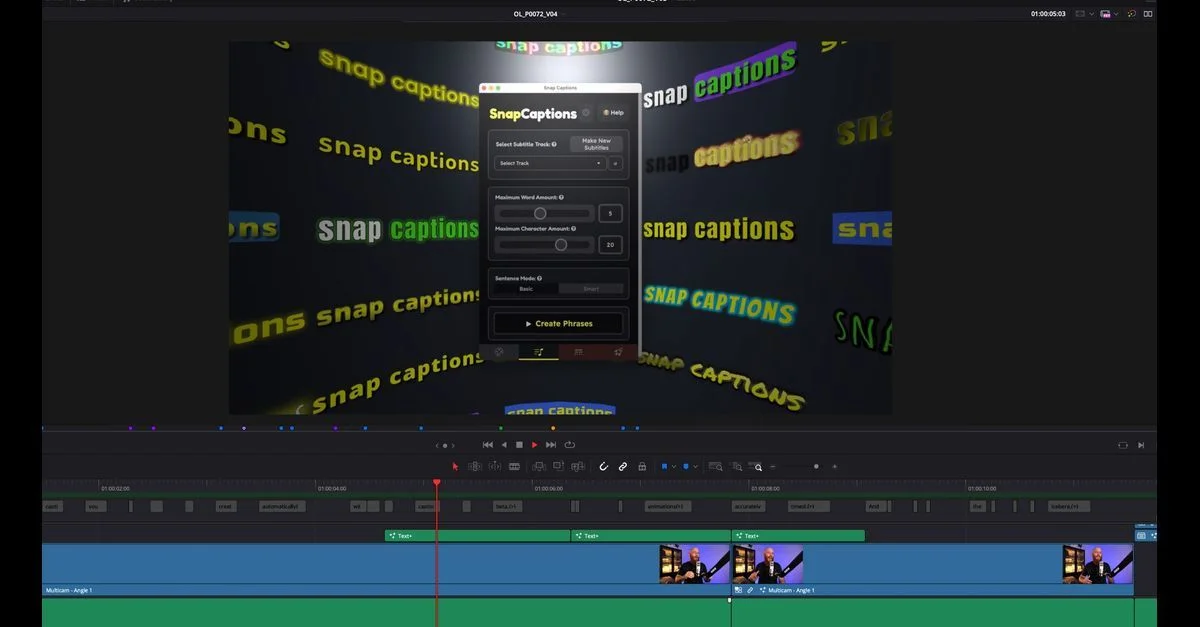
Built for animated, short-form caption styles. It needs DaVinci Resolve Studio for the full set and does not translate, so it suits social creators chasing a specific look rather than anyone wanting a plain, accurate subtitle track.
AutoSubs (when it is still the right pick)
If your budget is genuinely zero and you enjoy a bit of setup, AutoSubs is the honest answer. It is free, open-source, local, and good enough for personal projects. Everything above is about buying back the time it costs you, not about AutoSubs being bad.
AutoSubs is the right tool when the budget is zero and setup time is free. The moment your time has a price, Caption Pro is the better trade: €49 once for a transcript you review before placement, styled captions, built-in translation, and support, without leaving Resolve. Since 21.1 it needs DaVinci Resolve Studio, or Resolve free up to 21.0.4. AutoCut only makes sense if you also need silence removal, and Snap Captions 2 if you want animated social styles on Studio.