The Best AutoCut Alternatives for DaVinci Resolve
AutoCut bundles three separate jobs into one subscription: silence removal and auto-editing, animated captions, and translation. Most searches for an AutoCut alternative are really looking for a cheaper way to do just one of those jobs, and the two jobs split cleanly. For automatic silence removal and rough-cut editing, FireCut does it for free, no subscription, on both DaVinci Resolve Free and Studio. For styled captions and translation, Caption Pro does that for €49 one time, entirely on your own machine. Below, both sit next to AutoSubs and Snap Captions 2 so you can see which one actually replaces the AutoCut feature you are paying for.
Why look for an AutoCut alternative
AutoCut bundles three jobs into one purchase. It cuts silences, edits podcasts and interviews automatically, and generates captions. The $79 Basic tier only unlocks silence removal, no captions at all. Get captions and you are at the $178.80 AI tier, most of which you will never open if editing speed is all you are after. Splitting the two jobs across two cheaper, focused tools usually costs less than AutoCut either way.
FireCut: free silence removal and rough cuts
FireCut's free tier does the job AutoCut's Basic plan charges $79/year for: unlimited silence removal, multichannel audio splitting for podcasts and interviews, and marker-based organizing, with no subscription. It runs on both DaVinci Resolve Free and Studio, on Mac, Windows, and Linux. If captions are the reason you are looking, FireCut's own captions and cleanup tools sit behind a $16/month Pro plan, which is where it stops being free. For subtitles and translation without a subscription, Caption Pro below is the cheaper route.
Caption Pro: captions and translation, not editing
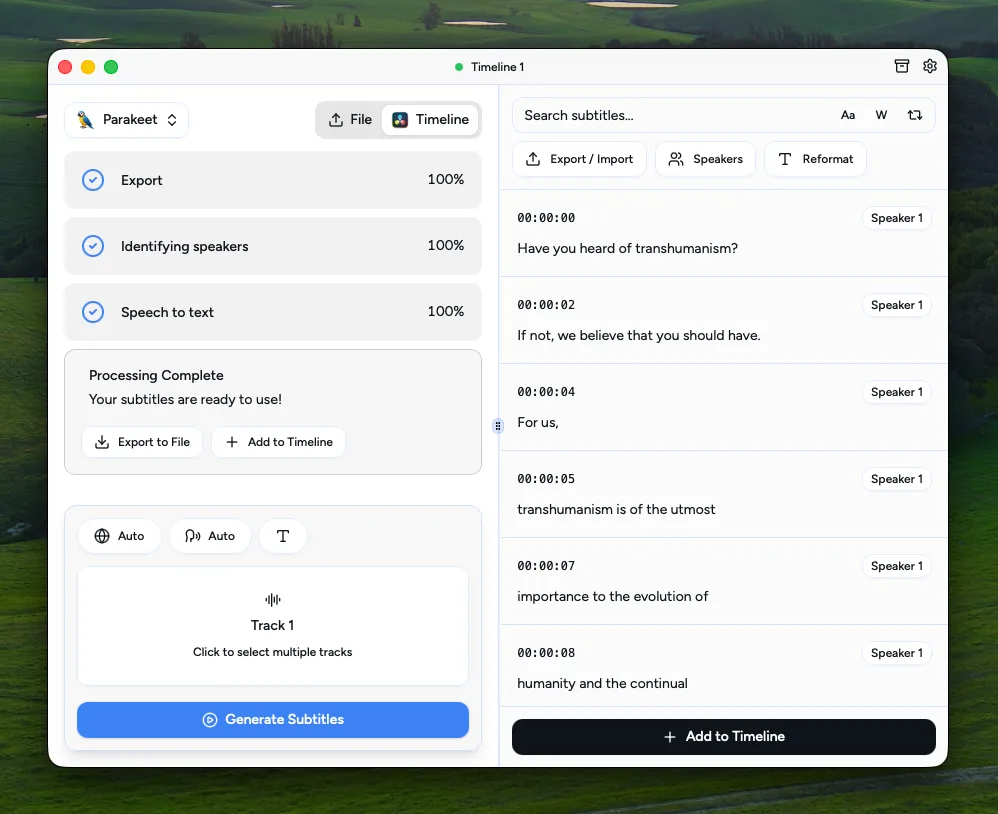
Caption Pro does one job from start to finish. It transcribes your timeline with Whisper on your own computer, shows you the transcript so you can fix names and terms before anything is placed, styles every word with a karaoke or cumulative reveal, and translates the result into more than 100 languages. No footage is uploaded. It does not touch silence removal or auto-editing: pair it with FireCut's free tier above if you need both. For the wider view, the best DaVinci caption plugins roundup covers all five caption-focused options, and the per-language subtitle guides go deeper on individual languages.
| Feature | FireCut | Caption ProBuy — €49.00 | AutoCut | AutoSubs | Snap Captions 2 |
|---|---|---|---|---|---|
| Price | Free (Pro $16/mo) | €49 (perpetual) | $79 to $238.80 | Free (open-source) | Free, $8/mo, or $150 lifetime |
| Main job | Silence removal, organizing | Subtitles and translation | Silence removal, auto-editing, captions | Subtitles | Animated social captions |
| Silence removal | Yes, free | No | Yes (Basic tier) | No | No |
| AI captions included | Pro plan only ($16/mo) | Yes | AI tier only ($178.80) | Yes | Yes |
| Runs on DaVinci Resolve Free | Yes | Up to 21.0.4 only (from 21.1, only on Studio) | Yes | Yes | No (Studio only) |
| Translation | No | 100+ languages, built in | Yes | Yes, via models | No |
| Runs 100% locally | Free tier yes, AI features need internet | Yes | Yes | Yes | Yes |
Stop buying plugins. Build your own.
Every plugin you buy solves someone else's problem. Through The Forge skill packs, you can teach Claude Code to write, test, and install custom DaVinci Resolve tools in plain English. Save money, learn the workflow, and own your tools forever.


Verdict: the best AutoCut alternatives
FireCut Winner
The free pick for silence removal. FireCut's free tier does unlimited silence removal, audio splitting, and marker-based organizing, no subscription, on both DaVinci Resolve Free and Studio. It does not caption or translate anything until you pay for the Pro plan, so pair it with Caption Pro below if you need both jobs done.
Caption Pro Runner-up
The focused pick for captions. Transcribe, review, style, and translate captions without leaving DaVinci Resolve, for €49 one time. Since Resolve 21.1 it needs DaVinci Resolve Studio, or Resolve free up to 21.0.4, and it keeps everything on your machine. It does not touch silence removal or auto-editing, that is FireCut's job above.
AutoSubs
The free, open-source captions option. AutoSubs also uses Whisper locally and is a genuine no-cost route to captions. The trade-off is setup and finish: you install it yourself, styling is basic, and there is no support line. If your budget is zero and you are comfortable with a manual install, it is a fair choice.
Snap Captions 2
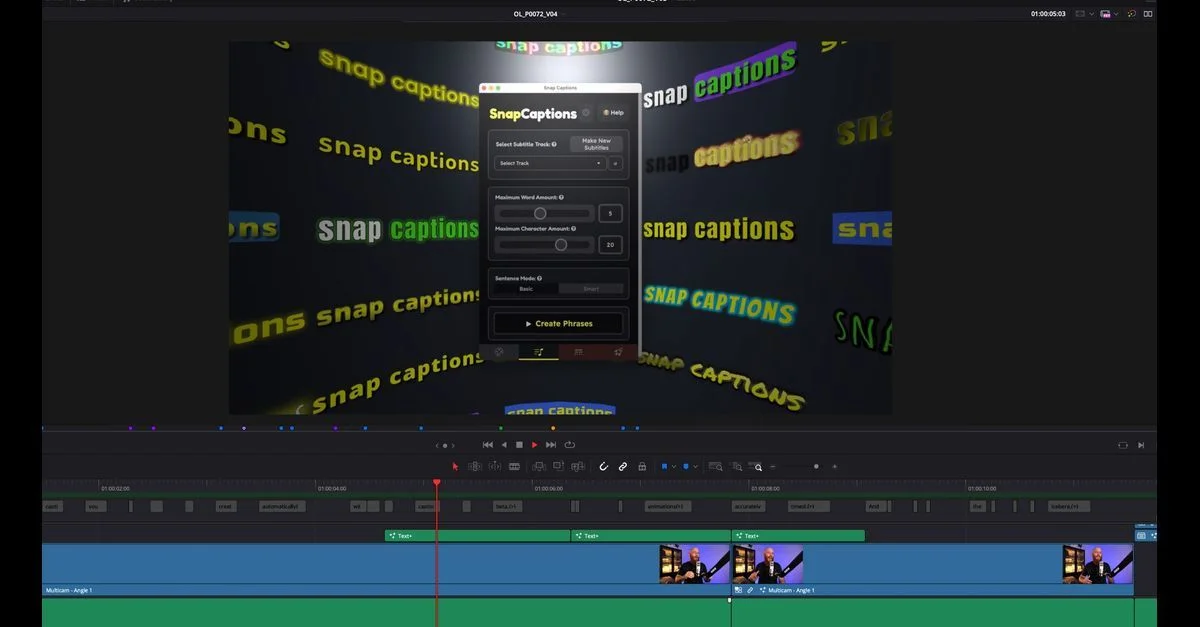
The social-video option. Snap Captions 2 is built around animated, bouncing caption styles for short-form content. It needs DaVinci Resolve Studio for the full feature set and does not translate, so it is a different tool for a different look rather than a straight AutoCut swap.
AutoCut (when it is still the right pick)
AutoCut earns its price when you want silence removal, auto-editing, and captions from a single subscription and do not want to run two separate tools. For teams that value one bill and one interface over splitting the cost, that convenience is the reason to buy it.
If silence removal and rough cuts are why you are looking at AutoCut, FireCut's free tier does that job for nothing, on Free or Studio. It will not caption or translate anything for you without the $16/month Pro plan though, so if subtitles are the actual goal, Caption Pro at €49 once does that specific job better and cheaper than AutoCut's AI tier. Most people replacing AutoCut end up needing both tools, not one.