How Six Months of Plugin Work Turned Into Two AI Workers for DaVinci Resolve

The first plugin I shipped for DaVinci Resolve was VHS Nostalgia, a real-time analogue effect. Then came Caption Pro, which transcribes your timeline locally and drops word-by-word captions on it. Six months and several versions later, the thing I have most of is not plugin code. It is a method: a way of getting a plugin from an idea to a zip file that installs on a machine I will never see.
That method is what I have just released, as two AI workers you install into Claude Code. They are called The Forge, in a Creator edition and a Studio edition.
What six months of Resolve actually teaches you
Resolve's scripting API is powerful and only partly documented. That sentence sounds mild until you spend a Tuesday on it. The undocumented parts are the expensive ones: behaviour that contradicts the official reference, failures that produce no error message anywhere a user would think to look, code that runs on my machine and silently does nothing on a customer's.
The effects side is worse. An OFX plugin is compiled code that Resolve loads into itself, written against a specification Resolve does not entirely follow. One of my own effects appeared in the Effects list, then refused to run, and the message it gave blamed something that had nothing to do with the cause. I found it by instrumenting the plugin until the host admitted what it was really doing. The actual problem was a single value Resolve rejects where the published spec says it is allowed.
None of that is in a manual. I paid for each item in days, and then again in support emails.
Why it became a skill file
The turn came from repetition. Every time I started a new plugin or a new version, I was re-explaining the same things to my AI worker: how Resolve's Python API really behaves, where the scripts folder lives on each system, why a test that passes in a terminal proves nothing until the code has run inside Resolve, how to package a bundle so it survives a customer's Gatekeeper. The explanation was the same every time, so I wrote it down once and gave it to the worker as a skill.
The difference was immediate. A worker that knows the traps builds a plugin in an afternoon. A worker that guesses produces something that looks right, passes its own tests, and fails on the first real timeline. Resolve punishes guessing, and it does it quietly.
Once the skill existed, Caption Pro v1.3 and the VHS Nostalgia updates were built with it. So the pack is not a write-up of how I would do it in theory. It is the file I have been using.
Creator: build your own tools
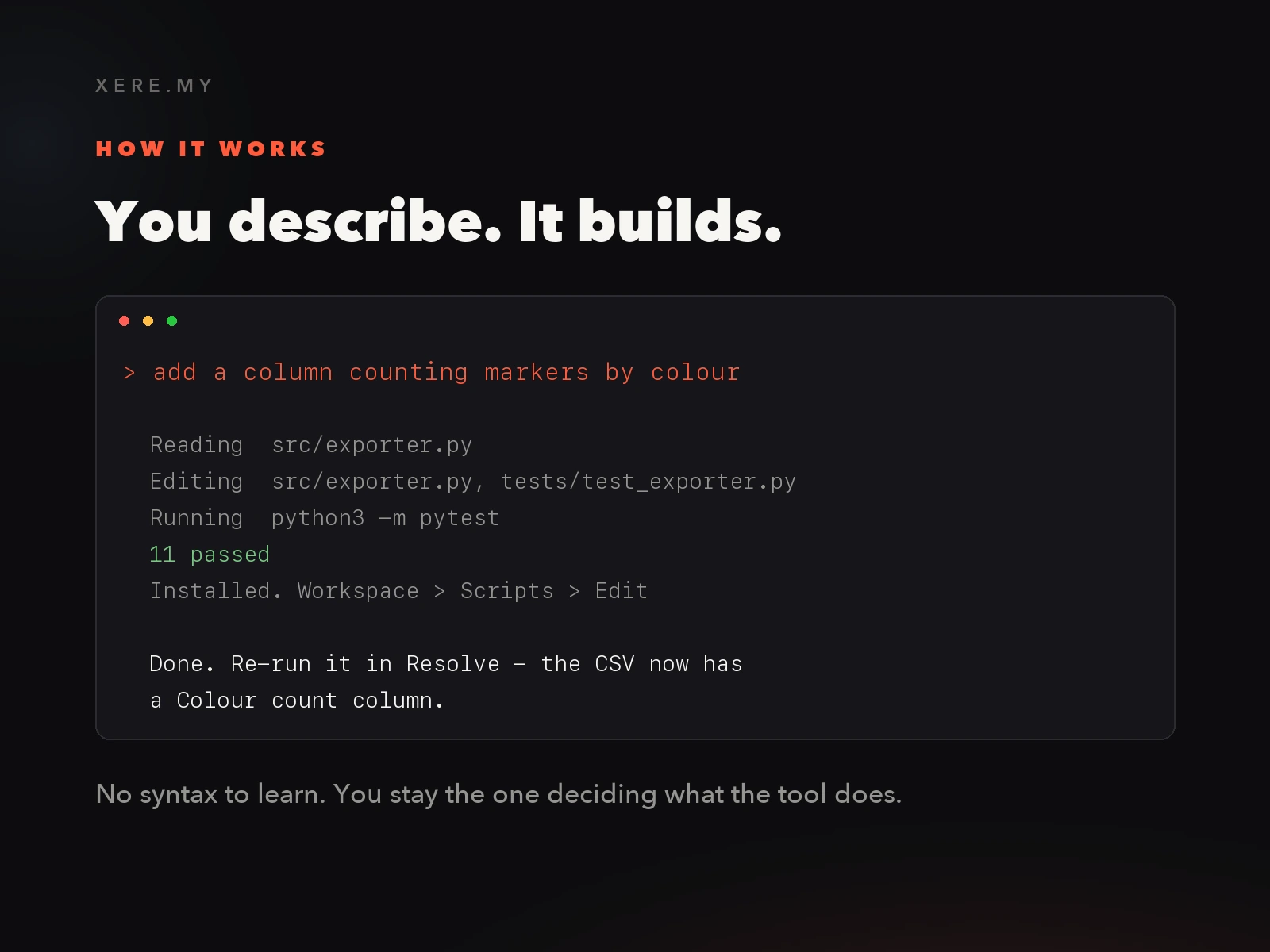
The Creator edition covers Resolve scripting, which is the Python side: anything that renames clips, restructures bins, exports marker notes, reformats an edit into three aspect ratios, or automates whatever you currently do by hand twice a week. You describe the tool in plain English, the worker reads the API reference and its documented traps, writes the plugin and the tests, installs it, and you run it from Workspace > Scripts.
In the box: the forge-creator skill for Claude Code, the Resolve API reference with the undocumented behaviour written next to it, a complete working starter plugin called Marker Notes Exporter with its test suite, one-click installers for macOS and Windows, and a 6-chapter PDF guide written for someone who has never opened a terminal. Free updates for life. €89, one payment, no fee per plugin.
The Forge, Creator edition
Build your own DaVinci Resolve automation tools in plain English. Skill pack, starter plugin with tests, 6-chapter guide, installers for Mac and Windows.
Studio: build effects, and ship them
Studio is the edition for people who intend to deliver something to someone else. It has everything in Creator, plus the two parts that turn a plugin into a product.
The first is OFX. Real-time effects that process pixels are compiled C, and they need the reference on lifecycle, bundle layout and versioning, plus the list of places where Resolve deviates from the published spec. Studio includes Forge Gain, a complete working effect in one heavily commented C file, so you have something that already runs before you start changing it.
The second is shipping. Packaging, installers that work on a machine you have never seen, a release checklist, and a release kit with a release script, an EULA template with your name on it and a generated welcome guide for your buyers. The guide grows from six chapters to eight. €229, one payment, no royalty on what you sell.
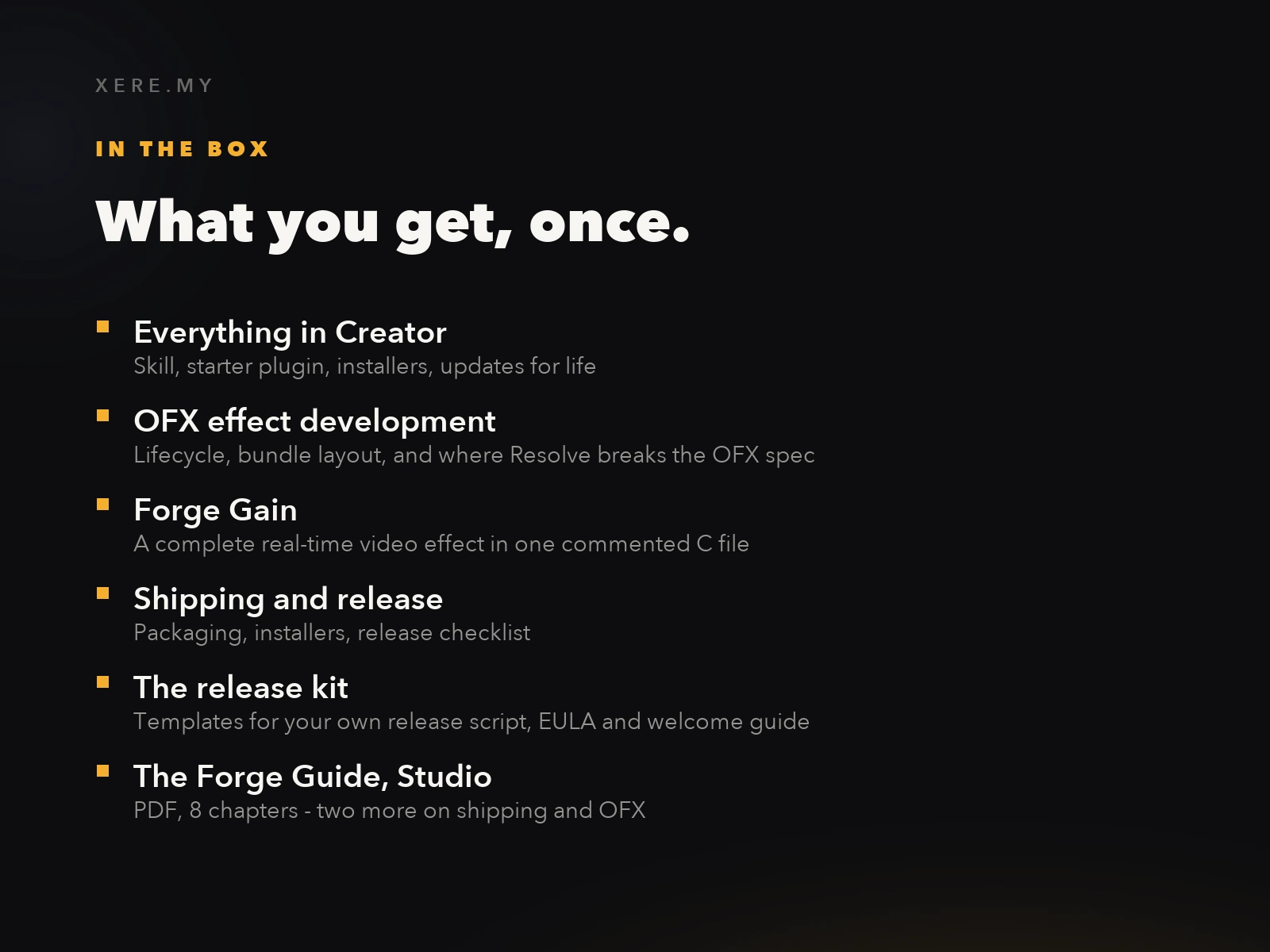
The Forge, Studio edition
Everything in Creator, plus real-time OFX effects in C and the full packaging, installer and release kit to sell plugins under your own name.
Who should skip this
If you want a finished tool to install and forget, buy the plugin. Caption Pro and VHS Nostalgia cost a lot less than either edition and they already do their job. The Forge is for the case where the tool you want does not exist, or exists and stops just short of what you need.
It also needs Claude Code with an active Anthropic plan, billed by Anthropic, separately. The Forge is the knowledge your worker reads, not the worker itself. Building OFX effects additionally needs the free Xcode Command Line Tools on macOS or the free Visual Studio Build Tools on Windows.
And if you only want to speed up your own edit, Creator is enough. Upgrading to Studio later costs the difference, and the two extra references land in the skill folder you already have.

I am curious what people build with this, more than anything else. If you make something with it, or you get stuck somewhere the guide does not cover, write to me. That is how Caption Pro got most of its good ideas.
Help me keep writing
If these articles are useful to you, have a look at what I make.
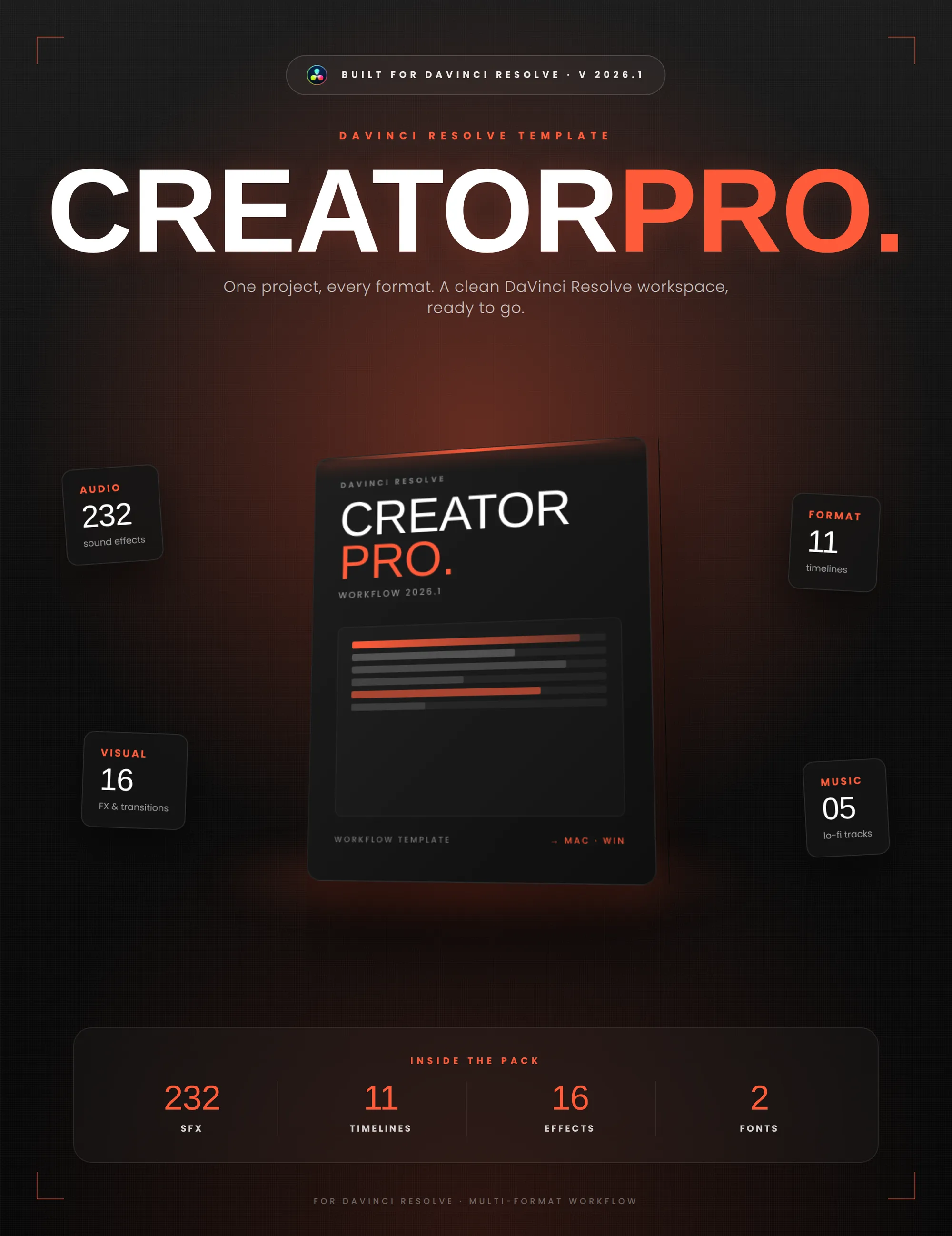
Creator Pro
The ultimate DaVinci Resolve workspace for creators
View plugin — €29.00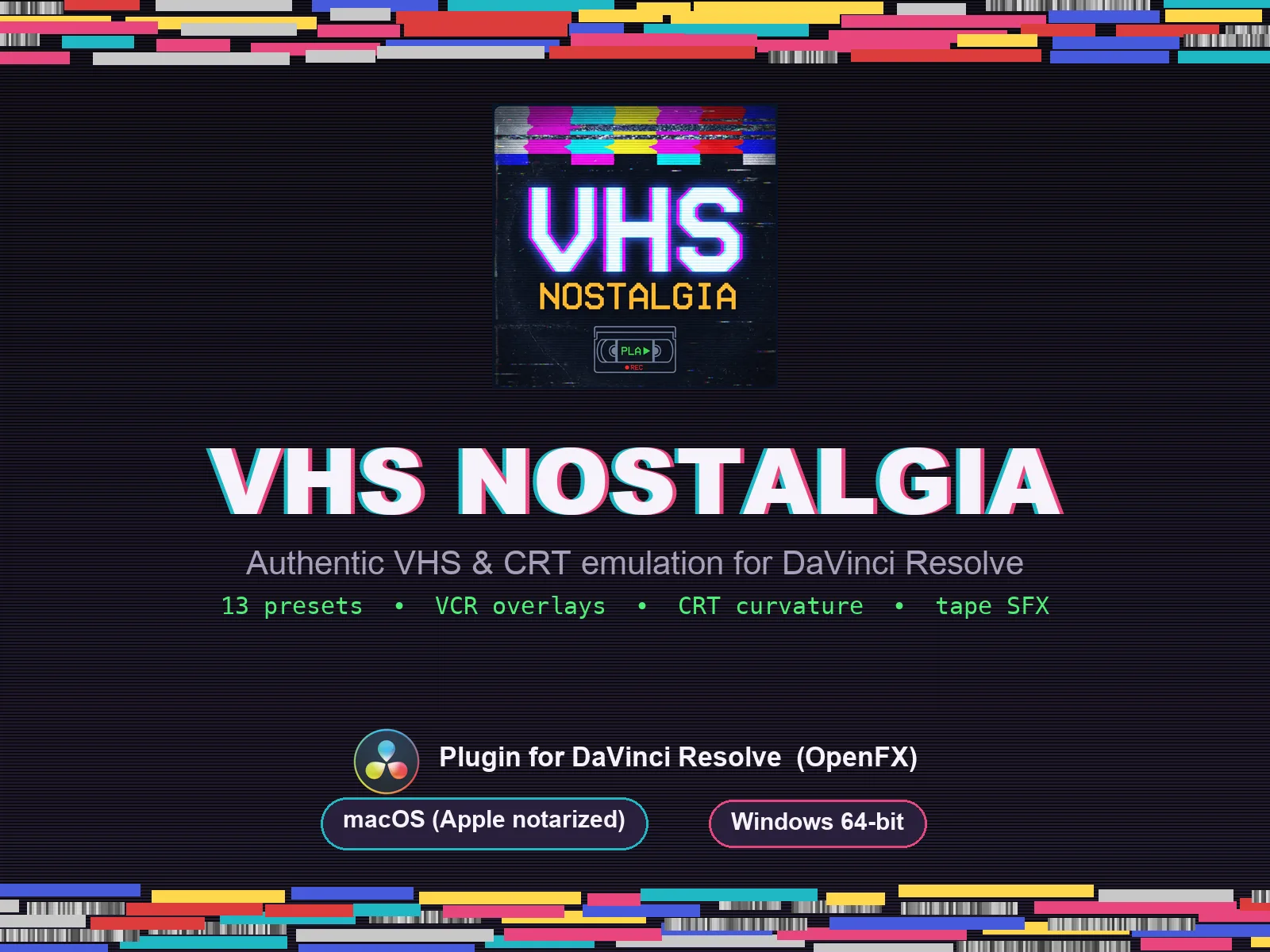
VHS Nostalgia
Real VHS & CRT emulation for DaVinci Resolve
View plugin — €49.00
Caption Pro
Automatic word-by-word captions and translation for DaVinci Resolve
View plugin — €49.00
Get the zine
"Absorbed by the algorithm Vol. 1": 33 images shot in Paris, 28 pages, shipped worldwide.