Building a Collection of Printed Photo Zines
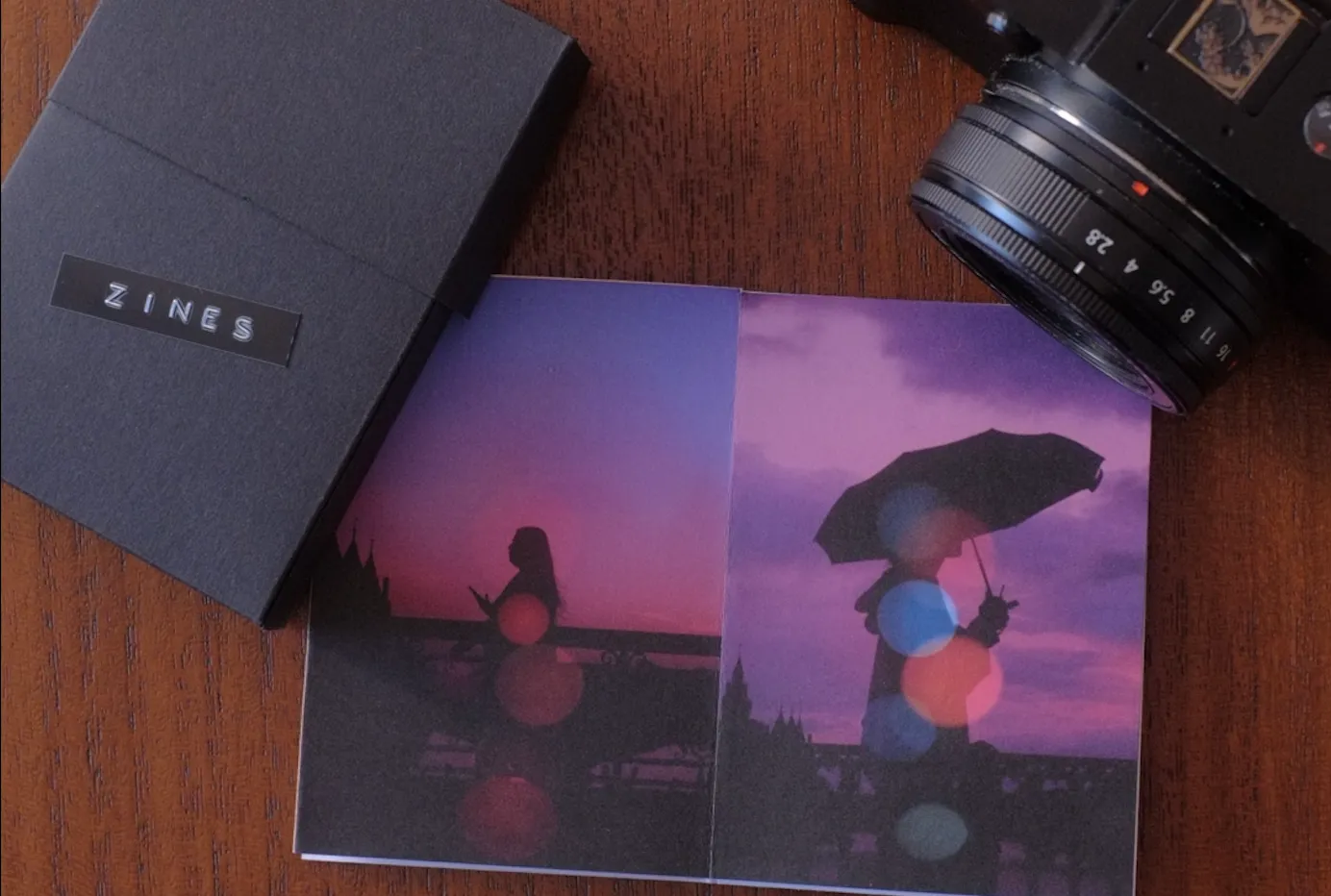
I have somewhere around thousands of photos on my cloud storage. I've looked at maybe a hundred of them in the last year. That's the honest math of digital photography, and for a long time it bothered me without me really knowing what to do about it.
What fixed it wasn't a better catalog system or a smarter folder structure. It was a stack of folded paper.
A zine is a small commitment
The one-sheet zine format is eight pages, made from a single sheet of A4, three folds and one cut. That's the whole thing. Eight pages means eight photos. Not forty. Not a "best of the year" gallery that grows every time you look at it. Eight.
That constraint is the entire point. When I sit down to make one, I have to actually choose. Which frame from that walk around Sète earns a page? Does the harbor shot at golden hour beat the one with the ropes? I end up looking at my own photos properly, comparing them, killing the ones I kept out of sentiment. It takes an evening, and by the end I've made about thirty small decisions about my own work that I would never have made otherwise.
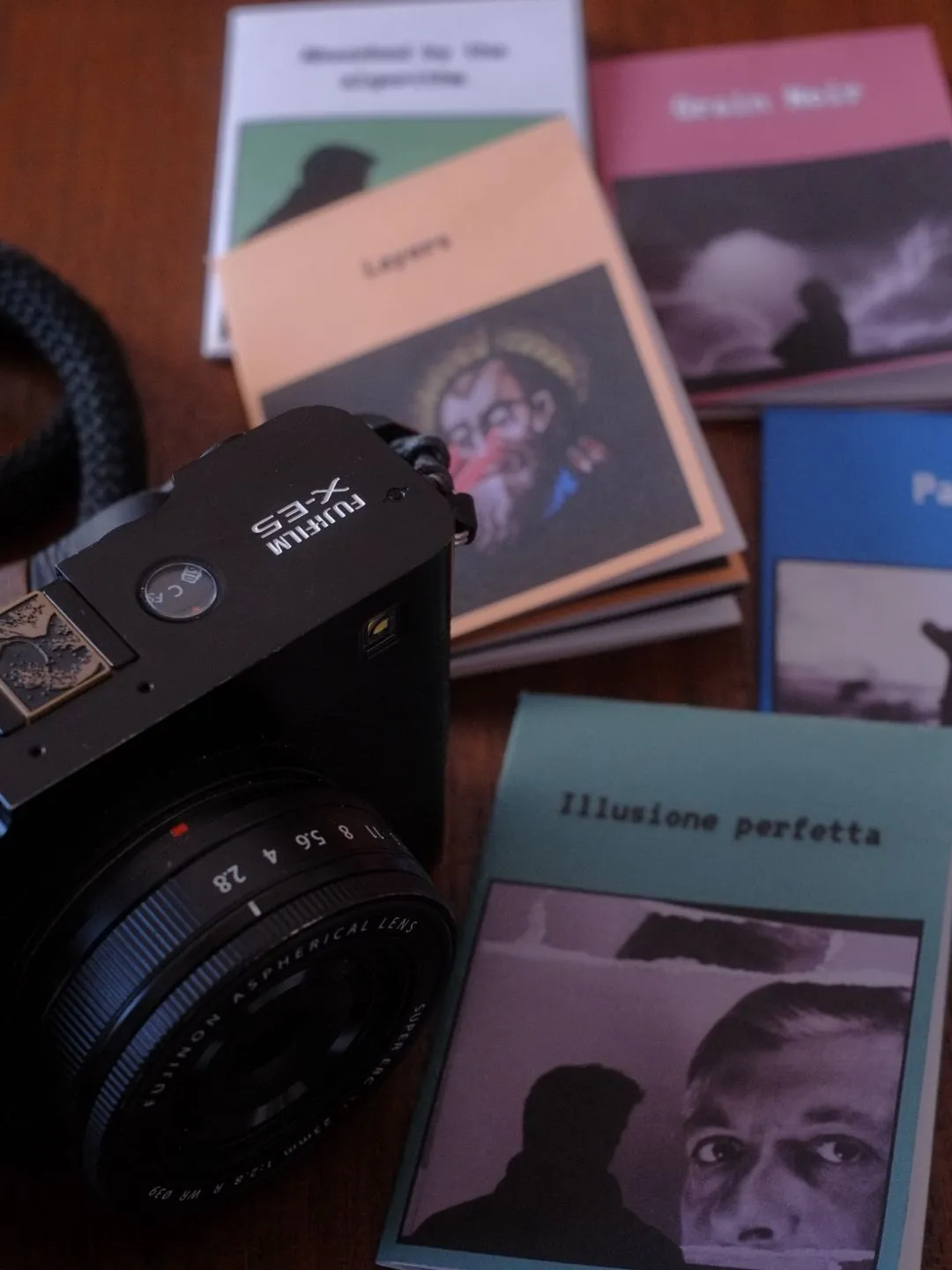
Then it prints, and it's done. There's no version two. The file doesn't sit in a folder called `zine_final_v3`. It's paper now, and paper doesn't invite endless revision.
What changes when you can hold it
I keep coming back to this. A photo on a screen is light. You look through it. A printed photo is an object with weight and edges, sitting on a table, catching the light in the room you're in. You look at it, you feel it.
With a zine, there's another layer on top of that: sequence. You made a decision about what comes after what, and now someone has to turn the pages in that order. A grid on Instagram has no sequence, it has adjacency. A zine has a first page, a middle, and an ending. Once you start thinking that way, you start shooting differently. You notice you're missing an opening image. You realize a series needs something quiet before the loud frame.
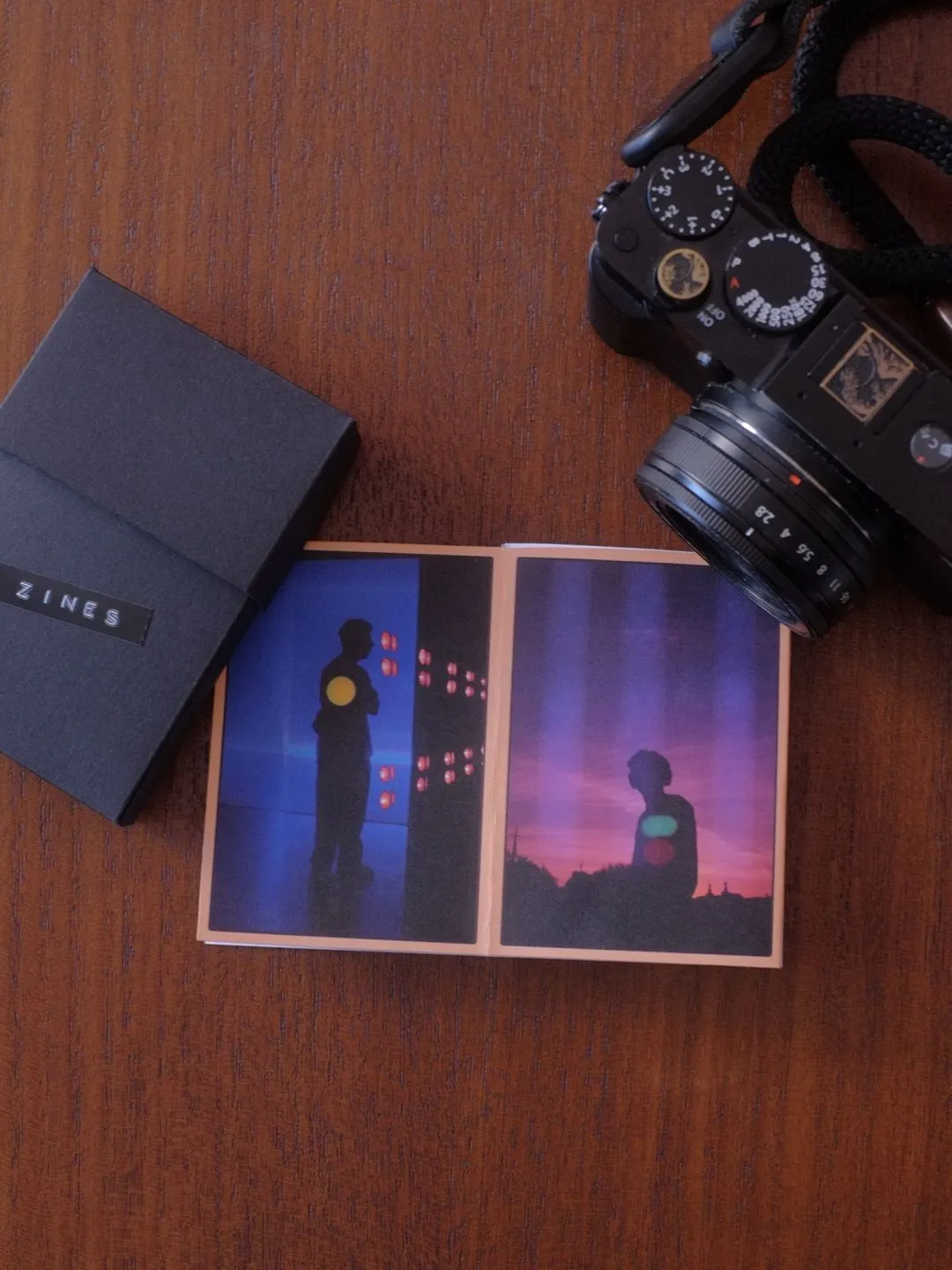
Printed at home, one of these costs pennies. A sheet of paper and some ink. That's the other thing worth saying, because "printing your work" usually sounds like framing and expense.
The box
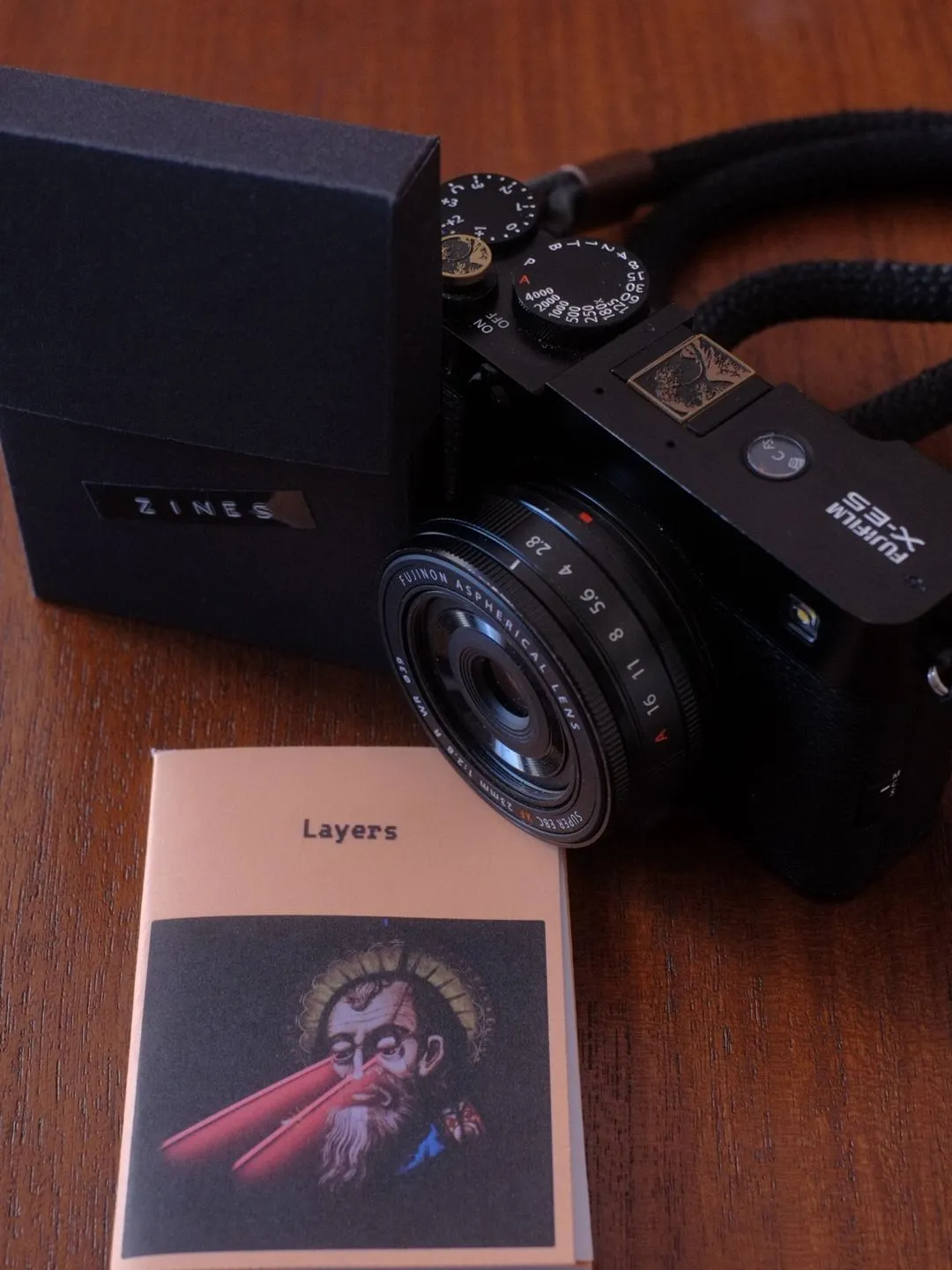
At some point I had enough of them that they were scattered around. So I made a small black box from black craf paper, and now they all live there.
It's a stupidly small thing that changed how I think about them. Scattered, they were leftovers from a project. In the box, they're a collection.
The box sits on a shelf where I can reach it, and from time to time I can pull it down and go through a few. Each one is a fixed record of what I thought was worth keeping at a specific moment. Some of them I'd sequence differently now, and I like that.
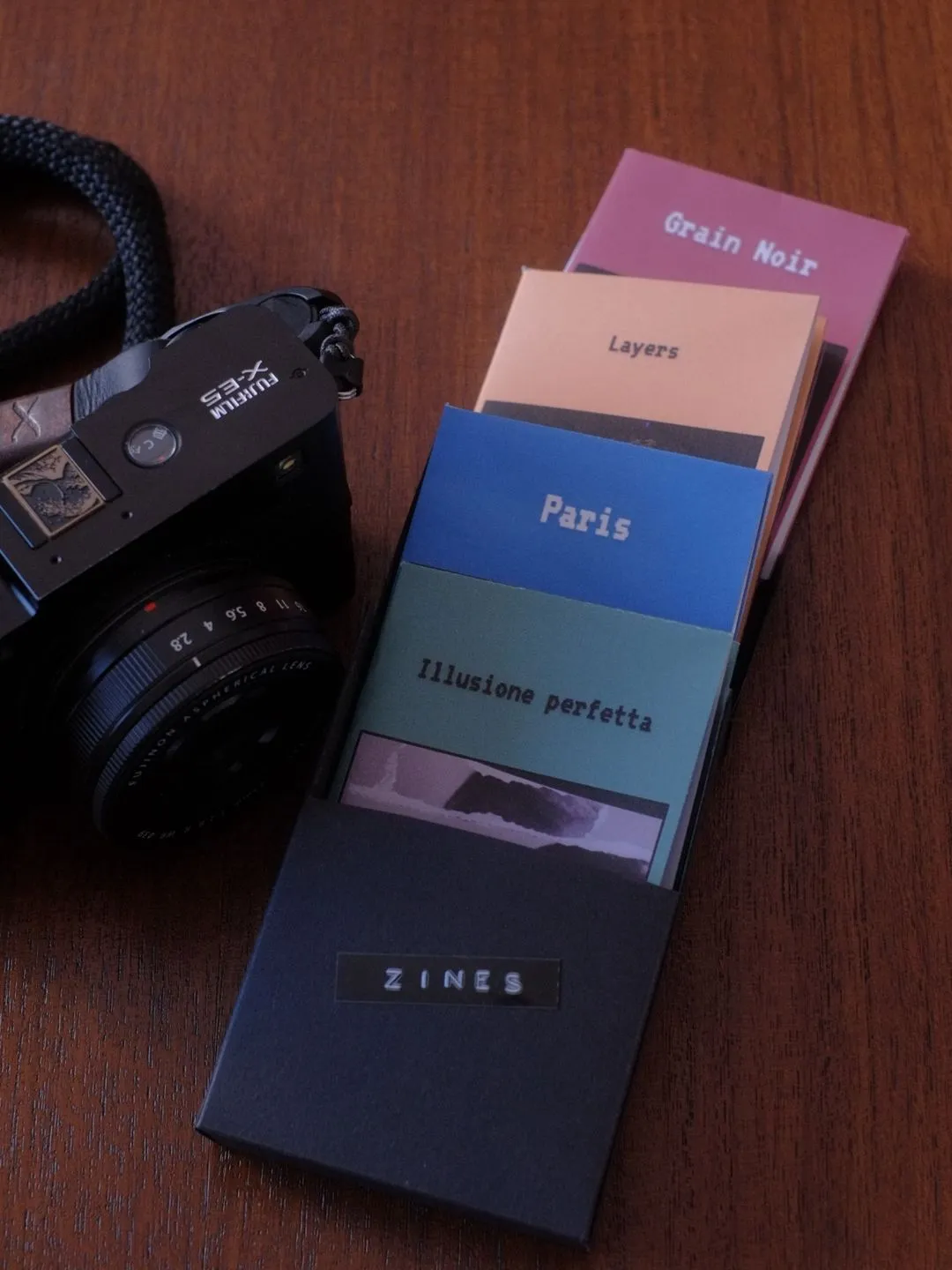
I don't show most of them to anyone. A few I've given away, and giving someone eight of your photographs folded into a booklet they can put in a pocket is a much stranger and better gift than sending them a link. But mostly they're just mine, in a box, which turns out to be enough reason to make them.
The part that used to be hard
The reason I didn't do this for years is the layout. I never liked spending time in Photoshot to find the perfect arrangement, and template.
So I built FotoZine Lab, a free browser tool that does the imposition math for you. You drop in eight images, drag them around until the sequence feels right, add a title on the cover, and it exports a print-ready PDF laid out for landscape A4. There's a folding guide, and an option to show cut lines, which matters because a home printer can't print to the edge of the paper and you'll want to trim that white margin off before folding.
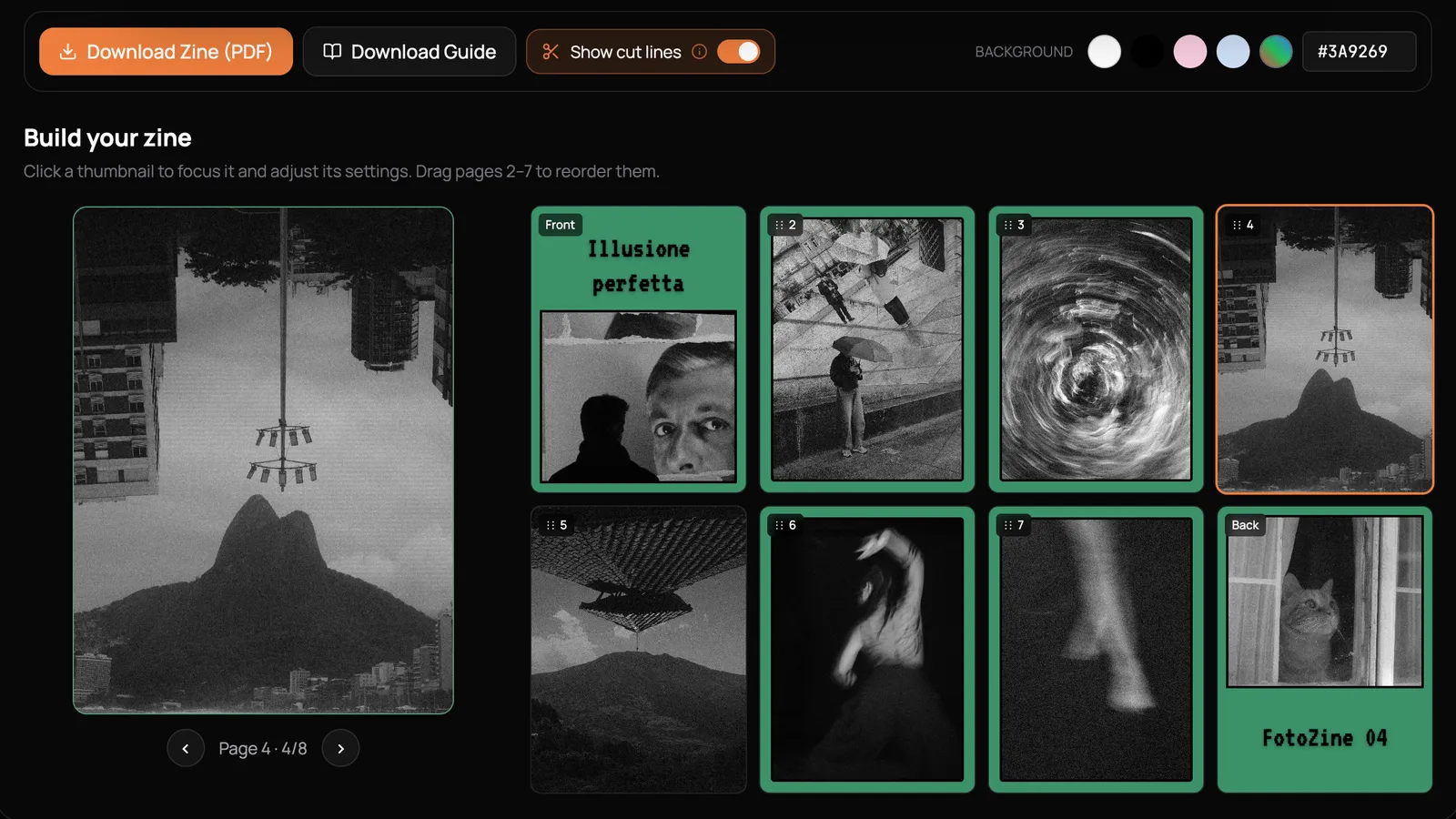
Everything happens in your browser. Your photos aren't uploaded anywhere, there's no account, no watermark, and no limit on how many you export. I built it because I wanted the friction between "these eight photos are good" and "these eight photos are paper" to be about fifteen minutes.
If you've got a folder of images you're proud of and never look at, pick eight of them tonight, print them, fold them, and find a box to keep them in.
Help me keep writing
If these articles are useful to you, have a look at what I make.
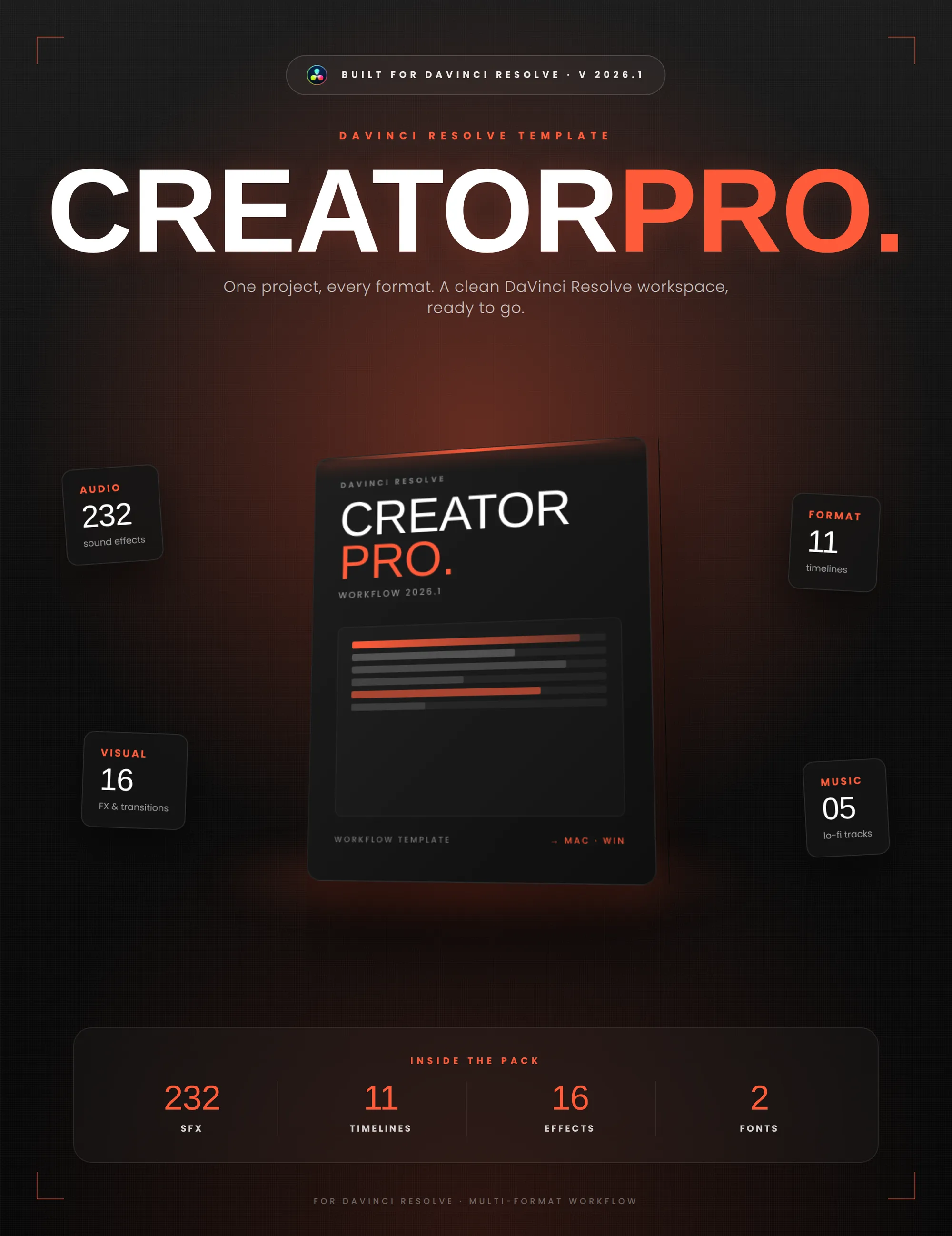
Creator Pro
The ultimate DaVinci Resolve workspace for creators
View plugin — €29.00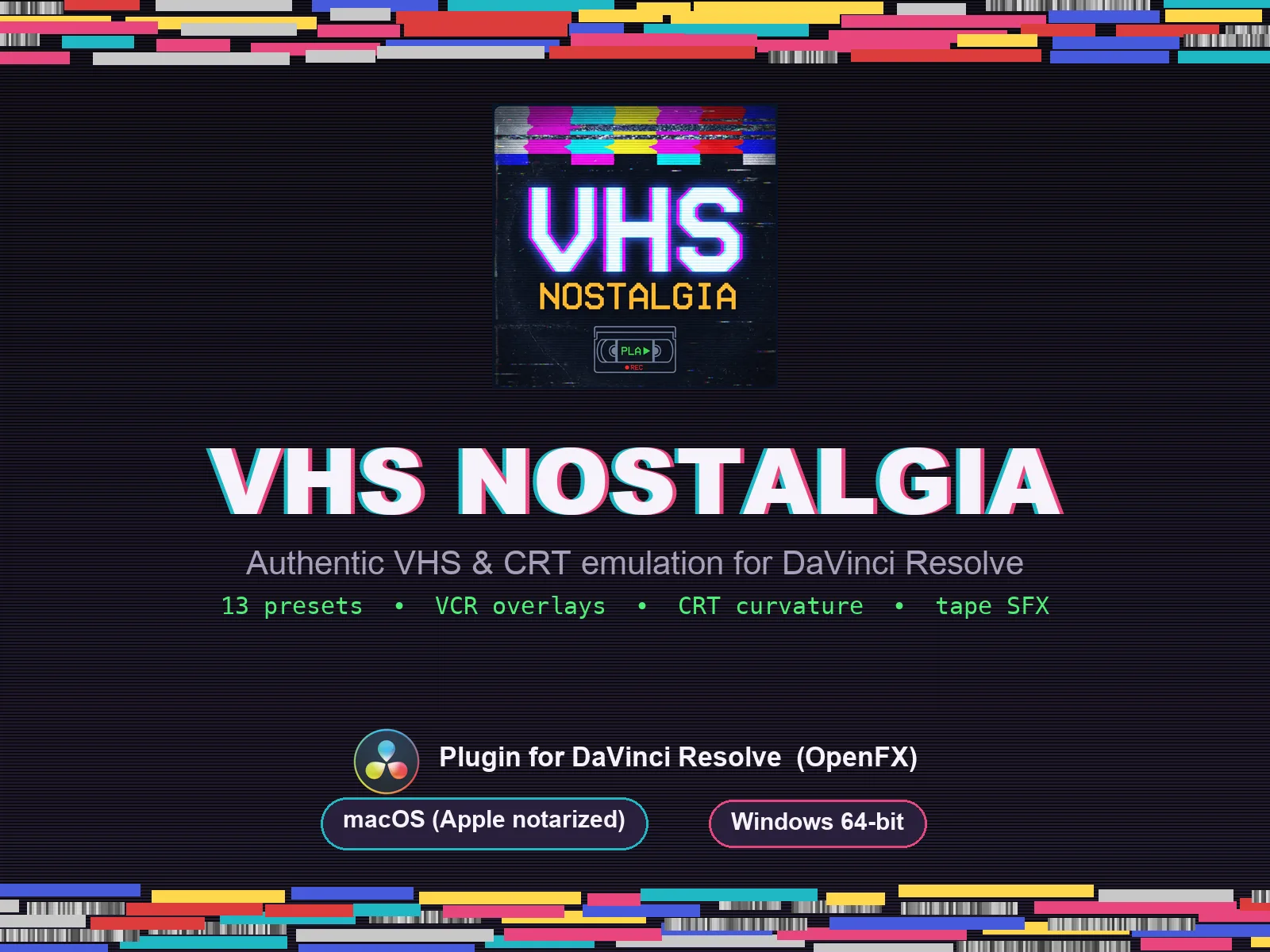
VHS Nostalgia
Real VHS & CRT emulation for DaVinci Resolve
View plugin — €49.00
Caption Pro
Automatic word-by-word captions and translation for DaVinci Resolve
View plugin — €49.00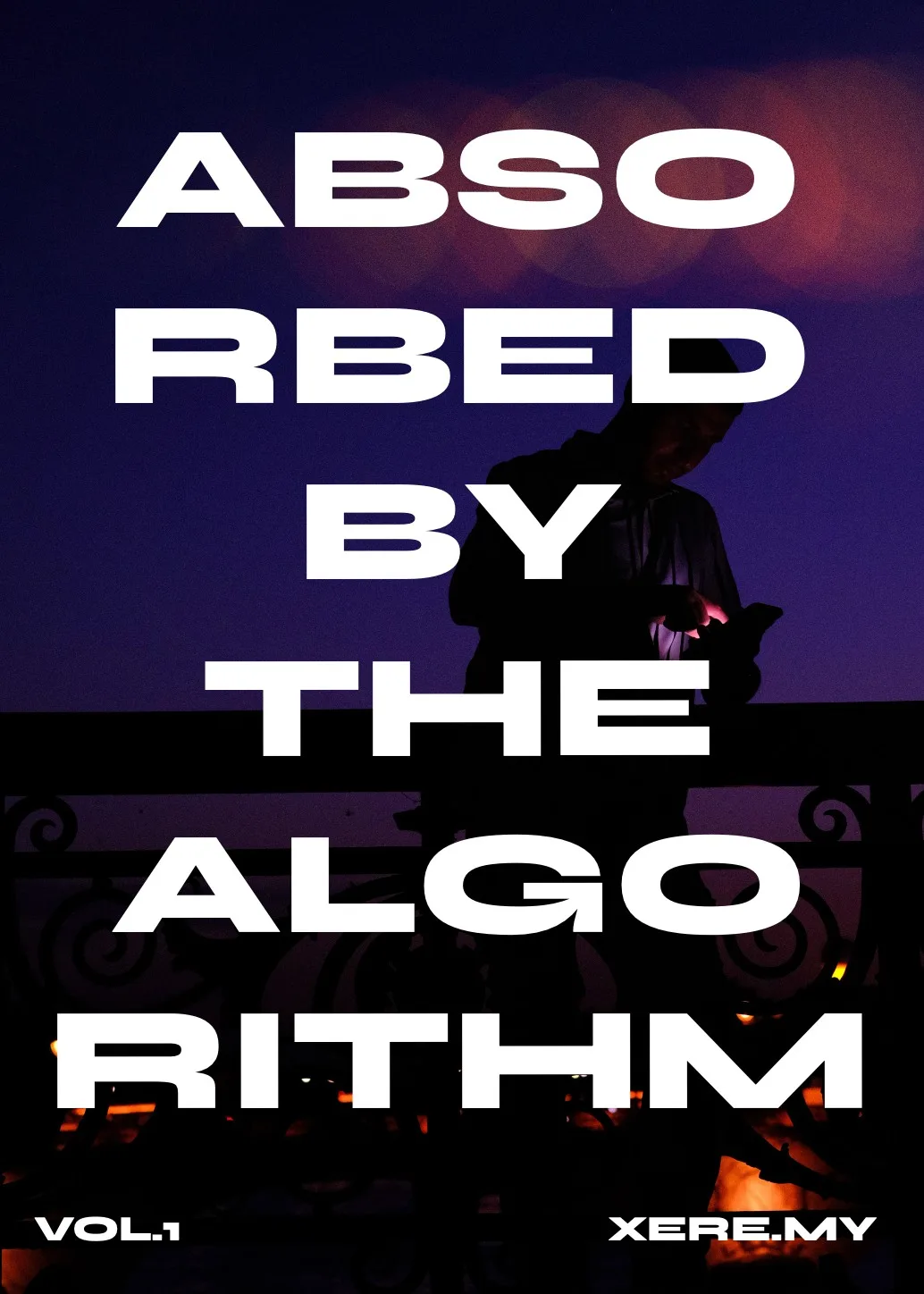
Get the zine
"Absorbed by the algorithm Vol. 1": 33 images shot in Paris, 28 pages, shipped worldwide.