Best Templates for DaVinci Resolve
A good DaVinci Resolve template saves time before the edit even starts. Instead of creating timelines, organizing the media pool, importing sound effects, and rebuilding effects from scratch for every project, a template gives you a fully prepared workspace that you can open and use immediately. Whether you publish to YouTube, Instagram, TikTok, or deliver client work in multiple formats, the right template keeps your workflow consistent and fast. We are building this roundup of the best DaVinci Resolve templates over time. For now it features Creator Pro, a complete multi-format project template designed for solo creators who want a professional starting point without recurring subscription costs.
Creator Pro — The ultimate DaVinci Resolve workspace for creators
A pre-organized DaVinci Resolve template. Install it once, get the same clean workspace on every project, forever.
Why use a DaVinci Resolve template?
Every edit starts with the same repetitive tasks: creating timelines in the right aspect ratios, setting up tracks, importing frequently used sound effects, organizing the media pool, and applying standard effects. A project template removes that setup work by giving you a ready-made environment. You open the template, import your footage, and start editing. This is especially useful if you publish regularly or work on similar project types, because consistency makes you faster and reduces mistakes.
What to look for in a Resolve template
Look for the formats and timelines you actually need. Social media creators often need 9:16, 4:5, and 1:1 timelines alongside standard 16:9. Check whether the template includes useful assets like sound effects, music, transitions, and title presets, or if it is just an empty timeline structure. Compatibility also matters: make sure the template works with your version of DaVinci Resolve and with both Free and Studio if you switch between machines. Finally, consider how customizable the template is. A rigid template can slow you down, while a flexible one grows with your workflow.
Template vs. plugin: which one do you need?
Templates and plugins solve different problems. A template is a pre-built project file that gives you structure, assets, and starting settings. It is perfect for repetitive workflows and consistent deliverables. A plugin adds new tools, effects, or automation inside Resolve, but it does not give you a ready-made project. Many creators benefit from both: a template for the starting structure and plugins for specific effects or tasks. If your main pain point is setup time, start with a template.
How we evaluate templates
We evaluate templates on the criteria that matter most in real editing workflows: price, included timelines and formats, asset library, ease of installation, customization options, Resolve version compatibility, and overall value. The ratings come from hands-on testing, official documentation, and feedback from creators who use these templates regularly. The comparison table below summarizes the current pick, followed by a detailed verdict.
| Feature | Creator ProBuy — €29.00 |
|---|---|
| Price | $29 (one-time) |
| Format | .drp DaVinci Resolve project |
| Timelines | 11 pre-configured (9:16, 16:9, 4:5, postcard) |
| Sound Effects | 232 royalty-free, organized by use case |
| Effects & Transitions | 16 drag-and-drop adjustment layers |
| Guide | 25-page Welcome Guide (PDF) |
| Compatibility | Resolve 18-21, Free & Studio, Mac & Win |
| Best For | Solo creators working across multiple formats |
Stop buying plugins. Build your own.
Every plugin you buy solves someone else's problem. Through The Forge skill packs, you can teach Claude Code to write, test, and install custom DaVinci Resolve tools in plain English. Save money, learn the workflow, and own your tools forever.


Verdict — Best Templates for DaVinci Resolve
Creator Pro: the ready-to-install multi-format workspace Winner
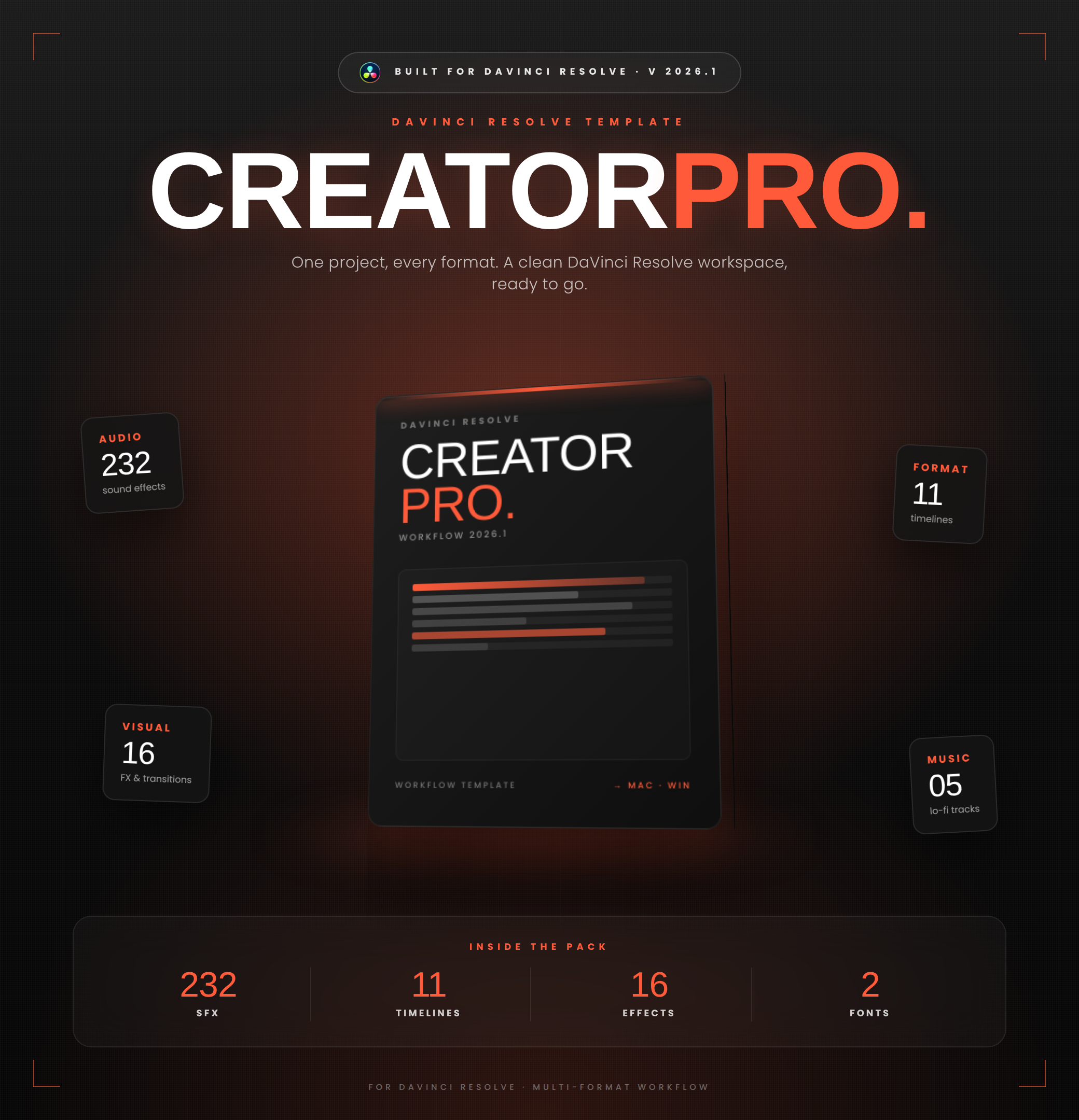
Creator Pro is a pre-organized DaVinci Resolve project template built to remove the friction of setup and organization. It ships with 11 pre-configured timelines covering every modern format, a color-coded media pool that imports in one click, 232 royalty-free sound effects organized by use case, 5 lo-fi music tracks, 16 drag-and-drop effects and transitions, custom title templates, two bundled typefaces, and a 25-page Welcome Guide. It works on DaVinci Resolve 18 to 21 (Free and Studio, Mac and Windows) and is a one-time purchase with lifetime support, designed to grow with your own assets over time.
Creator Pro is the most complete DaVinci Resolve template for creators who publish across multiple formats. Install it once and every new project starts from a clean, color-coded media pool with 11 ready-made timelines, 232 royalty-free sound effects, drag-and-drop effects, and a 25-page guide. As a one-time $29 purchase with lifetime support, it removes the friction of setup and organization without locking you into a subscription.