10 DaVinci Resolve Plugin Ideas You Can Build Without Writing Code
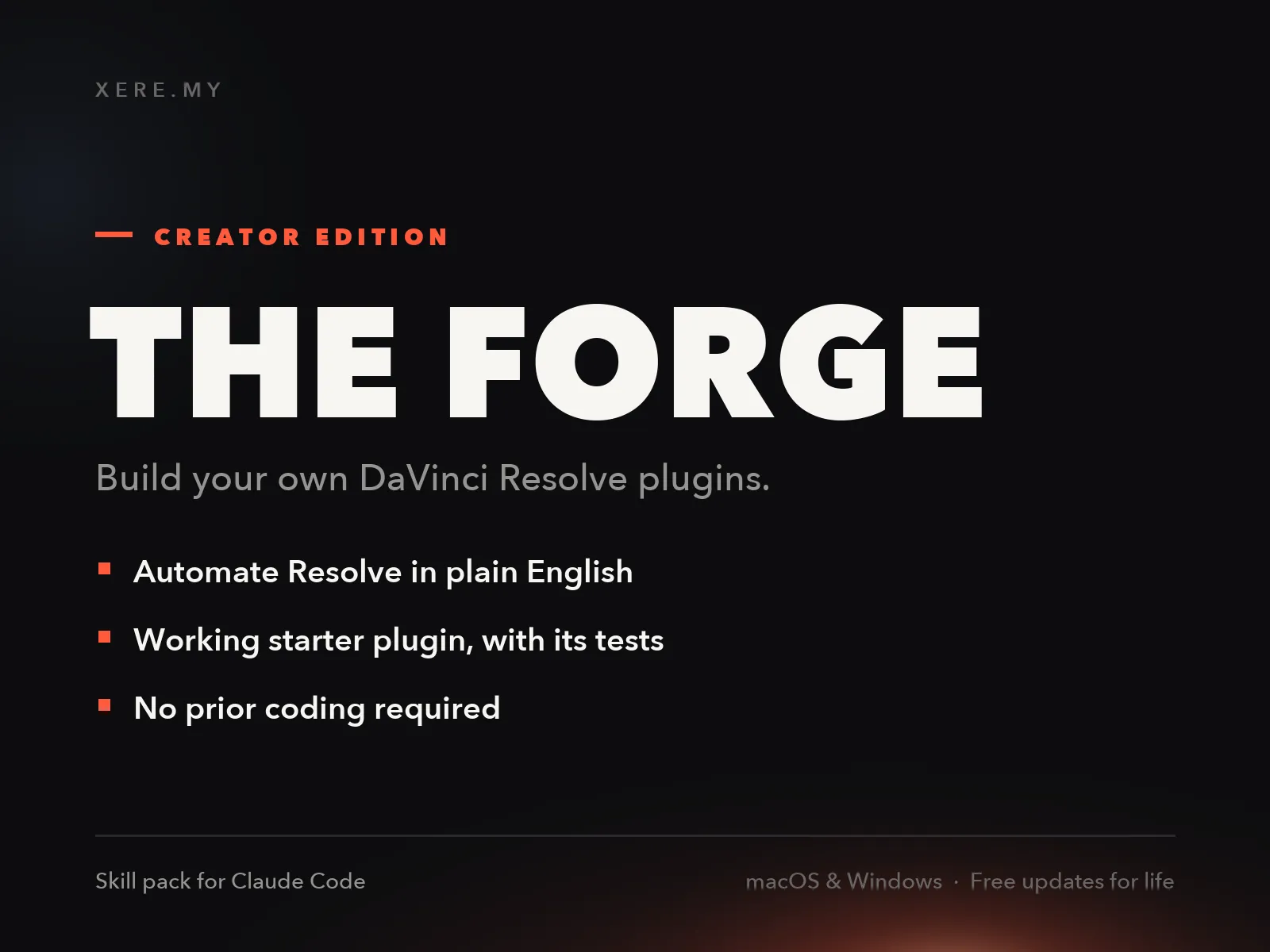
Since I wrote about turning six months of plugin work into two AI workers, and about the business case for selling a plugin to your own audience, one question keeps coming back: fine, but what would I actually build?
Fair question. The Resolve scripting API can read and modify your project, your timelines, your markers, your media pool, and your render queue. What it cannot do is touch the image itself; that is OpenFX territory, a different craft. Inside those limits, there is still a lot of room. Here are ten tools, each scoped to an afternoon, ordered from the one I would build first.
1. YouTube chapters builder
Reads the markers on your timeline and writes the chapter block for your YouTube description: 00:00 Intro, 02:14 The mistake, and so on, copied to your clipboard. I place markers while editing anyway. Reformatting them by hand for every upload is exactly the kind of two-minute task that adds up to hours over a year.
2. Still exporter at markers
Grabs a frame at every marker on the timeline and saves it as a PNG, named after the marker. Instant contact sheet for a client review, or thumbnails candidates for the video itself, without scrubbing and grabbing stills one by one.
3. Edit decision logger
Dumps the timeline's clip list to a CSV: clip name, source file, in and out timecodes, track number. If you ever hand a project to a colorist, a sound mixer, or a VFX artist, this is the document they ask for first. It takes the API about twenty lines to produce.
4. Unused footage report
Walks the media pool, checks which clips never made it into any timeline, and lists them. Run it before archiving a project and you know exactly what you shot and never used, which is useful knowledge for the next shoot, and it trims the archive.
5. Timestamped project backup
One click, and the script exports the current project as a .drp file into a backups folder, named with the date and time. Resolve has autosave, but autosave does not give you thirty named restore points spread across a month of edits. Mine does.
6. Render queue presets
Adds the current timeline to the render queue once per delivery format, each with its saved settings: YouTube 4K, vertical 1080x1920, a small proxy for review. Pressing one button instead of re-entering the same render settings on every video is the whole point of organizing your delivery once.
7. Project size reporter
Sums the file size of the media in each bin and reports the total per bin and per project. Before you move a finished project to an archive drive, you know whether it is 40 GB or 400 GB, and which bin is responsible. Mine is always the b-roll bin.
8. Clip color census
Counts the clips on the timeline per clip color and flags anything uncolored. A small enforcement tool for the color system I described here: if a clip has no color, it has no role, and the census catches it before delivery.
9. Render log
Appends one line to a markdown file every time a render finishes: timeline name, preset, duration, date. After a few months you have a real history of what you shipped and how long it took, which is the only honest data you will ever get about your own output.
10. Batch renamer
Find and replace across timeline names, clip names, or marker names. The day a client renames their product two days before delivery, you change forty occurrences in one pass instead of an afternoon of clicking.
How you actually build these
None of this requires learning to program in the traditional sense. The workflow I use and sell as The Forge is: install Claude Code, drop the Forge skill into it, then describe what you want in plain English. The worker reads the Resolve API reference, including the undocumented traps I paid for in support tickets, writes the plugin, writes the tests that prove it works, and installs it. You run it from Workspace > Scripts, inside Resolve.
The full tutorial is here, starting from a blank terminal. The skill ships with a starter plugin, the Marker Notes Exporter, which is idea number one of this list in a simpler form, so you begin from working code rather than a blank file.
If your idea touches the image itself, a real-time effect like my VHS emulation, that is the other craft: OpenFX plugins written in C. The Studio edition of The Forge covers exactly that path, packaging and release included. But look at the ten ideas above first. Most of the time you will save comes from scripts, not shaders.
Help me keep writing
If these articles are useful to you, have a look at what I make.
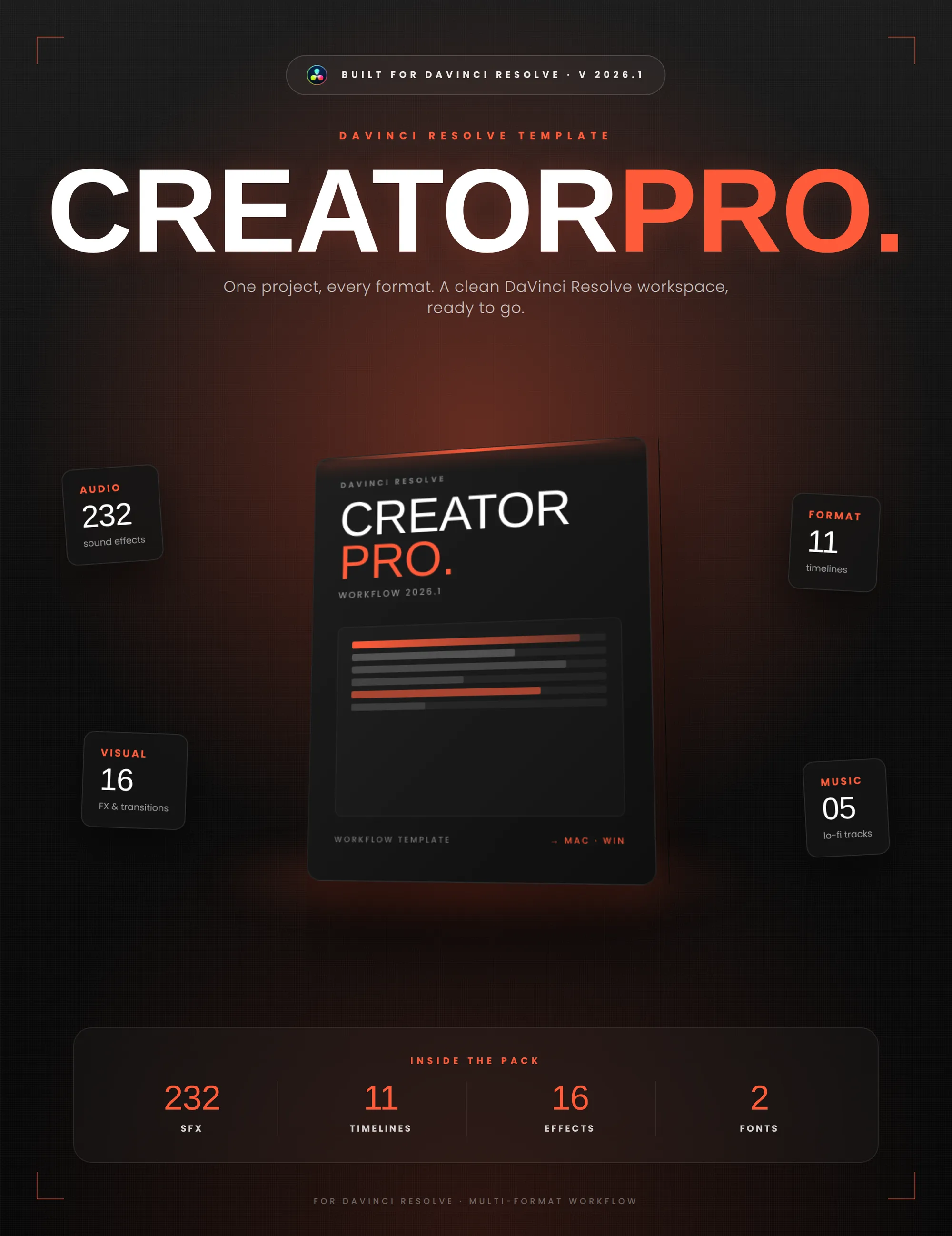
Creator Pro
The ultimate DaVinci Resolve workspace for creators
View plugin — €29.00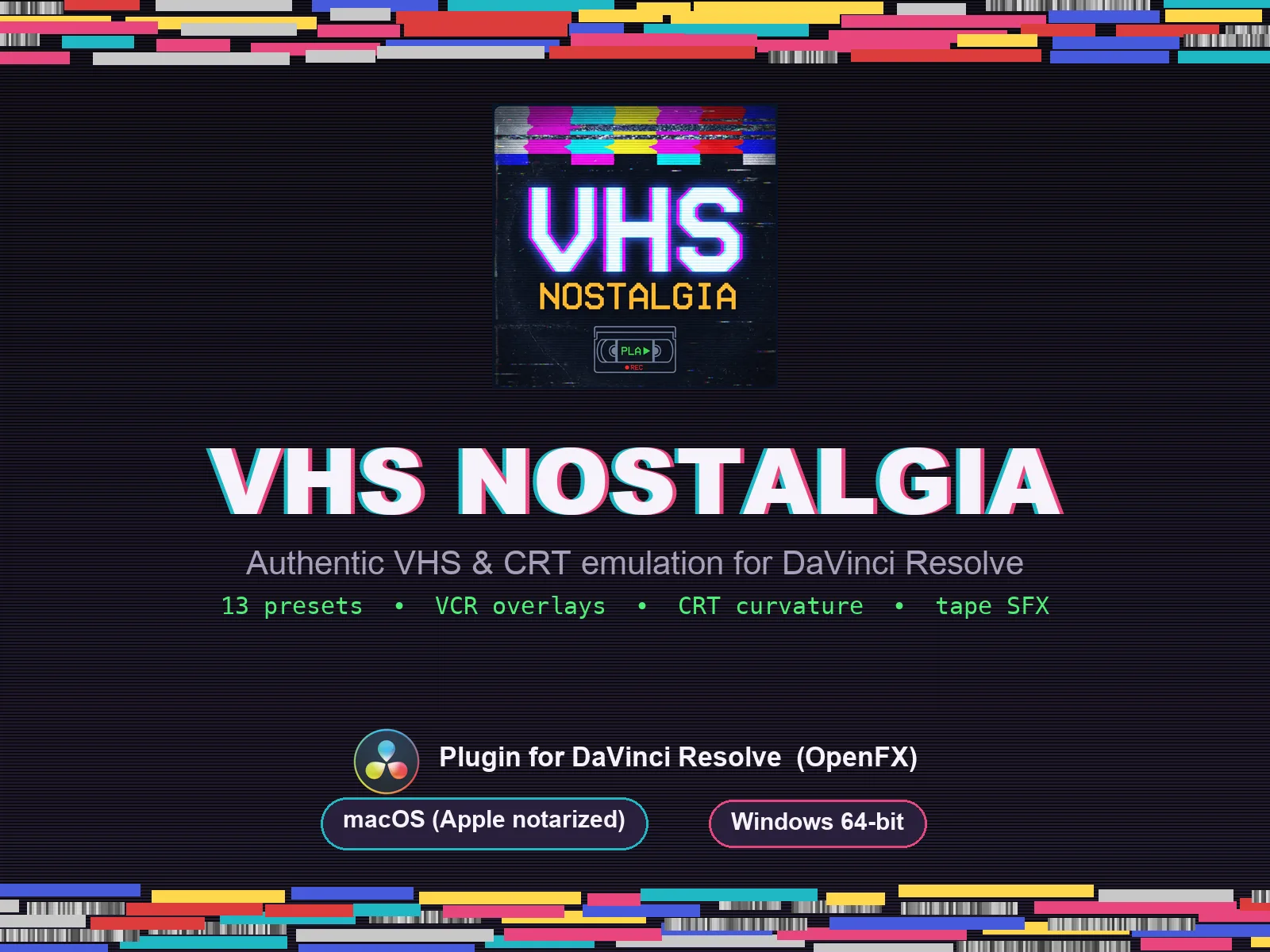
VHS Nostalgia
Real VHS & CRT emulation for DaVinci Resolve
View plugin — €49.00
Caption Pro
Automatic word-by-word captions and translation for DaVinci Resolve
View plugin — €49.00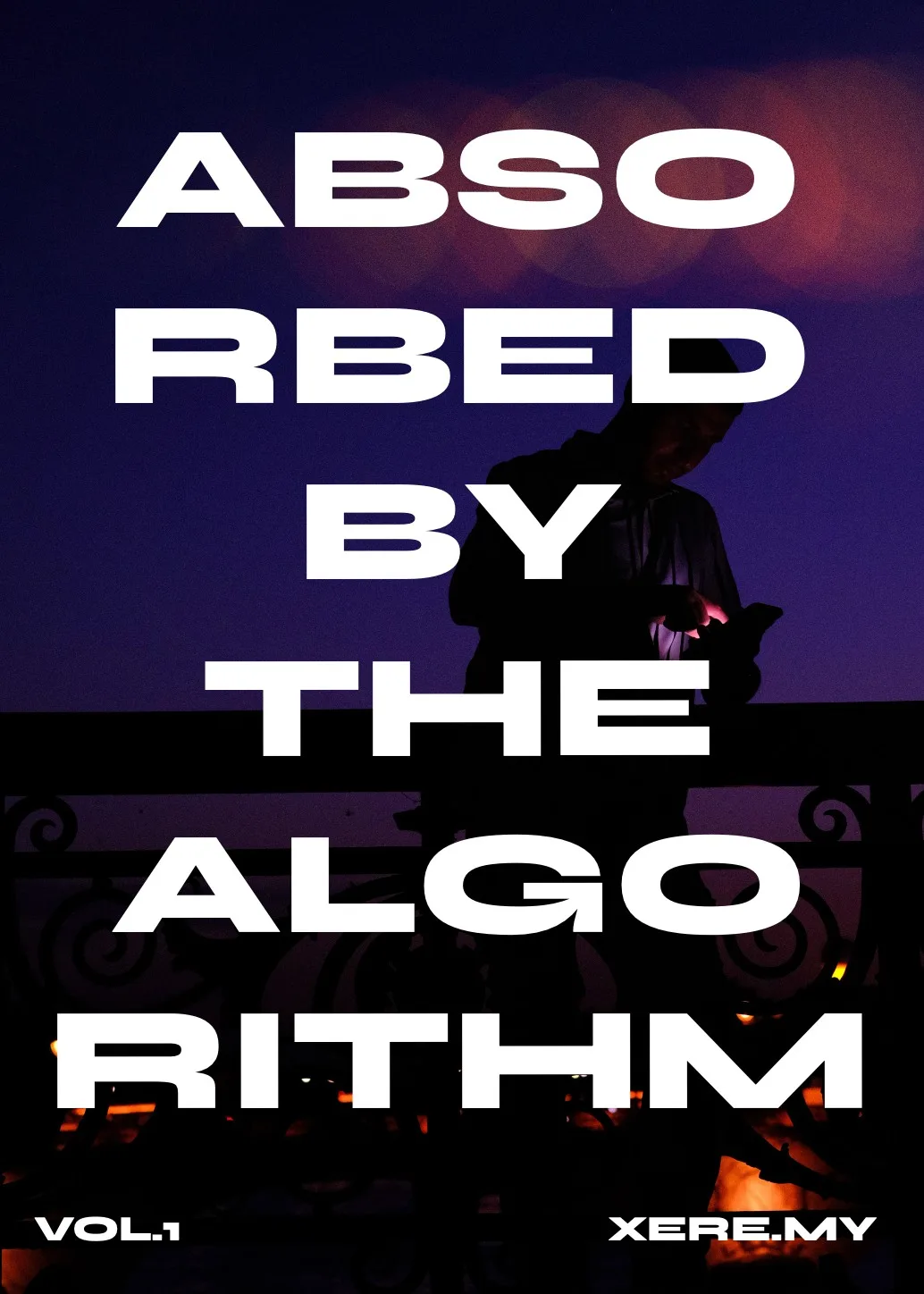
Get the zine
"Absorbed by the algorithm Vol. 1": 33 images shot in Paris, 28 pages, shipped worldwide.