Best VHS Plugins for DaVinci Resolve
Five plugins cover the VHS look in DaVinci Resolve right now: VHS Nostalgia, SuperVHS by Akascape, RetroX VHS Effects, Camcorder by BLEWTOOF, and Filmkid VHS. They split into three approaches: an OpenFX engine that rebuilds the NTSC composite signal, a Fusion fuse, and drag-and-drop PowerGrades or overlay packs. We compared all five on authenticity, price, DaVinci Resolve Free support, and how close the result reads to a real cassette.
VHS Nostalgia — Real VHS & CRT emulation for DaVinci Resolve
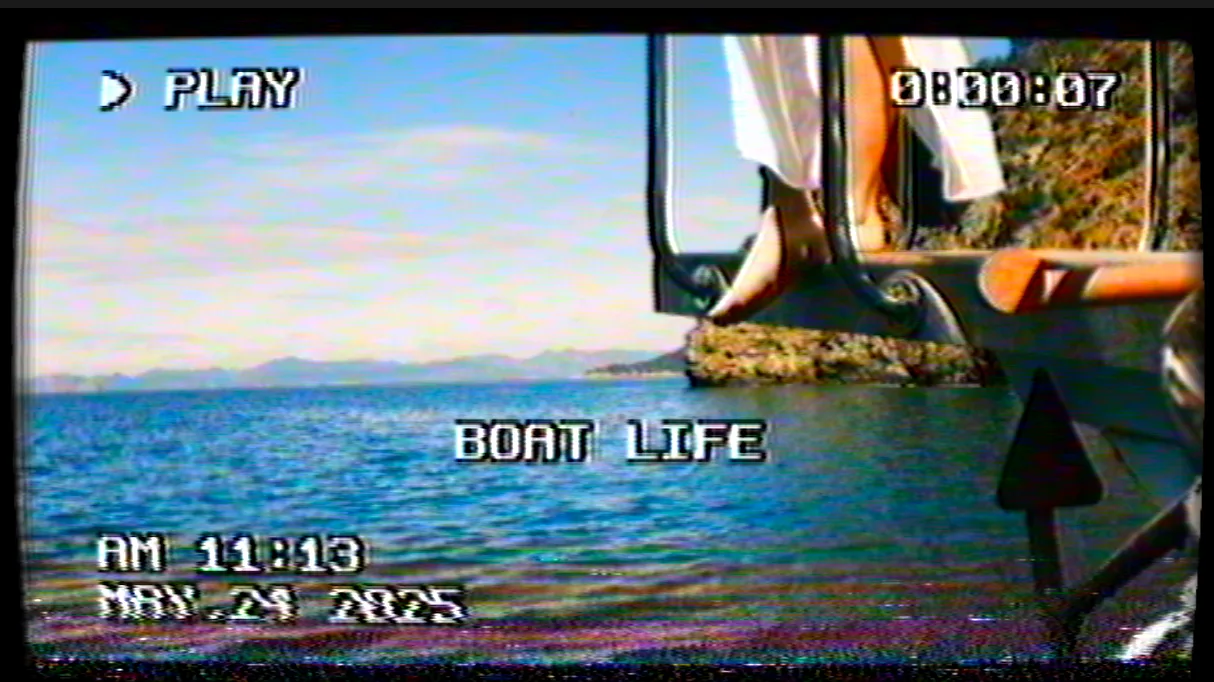
Not another grain-and-blur filter. VHS Nostalgia emulates the NTSC analog signal line by line: color bleeding, composite noise, tracking errors, tape aging, CRT curvature. The result looks like it came off a real cassette.
VHS filter vs analog signal emulation
Most VHS plugins for DaVinci Resolve fall into two groups. The first adds a VHS filter on top of the image: overlay clips, a LUT, or a PowerGrade that paints grain, chroma bleed, and noise over finished pixels. RetroX VHS Effects, Filmkid VHS, and Camcorder by BLEWTOOF work this way, and they are fast to apply. The second group emulates the analog signal itself. VHS Nostalgia rebuilds the NTSC composite chain line by line, so color bleeding, tracking errors, head-switching, and tape aging happen the way a real VCR produced them, not as a texture pasted over the frame. SuperVHS sits between the two as a Fusion fuse that recreates the look procedurally. For close-up shots, text inside the frame, or any project where the footage needs to read as a genuine cassette, the signal approach holds up better than a filter. If you are chasing the same lived-in, analog feel straight out of camera, my Fujifilm Grain Noir recipe and cinematic Classic Cinema video recipe get you part of the way before any plugin.
Which VHS plugins run in DaVinci Resolve Free
Three of the five run in the free version of DaVinci Resolve: VHS Nostalgia, SuperVHS, and RetroX VHS Effects. Camcorder by BLEWTOOF and Filmkid VHS need DaVinci Resolve Studio. If you are on the free build and want an authentic VHS effect, VHS Nostalgia (OpenFX) and SuperVHS (Fusion fuse) are the two options that load without Studio.
| Feature | VHS NostalgiaBuy — €49.00 | SuperVHS | RetroX VHS Effects | Camcorder | Filmkid VHS |
|---|---|---|---|---|---|
| Price | €49 (perpetual) | $25 (perpetual) | $49 (perpetual) | $32 (perpetual) | $89 (perpetual) |
| Method | OpenFX, line-by-line NTSC signal | Fusion fuse | 45 tape overlays + PowerGrade | OpenFX plugin | PowerGrade + LUT |
| What it emulates | Composite noise, color bleeding, tracking errors, tape aging, CRT | 90s bloom through heavy glitch and color damage | Real tape artifacts, RGB split, distortion | Camcorder grain, color profile, warmth | Flicker, texture, color drift |
| VCR overlays (REC, timecode) | Yes, rendered inside the signal | No | No | Date/time fonts included | No |
| DaVinci Resolve Free | Yes | Yes | Yes | No (Studio only) | No (Studio only) |
| Platforms | macOS, Windows | macOS, Windows, Linux | macOS, Windows, Linux | macOS, Windows | macOS, Windows |
| Real-time playback | Yes, multithreaded HD and 4K | Fusion render dependent | Yes (overlay clips) | Yes (HD and 4K) | Yes (PowerGrade) |
| Best for | Authentic cassette look with VCR overlays | Flexible glitch on a small budget | Stacking real tape captures | Quick camcorder warmth in Studio | One-click drag-and-drop grade |
Stop buying plugins. Build your own.
Every plugin you buy solves someone else's problem. Through The Forge skill packs, you can teach Claude Code to write, test, and install custom DaVinci Resolve tools in plain English. Save money, learn the workflow, and own your tools forever.


Our verdict on the best VHS plugin for DaVinci Resolve
VHS Nostalgia: the only one that rebuilds the NTSC signal Winner
VHS Nostalgia is an OpenFX plugin that emulates the full analog video chain inside DaVinci Resolve. It processes the image line by line, mimicking the NTSC composite signal: luma and chroma modulation, color bleeding, composite noise baked into the signal, tracking errors, head-switching, and tape aging with per-era warmth and drift. The plugin splits into independent blocks (NTSC emulation, tape color, CRT screen, and VCR OSD) that you switch on or off, with 13 presets from clean 1985 SP broadcast to worn rental tapes and bad reception. The VCR overlay block draws PLAY, blinking REC, timestamps, and running tape counters inside the signal, so they degrade with the picture instead of sitting on top of it. A random seed per shot means two playbacks never look identical. It runs as multithreaded native code for real-time playback on HD and 4K, loads in both DaVinci Resolve Free and Studio, and costs €49 with no subscription. If you need footage that reads as a real cassette rather than a retro filter, this is the closest thing to an actual VCR deck inside Resolve.
SuperVHS by Akascape: the best value Fusion fuse Runner-up
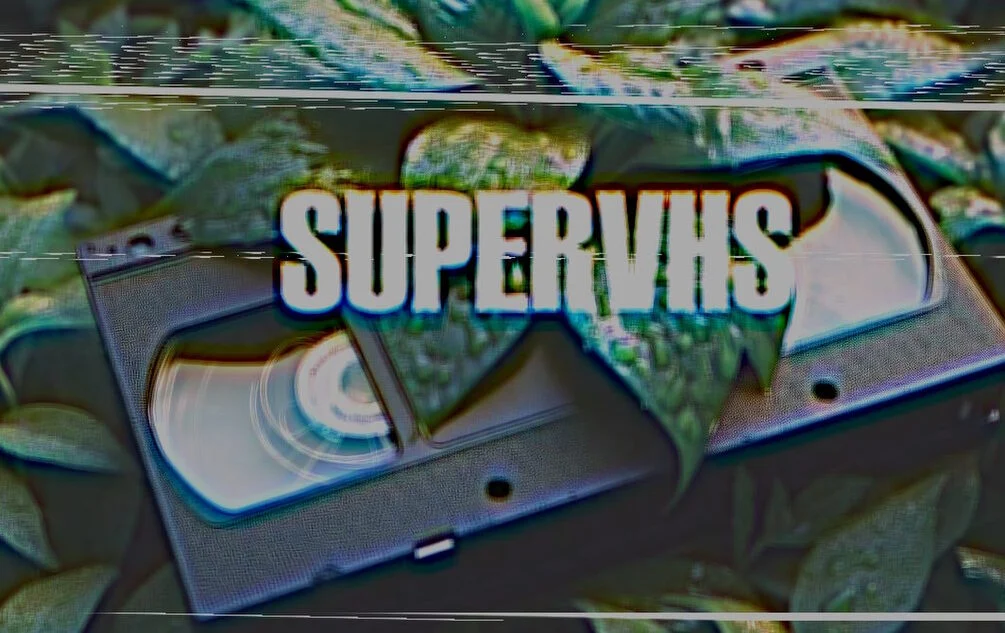
SuperVHS is a Fusion fuse that recreates VHS video effects directly inside DaVinci Resolve. It covers a wide range, from the soft bloomy 90s look to heavy glitchy color damage and tape degradation, with variation controls and full parameter access for dialing in subtle warmth or extreme chaos. As a native Fusion fuse it works in both DaVinci Resolve Free and Studio across macOS, Windows, and Linux, with no external dependencies. The trade-off is that it lives in the Fusion page or a Fusion composition on the Edit page, and installation means copying it into the Fusion Macros folder by hand. At $25 it is the cheapest option here and the easiest one to justify if you want a flexible glitch look without rebuilding the signal.
RetroX VHS Effects: real tape captures you stack as overlays
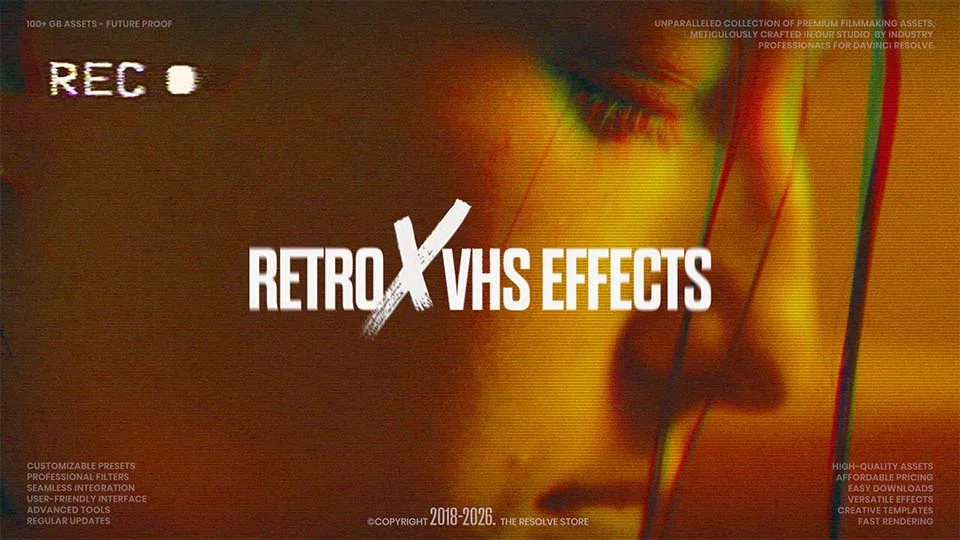
RetroX VHS Effects is a pack of 45 real and distorted VHS elements captured from actual vintage cameras and tape stock, plus a Chromatic Aberration PowerGrade that produces the RGB split. The assets are modular: drop an effect over your clip, switch the composite mode to Screen or Overlay, and stack as many as you want. Retro sound effects are included. It works in DaVinci Resolve 17.2 and above on Windows, macOS, and Linux, including the free version. Because the look comes from overlay clips rather than a signal engine, the artifacts sit on top of the frame instead of being baked into it, which reads well in motion but less so on static close-ups. The one-time purchase does not include future updates, and the download link expires after 72 hours (renewable on request). At $49 it is the priciest of the overlay-based options.
Camcorder by BLEWTOOF: camcorder grain and date-stamp fonts
Camcorder by BLEWTOOF recreates the look of vintage camcorder recordings inside DaVinci Resolve Studio. It mimics grain, color profiles, and recording characteristics to add warmth to modern digital footage, and the package includes custom fonts for the authentic date-and-time typography of old home video. It works in Full HD and 4K with a drag-and-drop workflow. It needs DaVinci Resolve Studio (no Free support), runs on macOS and Windows only, and ships with no trial. At $32 it is a straightforward camcorder grade rather than a full VHS signal emulation, which makes it a fit for projects that want warmth and a timestamp more than tracking errors and composite noise.
Filmkid VHS: a one-click PowerGrade
Filmkid VHS is a DaVinci Resolve PowerGrade that adds flicker, texture, and color drift through a single drag-and-drop step. The package includes the PowerGrade (.drx + .dpx), a dedicated VHS LUT, and a PDF install guide, and it works with footage from any camera or phone. There are no node trees to build and no extra plugins required. It needs DaVinci Resolve Studio (not the Free version), runs on macOS and Windows, and has no trial. At $89 it is the most expensive option in this comparison, so its value rests on the simplicity of the one-click workflow rather than the depth of the effect.
VHS Nostalgia wins on authenticity. It is the only plugin in this group that rebuilds the NTSC composite signal line by line instead of layering a filter over the frame, and it ships VCR overlays that degrade with the image. SuperVHS is the runner-up and the value pick at $25, a Fusion fuse that covers everything from soft 90s bloom to heavy glitch. RetroX VHS Effects gives you 45 real tape captures to stack as overlays. Camcorder by BLEWTOOF and Filmkid VHS are the simplest PowerGrade-style options, both Studio-only, for creators who want a quick analog grade in one click.