The Best Time Tracker Alternative for DaVinci Resolve
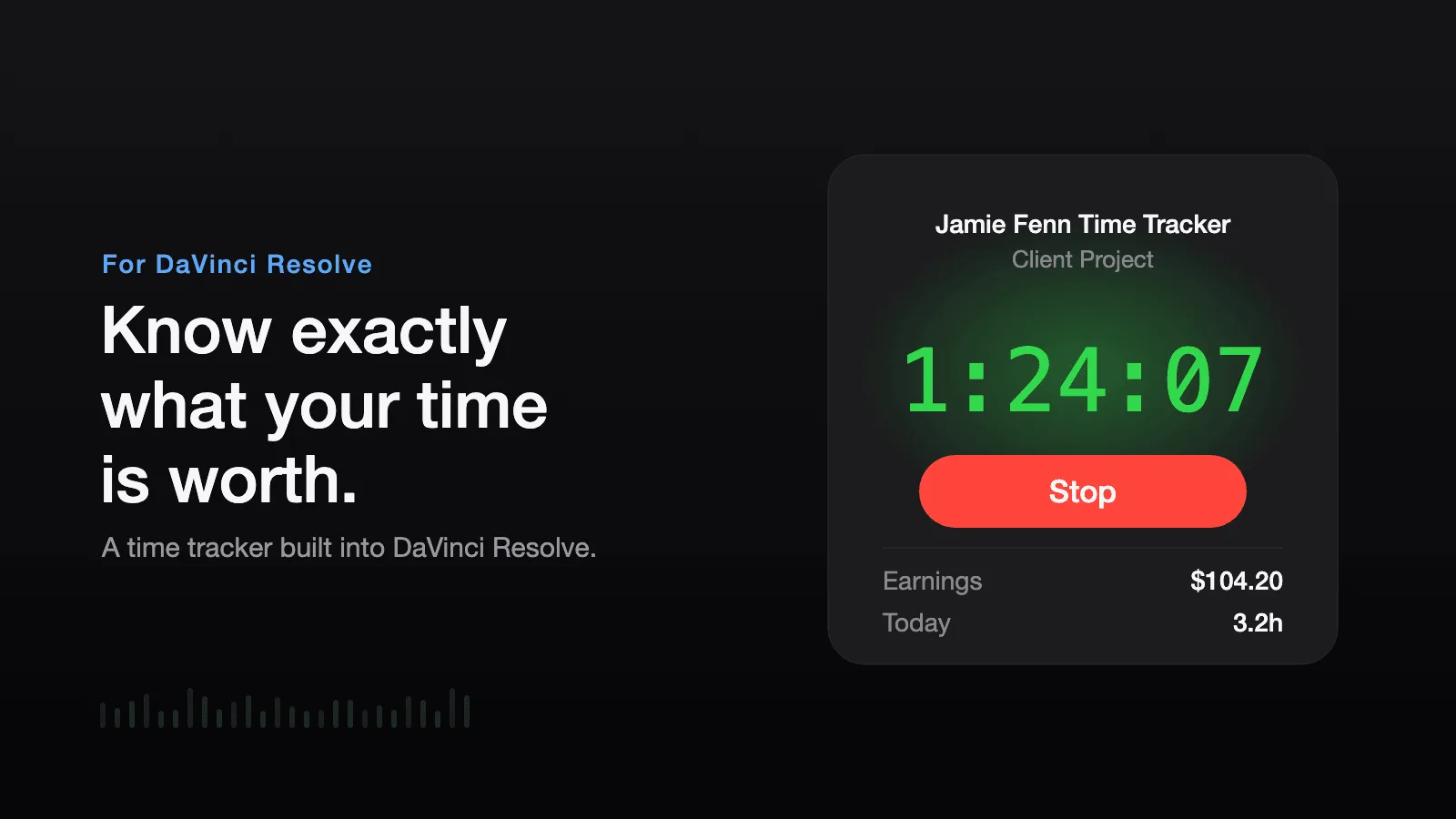
Time Tracker by Jamie Fenn is the most complete time tracking script for DaVinci Resolve, and the more expensive one at $19.99. Most searches for a Time Tracker alternative come from two places: editors on DaVinci Resolve Free, where its live window, per-page graph, and idle detection are locked to the Studio Edition, and freelancers who only need a clock and an invoice, not a breakdown of where every hour went. Time Ledger covers that simpler job for $12. Disclosure before the table: Time Ledger is my own plugin, so read the verdict with that in mind.
Time Ledger — Billable time tracking for DaVinci Resolve
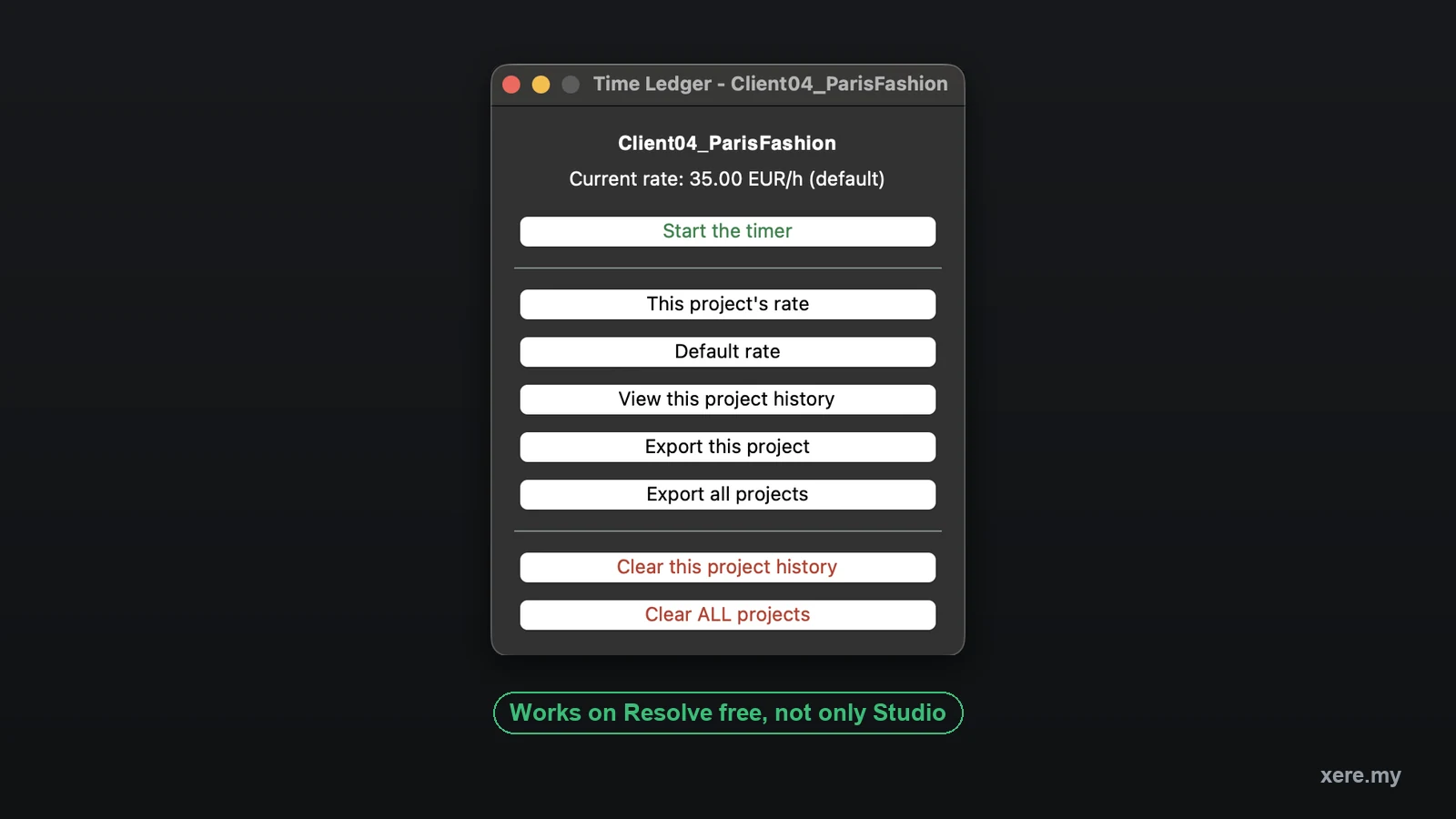
You finish the edit, open the invoice, and estimate. Almost everyone estimates low. Time Ledger keeps a separate clock, hourly rate and session history for every Resolve project, and turns them into a spreadsheet you can hand straight to a client.
Why look for a Time Tracker alternative
Time Tracker ships two editions in one purchase, and the split matters. From Resolve 19.1 onward, Blackmagic restricted on-screen script windows to DaVinci Resolve Studio, so everything that makes Time Tracker feel live sits in the Studio Edition: the floating timer window, the per-page bar graph, the automatic idle stop, the compact widget. On the free version of Resolve you get start, stop, session notes, and the CSV export, which is a hard sell at $19.99 when the point of a tracker is watching the clock. The second reason is simpler: not everyone wants analytics. If the question is "what do I invoice this client" rather than "which Resolve page eats my hours", a per-page breakdown is data you will never open. The best organization tools for DaVinci Resolve roundup puts both trackers next to the wider field.
What Time Ledger keeps, and what it skips
Time Ledger was built Free-first. Its live window runs on DaVinci Resolve Free as well as Studio, from Resolve 18 onward, because it does not rely on the script-window API Blackmagic limited to Studio. It keeps the parts a freelancer actually bills from: a separate clock, hourly rate, and session history per project, automatic banking when you switch project mid-session, a rate frozen into each session so a price rise never reprices work you already sent, and a CSV that names the project on every row and publishes the exact minutes beside each amount, so a client can divide by 60, multiply by the rate, and land on the total to the cent. A second export puts every project you have ever tracked into one table. What it skips is everything Time Tracker charges the extra $8 for: no idle detection beyond a review prompt when a timer passes eight hours, no per-page graph, no compact widget, and no tested Windows build yet. It costs $12 once on the Time Ledger store page, with no subscription, no account, and nothing leaving your machine.
When Time Tracker is still worth the extra $8
If you edit in DaVinci Resolve Studio, work on Windows, or want to know whether the hours went to editing, grading, or audio, Time Tracker earns its price. The per-page bar graph is the one feature no other Resolve time tracker offers, and the automatic idle stop means a long lunch never pads an invoice. It runs on Mac and Windows today, supports more than 20 currencies, saves session state to disk every second, and the same $19.99 also buys bundles with a pricing playbook and a rate calculator. The catches stay the same: it needs Resolve 19.1 or newer, there is no trial, and on Resolve Free you are paying for the edition with the fewest features.
| Feature | Time LedgerBuy — €12.00 | Time Tracker |
|---|---|---|
| Price | $12 (one-time) | $19.99 (one-time) |
| Live timer window | Yes, on Resolve Free and Studio | Studio Edition only |
| Per-project clock, rate, and history | Yes, banked automatically when you switch project | Yes, banked automatically when you switch project |
| Idle detection | No (8-hour review prompt) | Yes, automatic stop and resume (Studio Edition) |
| Per-page breakdown | No | Yes, Edit / Color / Fairlight / Deliver (Studio Edition) |
| CSV invoice | Yes, exact minutes beside every amount | Yes, sessions with dates, rates, earnings, and notes |
| Min Resolve version | Resolve 18 | Resolve 19.1 |
| Platforms | macOS (Windows untested) | macOS, Windows |
| Best for | Billing a job from Resolve Free, at the lower price | Studio users who want per-page analytics and idle stop |
Stop buying plugins. Build your own.
Every plugin you buy solves someone else's problem. Through The Forge skill packs, you can teach Claude Code to write, test, and install custom DaVinci Resolve tools in plain English. Save money, learn the workflow, and own your tools forever.


Verdict: the best Time Tracker alternative
Time Ledger: the cheaper, Free-first alternative Winner
Time Ledger does the billing half of time tracking and nothing else. A small window inside Resolve holds the clock, the hourly rate, and the session history for the project you have open, and it follows Resolve when you switch project: the old session is banked before the new clock starts, so a day split across three clients never lands on one invoice. Rates work on two levels, one default for every project and an override per client, and each session keeps the rate that was active when you worked it. The CSV export is built to be checked: the project name sits on every row and the exact minutes sit beside each amount, so a client can reproduce the total to the cent. A running session is written to disk the moment it starts, so a crash or a force quit loses nothing. It runs on DaVinci Resolve Free and Studio from Resolve 18, costs $12 once on the store page, and keeps every byte of data on your own machine. The limits are honest ones: macOS only for now, and no idle detection, it counts until you stop it, with a review prompt if a timer runs past eight hours.
Time Tracker (when it is still the right pick) Runner-up
Time Tracker is the more advanced tool, and for the right editor it justifies the higher price. On the Studio Edition you get the live window, a bar graph splitting hours across the Edit, Color, Fairlight, and Deliver pages, render time included, automatic idle stop and resume, and a compact floating widget beside the timeline. Both editions come in the same $19.99 purchase, it runs on Mac and Windows, supports more than 20 currencies, and saves state to disk every second. If you are on Studio, on Windows, or quoting repeat work and need to know which page eats the hours, this is the one to buy. On Resolve Free, where the live features are unavailable, or if you simply want the cheapest clock-to-invoice path, Time Ledger above is the better fit.
For most freelancers the job is simple: know what the project cost and invoice it. Time Ledger does that for $12, and its live window runs on DaVinci Resolve Free. Its CSV is also the more checkable of the two, with exact minutes beside every amount so a client can verify the arithmetic. Time Tracker is the more advanced tool and the right pick on Studio or Windows, where its per-page graph and automatic idle stop answer a harder question: where the hours actually went. Pick Time Ledger if you are on Resolve Free, on a tighter budget, or want the simpler tool. Pick Time Tracker if you are on Studio and want the analytics. Time Ledger is my own plugin, which is the reason this verdict names what each one is better at rather than flattening them into a single winner.