Overview
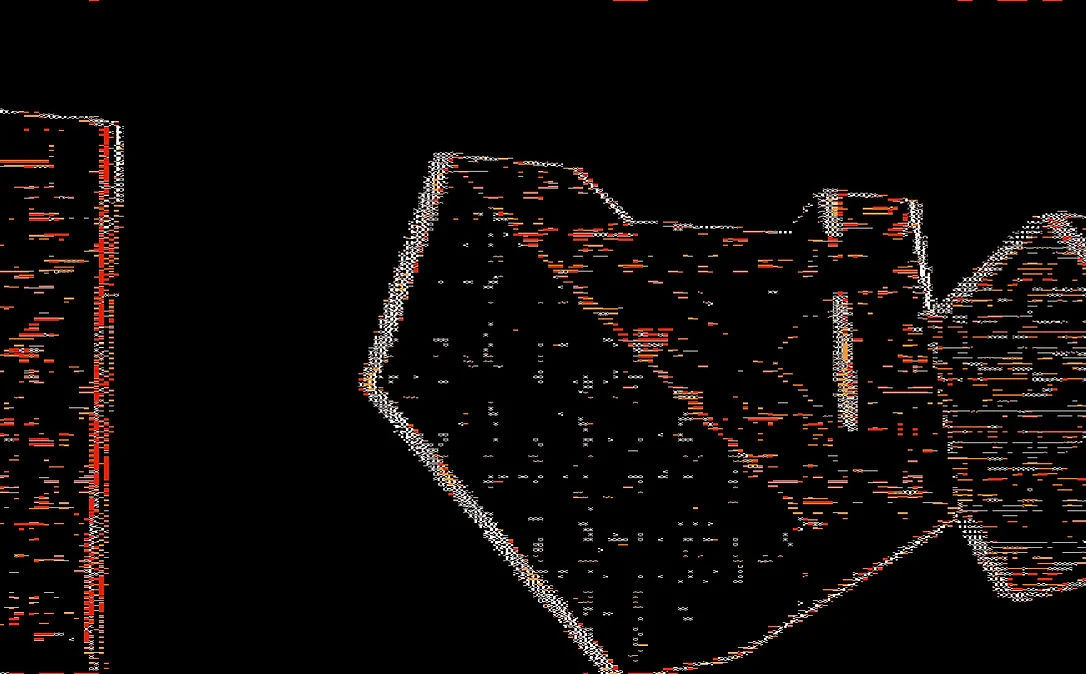
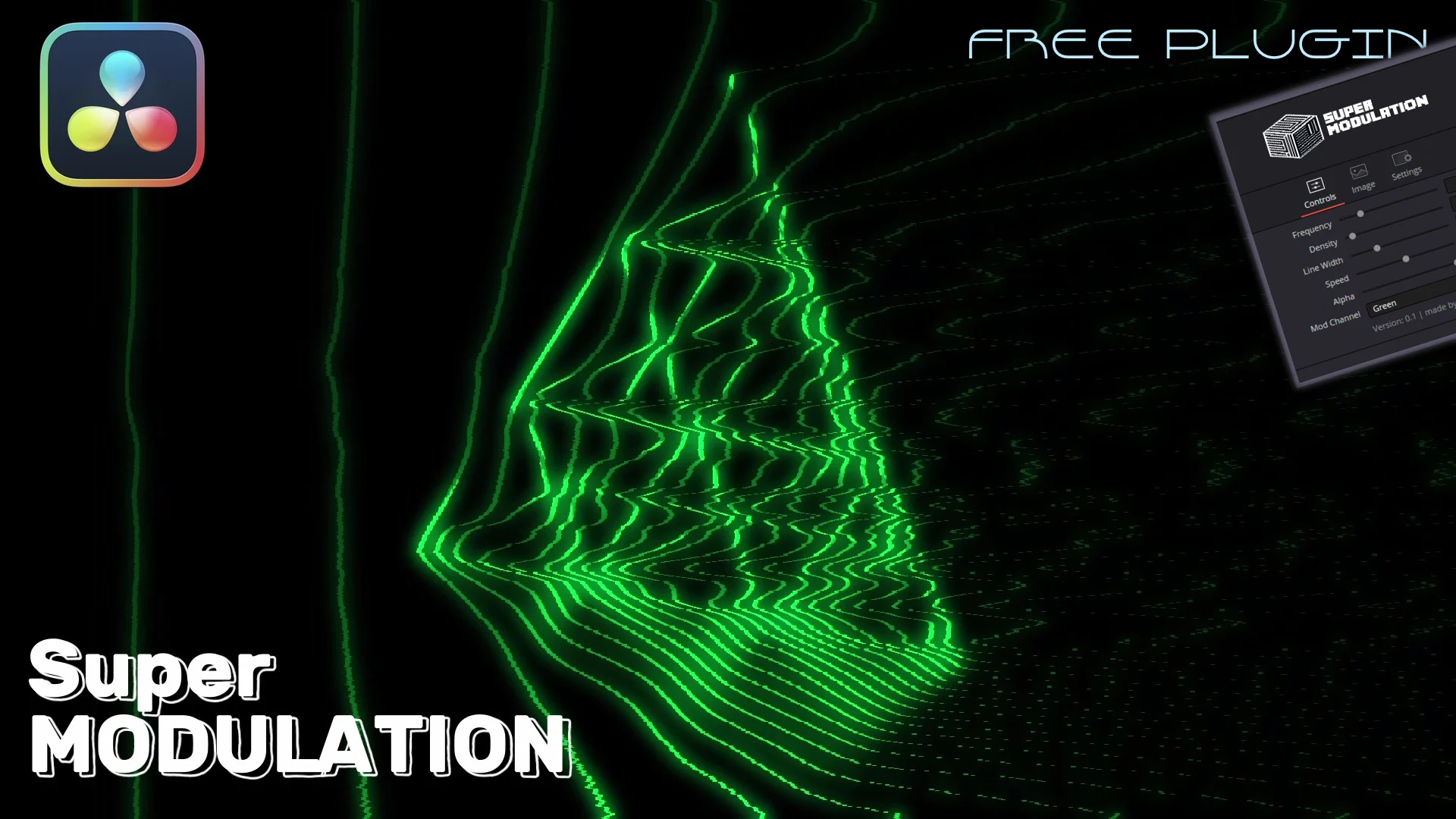
SuperModulation is a Fusion fuse that applies frequency modulation to an image, bending and repeating it into evolving patterns from any source. Fed with motion or audio it becomes reactive, so the modulation shifts over time rather than sitting static.
The free version includes the core modulation engine and its main controls. The $5 full version adds colored modulation, which splits the effect across hues, and extra direction controls for the axis the distortion runs along. Both are the same native Fusion fuse, so they run on DaVinci Resolve Free and Studio across macOS, Windows, and Linux, and install by dropping the file into your Fusion Macros folder. There is no preset library, so you build the look from the parameters, and it stays inside Fusion rather than the Edit page.
Stop buying plugins. Build your own.
Every plugin you buy solves someone else's problem. Through The Forge skill packs, you can teach Claude Code to write, test, and install custom DaVinci Resolve tools in plain English. Save money, learn the workflow, and own your tools forever.


Pros
- Completely free core version with essential modulation controls
- Works in both DaVinci Resolve Free and Studio
- Cross-platform: macOS, Windows, and Linux
- Native Fusion fuse with zero external dependencies
- Full version is only $5 with colored modulation and direction controls
Cons
- Limited to Fusion page or Fusion compositions on the Edit page
- Colored modulation locked behind the $5 full version
- No preset library included
Verdict
A neat and creative fuse for DaVinci Resolve. The free version is perfect for experimenting with frequency modulation visuals, and the $5 full version is an easy way to support the developer while unlocking color controls.
Reviewed by JérémyRelated DaVinci Resolve Plugins from the Store