Overview
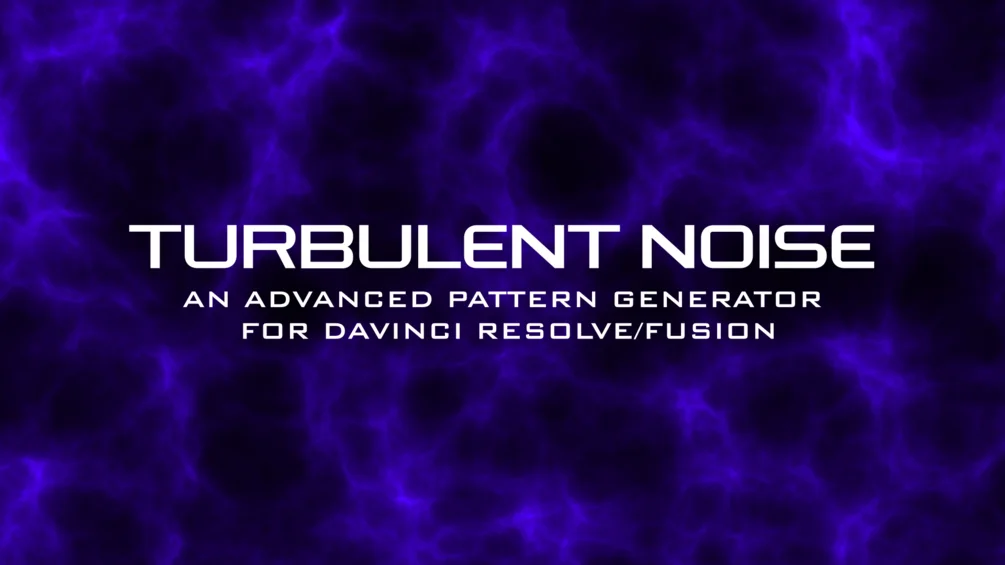
Turbulent Noise is a free Fusion plugin that lets you create beautiful and realistic noise patterns directly inside DaVinci Resolve. Built by Learn Now FX, it is designed with a control panel almost identical to Fusion's native "Fast Noise" node, so anyone familiar with Resolve's compositing environment will feel right at home.
The plugin includes ready-made presets for Fire, Smoke, Marble, and Magma, making it easy to generate complex procedural textures without building node trees from scratch. You can also combine multiple instances of Turbulent Noise to create entirely custom patterns, stacking and blending layers for unique visual results.
Installation is simple: just drag and drop the installer onto the Fusion grid, then restart Fusion to activate the plugin. Because it runs natively inside Fusion, it works with both the free and Studio versions of DaVinci Resolve on macOS, Windows, and Linux.
Stop buying plugins. Build your own.
Every plugin you buy solves someone else's problem. Through The Forge skill packs, you can teach Claude Code to write, test, and install custom DaVinci Resolve tools in plain English. Save money, learn the workflow, and own your tools forever.


Pros
- Completely free with no limitations or watermarks
- Control panel mirrors Fusion's Fast Noise for instant familiarity
- Includes Fire, Smoke, Marble, and Magma presets out of the box
- Layer multiple instances for custom procedural patterns
- Works on DaVinci Resolve Free and Studio across all platforms
- Simple drag-and-drop installation onto the Fusion grid
Cons
- Requires Fusion restart after installation
- Limited to Fusion page — not available on Edit page directly
- No official documentation beyond Gumroad page
Verdict
A free Fusion tool that generates procedural Turbulent Noise patterns inside Resolve, with a familiar interface. Useful for motion graphics, texture work, and visual effects at no cost.
Reviewed by JérémyRelated DaVinci Resolve Plugins from the Store