CineStill 800T Halation Preset
Get the iconic red glow and highlight bloom of CineStill 800T film stock, instantly. Upload your photo below and the preset is already applied. Tweak it to taste, download, done.
Halationlab
Drop your images here
What Is the CineStill 800T Halation Preset?
CineStill 800T is a legendary motion-picture film stock adapted for still photography. Its most recognizable characteristic is the intense red/orange halation that blooms around bright highlights: streetlights, neon signs, sun reflections, candles. This glow is caused by the removal of the rem-jet anti-halation layer during the film's conversion process, allowing light to bounce back into the emulsion and create that dreamy, cinematic aura.
Photographers and cinematographers love this look for its nostalgic, analog warmth. But shooting real CineStill 800T requires a film camera, development, and scanning. With our free CineStill 800T halation simulator, you can recreate this iconic aesthetic on any digital photo in seconds. Straight from your browser, with no upload to any server.
Upload Your Photo
Drag & drop or browse. The CineStill 800T preset is already loaded with the perfect spread, bloom intensity, and red saturation.
Fine-Tune If Needed
Every image is different. Adjust the threshold, spread, or grain to match your photo's highlights and mood.
Download in 4K
Hit download to get your processed image at full resolution. JPEG output, print-ready quality.
Watch Halation Lab in action: upload, adjust, and download.
Why Use This Free CineStill 800T Emulator?
No Subscription, No Plugin
Unlike Dehancer ($99+), FilmConvert, or Lightroom presets, this tool is completely free. No Adobe Creative Cloud required. No installation. Just open and use.
Private & Local
Your photos are processed locally in your browser via WebAssembly. They never touch our servers. Perfect for client work or personal projects where privacy matters.
Preset Ready
The sliders are already dialed in for the classic CineStill 800T look: strong red bloom, moderate grain, and a threshold that catches streetlights and neon perfectly.
Works With Any Camera
JPEG or PNG from Canon, Nikon, Sony, Fujifilm, Leica, iPhone, Pixel. It all works. The halation effect is applied purely on pixel data, independent of camera brand.
Which Film Stock Look Should You Choose?
| Film Stock | Halation Color | Best For | Mood |
|---|---|---|---|
| CineStill 800T | Intense Red/Orange | Night, neon, street | Cinematic, nostalgic |
| Kodak Vision3 500T | Warm Orange | Low light, portraits | Soft, romantic |
| Harman Phoenix 200 | Pink/Red | Experimental, art | Bold, unpredictable |
Want to experiment with other looks? Head over to the full Halation Lab and build your own custom film simulation.
CineStill 800T Preset Examples

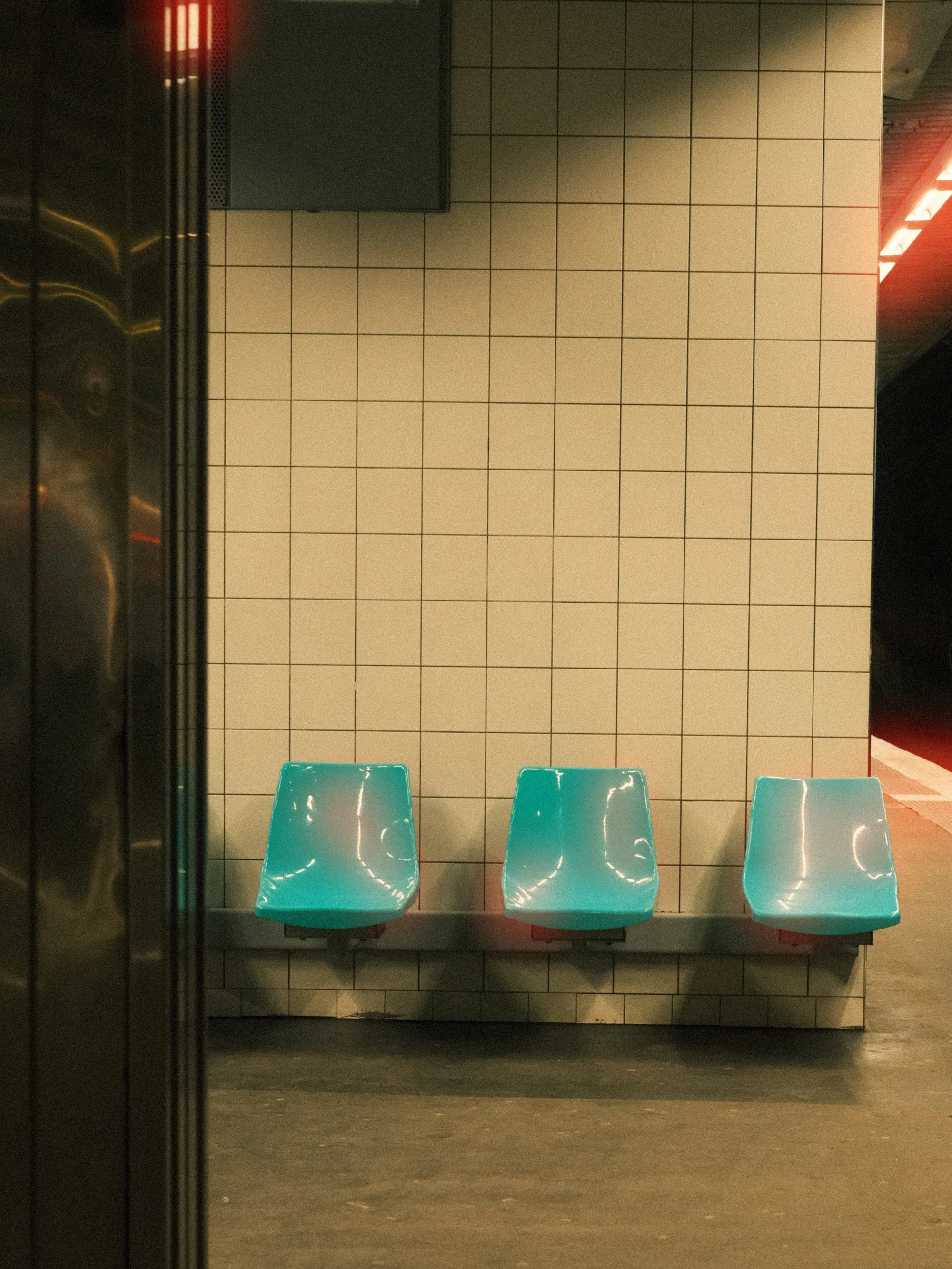
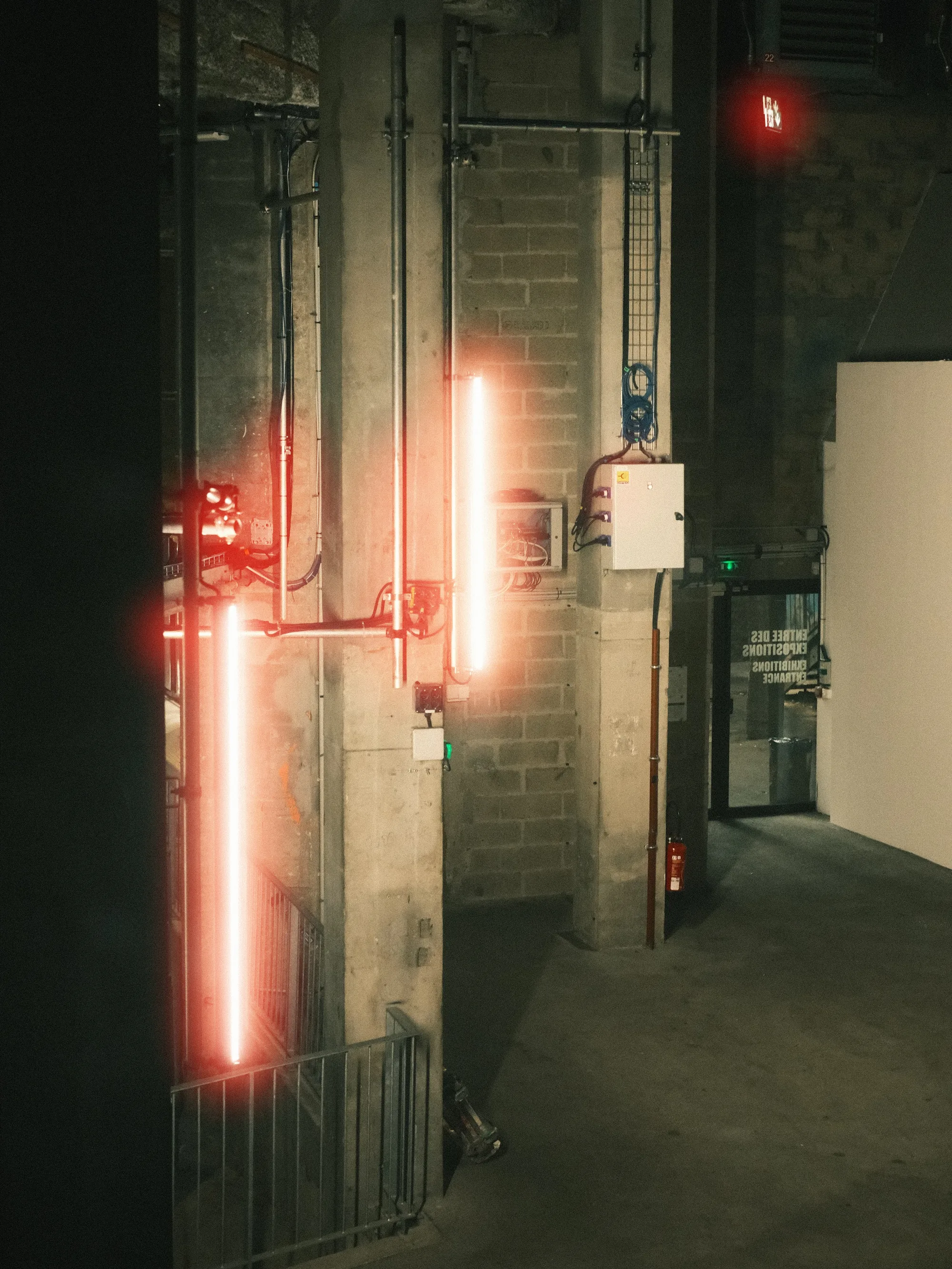
Frequently Asked Questions
Guides & Tutorials
Other Tools
Halation Lab
CineStill 800T film halation effect
Whiteborder Lab
Custom borders & aspect ratios
Film Border Generator
Classic film look border
Double Border Generator
Sharp double frame border
InstantCard Lab
Photo cards with camera metadata
Carousel Lab
Seamless Instagram carousels
Grading Lab
Color palette extractor
FotoZine Lab
Create printable photo zines
Camera Finder
Find your perfect Fujifilm