How to Get a Real VHS Look in DaVinci Resolve
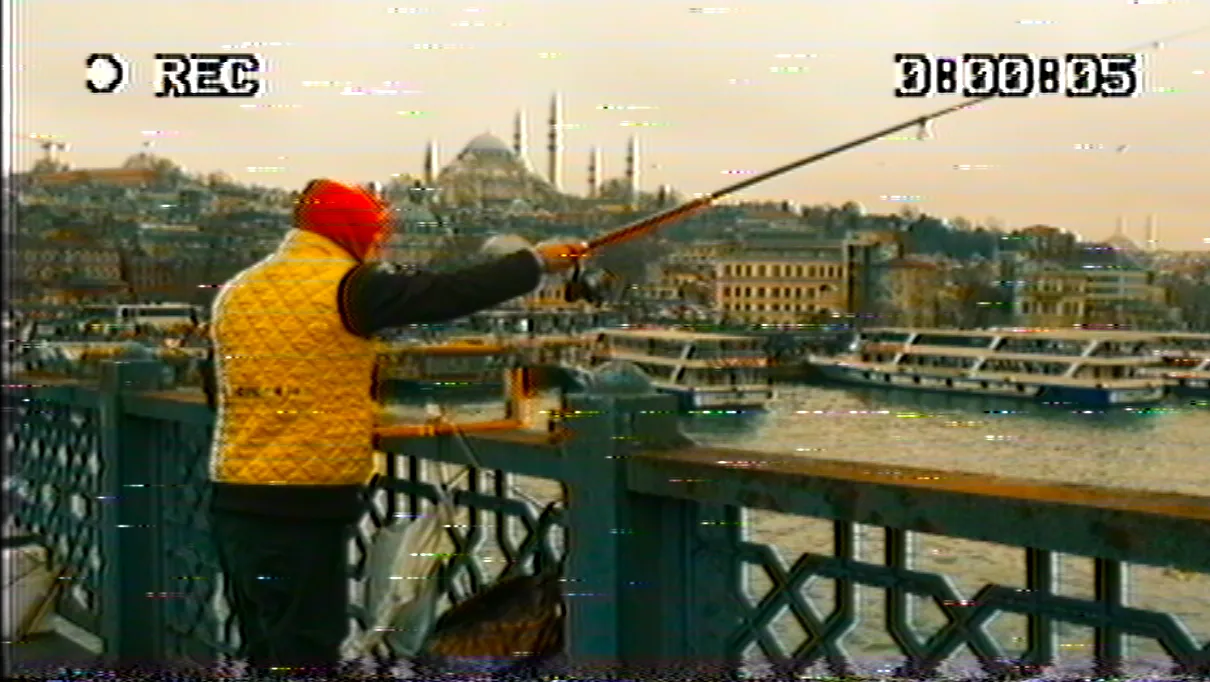
It took me a while to understand why I couldn't make footage look like it came off a videotape. A VHS image isn't a color or a simple LUT you can copy. It's the end of a long chain of damage. Light hits a camcorder sensor, gets encoded into an analog composite signal, written onto a magnetic tape, played back through the spinning heads of a VCR, and finally displayed on a curved CRT screen. Every one of those steps changes the picture. The soft bleeding colors, the noise crawling through the image, the tracking that slips at the top of the frame: none of that is a filter you lay over a video. It's the signal itself falling apart.
That realization is what eventually became VHS Nostalgia, the OpenFX plugin I built for DaVinci Resolve. This is the long version of why it exists and how it works.
Why a VHS filter never looks right
Most VHS effects you'll find are a color preset and some texture. A LUT shifts your colors toward green and magenta, you drop a noise overlay on top, maybe add chromatic aberration, and call it retro. The problem is that all of those effects sit on top of a clean digital image. The picture underneath is still sharp, still modern, still obviously shot last week. You're decorating a photograph, not degrading a signal.
A real tape look has to start one layer deeper. The artifacts have to come from the way the picture was carried and stored, not from a layer pasted over the top of it. That's the difference between something that reads as a costume and something that reads as a memory.
Emulating the NTSC signal, line by line
The core of the plugin is an NTSC engine. Instead of remapping colors, it treats your footage the way a composite analog signal would: luma and chroma modulated separately, so the color smears and bleeds the way it does on tape. The composite noise is baked into that signal rather than pasted on afterward, which is why it sits inside the image instead of floating above it.
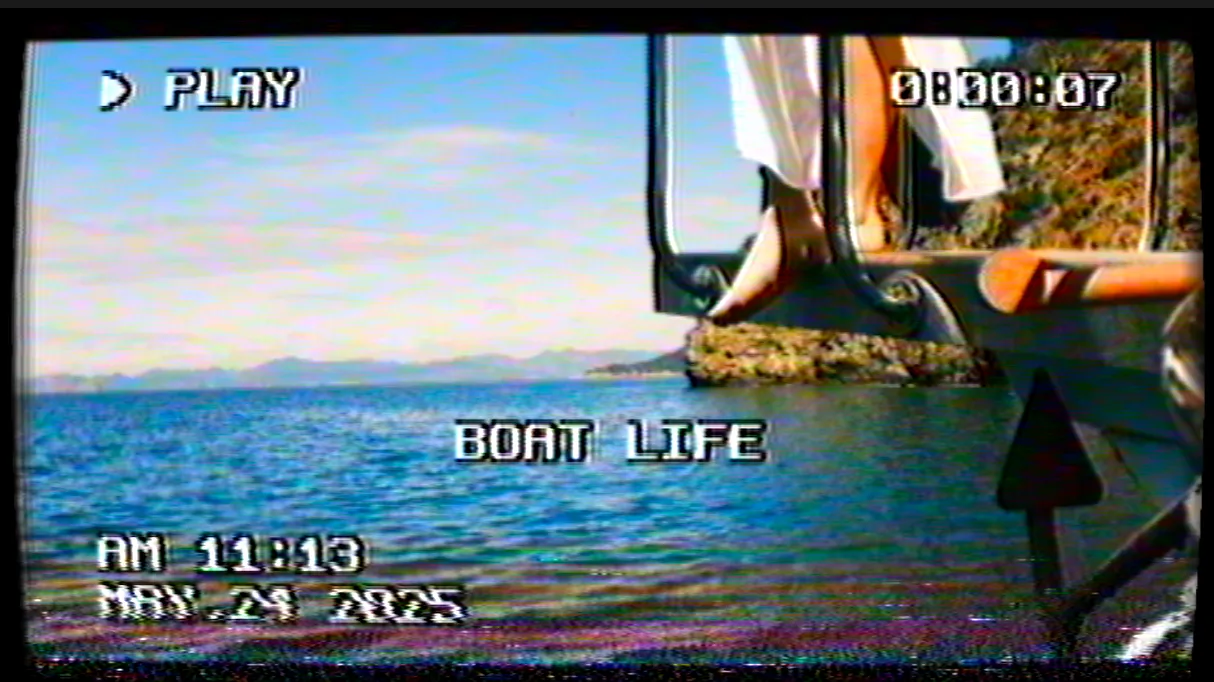
It processes the picture at the authentic NTSC scale of 480 lines, line by line, on both HD and 4K footage. That per-line approach is where the texture comes from. You get the horizontal banding, the dot crawl along sharp edges, the way fine detail dissolves into noise, all behaving the way they did on a 1985 cassette.
The tape, the deck, and the screen
Past the signal, three more things shaped how an old tape looked, and each one is its own block in the plugin that you can switch on or off.
There's the tape itself aging: the fade, the green-to-magenta color drift, the warmth that shifts depending on the era you're after. There's the VCR, the mechanical part, with tracking errors and head-switching at the bottom of the frame, the flaws that came from a physical deck dragging tape across spinning heads. And there's the CRT, the curved glass with rounded corners and scanlines, the last thing standing between the signal and your eyes.
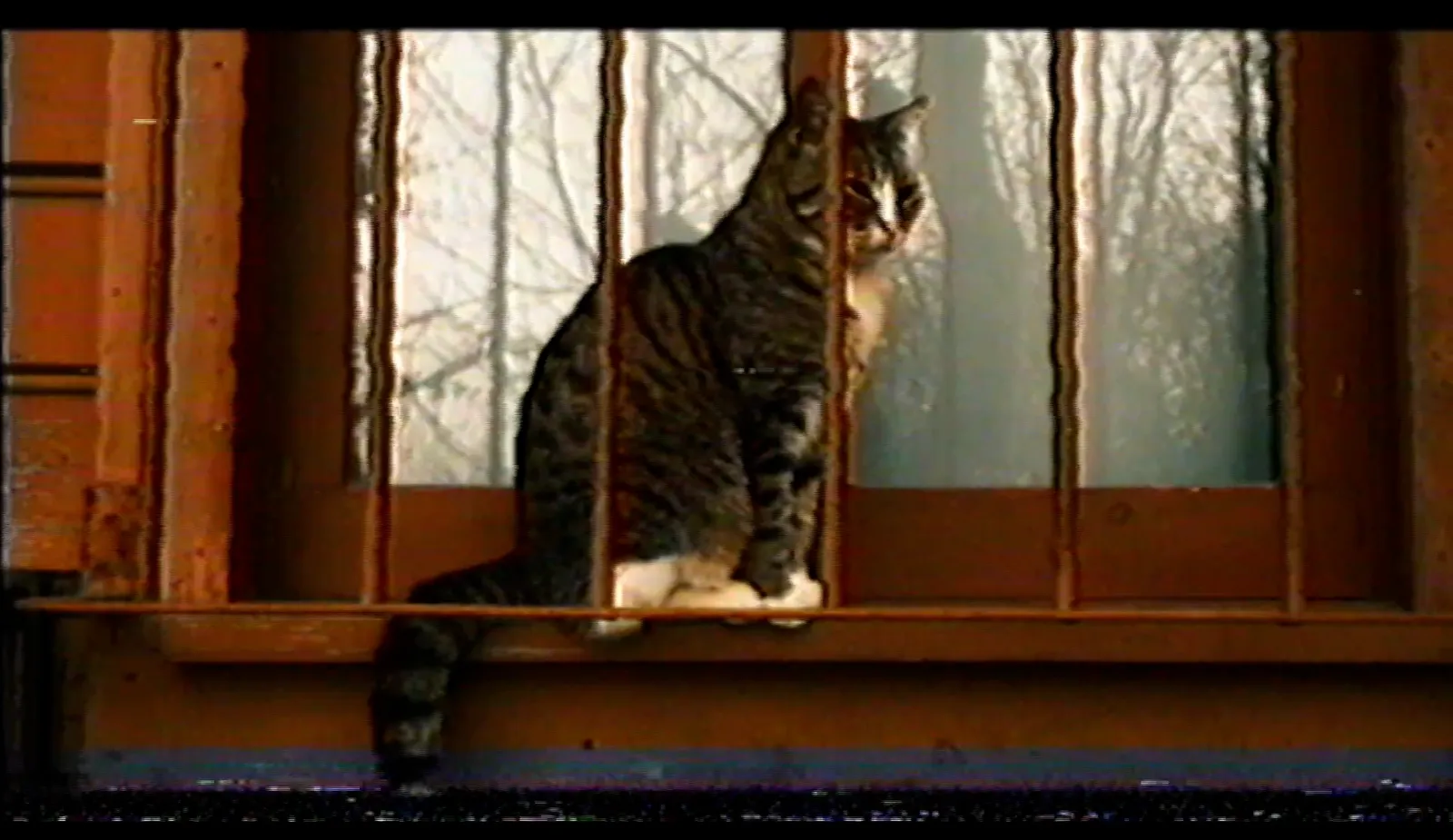
One detail I'm attached to: the noise runs off a random seed. Change the seed and two copies of the same shot will never share the same noise, the way two playbacks of the same cassette were never identical. It's a small thing that keeps the look from feeling stamped out.
The VCR on screen
Half of what sells a fake archive is the on-screen display, the stuff the VCR drew over the picture. VHS Nostalgia renders those too: a PLAY symbol, a blinking REC, a timestamp set to whatever date and time you choose down to the minute, a tape counter that advances as the clip plays, and your own caption text, something like BIRTHDAY '92, placed where you want it.
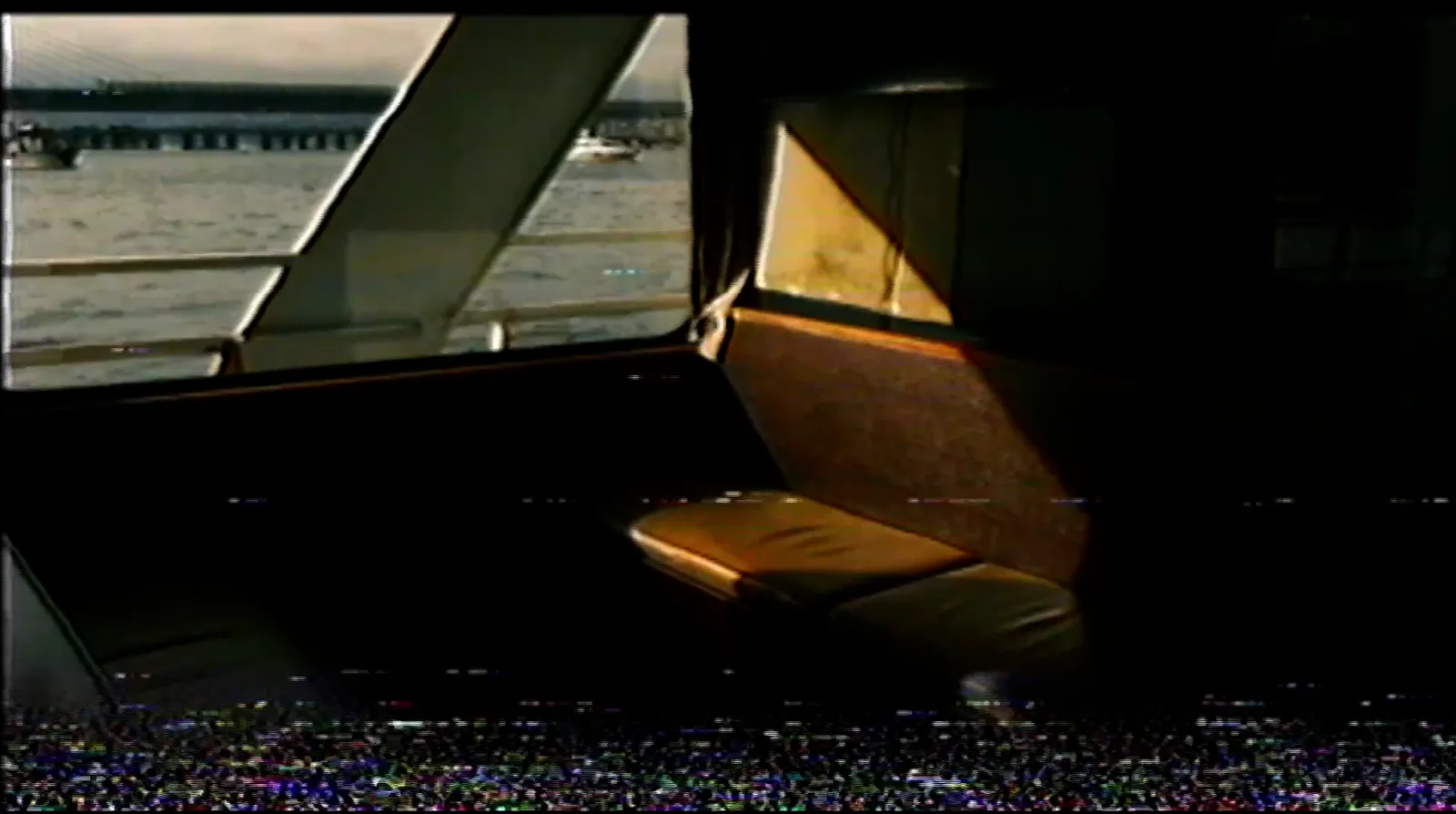
The important part is that the overlays are drawn inside the signal, not on a clean layer above it. So they degrade with the image, picking up the same noise and bleeding as everything else. A crisp, perfect timestamp is one of the fastest ways to break the illusion, and this avoids it.
Presets to start from, sliders to finish with
I shipped 13 presets, each one click, covering a spread of looks from a clean 1985 SP recording to a worn-out rental tape, with camcorder, tracking glitch, and attic-tape variations in between. They're also included as JSON files. None of them are locked: every preset is a starting point, and every slider stays live, so you can keyframe a tracking glitch to hit on a single beat or dial the aging up across a sequence.
There's a sound side too, because a perfect VHS picture paired with clean digital audio breaks the spell instantly. The download includes 19 tape-inspired textures: cassette noise, glitch bursts, the motor sound of a deck, broken-tape scraps. They're meant to be layered under your clip as a base, not a full sound library. You'll still want your own music on top.
Who it's for
If you're cutting a music video, a wedding recap meant to feel like a found home movie, a fake archive, a retro intro, or social content that needs to read as genuinely old, this is what I made it for. It runs as multithreaded native code, so it plays back in real time inside Resolve's Edit and Color pages rather than choking your timeline. It ships for macOS (Intel and Apple Silicon, notarized) and Windows 64-bit.
One honest limit: it's an OpenFX plugin built and tested for DaVinci Resolve. It won't load in Premiere Pro, Final Cut Pro, or CapCut, and there's no Linux build. If you just need a quick color wash, a simple LUT might be all your project wants, and that's fine. This was built for the case where you care about the difference between a filter and a signal.
You can find VHS Nostalgia in my store. It's a one-time payment, pay what you want from €49, no subscription. Shoot something today, and make it look like 1985.
Help me keep writing
If these articles are useful to you, have a look at what I make.
Creator Pro
The ultimate DaVinci Resolve workspace for creators
View plugin — €29.00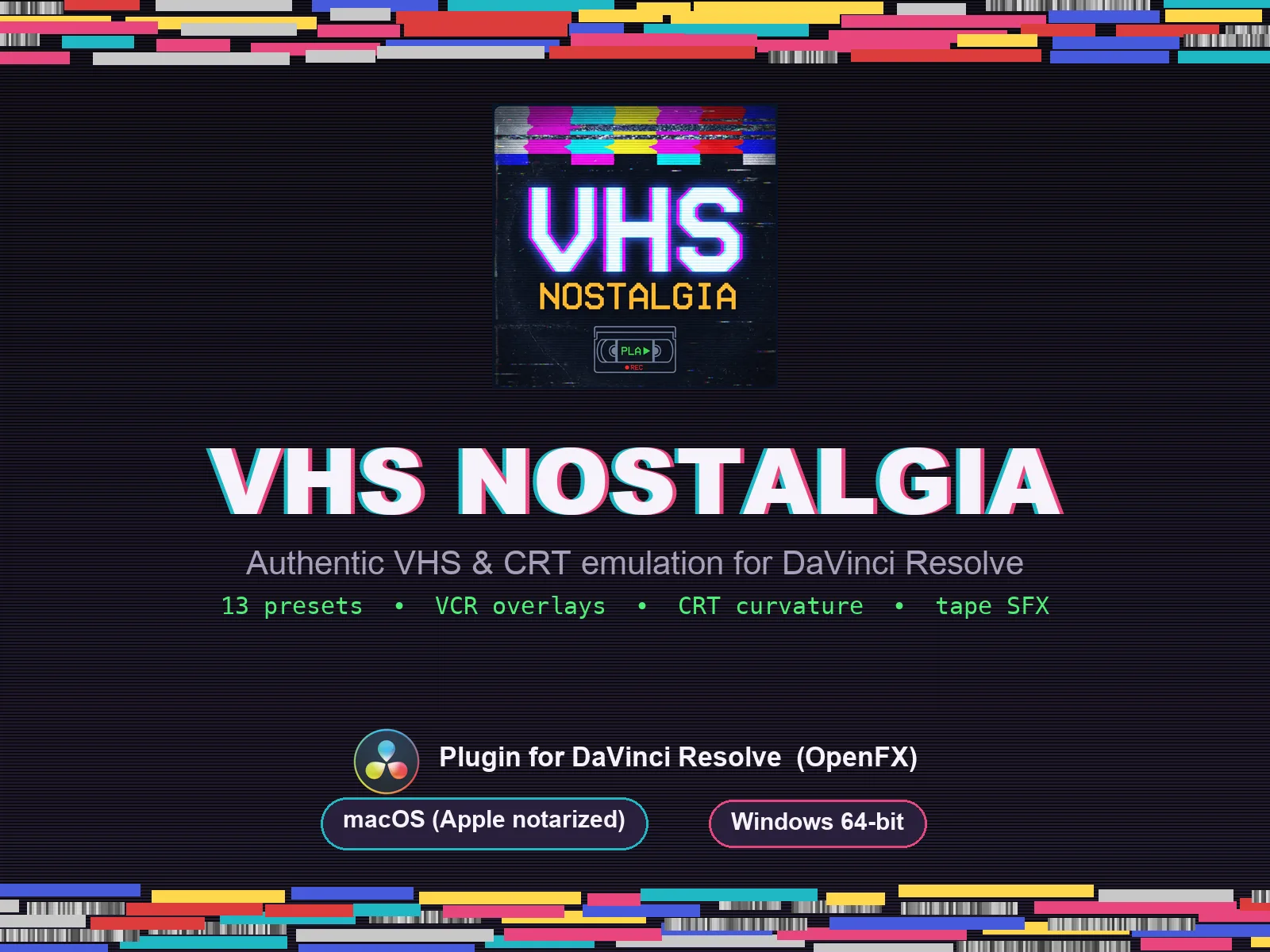
VHS Nostalgia
Real VHS & CRT emulation for DaVinci Resolve
View plugin — €49.00
Caption Pro
Automatic word-by-word captions and translation for DaVinci Resolve
View plugin — €49.00
Get the zine
"Absorbed by the algorithm Vol. 1": 33 images shot in Paris, 28 pages, shipped worldwide.