Why I Built a DaVinci Resolve Template to Organize My Projects
I'm a photographer first. Video came to me later, almost sideways, the way it does for a lot of people who spend their days thinking about stills. First I wanted a short film to go with a photo series. Then I started filming on my trips. Then the Instagram "Video Postcards", the Tiktok shorts, and later I developped my Fujifilm recipe for video (Classic Cinema recipe). Before I'd really decided to be someone who edits video, I was someone who edits video.
And every single time I opened DaVinci Resolve to start a new project, I did the same thing. I built the same folder structure from scratch. Footage here, audio there, a bin for graphics, another for exports. Then I'd hunt through three old projects to find that one sound effect I liked. Then I'd set up a timeline for YouTube, realize I also needed a vertical one for Reels, build that too, get the framerate wrong, build it again.
This happened on every project. The actual editing, the part I cared about, kept getting pushed back behind twenty minutes of setup I'd already done a hundred times before.
The problem was never the editing
What I eventually understood is that the setup was never hard. It was repetitive, and repetition without thought is where mistakes creep in. An aspect ratio set wrong. A clip dropped into the wrong bin and lost for an hour. A sound library scattered across folders with names like `sfx_final_2` and `audio_NEW`. None of it was difficult, but all of it was friction, and friction is what stops you sitting down to work.
I'm not a large studio. I don't have an assistant who preps projects for me. It's me, my X-E5 for the photos, whatever camera I'm filming on, and DaVinci Resolve. So the only person who could fix the chaos was me.
So I built it once
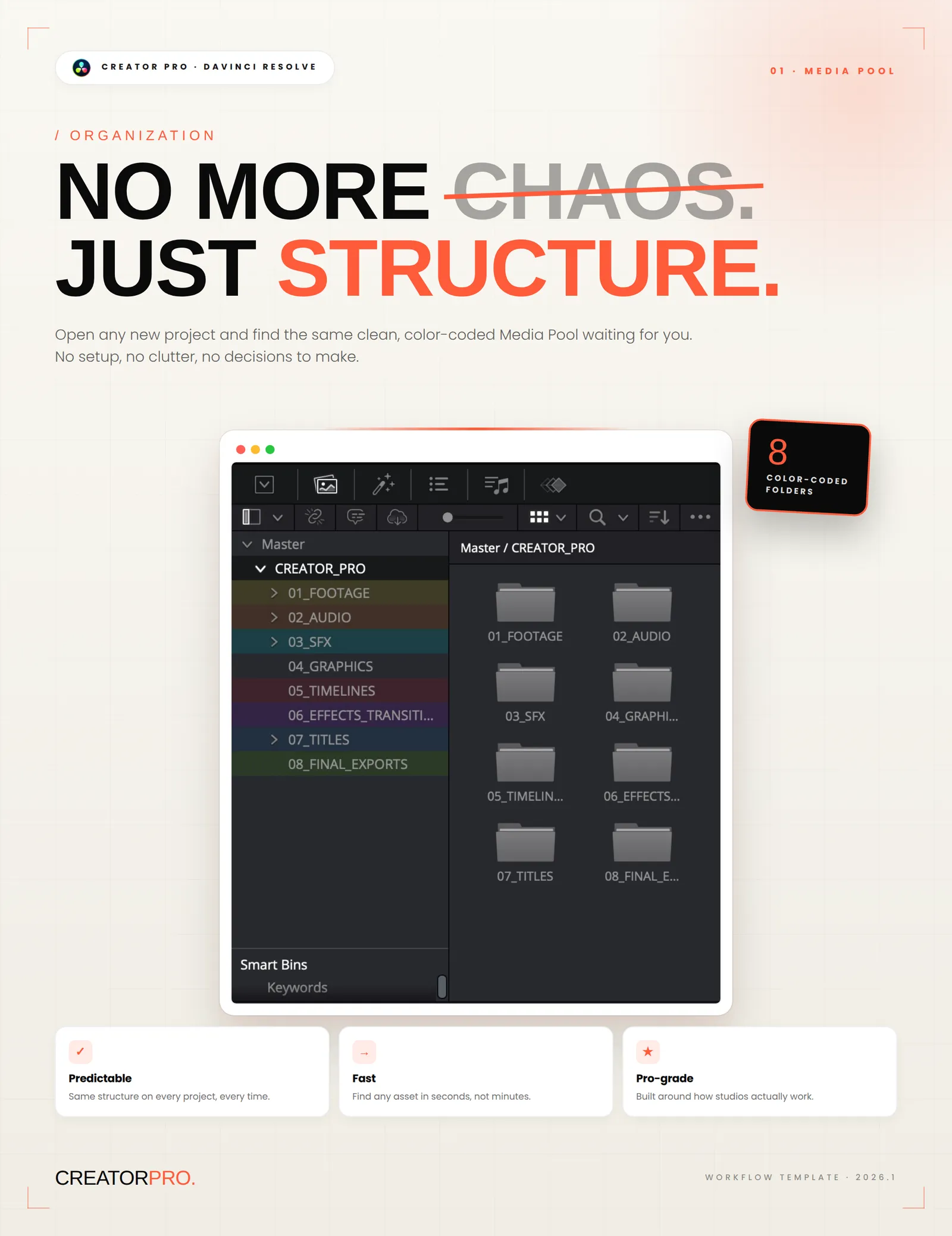
I sat down one weekend and made a single Resolve project the way I always wished a new project would already be. Eight color-coded folders in the Media Pool, the same structure I'd been rebuilding by hand for months: footage, audio, sound effects, graphics, timelines, effects, titles, exports. Footage split between main and B-roll. Audio split into voice, music, and SFX.
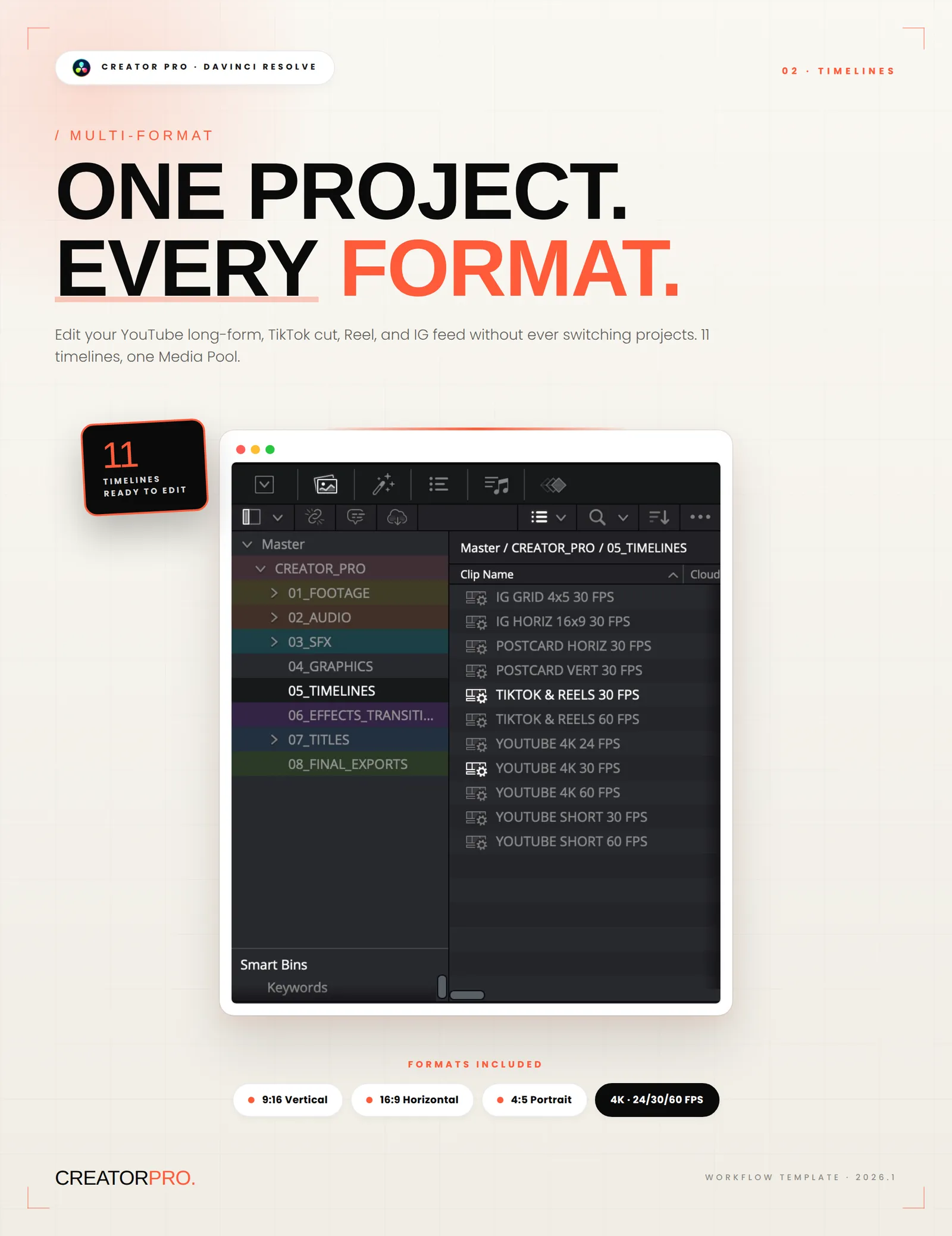
Then I built the timelines I actually use. Not one, all of them. YouTube in 4K at 24, 30, and 60 frames per second. TikTok and Reels vertical. YouTube Shorts. The Instagram 4:5 feed format. Eleven timelines living inside one project, sharing one Media Pool, so I can cut a long-form video and a vertical version of it without ever opening a second project or copying media around.
I dropped in the sound effects I keep reaching for, organized by what they're actually for instead of by filename. I added a handful of drag-and-drop adjustment layers so I could apply effects without keyframing anything in Fusion every time. A couple of title templates that don't break the moment you change the text.
The first time I opened a fresh copy and everything was just there, clean and waiting, I felt something close to relief. The decisions were already made. I could go straight to the part that matters.
Why I decided to share it
I didn't build this to sell anything. I built it because I was tired. But once it existed, and once I'd used it on enough of my own videos to trust it, sharing it felt obvious. Plenty of people are exactly where I was: shooting across formats, working alone or in a small team, losing time to setup they shouldn't have to think about.
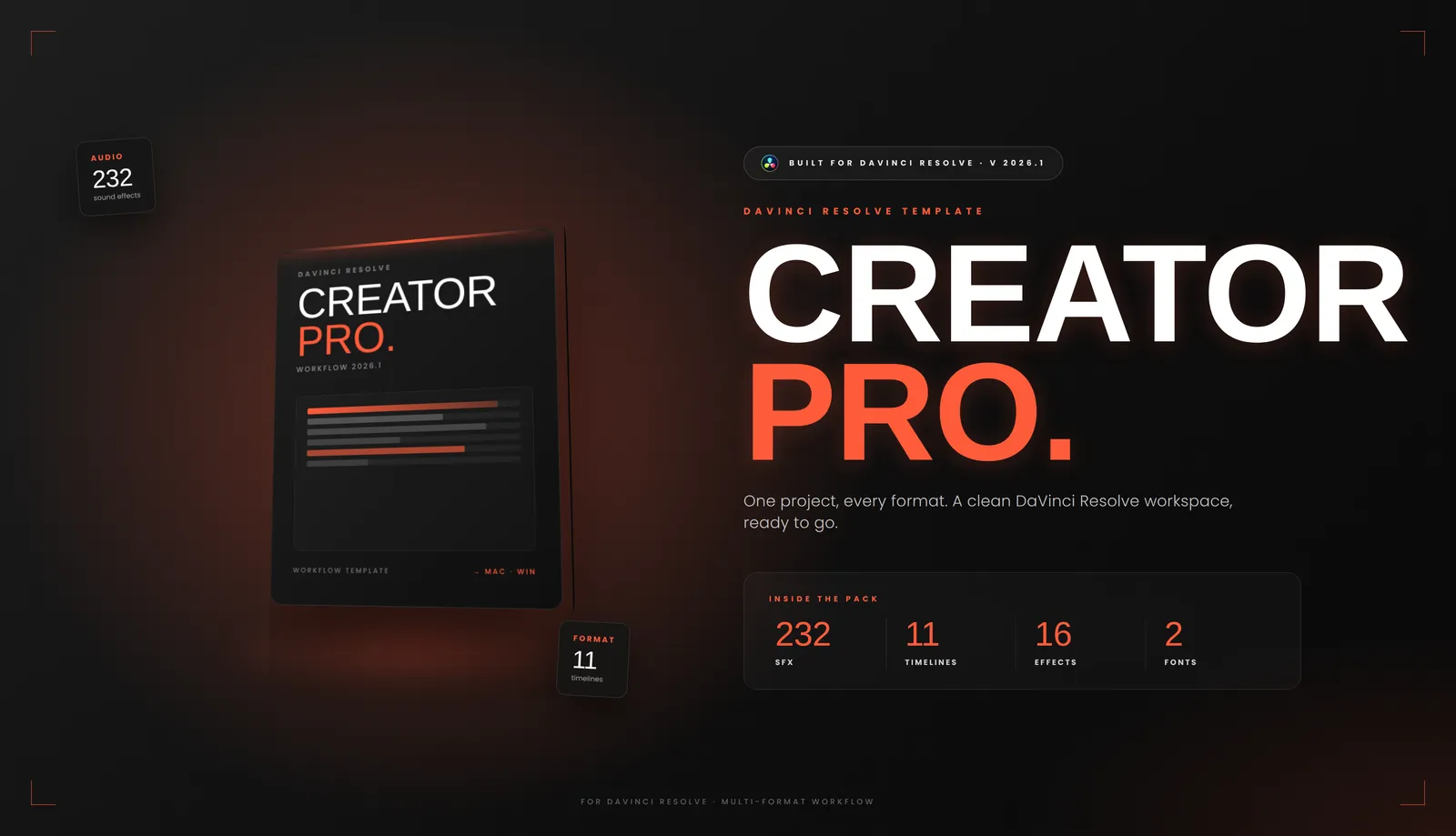
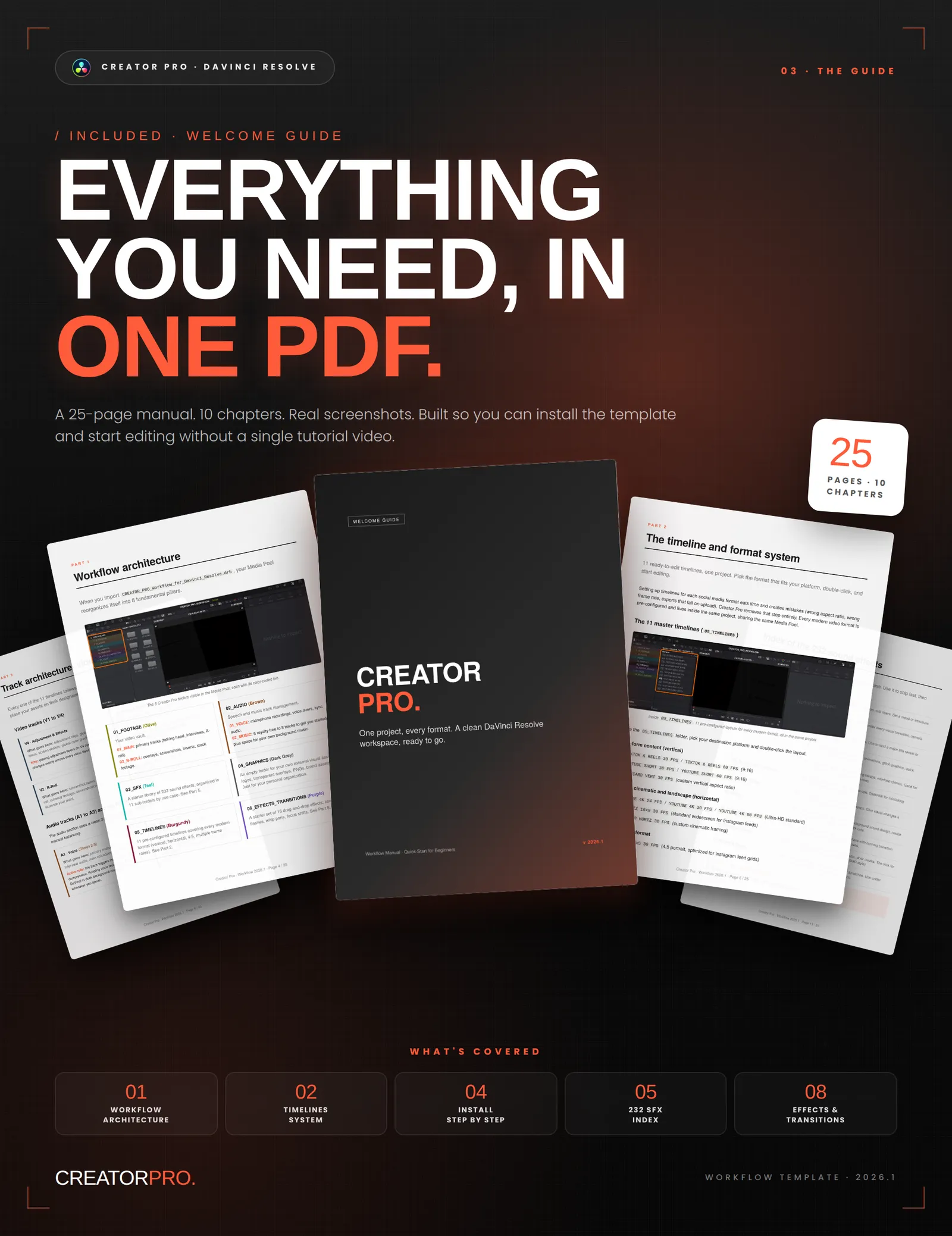
So I cleaned it up, wrote a guide explaining how every piece fits together, and put it in my store as Creator Pro. It's the same workspace I open for my own projects. Not a magic auto-editor, nothing replaces the actual cutting and grading, but it removes the part of the process that was quietly stealing my time.
If you work in DaVinci Resolve and you recognize yourself in any of this, the rebuilding, the lost files, the wrong aspect ratios, you can find Creator Pro in my store. And if you'd rather build your own version from scratch, do that instead. The point isn't my template. The point is that you only have to solve project organization once, and then you get to spend the rest of your time on the work you actually wanted to do.
Want to learn more how to instal Creator Pro, explore the Tutorial page.
If you want to go further, I also created a VHS emulation plugin for DaVinci Resolve.
Help me keep writing
If these articles are useful to you, have a look at what I make.
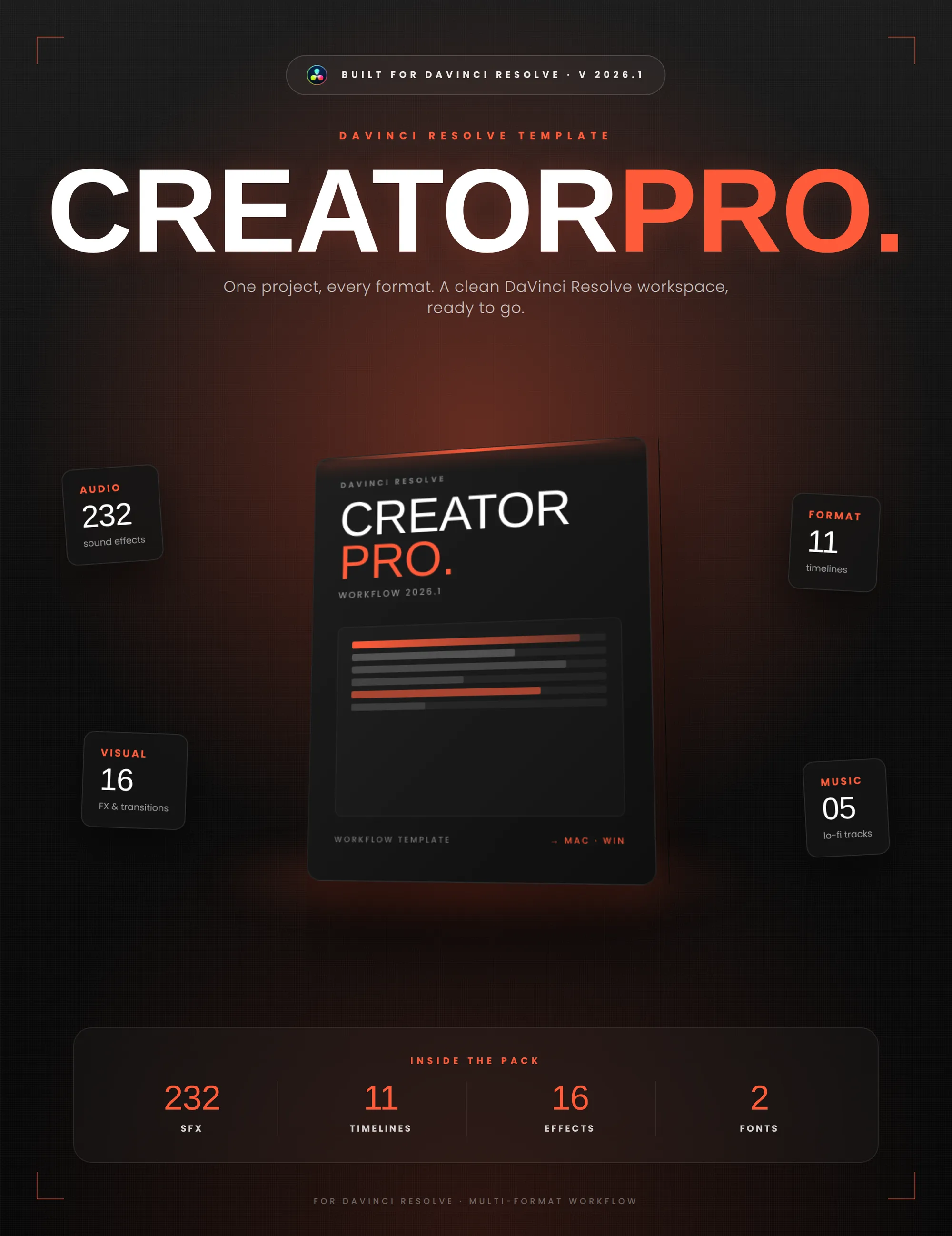
Creator Pro
The ultimate DaVinci Resolve workspace for creators
View plugin — €29.00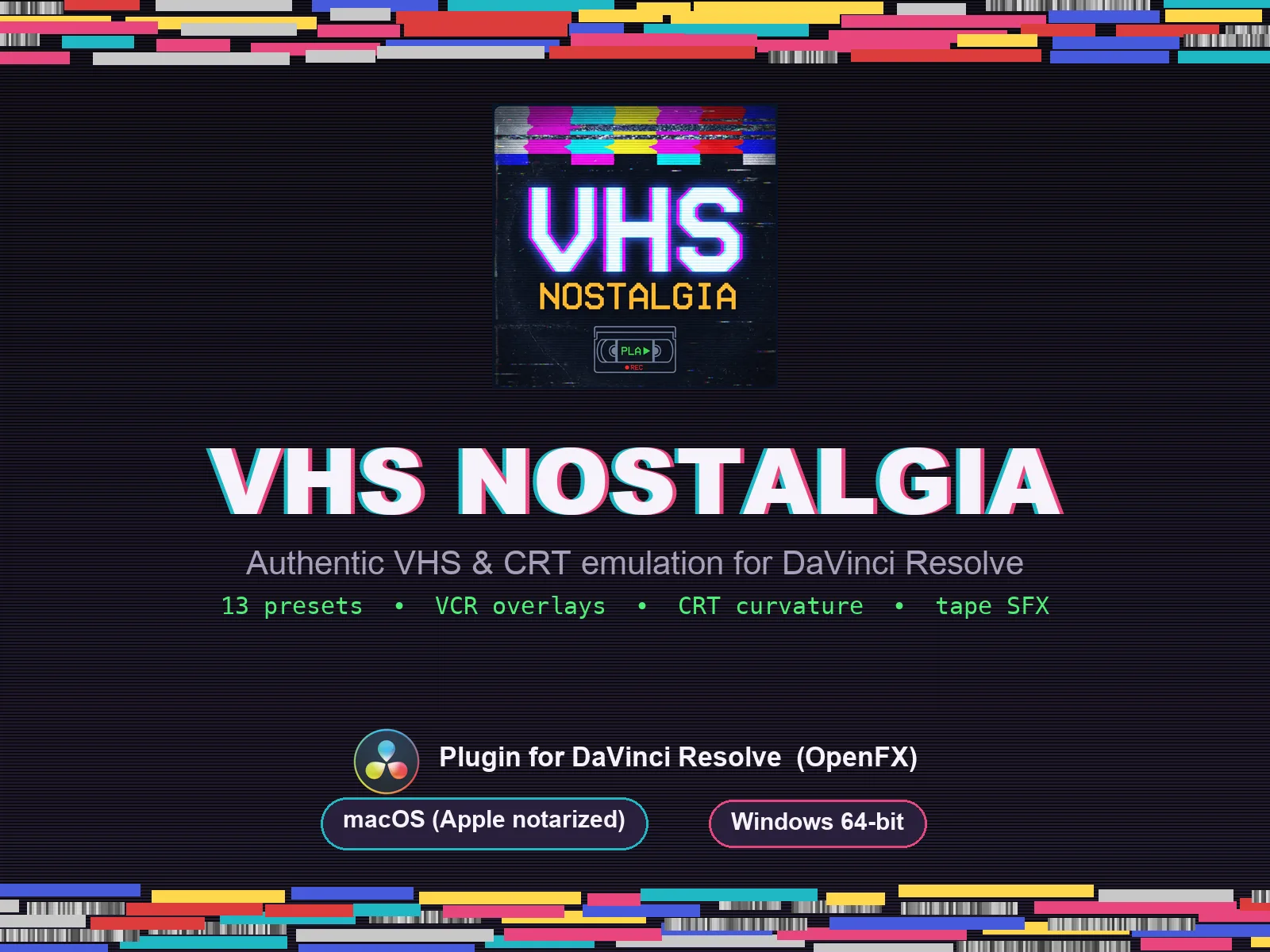
VHS Nostalgia
Real VHS & CRT emulation for DaVinci Resolve
View plugin — €49.00
Caption Pro
Automatic word-by-word captions and translation for DaVinci Resolve
View plugin — €49.00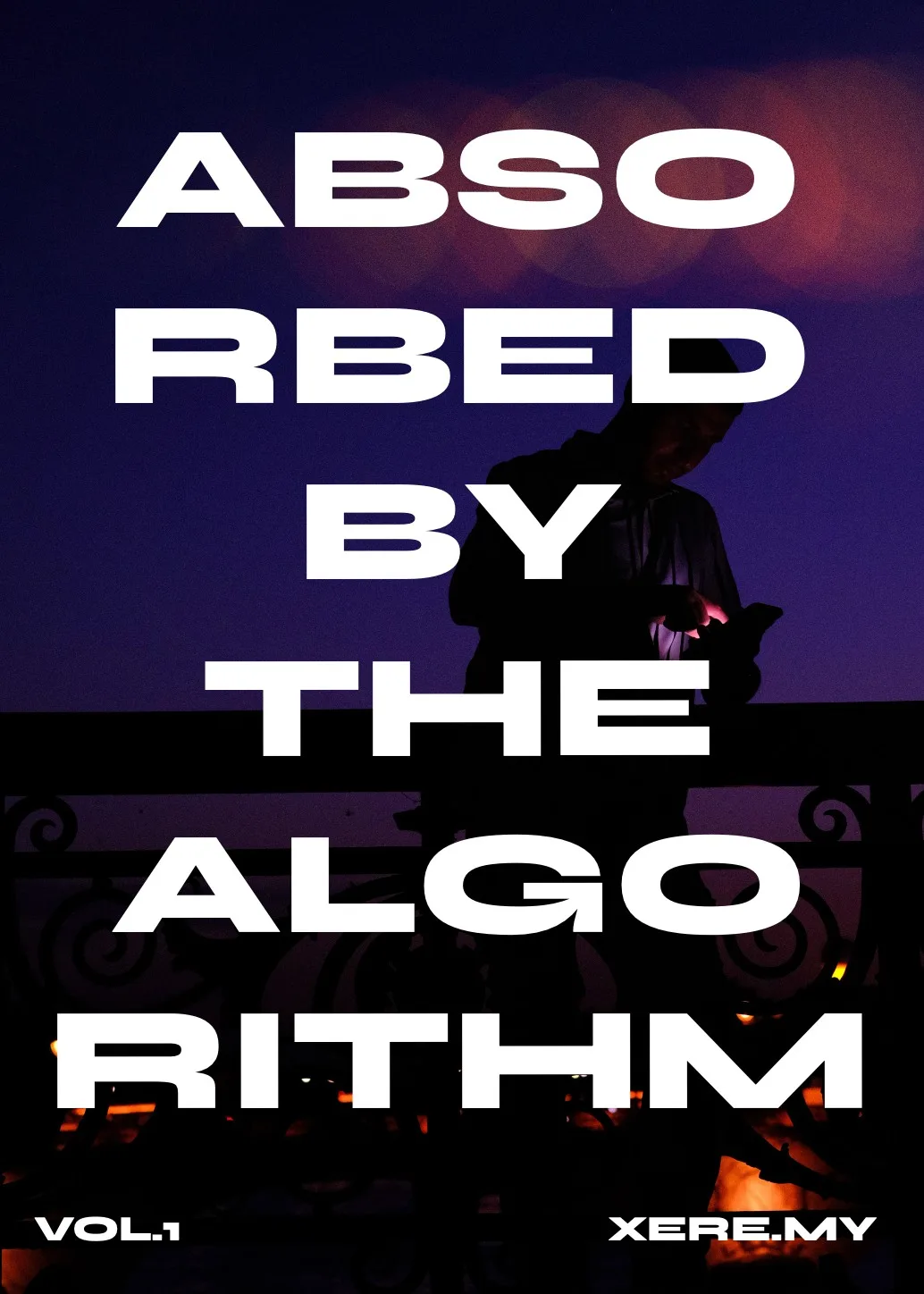
Get the zine
"Absorbed by the algorithm Vol. 1": 33 images shot in Paris, 28 pages, shipped worldwide.